
Back to Blog
Mexico City Airport Wi-Fi is free at both terminals. Join #AICM_FREE_WIFI, accept the access terms, and use that connection to send your arrival message and check your route into town. For maps after you leave the airport, a data-only eSIM such as co:sim's Mexico plans is a separate, useful backup. The airport network is for the airport, not the whole journey.
The airport operator's 2026 Wi-Fi announcement names the network #AICM_FREE_WIFI and says it is available in both terminal buildings, from public areas through departure lounges. Open your device's Wi-Fi list, choose that exact network, and follow the terms page. If a similarly named network appears, compare its spelling with the operator's published name before entering any personal information.
The official bulletin describes two hours of uninterrupted access, after which you accept the conditions again to continue. That is a reacceptance step, not a claim that every passenger gets exactly two hours of total internet. The bulletin also describes a new Wi-Fi 7 system, but your phone may connect using an older Wi-Fi standard; the useful traveler fact is the published network name and access process, not a promised personal speed.

If the sign-in page does not appear, open a normal browser tab and try a non-sensitive website. Turn off a VPN temporarily only if you trust the airport network and need to trigger its portal, then reconnect your protections. Do not keep repeating a payment or identity step on a page whose address or appearance looks wrong. The airport's published network instructions are the reference; a third-party blog's older SSID is not.
Use the first working connection for tasks that become harder on a curbside network: tell your host or driver which terminal you are at, save the pickup address, and download a map of the neighborhood around your accommodation. If you arranged a car, read the operator's current meeting point in your booking rather than assuming every driver can stop at the same door. Keep the booking confirmation available offline.
Mexico City airport has two terminals, so a message that says only “I landed” leaves an avoidable gap. The official Metrobús airport page identifies different boarding locations: Terminal 1 by gate 7 and Terminal 2 by gate 2. Share the terminal shown on your boarding pass or arrival screen, not the terminal you used on a previous trip. If you have a tight onward connection, confirm its terminal with your airline rather than guessing from a search result.
This is where co:sim's email-delivered QR code helps in a practical way: set up the eSIM while you still have a dependable connection before departure, and keep the Mexico plan ready for arrival. A data-only plan does not give you a Mexican phone number or SMS, so keep your home line available if a booking or bank needs a verification text. The mobile plan is for maps, messaging apps, and changing pickup instructions once airport Wi-Fi falls away.
| Choice | What to verify before leaving arrivals |
|---|
The airport's Metrobús guide says its airport service connects with downtown Mexico City, uses a Metrobús smart card sold at terminal machines, and lists operating hours. Check that live page before choosing the bus for a late arrival; a published timetable can change. If you choose a taxi, use the airport's authorized-taxi directory as the starting point for identifying an operator, then confirm the current counter and fare at the airport. This article does not quote a fare because it depends on the trip and may change.

Airport Wi-Fi cannot carry a message once the bus or taxi has left its range. If your phone is compatible and unlocked, the co:sim Mexico destination page shows the currently available data plans and each plan's underlying network and conditions. Compare the amount of data with your stay, not with the short airport connection alone. Downloaded maps still help when reception is patchy, but they do not send a changed pickup location to another person.
First, separate a Wi-Fi problem from a mobile-data problem. If the airport network appears but the portal does not load, return to the Wi-Fi settings, forget and rejoin the official SSID, then try a browser. If the network is absent, move within the public terminal and use information desks or official signs rather than following a stranger to a different access point. Avoid sensitive account changes on public Wi-Fi when you can wait for your own mobile data.
For a pickup delay, send one concise message with your terminal, the pickup door or meeting point from the booking, and whether you have cleared baggage claim. Save a screenshot of your driver's reply. If the driver asks you to move, verify that the requested location matches the operator's booking channel and the airport's signs. A co:sim data plan can keep ordinary messaging available outside Wi-Fi, but it cannot guarantee signal in every garage, tunnel, or dense indoor corner.
If you need a phone call and your travel eSIM is data-only, use your home line's calling arrangement or a calling app over data. Check your home-carrier costs before placing a conventional call. Keep a written address and the airport's official transport information handy; neither depends on a working app at the precise moment you reach the curb.
Yes. Mexico City International Airport's official Wi-Fi bulletin says its free #AICM_FREE_WIFI network is available in both terminals, including public areas and departure lounges. Select that network, then accept the access conditions on the portal. The bulletin describes two hours of uninterrupted use before you accept the terms again; it does not support the common shorthand that all free access ends permanently after two hours. Wi-Fi is a sensible place to send a landing message and retrieve the latest pickup details. It will not follow your bus or taxi into the city. If you want maps and messages once outside, co:sim's Mexico eSIM is a data-only option; install it while a reliable connection is available and read the live plan page for its current conditions. Do not confuse airport Wi-Fi with mobile coverage or assume either works in every part of the building.
Use the terminal network to read your booking, send your terminal number and open the official transport pages, but save those details before walking outside. The airport's Metrobús page places boarding at Terminal 1 gate 7 and Terminal 2 gate 2 and explains the smart-card system. Its taxi directory lists authorized operators. Check today's signs, operating hours and booking instructions rather than relying on a cached screenshot. A co:sim data-only Mexico plan can support the messaging and map parts of the transfer after you leave Wi-Fi range, but it does not supply a local phone number for ordinary voice calls or SMS. Keep a usable home line or an internet-calling method if the transfer company requires a call, and keep the destination address saved offline in case either connection fails.
Check that your phone joined #AICM_FREE_WIFI, the network named in the airport operator's current announcement. Open a browser tab to trigger the terms page, then retry after moving to another public area if the connection is weak. An old guide may name a different SSID or describe a different time limit, so treat the airport's live instructions and on-site signs as authoritative. If you still cannot sign in, use mobile data already installed on your phone or ask an airport information desk for the correct network; do not enter card details into a lookalike portal. Save the pickup address and transport instructions before you depart. Public Wi-Fi failure is inconvenient, but it does not require changing your eSIM settings unless mobile data also fails. Those are separate connections with separate causes and fixes.
Before you leave arrivals, compare the current Mexico data options from co:sim with the length of your trip. The airport network handles the first message; your chosen mobile plan handles the road beyond it.
See Mexico data plansInstant delivery by email · Install before you fly
 Travel Tips
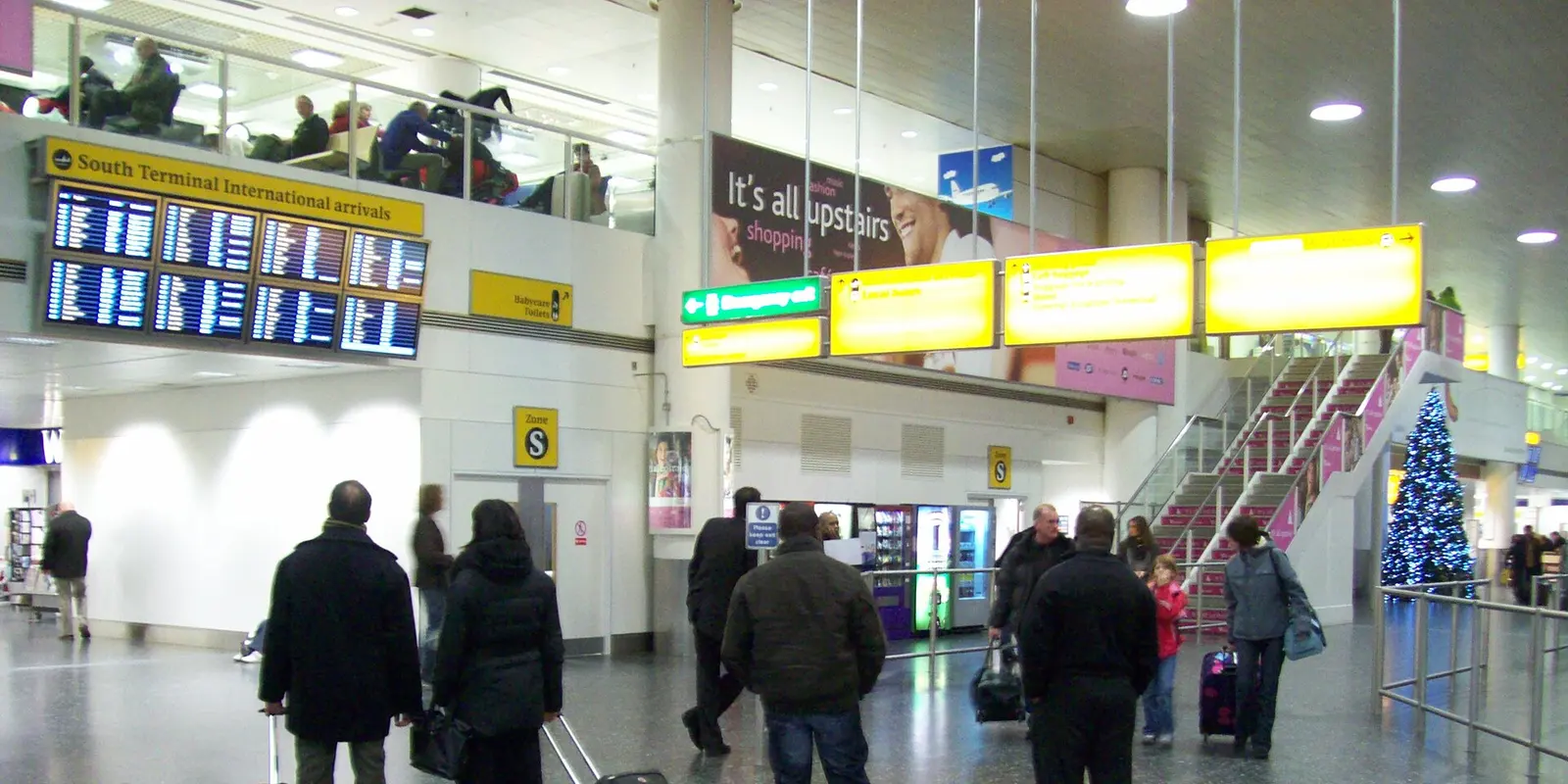
Use free Gatwick Airport Wi-Fi, find the South Terminal train station and compare UK eSIM options for the journey to London, with tickets saved offline.
 Travel Tips
Confirm MCIA's current Wi-Fi network and prepare your Cebu City, resort or island transfer with reliable offline details.
 Travel Tips
BER offers free Wi-Fi around the clock. Check its network signage, the current FEX route and ABC ticket rules before travelling from the airport to your Berlin hotel.
| Data task on the way |
|---|
| Metrobús | Terminal-specific stop, card and service hours | Keep the walking route from the stop to your address |
| Authorized taxi | Operator, destination and pickup instructions | Share the ride details with your contact |
| Prebooked transfer | Your booking's terminal and meeting point | Message the driver if immigration or baggage delays you |
 co:sim Team