Back to Blog
Mactan-Cebu Airport Wi-Fi can help you confirm a pickup before leaving the terminal, but use the airport's current signs and login page for the network and connection requirements. Arrange a separate mobile connection, such as a co:sim Philippines data-only eSIM, for Cebu City, your resort or an onward island transfer.
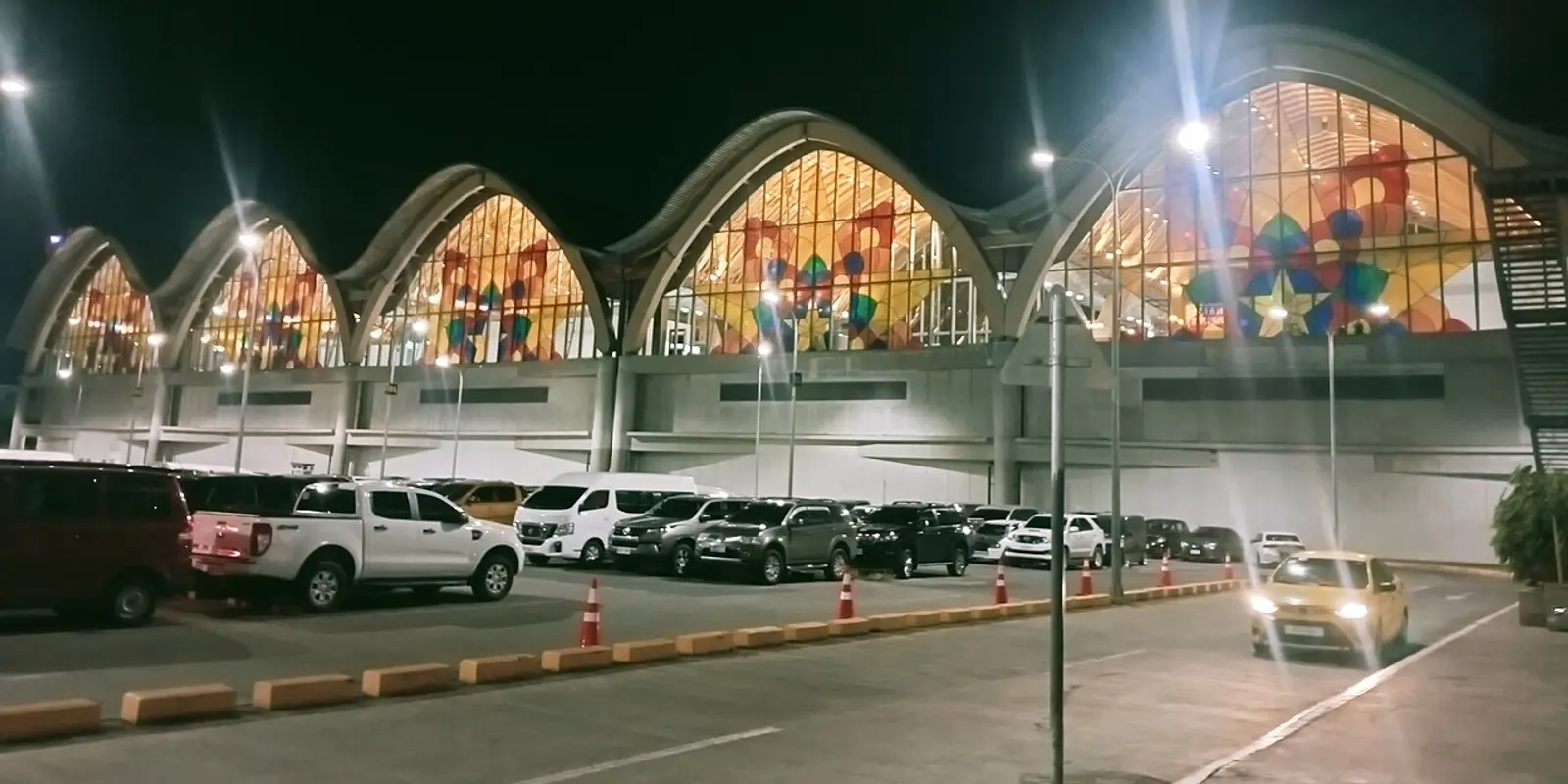
Mactan-Cebu International Airport (MCIA, airport code CEB) is on Mactan Island. A booking that says “Cebu” may mean a Mactan resort, a Cebu City hotel or a transfer to a different island. Confirm the actual address before arranging transport; an airport connection cannot solve a pickup booked for the wrong location.
The airport's official account confirms free Wi-Fi. That statement establishes availability, but it does not provide a universal network name, SMS requirement or session duration. The airport's current public facilities pages do not fill in those login details. Treat online instructions that promise a particular time allowance or code process cautiously.
These are general public-Wi-Fi steps, rather than a claim that every MCIA connection uses the same portal. A visible network name alone does not prove a connection belongs to the airport. If an unexpected page requests payment, a device-management profile or permission you do not understand, ask staff before continuing.
If the portal does not open, reopen the browser after joining the network. A VPN can interfere with a captive portal; pause it for login if needed and restore it afterward. Forget and rejoin the network to clear an old session. Do not bypass a certificate warning. When departure or pickup is urgent, use saved information and ask for directions instead of spending the available time on repeated connection attempts.
The airport's official transport guide identifies Terminal 1 as domestic and Terminal 2 as international. Confirm your flight's terminal with the airline and airport display, because your pickup instructions should match the actual arrivals building. Give a driver the flight number as well as the terminal.
Photo: Ralff Nestor Nacor, Wikimedia Commons, CC BY-SA 4.0. Cropped and resized.
For an international arrival followed by a domestic flight, check baggage collection, arrival formalities, recheck arrangements and the airline's deadline. Do not assume a transfer desk removes every requirement. The official facilities page lists Cebu Connects facilities at the departure areas of both terminals, with transfer and assistance desks; ask staff whether they apply to your itinerary.
The same facilities page lists high-speed Wi-Fi among lounge amenities. A lounge connection may have separate access conditions. Its existence is not evidence that the terminal's public Wi-Fi uses the same password, registration or performance. Confirm the service appropriate to the space you are in.
Save the property's full address, map pin, reservation reference and contact method. “Near Cebu” is not useful enough for a late arrival. A Mactan property and a Cebu City address can require different road journeys, and congestion means an online estimate is not a guaranteed arrival time.
For a prebooked pickup, obtain the meeting point, driver's contact, vehicle details and the procedure if the flight is delayed. Ask where the representative will stand after you enter public arrivals. Keep a screenshot of those instructions that is readable without logging back into a booking app. Agree a fallback contact method before the flight.
The official airport transport guide lists taxis at the Terminal 1 Transportation Hub and Terminal 2 Arrivals. It also describes MyBus between MCIA and SM City Cebu and a modern-jeepney route linking Lapu-Lapu public market with Terminal 2 and Terminal 1. These are different options, not interchangeable door-to-door services. Check the current stop, operating information and final leg before committing to one.
Do not copy an old fare or timetable into your arrival plan. Ask the operator or airport desk about the service available when you arrive. Keep your accommodation informed if you change transport, and compare the actual drop-off point with the hotel's address. A bus stop named Cebu does not necessarily put you at your property.
An island itinerary can involve a road transfer, a port, a ferry and another pickup. Save each leg separately, including the operator, departure location, booking reference and accommodation contact. Similar destination names and several possible ports make a vague screenshot of a search result less useful than the operator's own instructions.
Confirm the current sailing and check-in requirements directly with the ferry or tour operator. Weather and operational changes can alter the plan. This guide does not promise that a particular ferry runs after every flight arrival, or that one road-transfer estimate is safe for a tight sailing connection. Build your itinerary around verified departure information.
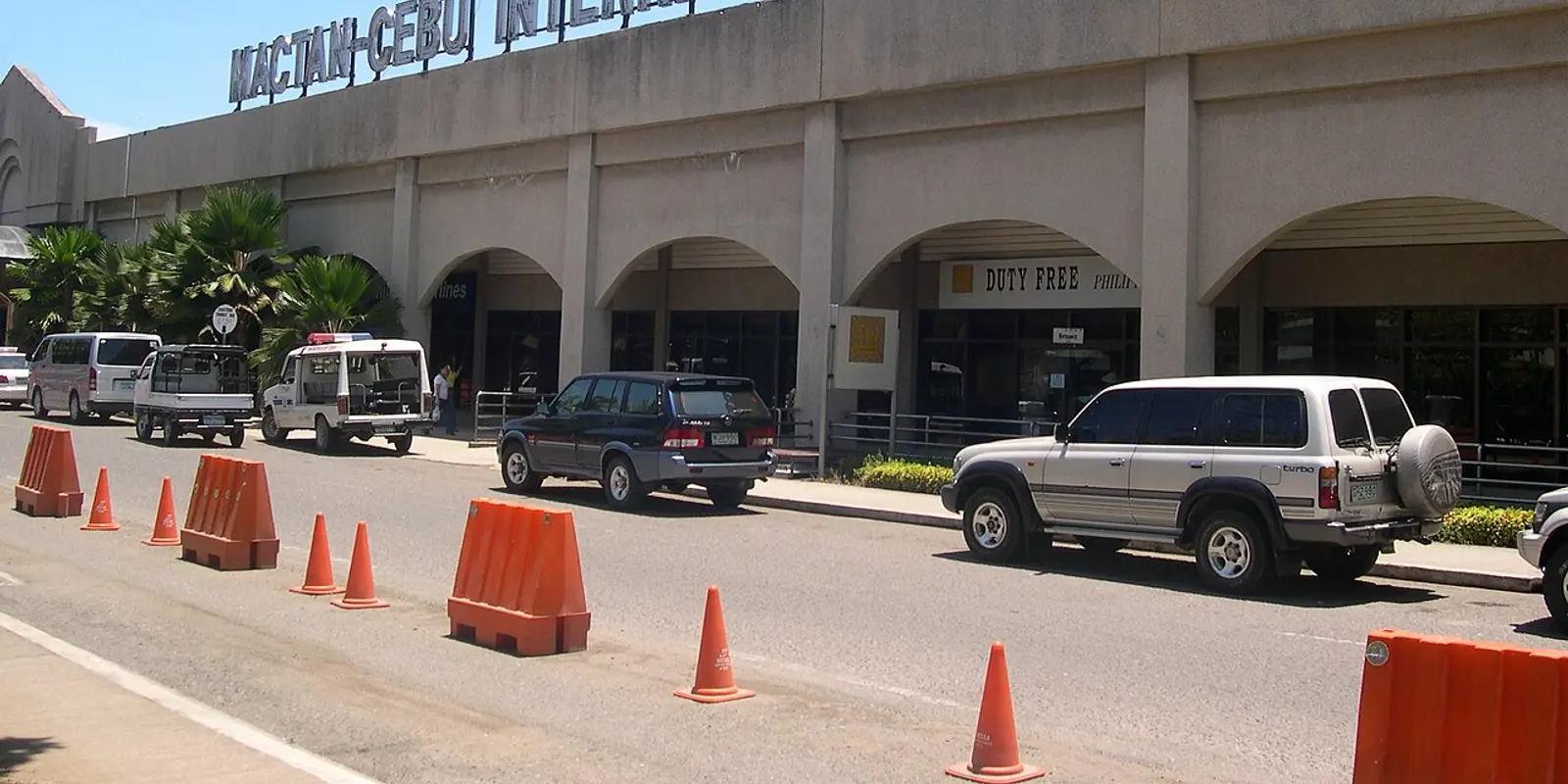
Photo: Magalhães, Wikimedia Commons, public domain. Cropped and resized. This historical image is not a current terminal map.
Download maps for the route, save important messages and keep your phone charged. Mobile reception can change along a coast, inside a vehicle or at sea. A Philippines eSIM is not a guarantee of service on a ferry or every island road. Tell your pickup contact when you expect to be temporarily unreachable and agree how to reconnect when you arrive.
For one message inside arrivals, airport Wi-Fi may be sufficient. For a multi-leg journey, mobile data gives you a connection that is not tied to the terminal, provided the selected plan and local reception support it. Compare the option with the tasks you actually need to complete.
A data-only eSIM is an embedded SIM profile for mobile internet. It does not include a Philippine phone number, ordinary voice calls or SMS. Internet messaging and calls can work over its data, but a verification text to your home number still requires access to that original line. Confirm your transfer app's verification method before depending on it after landing.
On co:sim, read the selected plan's data allowance, validity, listed networks, billing-start rule and top-up support. Choose enough validity for the whole trip, including the return transfer. Maps and short messages have different needs from video uploads or tethering a laptop; review your phone's own recent usage instead of trusting an invented universal allowance.
Check your exact handset's eSIM support and carrier-unlock status. Install using a stable connection, keep the instructions accessible and label the travel line clearly. Select that line for mobile data on arrival and enable its data roaming if the instructions require it. Keep home-line data roaming off unless you intentionally use your carrier's service.
Installation is separate from activation. Complete both by the displayed deadline and check what starts the chosen plan's validity. Top-up support varies; a supported card must have connected first and its validity must still be open. Do not delete the profile simply because a page fails to load.
For international travel, check the Philippine government's eTravel FAQs for the requirements that apply to you. The government states that eTravel registration is free. Use the official site, complete the required steps before travel and save the resulting confirmation. An airport Wi-Fi login is separate from an immigration or travel-declaration process.
Compare Philippines data eSIM plansMactan-Cebu International Airport's official account describes free Wi-Fi, but the official material checked for this guide does not establish a single public SSID, universal SMS-code requirement or fixed session limit. Confirm the current network using airport signs or an information desk, then follow the legitimate connection page shown on your device. Avoid treating an older third-party tutorial as the airport's current policy. A co:sim Philippines data-only eSIM is a separate mobile-data option for a compatible unlocked handset; it does not include a local number or an airport login code. If a portal requests a text message, check the actual requirements with staff rather than assuming any data eSIM receives SMS. Save your pickup details while a connection works, and keep an offline copy so a login problem does not prevent you from finding your driver.
A Philippines data eSIM can support internet tasks where its listed network and local reception allow, but it cannot guarantee a connection on every island road, coastal stretch or ferry crossing. A co:sim plan should be chosen by its actual coverage details, networks, data allowance and validity, rather than the word “Philippines” alone. Download the relevant maps and save ferry tickets, port names and pickup instructions before leaving a reliable connection. Contact the operator directly for current sailing information; mobile data does not confirm that a service is running. Keep your home number accessible if a booking uses SMS verification, because a data-only eSIM does not provide ordinary SMS. Arrange a fallback meeting plan and tell your accommodation when you may be unreachable. Check connectivity again after each transfer instead of assuming an airport test proves reception for the entire itinerary.
The official Mactan-Cebu Airport transport guide lists taxis, MyBus and a modern-jeepney route, but the right choice depends on your arrival time, baggage and hotel address. MyBus connects the airport with SM City Cebu; that is not the same as a direct drop-off at every Cebu City hotel. The guide identifies taxi pickup at the Terminal 1 Transportation Hub and Terminal 2 Arrivals. Confirm the actual pickup area with signs or staff after arrival. For a prebooked driver, send your flight number and terminal, and save the agreed meeting instructions. Check current fares and service availability with the relevant operator instead of relying on an old screenshot. Before leaving Wi-Fi, save the complete hotel address and final leg. Prepare your co:sim connection before the flight when ongoing mobile data is part of that plan.
Instant delivery by email · Install before you fly
 Travel Tips
Take the Keisei Skyliner if your hotel is in Ueno, Asakusa or north-east Tokyo: it reaches Nippori in as little as 36 minutes for ¥2,580. Take the Narita Express if you are staying near Tokyo Station, Shinjuku, Shibuya or Yokohama, because it runs straight there, and the ¥5,200 round-trip ticket brings each leg close to the Skyliner fare.
 Travel Tips
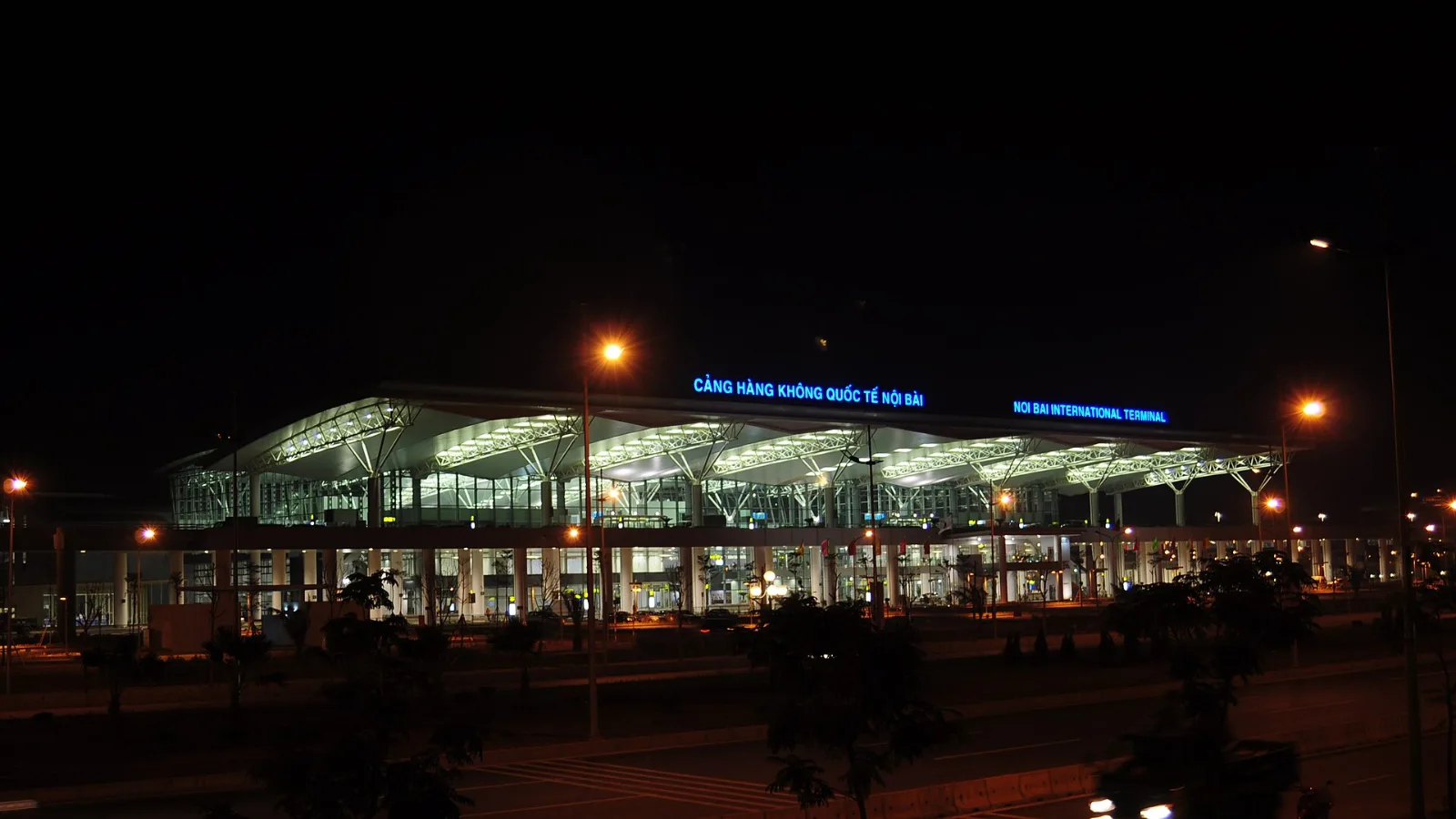
Take bus 86 if you are travelling light, land before mid-evening and are staying near Hoan Kiem Lake: it costs about 45,000 dong and takes 50 to 70 minutes. Take a Grab if there are two or more of you, you have big bags or you land late, because one car to the Old Quarter usually costs about 230,000 to 320,000 dong and drops you at the door.
 Travel Tips
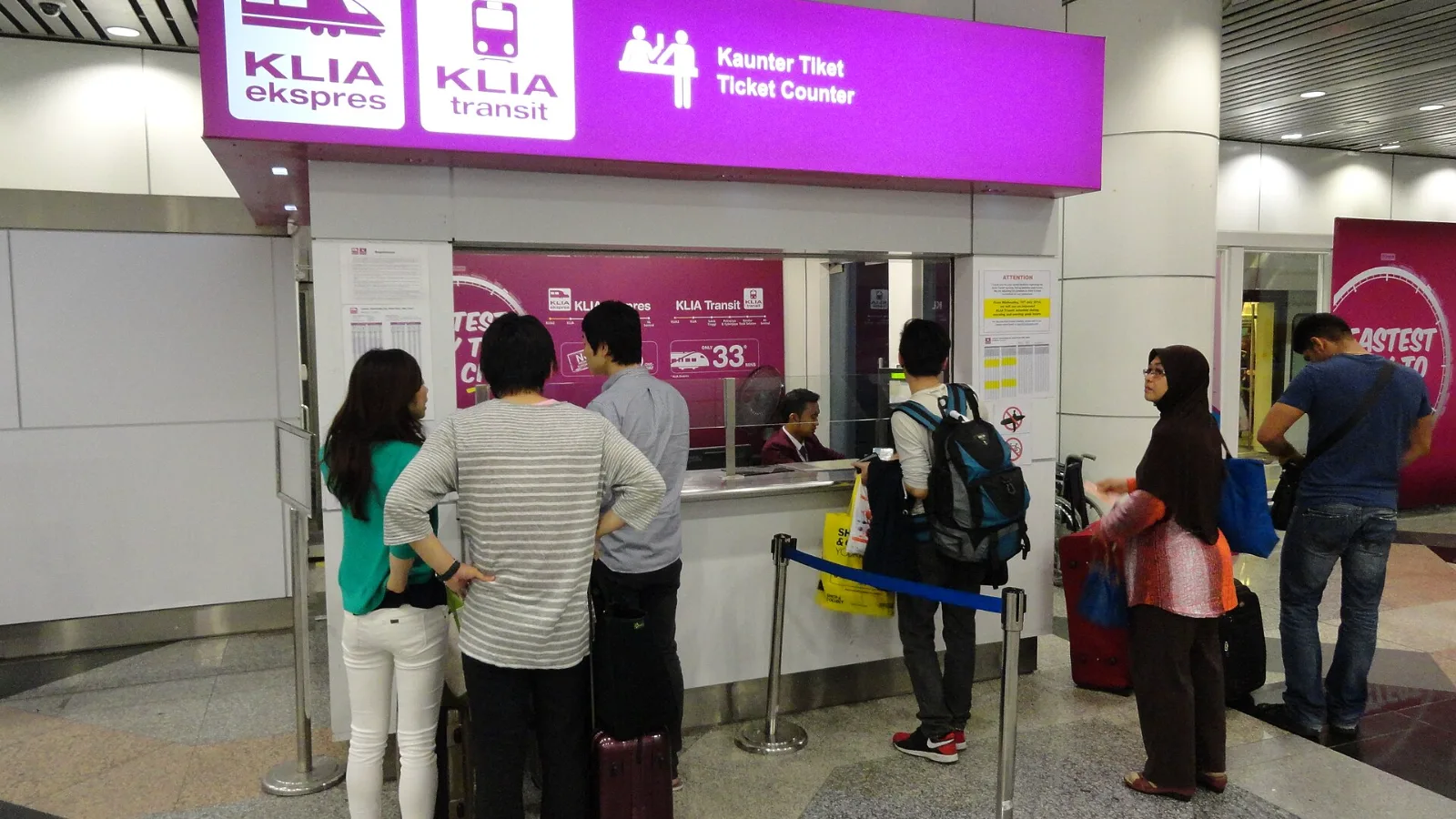
Take the KLIA Ekspres if you are travelling alone or as a pair and your hotel is near KL Sentral or a rail line: it reaches KL Sentral in 28 minutes from Terminal 1 for RM55, less 10% if you buy online. Take a Grab if three or more of you are going to a hotel away from KL Sentral, because one car fare usually costs less than three train tickets and drops you at the door.
| Option | Useful situation | Limitation to check |
|---|
| Airport public Wi-Fi | Checking a pickup and saving bookings inside MCIA | Current login terms; connection ends when you leave its reach |
| Existing carrier roaming | Keeping your familiar number and SIM | Philippines inclusion, charges and roaming conditions |
| Local SIM or pocket Wi-Fi | A local number or a group sharing one connection | Registration, collection, compatibility and battery arrangements |
| co:sim data-only eSIM | Maps and app messages during onward travel | Unlocked eSIM-capable handset, plan terms and local reception |
 co:sim Team