Back to Blog
Berlin Brandenburg Airport Wi-Fi is free and available around the clock: join the network advertised by BER, open its portal and check your onward connection before leaving arrivals. The airport railway station is beneath Terminal 1; a co:sim Germany data-only eSIM (embedded SIM) is an optional connection for maps and messages after the terminal Wi-Fi ends.
The airport's official Wi-Fi page confirms free access around the clock. Its English text names _Free Airport WiFi, while the German version names _BER Airport Free Airport Wi-Fi. Because the airport's own language pages differ, compare available networks with current terminal signage or ask staff rather than treating a remembered spelling as definitive.
The airport says its portal includes flight information, orientation tips and interactive maps. It does not specify a speed guarantee or an exact login sequence on this service page. Do not add a supposed SMS requirement, passport check or session cap from an unrelated airport guide. If a network asks for unexpected payment or an unfamiliar installation, verify it with staff before proceeding.
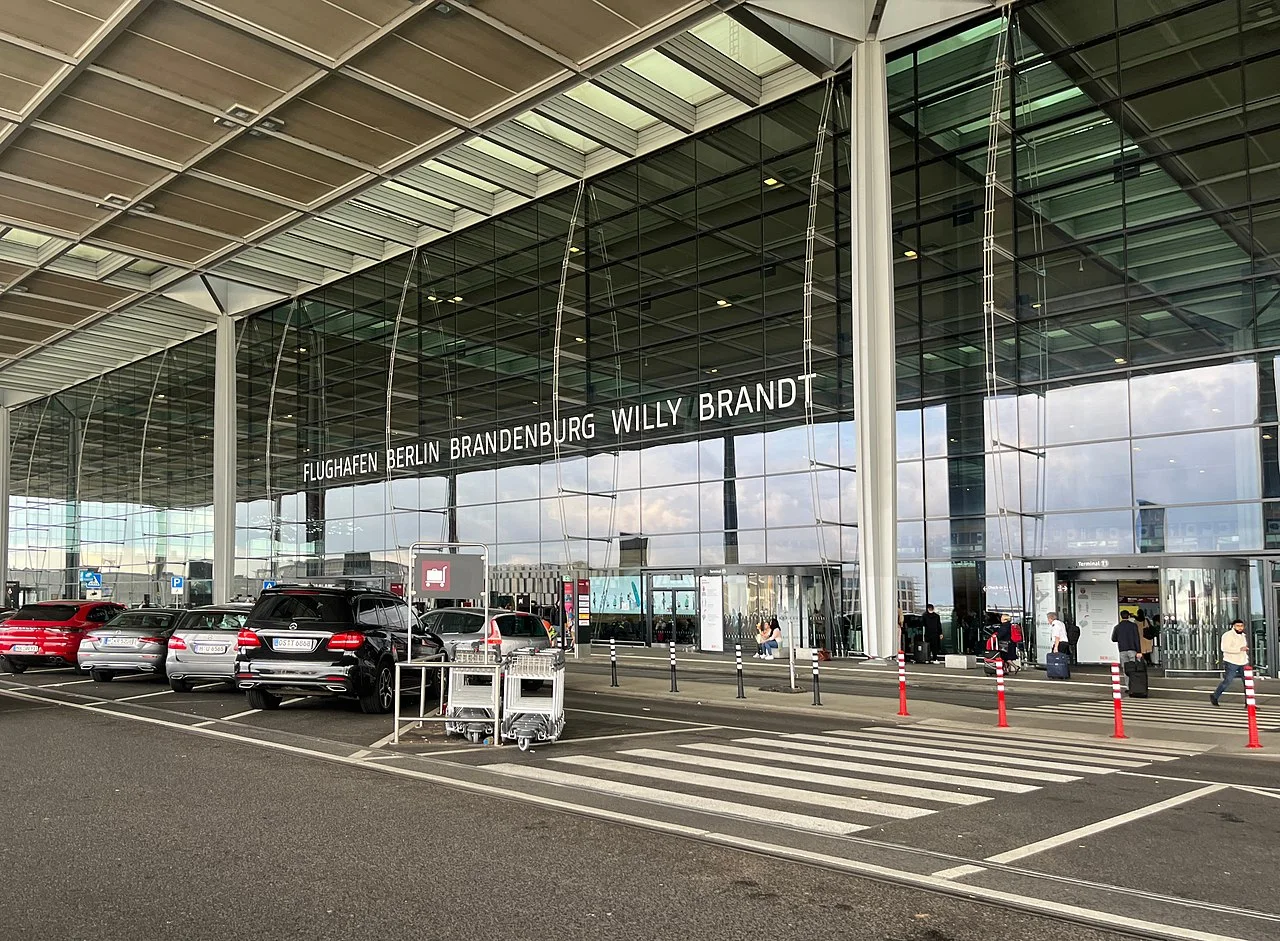
Photograph: Benoît Prieur, Wikimedia Commons, CC0.
Joining a network and obtaining internet access are separate steps. If your phone reports a Wi-Fi connection but your hotel message will not open, return to the network settings and look for a sign-in prompt. Reconnect once and try an ordinary browser page; avoid repeatedly refreshing a payment or booking transaction.
Some VPN and private-DNS settings can prevent captive portals from appearing. Pause those settings briefly if needed to complete login, then restore them. Do not install a certificate, unfamiliar app or management profile to use public Wi-Fi. If the portal remains unavailable, ask an airport information point to confirm the network or use an existing mobile-data connection.
Keep a fallback that works offline: the hotel's street address, its entrance instructions and the name of the nearest station. You can buy a paper transport ticket at a machine without relying on an app. A downloaded map helps with orientation, but it cannot report a cancelled train, reply to a host or update a connection after disruption.
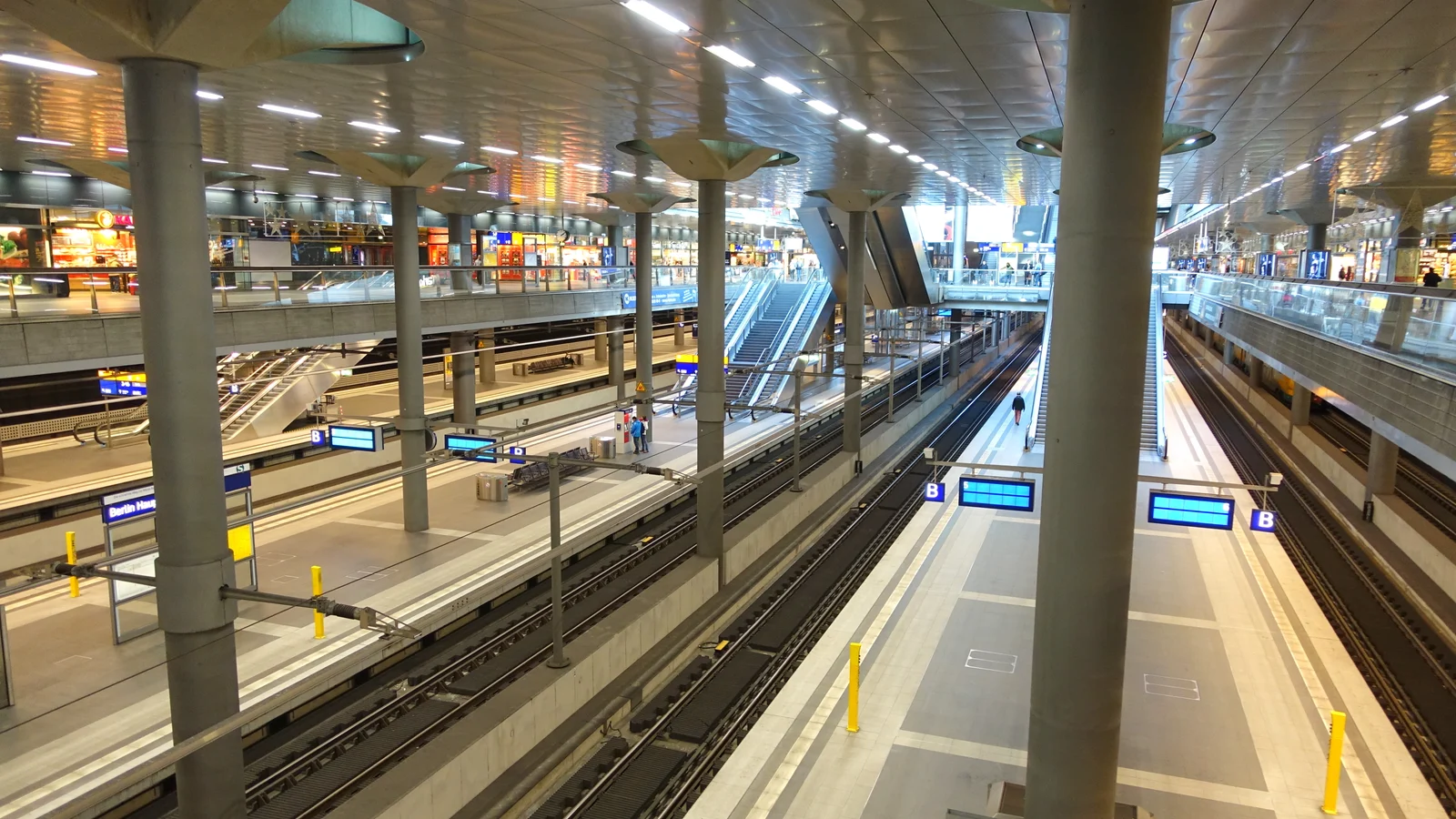
The official public-transport guide places Flughafen BER station directly beneath Terminal 1 on level U2. Follow the train symbols from arrivals and check the departure board before going to a platform. The station name is useful to retain exactly because it is what you will see in journey planners.
If you arrive through Terminal 2, follow the signed connection toward Terminal 1 and its station. Do not search for a separate “Terminal 2 FEX station.” Allow time for the walk, ticket purchase and lifts if you have a pushchair or heavy luggage. The published train duration is not the time from your aircraft seat to your hotel entrance.
At the station, identify the destination and stopping pattern as well as the line label. A train in the wrong direction does not become useful because it shares a familiar abbreviation. Take a screenshot of the itinerary while connected, but use the live board to confirm the platform and departure. Those operational details can change without the basic airport route changing.
The route on BER's current transport page is Hauptbahnhof–Potsdamer Platz–Südkreuz–BER. That makes older instructions routing the Airport Express, or FEX, through Gesundbrunnen and Ostkreuz unsuitable for this arrival plan. Reverse the airport's listed city-to-airport order when travelling into Berlin.
The airport quotes approximately 23 minutes between Hauptbahnhof and BER, 19 minutes for Potsdamer Platz and 14 minutes for Südkreuz. These are published station-to-station estimates, not door-to-door promises. Its page also notes that FEX and RE20 jointly provide four services per hour until December 2026; do not read that as four departures carrying the FEX label alone.
BER also lists S9 and S85 services. Check the current route rather than relying on old S45 airport instructions. A slower direct service can be a better choice than a faster train requiring an awkward luggage transfer. Open the full hotel-to-airport or airport-to-hotel itinerary before choosing.
BER is in fare zone C. The airport guide says a journey to central Berlin needs an ABC ticket. An AB-only ticket does not cover the airport leg. Buy the ticket covering your complete route before boarding, and check any pass you already hold rather than buying an unnecessary duplicate.
The BVG single-ticket page permits changes on a journey in one direction and gives the ticket a 120-minute validity period. It excludes return and round trips. This guide deliberately leaves the fare to the live ticket page because prices and eligibility categories can change.
The airport tells passengers to validate paper tickets from machines before starting their journey. For a mobile ticket, follow the app's validity and activation instructions before boarding; a stored payment method is not a valid ticket. Keep the ticket available for inspection when mobile reception drops. Buy first, check its valid state, then head to the platform.
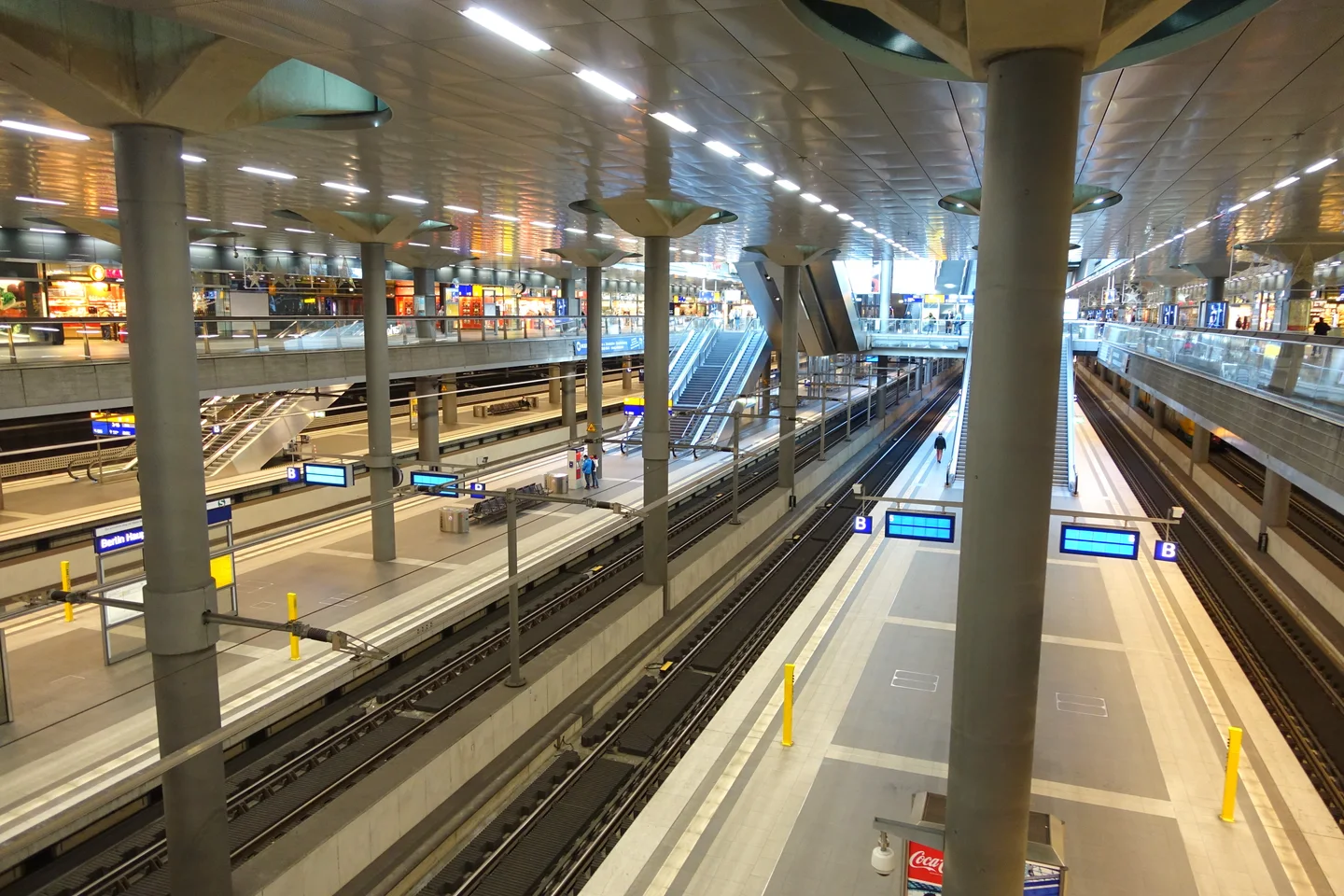
Photograph: Daderot, Wikimedia Commons, CC0.
It depends on the tasks you still need to complete. Airport Wi-Fi can handle the first route lookup. After leaving its coverage, a hotel entry message, disruption update or new map search needs another connection. Downloading directions is useful, but it does not preserve live transport information.
Review the Germany data-plan page for the exact package's networks, allowance, billing-start rule and top-up support. A Germany-only package should not be assumed to cover the next stop in a multi-destination trip. Neither airport Wi-Fi nor mobile data can promise reception in every train, tunnel or crowded location.
co:sim emails installation details after checkout. Install according to the selected package's instructions while you have a stable connection, label the travel line, and select it for mobile data when appropriate. Installation does not have one universal relationship to billing start. Keep chargeable home-line data roaming off unless your own carrier's terms justify using it.
For an eligible free offer, read its current requirements separately: sign-in and a valid payment card for verification are required, and the card is not charged. Do not assume eligibility or included destinations from the word “free.”
FREECheck the current free eSIM offer for GermanyBerlin Brandenburg Airport's official Wi-Fi page says the service is free and available around the clock. Its English and German pages currently show different network spellings, so follow terminal signage or confirm with staff when selecting the network. “Around the clock” describes service availability; it does not establish a particular download speed, security guarantee or uninterrupted individual session.
Use airport Wi-Fi to read your accommodation instructions, check the next train and save your address before leaving arrivals. A co:sim Germany data-only eSIM is a separate mobile-data option for the journey after you leave terminal coverage. It requires a compatible, unlocked device and does not include a local number for ordinary calls or SMS. If your existing carrier already includes Germany on terms that suit you, roaming can be a reasonable alternative. Choose according to your actual need for live updates outside the airport.
FEX is useful for arrivals heading toward Südkreuz, Potsdamer Platz or Hauptbahnhof, the stops on the airport's current published route. It is not automatically the most convenient door-to-door route for every Berlin address. A hotel near an S-Bahn stop may suit a direct suburban train; another itinerary may need a change to the U-Bahn or a tram.
Compare the entire journey, including the station exit and final walk with luggage. The approximately 23-minute Hauptbahnhof figure is a station-to-station estimate, not an airport-to-hotel guarantee. Check live boards for disruption and the actual stopping pattern. co:sim mobile data can support another planner check after leaving BER Wi-Fi, but reception cannot be promised in every tunnel or train. Keep the hotel address and an offline route available too. When service is disrupted, follow the current replacement-transport instructions rather than an old screenshot's platform number.
An AB-only ticket is not sufficient for an ordinary journey from BER to central Berlin because the airport is in zone C. The official airport transport guide specifies an ABC ticket for that trip. Check any existing pass's coverage and validity first; you may already hold an appropriate ticket, but do not infer airport coverage from a pass being described as a “Berlin ticket.”
For a single ticket, BVG's rules allow changes in one direction during the stated validity period, not a return journey. Validate a paper ticket as required before boarding. If you use an app, complete purchase and follow its activation rules before entering the train. Keep the valid ticket screen accessible for inspection, even if your phone later loses reception. Save your hotel itinerary separately so you can concentrate on the correct train and stop after handling payment.
No. A Germany data-only eSIM supplies mobile internet under its selected package's terms; it does not supply a German telephone number, ordinary voice allowance or SMS service. It can support internet-based messaging and calling apps when the connection works, but it cannot receive an SMS addressed to a newly assigned German number because there is no such number included.
Before departure, sign in to transport and accommodation apps with an existing reachable account and check how they verify you. Keep any essential home-number messages in mind when deciding whether to leave that line enabled; home-carrier roaming charges still depend on your own contract. For a compatible, unlocked device, an eSIM can reduce arrival setup, but it is not a substitute for tickets, reservations or a reachable hotel contact. Review the package's networks and billing-start rule, and save the installation instructions before travelling.
Choose your station, ticket and hotel address before leaving the terminal. co:sim's current Germany packages let you check mobile-data options alongside that arrival plan, without relying on airport Wi-Fi throughout the journey.
Compare Germany travel data plansInstant delivery by email · Install before you fly
 Travel Tips
Take the Keisei Skyliner if your hotel is in Ueno, Asakusa or north-east Tokyo: it reaches Nippori in as little as 36 minutes for ¥2,580. Take the Narita Express if you are staying near Tokyo Station, Shinjuku, Shibuya or Yokohama, because it runs straight there, and the ¥5,200 round-trip ticket brings each leg close to the Skyliner fare.
 Travel Tips
Take bus 86 if you are travelling light, land before mid-evening and are staying near Hoan Kiem Lake: it costs about 45,000 dong and takes 50 to 70 minutes. Take a Grab if there are two or more of you, you have big bags or you land late, because one car to the Old Quarter usually costs about 230,000 to 320,000 dong and drops you at the door.
 Travel Tips
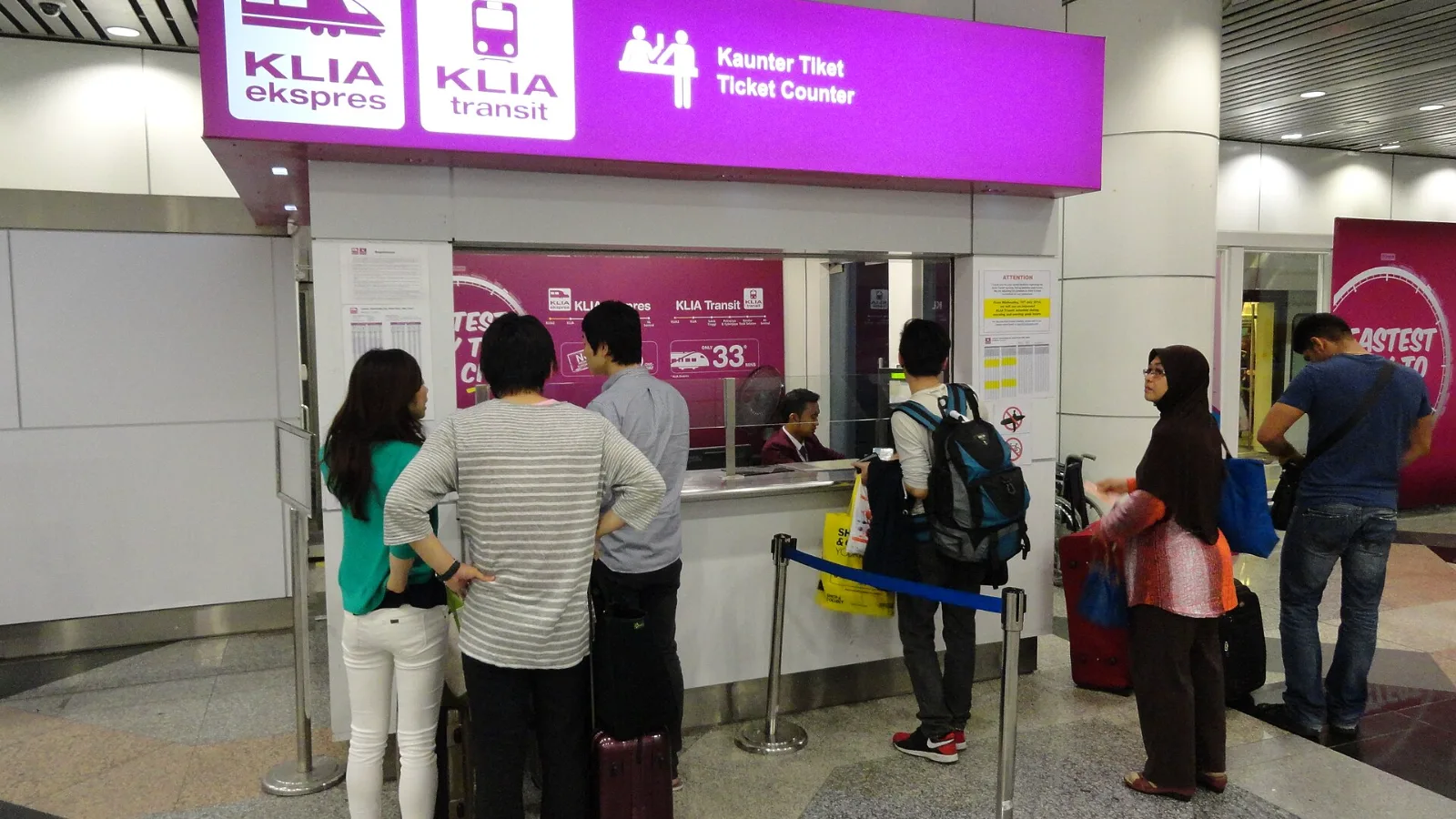
Take the KLIA Ekspres if you are travelling alone or as a pair and your hotel is near KL Sentral or a rail line: it reaches KL Sentral in 28 minutes from Terminal 1 for RM55, less 10% if you buy online. Take a Grab if three or more of you are going to a hotel away from KL Sentral, because one car fare usually costs less than three train tickets and drops you at the door.
| Hotel area or onward connection | What to compare in the planner |
|---|
| Near Hauptbahnhof | A regional connection to the main station and the final walk |
| Near Potsdamer Platz | A train stopping there, then the correct exit for your address |
| South Berlin or an onward train at Südkreuz | Whether changing at Südkreuz avoids a detour |
| Around Alexanderplatz or the eastern city | The S9 stopping pattern versus a regional train plus a change |
| Late arrival or service disruption | The next actual departure, replacement transport and final hotel access |
| Option | Arrival benefit | Trade-off |
|---|
| Airport Wi-Fi plus offline maps | Good for a prepared transfer | No live updates once disconnected |
| Existing carrier roaming | Uses the phone setup you already have | Confirm Germany is included in your own allowance |
| co:sim Germany data-only eSIM | Mobile transport checks, maps and internet messaging | Compatible, unlocked phone required; no local telephone number |
| Local SIM or portable router | Useful for some devices or shared connections | Purchase, setup or an additional battery to manage |
 co:sim Team