
How to Install an eSIM on a Huawei or Honor Phone
 co:sim Team
If your Huawei or Honor phone has a working eSIM slot, installing a travel eSIM takes about five minutes: open Settings, find the mobile network menu, tap Add eSIM, and scan the QR code your provider sent — a data-only eSIM like co:sim's arrives by email within seconds of checkout, ready to scan from your inbox. The catch is the "if." Huawei and Honor support eSIM far less consistently than Samsung, Google, or Xiaomi, depending heavily on the exact model and sometimes the country of sale. This guide names the models that actually have eSIM hardware, the exact settings path to add one, and what's really going on if your phone doesn't show the option at all.
#Which Huawei and Honor phones actually support eSIM?
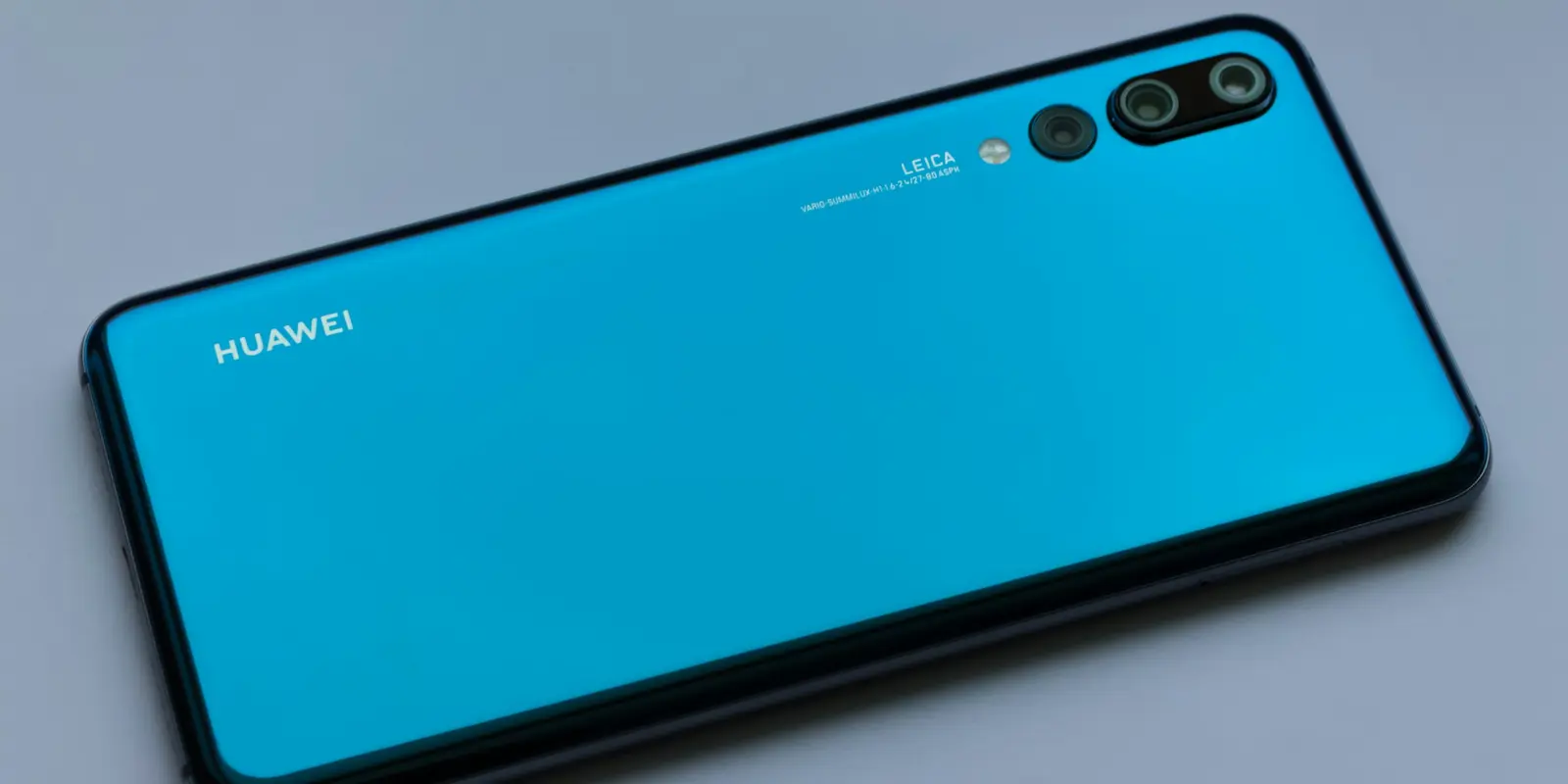
Neither brand puts eSIM on every phone it sells. It's limited to specific flagship and upper-mid-range models, and it's easy to wrongly assume a phone supports eSIM just because a similarly named model does elsewhere. Based on each device database's own current listings:
- Honor: Magic4 Pro through Magic8 Pro, the Magic Vs/V2/V3/V5 foldables, Honor 90, 200, 200 Pro, 400, 400 Pro, 600, and 600 Pro, the Magic7 Lite/Magic8 Lite, 400 Lite/600 Lite, and the X8c/X9c/X9d — per Honor's own eSIM support page.
- Huawei: the Pura 70 Pro, Pura 80 Pro and Ultra, the newer Pura 90/90s and Pura X families, the Mate X7 and Mate 80 RS Ultimate, plus the older P40, P40 Pro, and Mate 40 Pro — per GSMArena's Huawei device listings.
Notably absent: the Huawei P40 Pro+, the P50 Pro, and most of Huawei's budget and mid-range Nova and Y-series phones — none ship with eSIM hardware, no matter how long you dig through Settings. A missing Google Play Store is a separate issue and no signal either way: that's a 2019 US trade-restriction problem with app access, not with the eSIM radio (more on that below).
The only way to know for certain is to check the phone itself: dial *#06#, or go to Settings → About phone → EID. If an EID (Embedded Identity Document) number shows up alongside the IMEI, eSIM hardware is present and active. No EID means no eSIM on that specific unit, regardless of what the model name suggests.
#How do you install an eSIM on a Huawei or Honor phone?
Once you've confirmed an EID exists, the steps are the same across both brands — Honor's MagicOS forked from Huawei's EMUI before the 2020 split and still shares its settings structure:
- Open Settings and go to Mobile network → SIM management (the exact path Honor documents officially; Huawei's EMUI and HarmonyOS use the same wording).
- Tap Add eSIM.
- Choose Scan QR code, then point the camera at the QR code your provider emailed you — a co:sim order delivers this QR code to your inbox within seconds of checkout, so there's no separate step of requesting one from a carrier first.
- Confirm the download and wait for the profile to install. This normally takes under a minute on Wi-Fi; a weak cellular signal is the most common cause of a stuck install.
- Under SIM management, choose which line handles mobile data, and switch on data roaming for the new eSIM if you're using it abroad.
Every co:sim plan page lists the exact network the eSIM runs on and whether billing starts at purchase or at first connection, so step 3 never involves guessing which QR code or provider details apply. If your provider gives you a manual code instead of a QR image, the same Add eSIM screen has an "Enter manually" option asking for an SM-DP+ address and an activation code.
#Why isn't the eSIM option showing up on my phone?
#Does my specific model actually support eSIM?
This is the most common cause by a wide margin. If Settings → About phone → EID shows nothing, the phone's hardware simply doesn't include an eSIM radio — no software update or carrier setting will add one. This is normal on the Huawei P40 Pro+, the P50 Pro, most Nova and Y-series phones, and any Honor model not on the list above. On a phone like that, a physical SIM from a local carrier or a pocket Wi-Fi rental are the realistic options for that specific device.
#Did I buy this phone in mainland China?
Mainland-China-market units have historically shipped without eSIM hardware at all, relying on dual physical-SIM trays instead, even when the identical model sold elsewhere includes one. That's regulation, not brand choice: China's regulator only approved commercial eSIM trials for smartphones in October 2025 (TechNode). See the FAQ below for what that trial does and doesn't cover.
#Is my phone carrier-locked or region-locked?
A phone bought on a carrier contract, especially outside its "home" region, can be locked to that carrier's own SIMs and refuse a third-party eSIM profile even when the hardware fully supports eSIM. Contact the carrier to confirm the phone is unlocked; most will do this free once a contract is paid off.
#FAQ
#Do I need Google Play services for a Huawei or Honor eSIM to work?
No. The Google Play Store, Gmail, and other Google Mobile Services were cut from Huawei phones by 2019 US trade restrictions, and Huawei has stayed off Google's ecosystem since. That's a software and app-store issue, unrelated to the eSIM radio built into the phone's hardware. A Huawei phone with no Google Play can install and use a co:sim eSIM exactly the way a Samsung or Pixel does, provided the specific model has an EID under Settings → About phone. Honor phones sold outside mainland China regained full Google Play access starting with the Honor 50 in 2021, after Honor split from Huawei in November 2020 largely to escape the same US restrictions (Honor's ownership history). That's a separate improvement from eSIM support, though — check the model list above rather than assuming Google services and eSIM support always travel together on either brand.
#Can I use a Huawei or Honor phone bought in mainland China with a travel eSIM?
Only if that specific unit actually has eSIM hardware, which isn't guaranteed even on a flagship. China's carriers only began offering their own eSIM service in October 2025, and manufacturers spent years building mainland units around two physical SIM slots instead, since there was no domestic eSIM service for a phone to support before then. Even units sold during that trial period are generally limited to in-person activation of a Chinese carrier's own number at a retail counter, not remote installation of a third-party travel eSIM bought online. So a co:sim eSIM's QR-code install doesn't currently have a matching activation path for a mainland Chinese carrier number, separate from whether the phone's hardware itself has an EID. Dial *#06# or check Settings → About phone → EID before assuming a mainland-bought phone matches the spec sheet of the same model sold elsewhere.
#What's the difference between an eSIM and a physical SIM on these phones?
An eSIM (embedded SIM) is a small chip built into the phone that stores a carrier profile digitally instead of on a removable card, installed by scanning a QR code rather than inserting anything. Most eSIM-capable Huawei and Honor phones keep a physical nano-SIM slot alongside the eSIM, so you can run a home number on the physical SIM and a co:sim data eSIM for travel data at the same time, switching which one handles mobile data from the SIM management menu whenever you land somewhere new. A co:sim eSIM is data-only, meaning it carries mobile data but not a phone number for calls or texts of its own — internet-based calling and messaging apps still work completely normally over that data connection, which covers what most travelers actually use a phone number for abroad anyway.
#I bought an eSIM plan and my phone doesn't support eSIM — can I get a refund?
Yes, within limits: an uninstalled co:sim eSIM can be refunded within 30 days of purchase, though that window is capped by the plan's own install deadline, and plans that bill immediately at purchase aren't eligible for a refund at all. Once an eSIM has actually been installed, even on a phone that then turns out to have no signal, it's generally no longer self-service refundable — so the timing of when you discover the incompatibility matters. That's why checking your phone's EID under Settings → About phone, or dialing *#06#, is worth doing before you buy rather than after: it takes under a minute and confirms compatibility for certain, rather than guessing from a model name. If you're buying for someone else's phone, have them check their own EID first.
#Can I install more than one eSIM on a Huawei or Honor phone?
Most eSIM-capable Huawei and Honor phones can store several eSIM profiles at once, though typically only one or two can be actively connected to a network at the same time, depending on the model — the rest sit installed but inactive until you switch to them. That's enough to keep a home eSIM installed alongside a co:sim travel eSIM and simply switch which one is active from the SIM management menu after landing, rather than deleting and reinstalling a profile on every trip. Switching to a new phone generally still works, but it typically requires requesting a fresh QR code or activation link from the same provider rather than transferring the old one directly, since most eSIM profiles are tied to the specific device that first installed them.
Confirming your Huawei or Honor phone's EID before you travel is the one step that heads off everything above. Once that's confirmed, co:sim covers more than 190 destinations with data-only plans that install with the same five steps outlined here — including the Thailand eSIM page, one of the more common routes for travelers who check Huawei or Honor compatibility before a trip.