Travel tips, eSIM guides, and destination insights to keep you connected on every journey.
A blacklisted or IMEI-blocked phone will not connect to a travel eSIM in most cases, because the block sits at the device level, not the SIM. Here is the real difference between a local carrier blacklist and the GSMA shared global registry, and how to check a phone before you buy it secondhand.
Not every Huawei or Honor phone has eSIM hardware, and the model name alone won't tell you. Here's exactly which ones do, how to install an eSIM step by step, and what to check if the option isn't there.
Travel eSIMs cannot be installed on Apple Watch, Galaxy Watch or Pixel Watch. Here's why cellular smartwatches only accept carrier-provisioned, number-sharing plans, and what to actually do to get data on your wrist while traveling.
The Galaxy A17 5G is a Hybrid eSIM device per Samsung's own documentation, while the separate non-5G Galaxy A17 has no eSIM hardware at all. Here is how to tell which model you have.
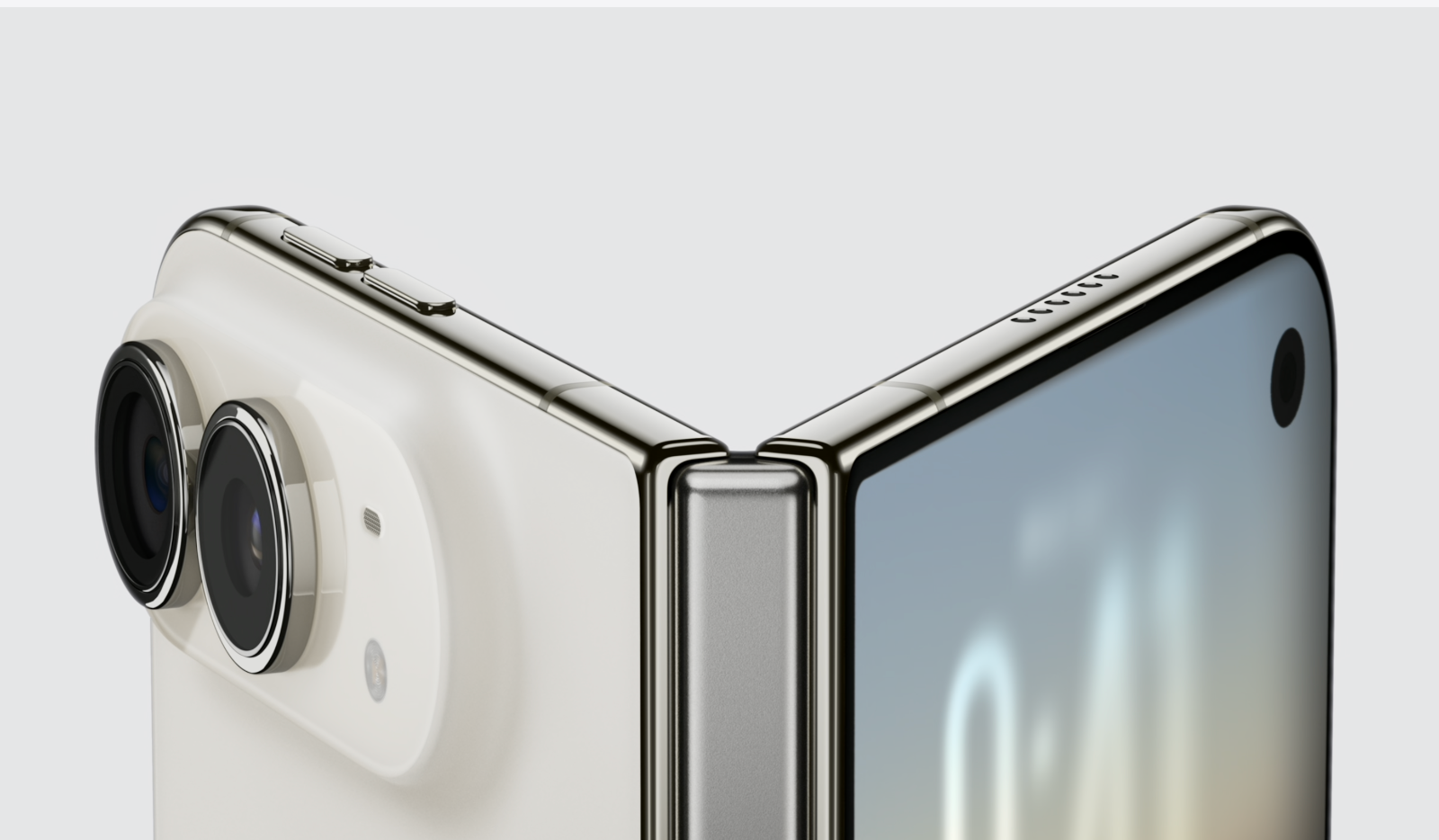
Apple's first foldable iPhone is reported to ship with no SIM tray at all. Here is what eSIM only actually means for travel data, which name Apple is likely to use, and how to have a working data plan before you land.
The iPhone 16e supports eSIM everywhere it's sold except mainland China, but only US units are eSIM-only; most other regions add a physical nano-SIM tray too. Here's the exact regional breakdown.
Where the eSIM option hides in Android settings on Samsung, Pixel, Xiaomi, OnePlus, Oppo, and other brands, with the general install steps and fixes for common problems like a QR code that will not scan.
Switching between eSIM profiles is a toggle in settings, not a delete-and-reinstall, both profiles stay stored. Step-by-step iPhone and Android instructions, plus fixes for when the switch doesn't take.
If you lose a phone with an eSIM installed, lock it remotely with Find My or Find My Device, then contact your eSIM provider to deactivate service. Here's why the hijack risk is low and how to get reconnected fast.
A MiFi, or pocket WiFi device, is a small battery-powered hotspot with its own SIM card that shares a cellular data connection over WiFi with multiple devices at once. Here is how it actually works and when you still need one.