
Does an eSIM Work on a Smartwatch?
 co:sim Team
No. A third-party travel eSIM, like the kind you'd buy from co:sim for a phone, cannot be installed on an Apple Watch, a Samsung Galaxy Watch, or a Google Pixel Watch. Cellular smartwatches only accept an eSIM profile provisioned directly by your phone's own carrier, tied to your existing number, not a separate data plan you scan in yourself. If you want data on your wrist while traveling, the actual fix is installing a travel eSIM on your phone and letting the watch ride on Bluetooth or Wi-Fi instead.
#Why can't a travel eSIM go on a smartwatch?
Phone eSIMs and smartwatch eSIMs work on two completely different models. An iPhone or Android phone's eSIM is an open standard: any provider, including co:sim, can issue you a QR code, and you scan it in the phone's own Settings app to install a fully independent data profile. A cellular Apple Watch, Galaxy Watch, or Pixel Watch doesn't offer that option at all.
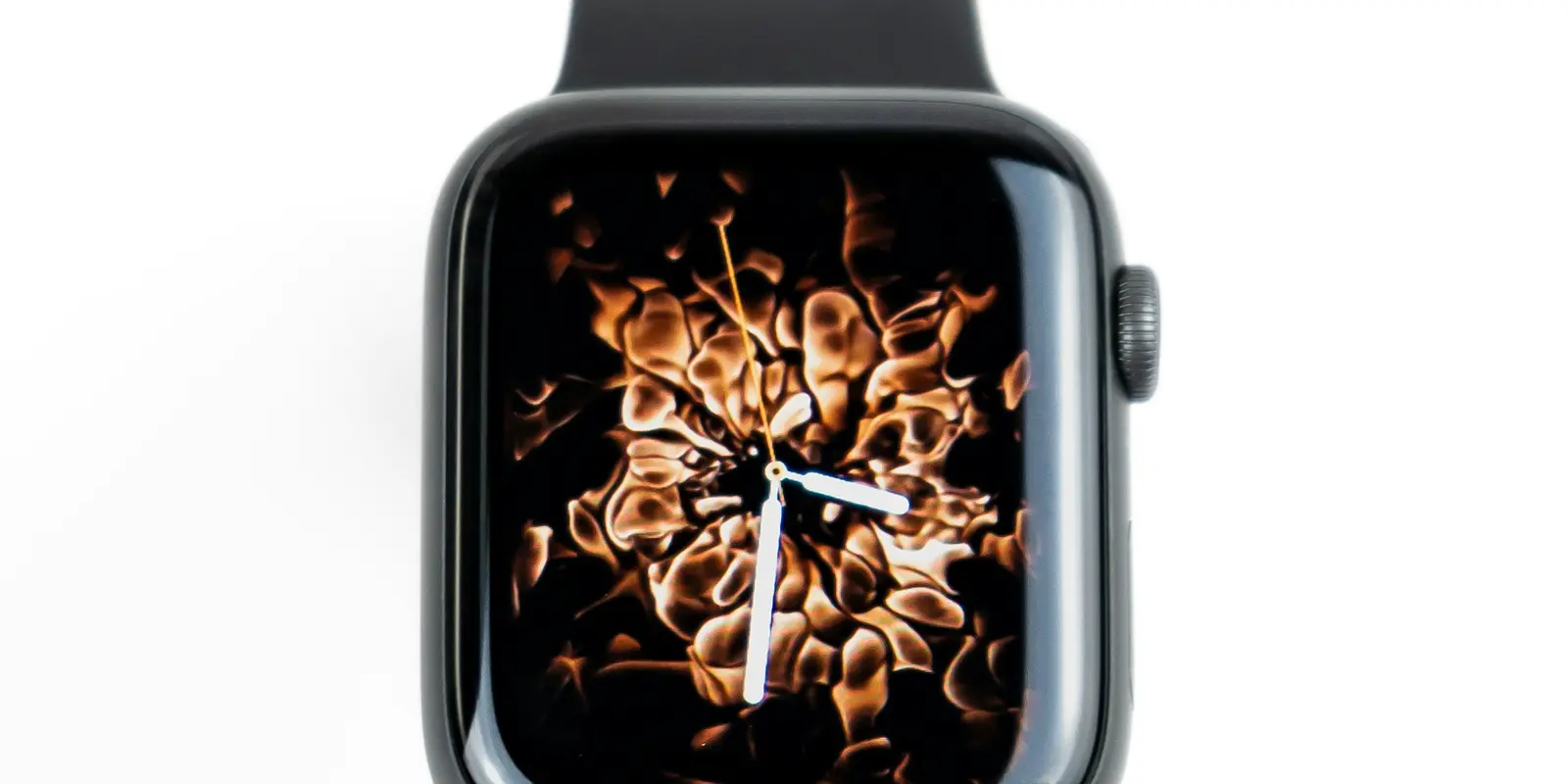
Apple's own support documentation is explicit that cellular Apple Watch models require "an eligible cellular service plan with a supported carrier," and that "your iPhone and Apple Watch must use the same carrier" before you can even start setup, according to Apple's official cellular setup guide. There's no menu path to add a QR-code eSIM from a different provider; the Watch app on your iPhone hands the whole process to your existing carrier, which either supports Watch provisioning or doesn't.
This is what's usually called "number sharing" or Apple's "One Number" system: the watch gets its own eSIM profile, but your carrier links it to your phone's existing number so calls, texts and iMessages sync across both devices. Google describes the same idea for the Pixel Watch, noting it "doesn't require you to have a new number but you need to set up a separate line," and that "your watch will have the same number as your phone once you pair them and activate 4G LTE with a compatible carrier," per Google's official Pixel Watch cellular guide. Samsung's Galaxy Watch LTE models work the same way: Samsung's support page states that "activating the LTE service requires a plan from your mobile carrier... matching the one for your phone," confirmed on Samsung's official Galaxy Watch LTE activation page. None of the three platforms leaves room for an independent, provider-agnostic eSIM the way a phone does.
#What about prepaid or travel-specific carrier plans?
Apple's guide also flags that "pre-paid accounts and some older accounts aren't currently supported" for Watch cellular at all, so even some of your own carrier's regular plans might not qualify, let alone a prepaid travel eSIM from a completely different provider. If your home carrier doesn't support Watch number-sharing in the country you're visiting, roaming is the only path, and it depends entirely on your carrier's own international agreements rather than anything you can buy separately for the watch.
#Does Wear OS (Galaxy Watch, Pixel Watch) work any differently?
Not in a way that changes the answer. Both Samsung's Galaxy Watch LTE models and Google's Pixel Watch LTE models use the same carrier-linked, number-sharing architecture as Apple Watch, just under different branding. A Galaxy Watch needs a plan "matching the one for your phone" from a supported carrier, activated through the Galaxy Wearable app, and a Pixel Watch needs its own line set up through your carrier via the Pixel Watch companion app, using the watch's EID (eSIM identification number) if the carrier asks for it. Neither accepts a scanned QR code from an independent eSIM seller the way an Android phone does. Practically, whether you're comparing an Apple Watch, a Galaxy Watch, or a Pixel Watch, the underlying limitation is identical: carrier-provisioned, number-linked, and closed to third-party travel data plans.
#What should you actually do for data on your wrist while traveling?
Put your travel eSIM on your phone, not the watch. A co:sim data-only eSIM installs on your iPhone or Android phone before departure, connects the moment you land, and your smartwatch simply piggybacks off the phone over Bluetooth for notifications, messages and app data, exactly like it does at home when the watch isn't running its own cellular connection. For most travelers this is not really a downside: you get maps, messages and notifications on your wrist, and your phone is almost always within Bluetooth range anyway.
Mexico
1-day trip pass
From $2.99
Canada
1-day trip pass
From $2.99
Brazil
Valid 7 days
From $3.99
If you specifically need your watch to work independently of your phone abroad, for a run without your phone or a day when you deliberately leave it at the hotel, check with your home carrier before you travel about whether Watch number-sharing extends to international roaming in your destination. That's a question for your existing carrier, not something a travel eSIM provider can solve, since the watch was never built to accept one in the first place.
#FAQ
#Can I put an Airalo, Holafly, or co:sim eSIM on my Apple Watch?
No. Cellular Apple Watch models only accept an eSIM profile provisioned by your iPhone's own carrier through Apple's number-sharing system, not a QR code from an independent travel eSIM seller. Apple's own setup guide states plainly that your iPhone and Apple Watch must use the same carrier, and that some prepaid or older carrier accounts aren't even supported for this feature at all. There's no Settings menu on the Watch that lets you add a separate data-only eSIM the way you would on the paired iPhone itself. If you want a travel eSIM's data on your wrist, the only real path is installing it on your iPhone and letting the Watch use that connection over Bluetooth when the two devices are near each other, which covers notifications, messages, and most apps for the vast majority of travelers.
#Does my watch need its own data plan if my phone already has one?
Only if you want the watch to work independently when it's out of Bluetooth range from your phone, for example on a run without your phone. Otherwise, no: a cellular watch paired to a phone that's nearby uses the phone's Bluetooth connection for everything, including any travel eSIM data plan installed on that phone, and never needs its own line at all. Watch-specific cellular plans exist specifically for the scenario where the watch has to function alone, and they always route through your phone's home carrier's number-sharing system rather than a separate provider. For most travelers carrying their phone throughout the day, skipping a watch-specific data plan entirely and relying on the phone's eSIM is both simpler and cheaper, since it avoids a second monthly carrier add-on that a travel eSIM can't replace anyway.
#Will my Apple Watch or Galaxy Watch at least get emails and notifications abroad without its own plan?
Yes, as long as it's within Bluetooth or Wi-Fi range of a phone that has an active data connection. Your smartwatch doesn't need its own cellular plan to show notifications, messages, or app updates; it just needs a nearby paired phone that's online, whether that phone is using a travel eSIM, roaming, or local Wi-Fi. This is exactly why installing a co:sim data-only eSIM on your phone before a trip solves the practical problem most travelers actually have: your phone gets a working data connection the moment you land, and your watch inherits everything it needs through Bluetooth automatically, with zero separate setup required on the watch itself. The only scenario where this breaks down is stepping out of Bluetooth range without your phone, for example leaving it at your hotel for a run, in which case a non-cellular watch simply queues notifications until it reconnects rather than losing them outright.
#Is there any smartwatch that accepts a normal travel eSIM like a phone does?
Not among the mainstream cellular smartwatches on the market today. Apple Watch, Samsung Galaxy Watch LTE, and Google Pixel Watch LTE all use the same carrier-provisioned, number-sharing model, and none of them expose a QR-code eSIM installation flow the way iPhones and Android phones do. This is a deliberate design choice by Apple, Google, and Samsung, tied to how each platform handles calls and messages on the watch, not a gap that's likely to close for older or current-generation models. If a future smartwatch platform ever supports independent, provider-agnostic eSIMs the way phones do, it would represent a real, notable shift from how every major cellular watch works today, and would be worth revisiting this guide for. Until then, plan around the phone.
A phone-based co:sim eSIM is still the practical way to get data while traveling; your smartwatch just comes along for the ride over Bluetooth.