
Back to Blog
Yes — Bangkok's Suvarnabhumi Airport has free WiFi, but it comes with more friction than most Asian hubs: the standard AOT Airport Free Wi-Fi by NT network requires an email sign-up and caps free use at about an hour per day, while a newer app-based option extends that to three hours of high-speed access. Here is exactly how both work, and what to plan for the moment you leave the terminal.
The basic flow, per the airport's official WiFi guidance:
Thai regulations require internet providers to identify users, which is why Suvarnabhumi's portal asks for details where Tokyo's or Seoul's do not — and why the airport's internet kiosks ask for a passport.
AOT, the operator of six Thai airports including Suvarnabhumi, Don Mueang, and Phuket, added a faster tier: connect to AOT Sawasdee Highspeed WiFi by NT, and you get a window to download the SAWASDEE by AOT app, which unlocks up to three hours of high-speed WiFi. If you are facing a long layover, the app route is worth the two minutes of setup; for a quick pre-immigration message, the email portal is faster.
One caution that applies at any airport with registration portals: connect only to the official SSIDs above. Fake lookalike hotspots harvesting sign-in details are a known problem at busy airports.
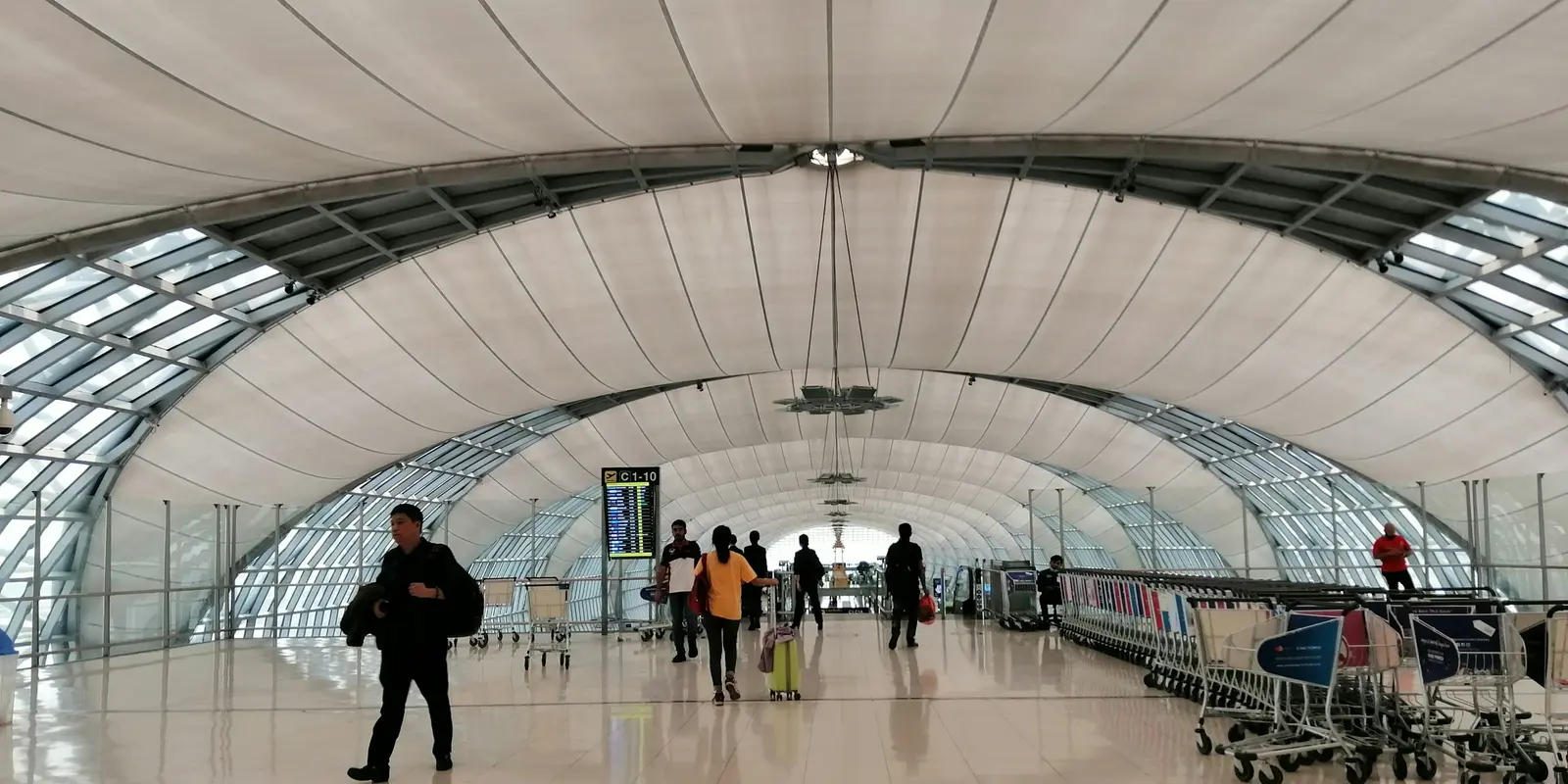
Suvarnabhumi's WiFi covers the wait, not the arrival. The moment you step toward the Airport Rail Link, a Grab pickup, or the taxi queue, you are offline — and Bangkok arrival logistics are exactly the data-hungry part: Grab needs a live connection curbside, the hotel wants a message, Maps needs to route you through evening traffic. Thailand also requires passport registration to buy a local SIM, so the airport SIM counters mean queueing after a long flight.
The clean solution is having data before you land: install a co:sim eSIM at home in five minutes (the QR code arrives by email seconds after checkout), and under first-connection billing it stays dormant until your phone touches a Thai network. Each co:sim plan page states the billing-start rule and the install deadline, so check both before you buy. The WiFi then covers your terminal time; the eSIM covers Thailand.
Browse Thailand eSIM data plansYes, with limits. The standard AOT Airport Free Wi-Fi by NT network is free after an email sign-up, and gives you roughly 60 minutes per day — enough to message family, check your booking, and pull up arrival details, but not enough to work through a long layover. For that, the SAWASDEE by AOT app route extends free high-speed access to about three hours on the AOT Sawasdee Highspeed WiFi by NT network. Neither tier bills you anything; the cost is friction (registration, session drops, re-login) rather than money. If your visit to the airport is short, the email portal is the fastest path; for layovers, invest the two minutes in the app.
Thai law requires internet service providers to be able to identify users, and airport networks comply — the WiFi portal collects an email, and the walk-up internet kiosks inside the terminal ask for a passport. Tourist SIM purchases work the same way: registration with your passport at the counter is standard across Thailand, per the Tourism Authority's guidance. This is normal and legitimate at the official networks and counters. What deserves caution is anything imitating them: connect only to the exact official SSIDs, be skeptical of hotspots with plausible-sounding names, and never enter payment-card details on an airport portal page — the real ones do not ask for money.
Yes — arrivals-level counters and kiosks sell tourist SIMs, and Thailand's plans are famously good value. The trade-offs are practical: queues form exactly when several flights land together, registration takes passport paperwork at the desk, and airport pricing runs above the same operator's city shops. A co:sim eSIM purchased before departure skips all three — the QR code arrives by email seconds after checkout, it installs at home via the standard five-minute setup, and it connects as you exit the plane, making the counters irrelevant. The honest trade-off: co:sim plans are data-only, no Thai phone number, and the plan page names the underlying network before you buy. For a holiday traveler running Grab, Maps, and hotel chat over data, that costs nothing in practice.
For the terminal itself, usually yes: immigration queues, a message home, and pulling up your hotel address fit inside an hour. The problem is what the hour cannot cover — everything after the exit doors. Booking a Grab requires live data at the curb, the Airport Rail Link ride into town is offline the whole way, and evening Bangkok traffic makes live navigation genuinely valuable. Travelers who plan only for the airport hour tend to rediscover this in the taxi queue. Treat Suvarnabhumi's WiFi as the bridge to immigration, and have a Thailand data plan installed and ready to wake up the moment you land, so the arrival itself — not just the wait — is covered.
Landing at BKK soon? Compare Thailand eSIM plans by data, validity, and network — install at home, connect at the gate.
Instant delivery by email · Install before you fly
 Travel Tips
A practical guide to internet in Saudi Arabia for Hajj and Umrah pilgrims: how the Nusuk app works, where networks get congested during the pilgrimage, honest notes on WhatsApp calling, and why installing an eSIM before you fly skips the biometric SIM counter.
 Travel Tips
A practical guide to internet in Israel for tourists: free city Wi-Fi, SIM and eSIM options, desert coverage gaps, and why Shabbat closures (including the airport SIM counter) make installing an eSIM before you fly worth it.
 Travel Tips
Staying connected in Czechia depends on where your phone plan is from. Here's what actually works in Prague, including the metro, and how to set it up before you land.
 co:sim Team