
Back to Blog
Yes — Narita Airport has free WiFi. Connect to the FreeWiFi-NARITA network in any of the three terminals: no password, no registration, and no time limit. It is genuinely usable for messaging, boarding passes, and downloads while you wait. The catch is simpler: it ends at the terminal door, which is exactly when a Japan trip starts needing data.
Per Narita International Airport's official WiFi guidance, the flow takes under a minute:
FreeWiFi-NARITA(2.4G) variant also appears on some devices).The network runs 24 hours in Terminals 1, 2, and 3, with no pre-registration and no usage cap. Power-outlet seating areas are marked on the same official page if you need to charge while you browse.
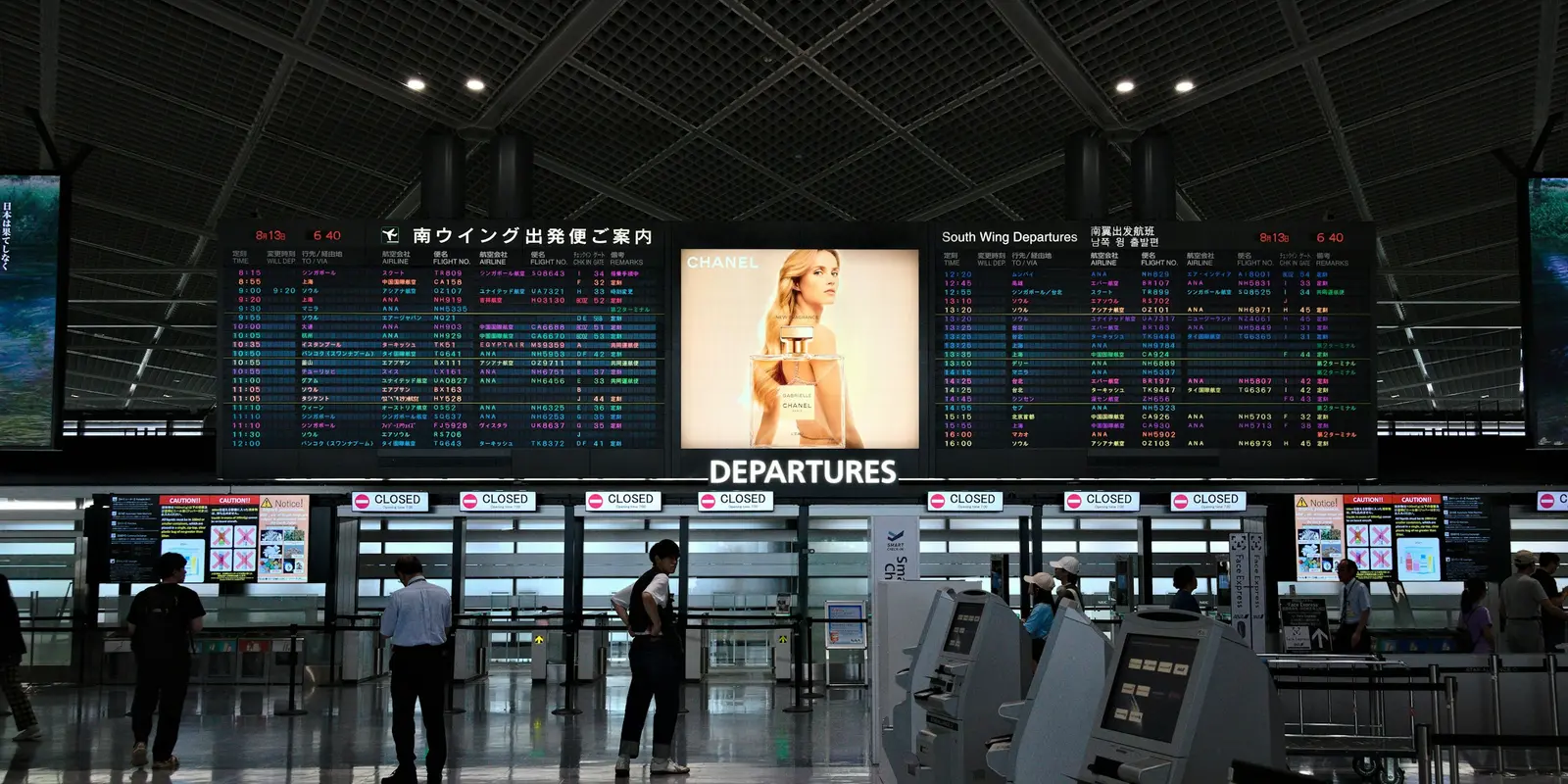
For the airport itself, FreeWiFi-NARITA is one of the better free airport networks in Asia: enough for messages, maps preloading, email, and pulling up the QR code from your co:sim delivery email or your hotel booking. Speeds vary with how busy the terminal is; an open network is also, by nature, unencrypted — fine for browsing, not the place for banking without a VPN.
The real limitation is geographic. The moment you board the Narita Express, the Skyliner, or an airport limousine bus, the free network is gone — and that first hour into Tokyo is precisely when you want live train routing, ticket apps, and messages to work. Airport WiFi solves the wait, not the trip.
The travelers who walk out of Narita already connected did one thing differently: they installed a co:sim eSIM at home and let it activate on arrival. The QR code arrives by email seconds after checkout, and installing takes about five minutes on Apple's standard eSIM setup flow (Settings → Cellular → Add eSIM, scan the QR code), and the eSIM standard — defined by the GSMA — means nothing physical to collect at a counter.
Under first-connection billing, the plan sleeps until your phone touches a Japanese network, so installing early costs nothing; each co:sim plan page lists the install deadline and whether validity starts at purchase or first connection. FreeWiFi-NARITA then becomes your backup, not your plan.
Browse Japan eSIM data plansYes. FreeWiFi-NARITA is free in all three terminals, requires no password and no registration, and the airport imposes no session or daily time limit — you accept the terms of use once and stay connected. That makes it more generous than many major hubs, where free tiers cut off after 30-60 minutes. Two practical caveats apply. First, speed is shared: at peak departure banks the network slows noticeably, so download large files (offline maps, shows for the flight) early or at the gate rather than at the last minute. Second, like every open airport network it is unencrypted — normal browsing is fine, but avoid logging into banking apps over it unless you use a VPN.
No. Narita's network is one of the lowest-friction airport WiFi setups in Asia: select FreeWiFi-NARITA, agree to the terms and the security caution on the pop-up screen, and you are online. There is no password, no email capture, and no SMS verification — which matters more than it sounds, because SMS-verification portals are exactly what locks out travelers who have no roaming service on landing. If the sign-in screen does not appear automatically, open your browser and visit any plain HTTP page to force the portal to load; on iPhone, accept the prompt to open the login page in Safari.
Partly, and it is not something to rely on. The Narita Express and Keisei Skyliner advertise onboard WiFi, but coverage drops in tunnels and rural stretches, sessions require re-login, and speeds are shaped by a full train of passengers sharing one uplink. If your first hour in Japan involves navigating a transfer at Tokyo Station or Nippori with live train times, onboard WiFi is the wrong tool. This gap between the terminal and your hotel is the strongest argument for having mobile data active before you leave the airport — a Japan eSIM installed at home connects the moment you land and carries you through the train, the transfer, and the walk to check-in.
Narita's arrivals floors have SIM vending machines and carrier counters, and they work — at airport prices, after a queue, with passport registration, and only once you have landed. An eSIM bought before departure inverts the order: co:sim emails the QR code seconds after checkout, so you install at home on your own WiFi in five minutes, land, and be online while everyone else is still comparing vending-machine plans. Data-only travel eSIMs have no Japanese phone number, which for tourists changes nothing in practice — LINE, Maps, and hotel messages all run on data. Before buying, check two lines on the co:sim plan page: the install deadline and whether validity starts at first connection or at purchase; the same page also names the underlying Japanese network the eSIM uses.
Landing at Narita is the easy part — compare Japan eSIM plans by data, validity, and network, and install before you board.
Instant delivery by email · Install before you fly
 Travel Tips
A practical guide to internet in Saudi Arabia for Hajj and Umrah pilgrims: how the Nusuk app works, where networks get congested during the pilgrimage, honest notes on WhatsApp calling, and why installing an eSIM before you fly skips the biometric SIM counter.
 Travel Tips
A practical guide to internet in Israel for tourists: free city Wi-Fi, SIM and eSIM options, desert coverage gaps, and why Shabbat closures (including the airport SIM counter) make installing an eSIM before you fly worth it.
 Travel Tips
Staying connected in Czechia depends on where your phone plan is from. Here's what actually works in Prague, including the metro, and how to set it up before you land.
 co:sim Team