
Back to Blog
Yes — Hong Kong International Airport WiFi is free and easy to join: select #HKAirport Free WiFi (or the faster #HKAirport Hi-Speed WiFi) in any terminal area, accept the terms on the login page, and you're online. No SMS code, no phone number, no passport check. The one real catch is timing: switch off mobile data before you connect, or your own carrier may start charging roaming the moment your phone lands, before WiFi ever kicks in.
Per the airport's official WiFi and internet access page, the process is the same in every terminal:
https:// to force the login page to appear.If the main SSID doesn't show, the official page lists Wi-Fi.HK via HKAirport as a backup. Coverage spans most seating and public areas across the terminals, and Hi-Speed additionally lists specific zones by gate number through Terminal 1's departures level and its satellite and midfield concourses. Anyone stuck can call the service hotline (2188 7799) or find a Customer Service Counter.
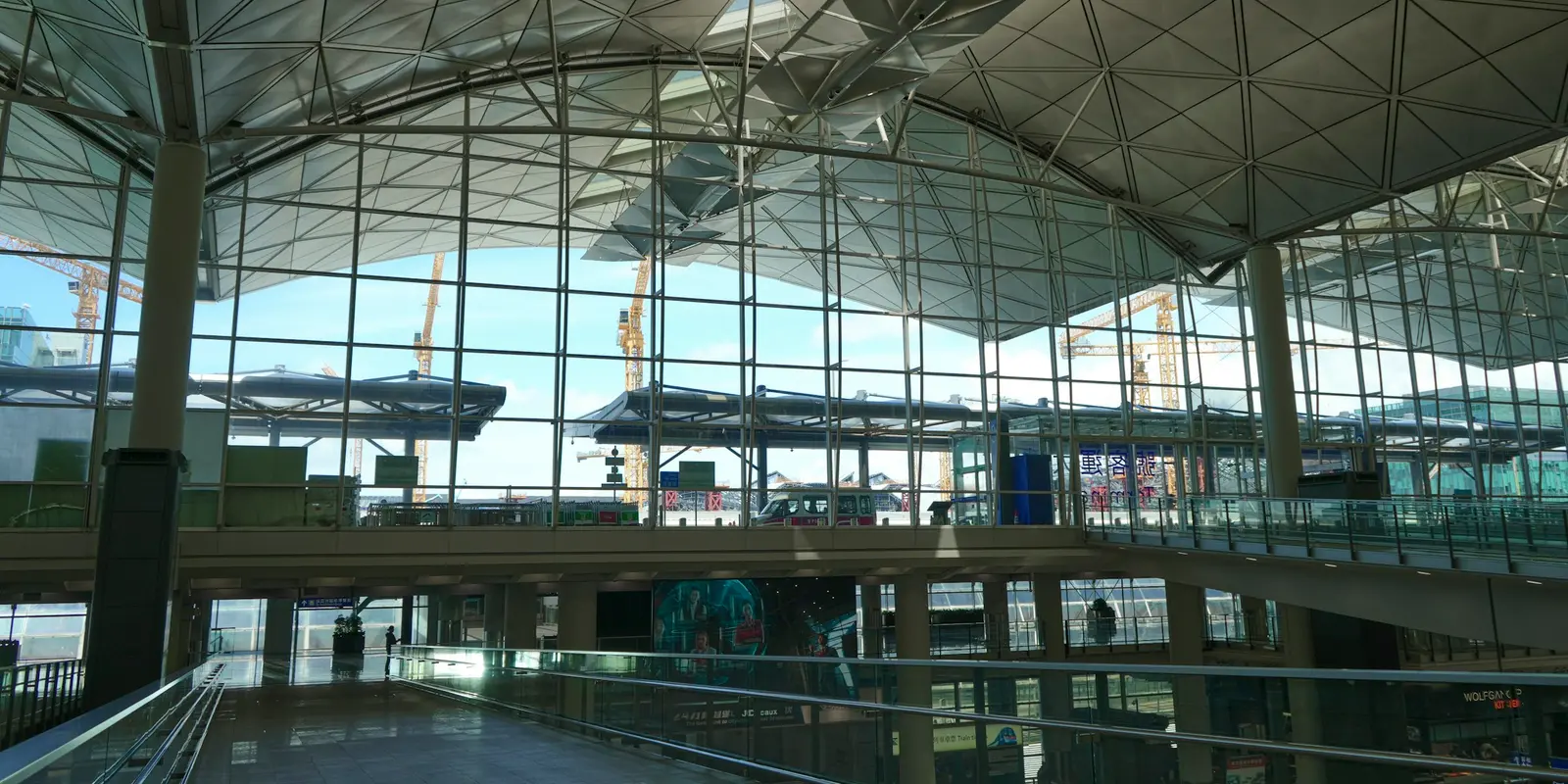
For the wait itself, HKIA's setup is genuinely low-friction: no passport scan, no verification text message, and a second, faster network built for video calls and bigger downloads. That covers most of what a transit passenger needs — messaging home, checking a gate change, pulling up a hotel confirmation, or opening the QR code from a co:sim delivery email while you wait.
The limit is where the signal ends. Nothing on the official page mentions a session cap inside the terminals, but the network is tied to the building: clear immigration, or board the Airport Express into the city, and it's gone. Like most open airport networks it's also unencrypted, so keep banking logins on a VPN — and the moment you need directions or a ride is usually the moment you've just left the terminal.
Travelers who land already connected did one thing before departure: they installed a co:sim eSIM at home so it's ready the second the plane lands, not only once they find the right SSID. The QR code arrives by email seconds after checkout, and installing it takes about five minutes following Apple's standard eSIM setup flow (Settings → Cellular → Add eSIM, then scan the code) — a GSMA-defined standard built into most recent phones, so there's no counter to find and nothing physical to carry.
Under first-connection billing, a plan installed early simply sleeps until your phone touches a Hong Kong network, so there's no cost to setting it up before you fly. Each co:sim plan page lists the underlying network, the install deadline, and whether validity starts at purchase or first connection.
Browse Hong Kong eSIM data plansIf Hong Kong is one stop on a longer mainland China trip, co:sim's regional China and Hong Kong eSIM covers both places on a single plan instead of switching data at the border.
Yes. Both #HKAirport Free WiFi and #HKAirport Hi-Speed WiFi are free across the terminals, and the official airport page states no registration is required — you accept the terms once on the login screen and stay connected. The page does not publish a session time limit for either network inside the terminals, which puts HKIA ahead of airports that cut free access off after 30-60 minutes. The two networks differ by purpose rather than duration: the standard network suits browsing, email, and social media, while the Hi-Speed network is built for larger downloads and video calls. The practical caveat is doing this correctly: switch off your phone's mobile data before you join, since a fresh SIM connecting to a Hong Kong network can trigger roaming fees before you've had the chance to pick WiFi instead.
No. HKIA's login flow asks only that you open a browser and accept the terms and conditions — there is no SMS one-time code, no phone number field, and no passport or ID check anywhere in the official steps. That is a genuine convenience, because SMS-verification portals are exactly what strand travelers who land with no working roaming plan and can't receive the code the portal is waiting for. If the main SSID doesn't appear on your device, the official guidance is to try Wi-Fi.HK via HKAirport instead, or toggle your device's WiFi off and back on to refresh the network list. A working, if lower-tech, backup is the airport's own service hotline at 2188 7799, or any staffed Customer Service Counter in the terminal building.
Yes, but on different terms. AsiaWorld-Expo, the exhibition and concert venue connected to the airport by rail, runs its own network called AWE Public WiFi, described on its official page as free, high-speed, and available in all public areas of the venue. Unlike the terminal networks, AsiaWorld-Expo's official page states the free access runs for 30 minutes per session, so a long event day or a concert with a lengthy queue may mean reconnecting more than once during the same visit. If your itinerary includes a show or trade fair at AsiaWorld-Expo before or after a flight, plan around that 30-minute cap rather than assuming it matches the airport terminal's open-ended access. For anything beyond that window, data you've already set up in advance removes the guesswork entirely.
Both work, but they put you online at different points. Hong Kong's arrivals area has SIM counters and vending options, and they function well, at airport prices, after you land and queue. An eSIM inverts that sequence: with co:sim, the QR code lands in your inbox seconds after checkout, so you install it at home over your own WiFi and it's simply waiting when your phone reconnects to a network on arrival. Travel eSIMs are data-only, meaning no Hong Kong phone number for calls or SMS — for most visitors that's a non-issue, since messaging apps and maps all run on data. Before buying, check the co:sim plan page for the install deadline and whether validity starts at first connection or at purchase, plus which local network the plan actually rides on.
Getting online at HKG is the easy part — compare Hong Kong eSIM plans by data, validity, and network, and install before you board so the connection is already waiting when you land.
Instant delivery by email · Install before you fly
 Travel Tips
A practical guide to internet in Saudi Arabia for Hajj and Umrah pilgrims: how the Nusuk app works, where networks get congested during the pilgrimage, honest notes on WhatsApp calling, and why installing an eSIM before you fly skips the biometric SIM counter.
 Travel Tips
A practical guide to internet in Israel for tourists: free city Wi-Fi, SIM and eSIM options, desert coverage gaps, and why Shabbat closures (including the airport SIM counter) make installing an eSIM before you fly worth it.
 Travel Tips
Staying connected in Czechia depends on where your phone plan is from. Here's what actually works in Prague, including the metro, and how to set it up before you land.
 co:sim Team