
Back to Blog
Google Maps works fine abroad if your phone has cellular data, through a local carrier, roaming, or a travel eSIM. A co:sim data-only plan is one way to keep that connection separate from your home carrier roaming. Without data, it only works for routes you downloaded in advance as an offline map, and even then you lose live traffic, real-time transit schedules, and current business hours. The short version: download an offline map as a backup, but plan to have live data for anything beyond basic point-A-to-point-B walking directions.
This matters whether you're heading to Lisbon, Bangkok, or anywhere else your home carrier doesn't cover cheaply. Portugal is a useful example because it's a common trip where people specifically ask this question before departure, but the mechanics below apply to any destination.
Both options open in the same Google Maps app, so travelers often assume they behave identically. They don't. Here's what actually works with each:
| Feature | Live data (travel eSIM, roaming, local SIM) | Offline downloaded map |
|---|---|---|
| Turn-by-turn walking directions | Works | Works, within the downloaded area |
| Turn-by-turn driving directions | Works | Works, within the downloaded area |
| Live traffic and rerouting | Works | Not available |
| Real-time public transit schedules | Works | Not available (schedules aren't cached) |
| Business search ("coffee near me") | Works | Limited to places already saved in the downloaded tile |
| Live business hours, reviews, photos | Works | Not available or outdated |
| Ride-share apps (Uber, Bolt, Grab) | Works | Doesn't work at all — these need a live connection |
| Works outside your downloaded area | Yes | No |
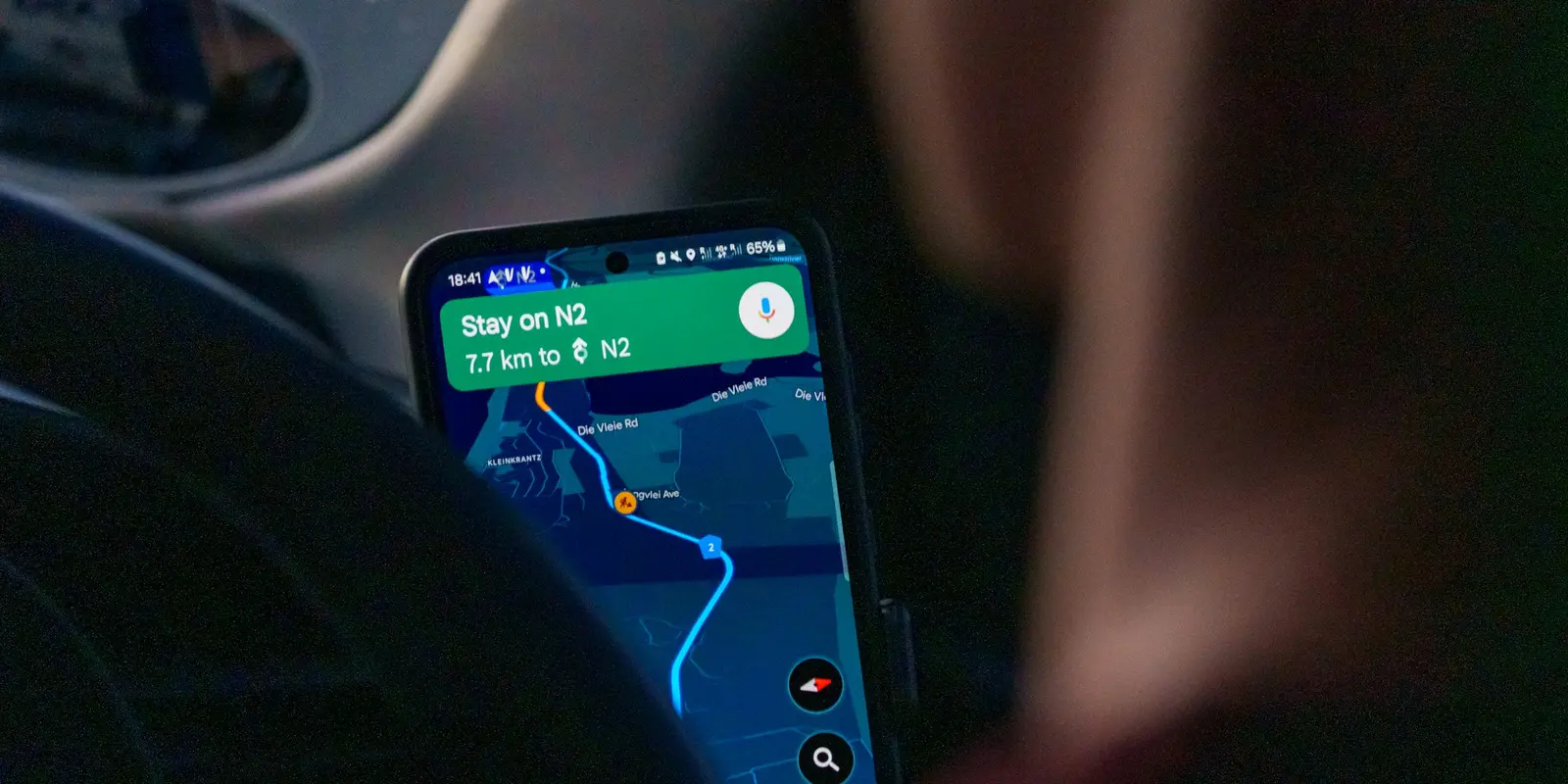
A cellular connection through a travel eSIM restores every row in that table, which is why it is worth setting up before you land rather than relying on airport Wi-Fi for the whole trip. The GSMA explains that eSIM profiles are remotely provisioned, and Apple documents the iPhone setup flow for adding one before departure. co:sim delivers the eSIM's QR code by email within seconds of checkout, so you can install it before you fly and it's already active the moment you land — no scrambling for a signal at the arrivals hall. Each co:sim plan page also lists the underlying network, the install deadline, when billing starts, and whether the plan supports top-ups, so you know exactly what you're getting before you buy.
Even if you're traveling with a working eSIM, an offline map is worth having as a fallback for the flight, a dead zone, or a battery-saving mode that disables data. To download one:
The app shows an estimated file size before you confirm, so you can trim the area if storage is tight, according to Google's own support documentation. Offline maps aren't permanent: Google's support page states "you must update the offline maps you've downloaded on your phone or tablet before they expire," and that when a downloaded map is within about 15 days of expiring and connected to Wi-Fi, the app tries to update it automatically. Miss that window and the map lapses. Turn on "Auto-update offline maps" in settings before you leave home so this happens quietly in the background on hotel or airport Wi-Fi.
Google Maps also blocks offline downloads in some countries and regions entirely, for contractual or data-licensing reasons, so check availability before you count on it as your only backup.
Offline maps cover the basics well: a downloaded map gets you point-to-point walking or driving directions inside the area you saved, with no data connection required. But several features that travelers rely on day-to-day need a live connection and simply don't function offline, no matter how recently you downloaded the map.
Public transit routing is the biggest gap. Bus and metro schedules change by the hour, and Google Maps needs a live feed to calculate a transit itinerary; offline mode shows you where a station is, but not which train to catch or when it leaves. Live traffic and ETA recalculation also require a connection, since an offline route shows the fastest path under normal conditions, not the one avoiding the accident three streets over. Ride-share apps like Uber, Bolt, and Grab don't have an offline mode at all; they need live data just to find your location and match a driver, so an offline map does nothing for them.
This is the practical argument for having actual cellular data on arrival rather than treating offline maps as a full substitute. A data-only eSIM from co:sim covers exactly this gap, it's not a phone number replacement, just mobile data that keeps live features working across 190+ destinations, including regional bundles like Europe (30 countries) if your trip spans more than one country.
Mexico
1-day trip pass
From $2.99
Canada
1-day trip pass
From $2.99
Brazil
Valid 7 days
From $3.99
Yes, as long as your phone has a working data connection through some source, whether that's your home carrier's roaming, a physical local SIM, or a travel eSIM. Google Maps itself doesn't require a Portuguese phone number or a Portuguese-registered SIM; it just needs internet access to load map tiles, calculate routes, and pull live transit or traffic data. A travel eSIM like the data-only plans co:sim sells for Portugal installs before departure and connects the moment you land, without hunting for a SIM shop at the airport or dealing with a second phone number you'll never use again. If you'd rather not rely on data at all, you can also download an offline map of the area in advance and use it for basic navigation, though you'll lose live traffic, real-time transit schedules, and search results outside the downloaded area.
The most common cause is that the map expired. Google Maps offline maps aren't permanent; per Google's support documentation, the app tries to auto-update a downloaded map when it's about 15 days from expiring, but only if you're connected to Wi-Fi at that point. If you traveled for several weeks without reconnecting to Wi-Fi, or never turned on the auto-update setting, the map can quietly lapse partway through a trip, usually without any obvious warning until you try to search for something outside the cached area. The fix is to reconnect to Wi-Fi (hotel, cafe, or airport) and manually update it from the app's Offline maps menu, or re-download the area from scratch if it's already expired. Checking the expiry date before you leave home, and enabling auto-update in the settings, avoids the problem entirely. If you have cellular data through a travel eSIM instead, this becomes a non-issue since you're pulling live map data directly and never depending on a cached copy that can go stale mid-trip.
No, basic turn-by-turn walking and driving directions work inside a downloaded offline area without any data connection. Google Maps calculates the route locally using the cached map tiles, so it can still tell you which street to turn onto and how far you have left. What you lose is everything dynamic: live rerouting if you take a wrong turn onto a street outside the downloaded boundary, real-time traffic conditions that would normally reshape the route, and search results for any place that wasn't already indexed in that offline tile when you downloaded it. For a single planned walk from your hotel to a landmark, an offline map is genuinely sufficient and won't cost you anything in data. For flexible, spontaneous navigation around an unfamiliar city, hopping between neighborhoods, restaurants, and transit stops, you'll get a noticeably better experience with live data.
Offline navigation typically uses somewhat less battery than live mode, because the phone isn't maintaining a constant data connection or pulling live traffic and transit updates in the background. That said, GPS itself, which both modes rely on to track your current position on the map, is usually the bigger drain of the two, so the difference is smaller than most travelers expect. Screen brightness during active turn-by-turn use tends to matter more than whether you're online or offline; a bright screen held up for a 20-minute walk will outpace the data radio either way. If battery life abroad is a real concern, lowering screen brightness, closing background apps, and turning off turn-by-turn voice guidance when you don't need it will save more charge than switching off data entirely.
Whichever way you navigate, having a working data connection removes the guesswork, and setting it up before you leave means it's ready the moment you land.
Mexico
1-day trip pass
From $2.99
Canada
1-day trip pass
From $2.99
Brazil
Valid 7 days
From $3.99
Instant delivery by email · Install before you fly
 Travel Tips
A practical guide to internet in Saudi Arabia for Hajj and Umrah pilgrims: how the Nusuk app works, where networks get congested during the pilgrimage, honest notes on WhatsApp calling, and why installing an eSIM before you fly skips the biometric SIM counter.
 Travel Tips
A practical guide to internet in Israel for tourists: free city Wi-Fi, SIM and eSIM options, desert coverage gaps, and why Shabbat closures (including the airport SIM counter) make installing an eSIM before you fly worth it.
 Travel Tips
Staying connected in Czechia depends on where your phone plan is from. Here's what actually works in Prague, including the metro, and how to set it up before you land.
 co:sim Team