
Does an eSIM Work in Airplane Mode?
 co:sim Team
No. Airplane mode disables every cellular radio in a phone, including an eSIM, the same way it disables a physical SIM. The eSIM profile itself doesn't get erased: it stays stored on the device and reconnects to the carrier network automatically, usually within seconds of switching airplane mode back off.
#The longer answer
Airplane mode is a device-wide switch, not a SIM-specific one. Turning it on shuts off the radios a phone uses to talk to a cell tower, a Wi-Fi router, and other devices, regardless of whether the SIM is a physical card or an eSIM (embedded SIM). Apple's support documentation confirms that opening Control Center and tapping Airplane Mode "turns off all radios except for Bluetooth" on iPhone and iPad. A data-only eSIM like co:sim's is affected exactly the same way a physical SIM is: the moment airplane mode switches on, the modem stops transmitting on the eSIM's assigned network.
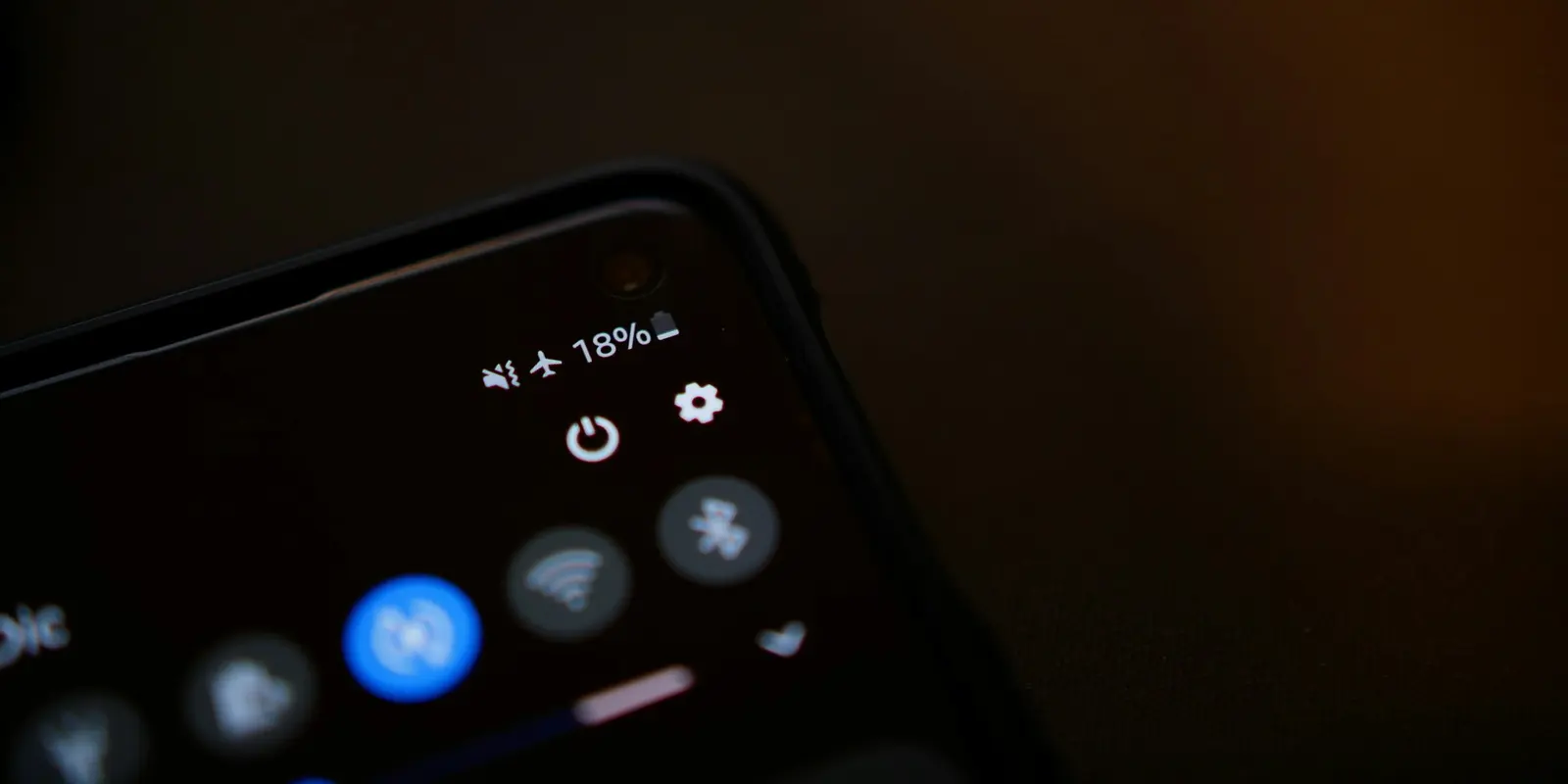
That's a hardware-level pause, not a deletion. An eSIM profile is a set of network credentials provisioned onto the device's embedded chip, described in GSMA's eSIM documentation as securely delivered and then remotely managed for as long as it stays installed. Airplane mode doesn't touch that stored profile; it only stops the radio hardware from transmitting. When airplane mode switches off, the modem re-attaches to the same network the eSIM was already provisioned for, without re-downloading anything.
Reconnection is usually fast: cellular service typically returns within a few seconds to under a minute of leaving airplane mode. co:sim's QR-code install finishes well before departure, so by the time airplane mode comes off after touchdown, there's nothing left to do but wait for that automatic re-attach.
#Can I turn on Wi-Fi while in airplane mode with an eSIM installed?
Yes, on most modern phones. Apple support notes that "if the airline allows it, you can still use Wi-Fi and Bluetooth in Airplane Mode," and Google's Pixel Phone Help confirms the same for Android, stating a device can "connect to Wi-Fi while in Airplane mode." Both platforms remember that choice, so the next time airplane mode goes on, Wi-Fi and Bluetooth stay on automatically.
Cellular is the one radio that doesn't get this override. Turning Wi-Fi back on inside airplane mode doesn't wake the eSIM's mobile-data connection; that stays off until airplane mode is switched off entirely. On a flight with paid or free Wi-Fi, internet access comes from that Wi-Fi network, not from the eSIM, which sits dormant until landing.
#Do I need to remove or reinstall my eSIM before a flight?
No. There's no reason to remove an eSIM for a flight; doing so just means re-downloading the profile afterward. Installing an eSIM is a one-time setup step, described in Apple's eSIM setup guide, that happens well before anyone touches airplane mode. Once that profile is on the device, it stays there through unlimited airplane-mode cycles, until it's deliberately deleted.
Each co:sim plan page (see Japan's, for example) lists the underlying network, install deadline, and billing-start rule up front. In practice: install at home, on Wi-Fi, days before departure, then forget about it until landing.
#FAQ
#Does my eSIM reconnect automatically once I turn off airplane mode?
Yes. Turning off airplane mode restores every radio it disabled, including the modem that talks to the eSIM's network. The phone re-attaches to the same carrier the eSIM was already provisioned for, without needing a QR code scan, a re-install, or any manual step. This typically takes a few seconds to under a minute, similar to what a physical SIM does after landing. On co:sim plans specifically, reconnection speed depends on the local network the plan uses at that destination, not on anything about the eSIM format itself. If a signal doesn't return within a minute or two, a manual toggle (turning airplane mode back on, then off again) or a device restart resolves the vast majority of stuck-reconnection cases, the same fix that works for a physical SIM in the same situation.
#Does airplane mode delete or deactivate my eSIM profile?
No. Airplane mode only stops a phone's radios from transmitting; it has no effect on which network profiles are stored on the device. An eSIM profile is provisioned once, during setup, and stays installed until it's manually removed in Settings or replaced by a new one. Nothing about switching a phone to airplane mode and back touches the stored credential itself, on either a physical SIM or an eSIM's embedded chip. A traveler can cycle airplane mode on and off dozens of times across a trip, a layover, or a full round of flights, and the eSIM profile itself never changes. This holds for every eSIM, including co:sim's data-only plans: what airplane mode controls is the radio hardware, not the credential on the chip, so there's nothing to reinstall or reactivate after landing.
#Is airplane mode different for an eSIM than for a physical SIM?
No, functionally it's identical. Airplane mode is a device-level setting that shuts off radios regardless of which kind of SIM sits behind them; the phone doesn't apply different rules to a physical card versus an embedded profile. Whether a traveler is using a plastic SIM bought at a kiosk or a co:sim eSIM installed before departure, airplane mode disables cellular data on both the same way, and both reconnect the same way once it's switched off. The one practical difference shows up before the flight, not during it: an eSIM never has to be physically removed or swapped between phones, which matters for travel logistics but has nothing to do with what airplane mode itself does. There's no eSIM-specific airplane-mode setting on iOS or Android.
#Can I use messaging apps or Wi-Fi calling while my eSIM is in airplane mode?
Yes, as long as Wi-Fi is switched back on and connected to a network, since those apps route over the internet rather than the eSIM's cellular connection. This applies to any data-only eSIM, including co:sim's plans, which never include a phone number or carrier-based calls and texts to begin with, only mobile data, so messaging apps over Wi-Fi work exactly the same in airplane mode as the rest of the trip. Standard carrier SMS and voice calls on a phone-number-equipped SIM stay queued until airplane mode switches off completely, since those depend on the cellular radio, not Wi-Fi. Internet-based messaging, like WhatsApp or iMessage over Wi-Fi, is unaffected by the cellular radio being off, provided Wi-Fi is on and connected to a network.
#Why do airlines still require airplane mode if it doesn't remove my eSIM?
Airplane mode exists for radio-frequency reasons that have nothing to do with SIM type. Cellular radios are the specific transmitter regulators care about during a flight, which is why cellular stays off even when Wi-Fi and Bluetooth are allowed back on mid-flight. An eSIM's radio behavior in airplane mode is identical to a physical SIM's for exactly this reason: the requirement targets the phone's transmitter hardware, not the format of the SIM credential stored behind it. That's also why reinstalling or removing an eSIM before a flight accomplishes nothing from a compliance standpoint. The airline cares whether the radio is transmitting, and switching airplane mode on already guarantees that, independent of what SIM or eSIM profile happens to be loaded on the device.
#Does using in-flight Wi-Fi use any of my eSIM's data allowance?
No. In-flight Wi-Fi, free or paid, is a completely separate network from the eSIM's mobile data plan, and traffic over it never counts against the eSIM's data allowance. The eSIM stays disconnected from its cellular network throughout the flight regardless of whether Wi-Fi is on, so there's no way for in-flight browsing to draw from that balance. This holds for any data-only eSIM, including co:sim's plans, where the account dashboard shows remaining data over any connection, so a traveler landing after a long flight can check exactly what's left before airplane mode even comes off. The eSIM's own data usage resumes only once airplane mode is switched off and the device reconnects to a cellular network at the destination, not a moment before.
Airplane mode is really a timing question, not an eSIM one: since the eSIM sits dormant during the flight either way, the only thing worth deciding ahead of time is when it gets installed. A co:sim eSIM installs before departure over your own Wi-Fi, with the QR code delivered by email within seconds of checkout and the plan page listing the network, install deadline, and billing-start rule up front, so it just waits out the flight like any other SIM and reconnects the instant airplane mode switches off, with nothing left to set up on arrival.