
Back to Blog
Warsaw Chopin Airport's free Wi-Fi network is called Chopin-Airport, and getting online means accepting the terms and entering your email address. That is the procedure the airport set out in its own announcement in August 2014, when it replaced a 30-minute, boarding-pass-only scheme with free, unlimited access for anyone in the terminal. It is the most specific account on record, and it is also more than a decade old, so treat it as something to verify on arrival rather than as confirmed 2026 policy. For the ride into the city, a data-only co:sim Poland eSIM is already working before you reach the platform.
In August 2014 the airport announced free, unlimited internet over Wi-Fi available to anyone present in the terminal, not only to passengers holding a boarding pass. Someone waiting in arrivals to collect a relative was explicitly included.
The same announcement described the connection procedure step by step: on a laptop or phone, open the network list, select the network named Chopin-Airport, then accept the terms of use and enter your email address. It also spelled out what had changed. The previous arrangement offered 30 minutes only, required a code collected from an infokiosk and a login through a dedicated page, and was restricted to passengers with a boarding pass.
One quirk came with the new arrangement. There is no usage limit, but after two hours the connection is cut for technical reasons, after which you can reconnect immediately.
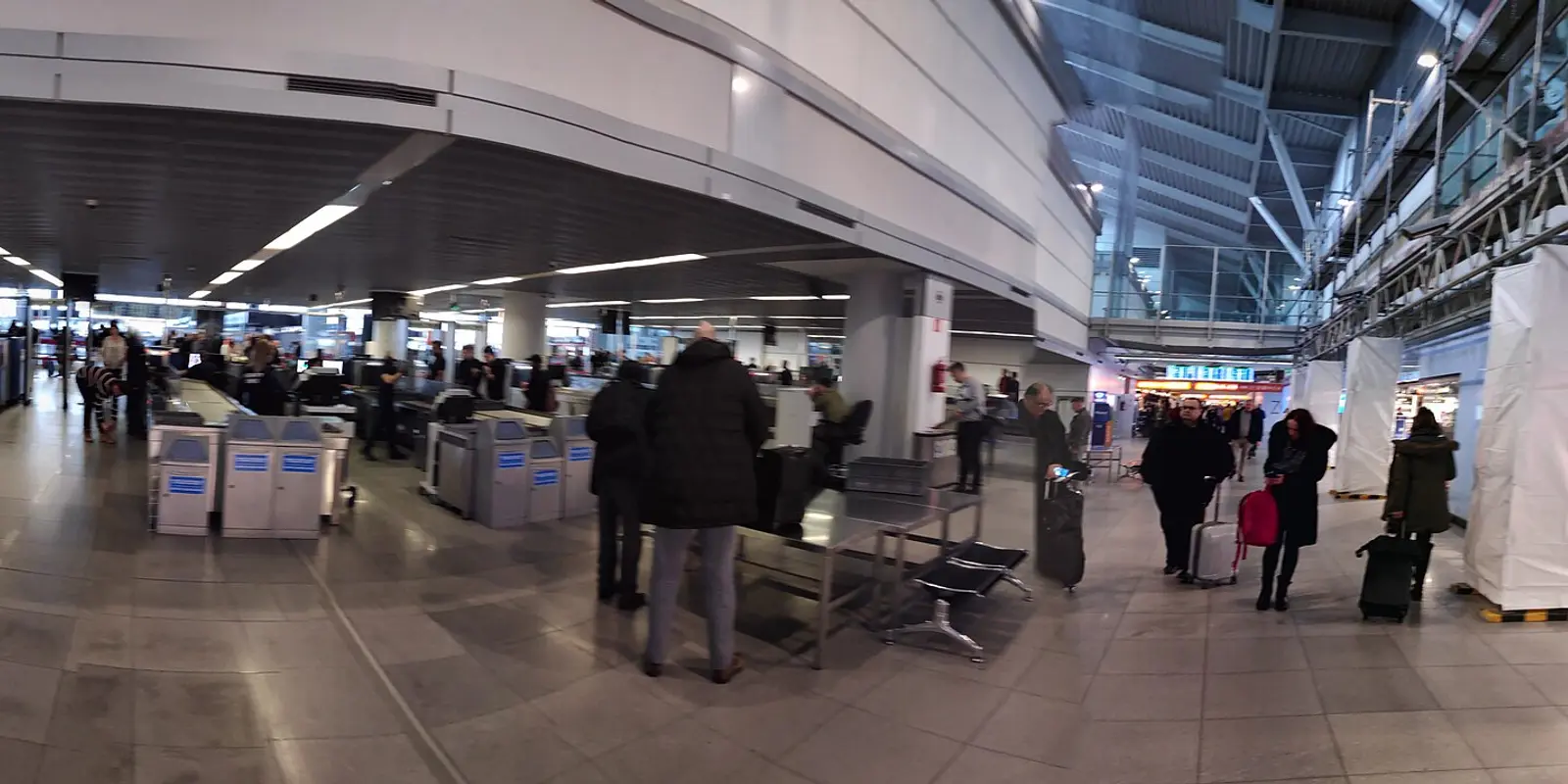
Because the airport's present-day passenger pages carry no Wi-Fi entry at all. Chopin's passenger facilities index lists temporary passports, the EHIC desk, lost and found, the observation deck, drinking fountains, quiet zones and information points, and there is no Wi-Fi section anywhere in the English passenger tree.
That limits how much weight the 2014 detail can carry. A network name and a portal flow described more than ten years ago are evidence of how the service was set up, not proof that both are unchanged today, and third-party guides have reported other network names since.
Use it as a checklist rather than a script. Expect a network named along the lines of Chopin-Airport, expect a terms-and-email step, and confirm the exact spelling from terminal signage or an information point before joining. No legitimate airport network asks for a payment card, a configuration profile or an app installation.
Plan around it rather than fight it. The announcement describes the two-hour cut as a technical interruption with immediate reconnection permitted, so the remedy is simply to rejoin. What it breaks is anything that cannot survive a dropped session.
Do not start a large upload, a long video call or a multi-gigabyte download on a schedule that has to cross the boundary. Do finish time-critical tasks early in a session, and save boarding passes, addresses and booking references to the device rather than leaving them in a webmail tab.
If a layover at Chopin runs long, a prepared mobile data plan changes the character of the wait. Every co:sim plan page lists the underlying network, the install deadline and whether the plan can be topped up, so you know before you buy what you are actually getting.
Treat every shared airport network as untrusted, including a legitimate one. The portal asks for an email address, which is a low-value detail to hand over, but it is also exactly the kind of prompt a fake portal imitates, and an email address plus a terms screen is trivial for anyone to reproduce.
HTTPS protects the contents of correctly configured sites, but a look-alike hotspot can still redirect you to a false page or capture whatever you type into one. Keep the connection for low-risk work such as an offline map, a boarding pass or a timetable, and keep banking, password resets and account recovery on mobile data.
Afterwards, tell the phone to forget the network so it does not silently rejoin a similarly named access point elsewhere in the city.
By rail or bus, and the airport publishes the detail. Its transport page states that Warsaw Public Transport reaches the city centre by bus and SKM train with a journey time of roughly 30 minutes to the CENTRUM stop, and advises buying at least a 75-minute ticket.
The same page notes that two rail carriers serve the airport, Szybka Kolej Miejska and Koleje Mazowieckie, with onward transfers at Warszawa-Centralna, Warszawa-Wschodnia, Warszawa-Zachodnia and Warszawa-Śródmieście. All of that is easier to act on with a live journey planner than from memory, which is the point at which airport Wi-Fi is already behind you.

For subscribers on an EU or EEA contract, often yes. The European Commission's roaming rules set out the domestic-style framework and the fair-use safeguards that come with it. Confirm Poland sits in your carrier's zone and read the usable allowance rather than the headline domestic figure, because fair-use caps frequently differ.
Travellers from the UK, Switzerland, the Americas, Asia or elsewhere fall under their own contracts, where an international bolt-on may or may not include Poland at a sensible rate. Compare the daily charge, the throttled speed after the cap and the tethering rules first. Poland's regulator is the Office of Electronic Communications, which is the authority for what operators are obliged to provide.
A separate travel eSIM lets you keep home-line data roaming off while the primary number stays reachable for verification texts. It is data-only, so internet calling and messaging work, but it provides no Polish phone number.
See current co:sim Poland eSIM plansThe free trial eSIM for Poland is a separate offer for new customers. It needs an account and a card for verification, and the card is not charged.
FREEClaim a free Poland eSIMInstall at home on stable Wi-Fi rather than in the arrivals hall. co:sim sends the QR code and the manual installation details by email within seconds of checkout, so the whole job fits into the evening before departure with a second screen showing the code.
Label the profile something obvious such as Poland data. On arrival, select it as the mobile data line, enable data roaming on that line only, and switch off automatic cellular data switching so the phone cannot fall back to your home SIM without telling you.
Allow a few minutes for registration before changing settings. If nothing appears, toggle airplane mode or restart before touching the APN, and do not delete the profile as a first move, since many travel profiles are built for a single installation. If the trip continues beyond Poland, a Europe regional plan covers several countries on one card.
It is free, and according to the airport's August 2014 announcement you connect by selecting the network named Chopin-Airport, accepting the terms of use and entering your email address. Access was opened to anyone inside the terminal rather than only to passengers holding a boarding pass, so someone waiting to meet an arrival can use it too. The arrangement it replaced was far more restrictive: 30 minutes only, a code collected from an infokiosk, a login through a dedicated page and boarding-pass holders only. There is no stated usage limit, although the connection is described as being cut after two hours for technical reasons, after which you may reconnect immediately.
That description is more than a decade old and the airport does not restate it on its current passenger pages, so confirm the details on terminal signage, and keep sensitive tasks on mobile data such as a co:sim eSIM.
Because the disconnection is a technical session boundary rather than a quota or a paywall. The airport's announcement of free unlimited access describes the connection being interrupted after two hours for technical reasons, with immediate reconnection permitted, so nothing is being withheld from you and no purchase unlocks a longer session. In practice you rejoin the network and carry on. What the boundary does break is any task that cannot survive a dropped session, such as a large upload, a long video call or a download you started without a resume option. On a long layover, finish anything time-critical early in a session, save documents to the device instead of a webmail tab, and consider a prepared co:sim data plan so a session boundary never lands in the middle of something that matters.
The airport's own August 2014 announcement names the network Chopin-Airport and describes selecting it from the device's network list, accepting the terms of use and entering an email address in order to get online. That is the most specific published account, but it is also more than ten years old, and the airport's current passenger-facing pages carry no Wi-Fi entry at all, so nothing on the site confirms the name is unchanged. Third-party guides have reported different network names since. Treat the 2014 name as a strong expectation rather than a certainty: read the exact spelling from physical signage in the terminal or ask at an information point before joining, and regard similar-looking names as unknown. No legitimate airport network asks for a payment card, a configuration profile or an app installation.
About 30 minutes to the CENTRUM stop by Warsaw Public Transport, according to the airport's own transport page, which also advises buying at least a 75-minute ticket. Chopin is served by bus and by SKM train, with two rail carriers operating to the airport, Szybka Kolej Miejska and Koleje Mazowieckie, and onward transfers available at Warszawa-Centralna, Warszawa-Wschodnia, Warszawa-Zachodnia and Warszawa-Śródmieście. That journey happens outside the terminal, which is where airport Wi-Fi stops being available, so a live journey planner, a ticket purchase and a message to whoever is expecting you all need mobile data. Save the address and the route offline before you leave the building, and have a working data connection ready for the ride itself.
Use the terminal network for what it is good at, then rely on the connection that covers the train, the tram and the rest of the trip.
Instant delivery by email · Install before you fly
 Travel Tips
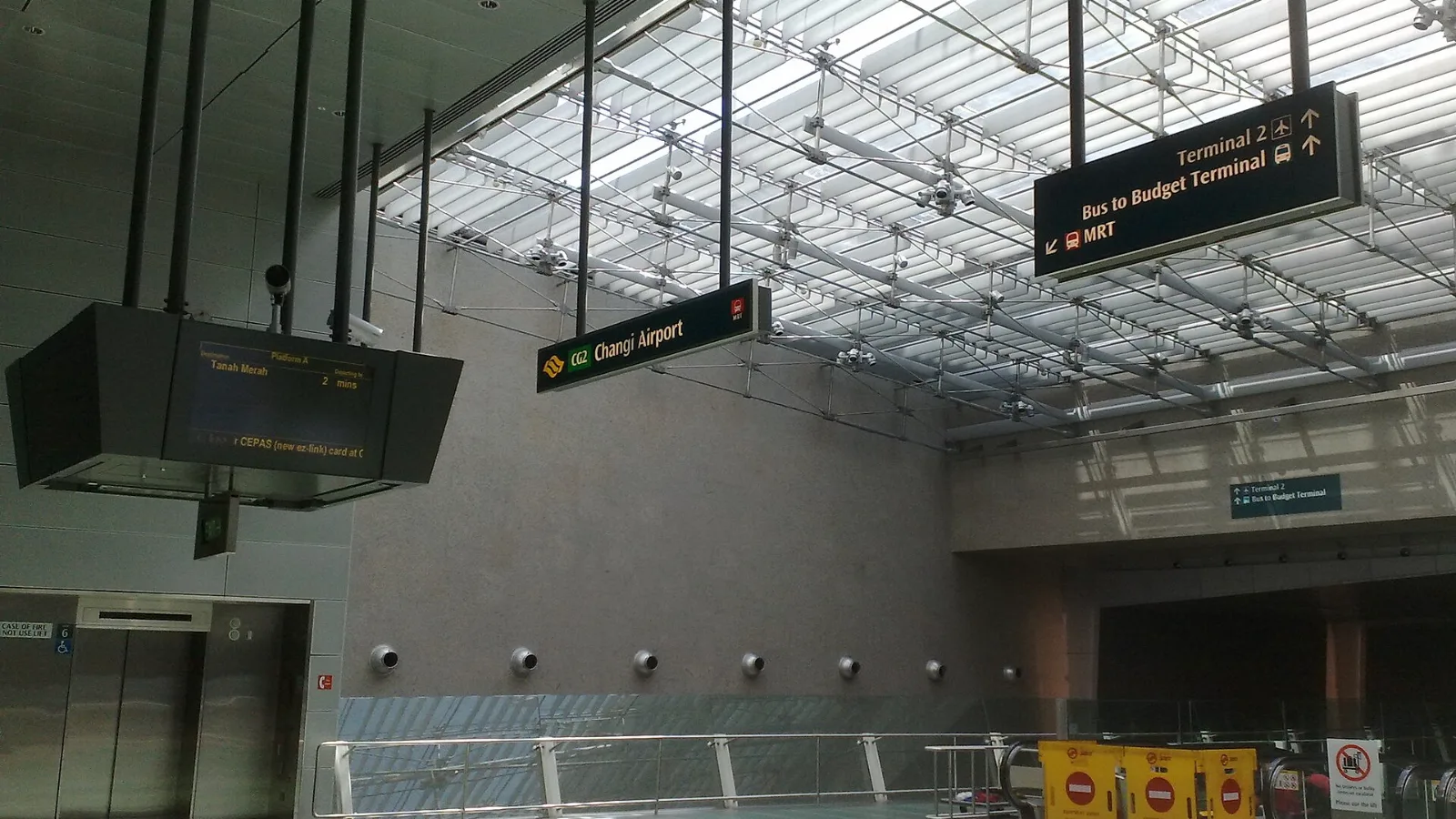
Take the MRT if you are one or two people staying near a train line: it costs about S$2 to S$3 and takes 35 to 50 minutes with one change. Take a Grab or taxi if three or more of you are sharing, you land at Terminal 4 or after the last train, because a car to the city takes about 30 minutes and usually costs S$25 to S$45.
 Travel Tips
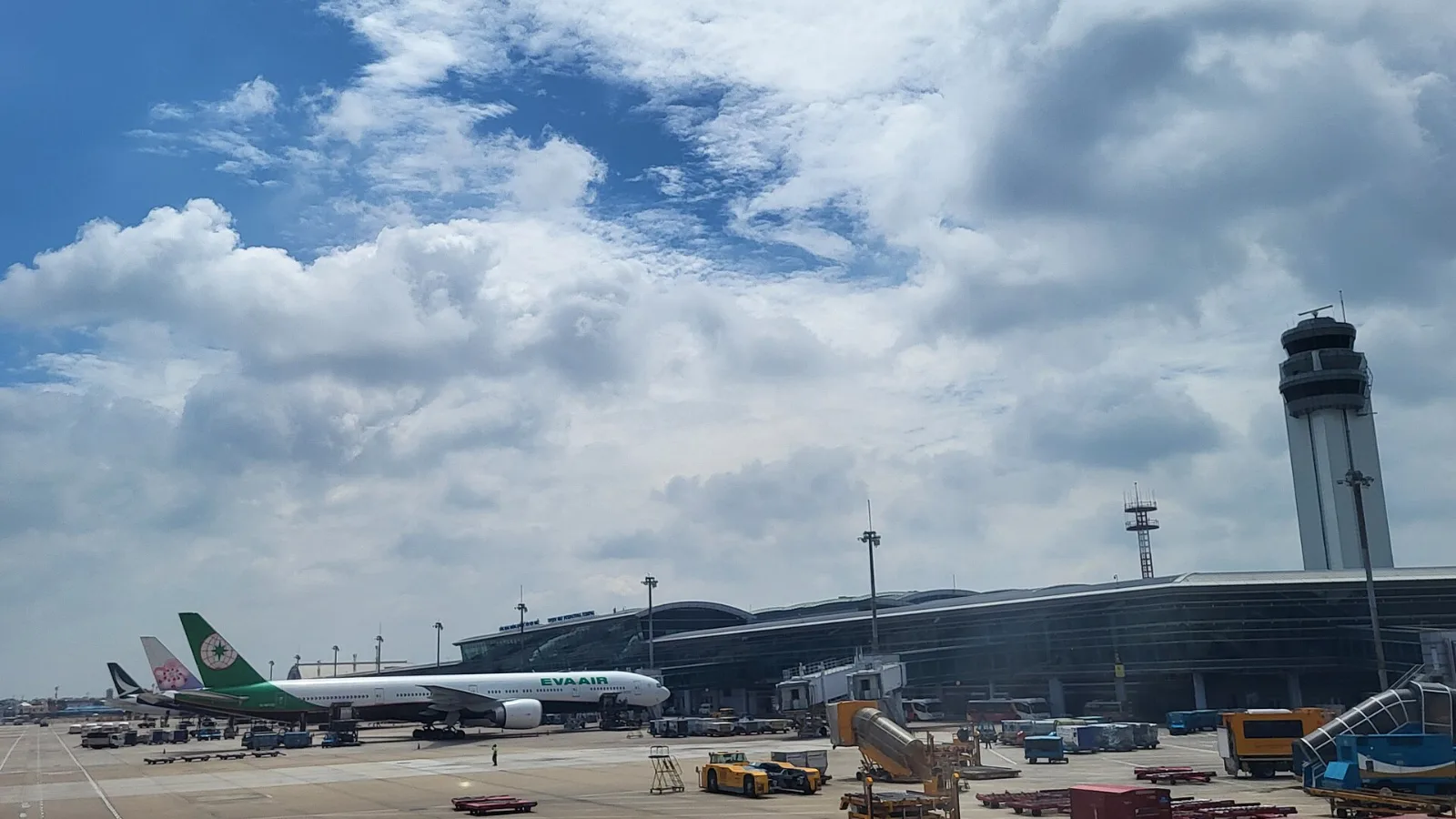
Take a Grab if you land at international Terminal 2, have a suitcase or are two or more people: a GrabCar to District 1 usually costs about 150,000 to 250,000 dong. Take bus 109 only on a tight budget with light luggage, because since 2025 it leaves from domestic Terminal 3, not the international terminal.
 Travel Tips
Take the Keisei Skyliner if your hotel is in Ueno, Asakusa or north-east Tokyo: it reaches Nippori in as little as 36 minutes for ¥2,580. Take the Narita Express if you are staying near Tokyo Station, Shinjuku, Shibuya or Yokohama, because it runs straight there, and the ¥5,200 round-trip ticket brings each leg close to the Skyliner fare.
 co:sim Team