
Back to Blog
Vancouver International Airport (YVR) lists free Wi-Fi under @yvrairport on its terminal map. Connect while you are still in the terminal, save your address, then follow the signs to the Canada Line for downtown; a co:sim Canada data-only eSIM can keep maps and messages working after you leave the airport network.
Open your phone's Wi-Fi settings and look for @yvrairport, the name printed on YVR's official terminal map. Select it and follow any on-screen connection prompt. If a portal does not appear, open a normal browser page or reconnect; do not assume a similarly named hotspot belongs to the airport. YVR's published map is a better identifier than an old screenshot or a travel forum post.
Use this connection for arrival tasks: tell someone you have landed, load the hotel address, check the latest train departure, and download the part of the city map you need. Airport Wi-Fi is useful inside the terminal, but a saved map does not update disruptions or a changed pickup point. Decide how you will get data beyond YVR before you walk out.

Follow the airport's Train to City signs from the main terminal toward YVR-Airport Station. TransLink's visitor guide identifies the Canada Line as the rail link between YVR, downtown Vancouver and Richmond. Check your actual destination before boarding: Waterfront is the downtown end of the line, while a hotel near another station may need a transfer or a short walk.
The practical sequence is baggage claim, address check, station signs, fare payment, and the train toward downtown. Keep the hotel name and street address as text, not only as a pin; station Wi-Fi or an app can fail at the moment you need it. If you are meeting someone at the airport, agree on a terminal and meeting point before changing networks.
TransLink says its YVR-Airport schedule page lists departures toward Waterfront. Use it for the day you travel instead of assuming that a train will be available at a particular late-night hour. A taxi or authorized ride app is a sensible fallback if the rail service does not match your arrival time, luggage or accessibility needs.

TransLink's visitor guide says occasional riders can buy a Compass Ticket or tap a contactless payment card or mobile wallet. Use the same card or device to tap in and out; switching cards can turn one journey into separate fare records. A Compass Card is more useful if you expect repeated transit trips, but there is no need to buy one merely to get downtown once.
Do not mistake the airport train for a free shuttle. TransLink's YVR Airport AddFare rules say an additional charge applies to many eastbound journeys starting at YVR-Airport, Sea Island Centre or Templeton and ending at Bridgeport or beyond. The same page lists exemptions and explains that journeys to the airport do not incur this airport AddFare. Check the live fare page for the current amount and the exemption that matches your ticket; fare figures change.
If you plan to transfer to a bus or another SkyTrain line, TransLink explains the transfer window and the conditions for Compass and contactless payment. Keep the payment method ready through the entire journey. Cash on a bus follows different transfer rules, so a contactless card is often simpler for a first arrival.
A co:sim Canada plan is the focused choice if Vancouver is the whole trip. If the itinerary continues south, compare the USA and Canada regional plans before purchase. Check the specific plan page for its covered destinations, network, data amount, activation conditions and device requirements; a regional label alone is not proof that every route segment has identical service.
The QR code arrives by email after checkout. Install on an eSIM-capable, unlocked phone while you still have a dependable connection, and select the travel data line when the plan's instructions tell you to connect. Keep your home line configured as you prefer for calls or verification messages, but check its roaming settings so it does not consume unwanted mobile data. A data-only eSIM cannot receive ordinary carrier SMS on its own.
Save an offline map and your hotel address before you leave the airport. Then check the YVR-Airport departure list and the station where you should get off. If you will transfer, screenshot the route and note the line name, not only the color on the app. This keeps the journey intelligible if you lose service briefly.
Use the airport Wi-Fi to install an eSIM only when you have time, battery and the original QR email. Do not delete an existing eSIM as a troubleshooting experiment. If the new line does not show data, compare your phone's selected data line and roaming switch with the plan instructions while you are still in a place with Wi-Fi. The plan page shows the underlying network and billing-start rule, so read those details for the plan you actually bought.
At Waterfront or your chosen stop, let the address decide the last leg. Downtown Vancouver covers a wider area than a single station. A map that continues to update after the train ride is particularly useful when the accommodation entrance is on a side street or transit changes late in the day.
Yes. Vancouver International Airport's official terminal map marks free Wi-Fi as @yvrairport. Open Wi-Fi settings in the terminal, select that exact name, and follow any connection page your device opens. If the network is not visible or a login page stalls, reconnect or ask airport staff rather than joining an unfamiliar lookalike network. Use the connection to download your address, message your pickup contact, and check the current Canada Line departure. It should not be your sole connectivity plan for the ride into Vancouver, because the airport network is intended for the terminal. A co:sim Canada data-only eSIM can take over for mobile data after departure; it does not add a phone number, and its usable coverage depends on the particular plan and your device. Keep a screenshot of the airport train and hotel address even when you have mobile data.
Yes. TransLink's Vancouver visitor guide identifies the Canada Line as the link from Vancouver International Airport to downtown Vancouver and Richmond, with Waterfront at the downtown end. After arrivals, follow Train to City signs to YVR-Airport Station, check the current station departures, and board in the downtown direction. Your hotel may be nearer another Canada Line stop or require a transfer, so enter its street address before deciding where to exit. TransLink accepts Compass Tickets and contactless payment, and its AddFare page explains the extra airport charge on many outbound journeys. Mobile data from a co:sim Canada plan can keep departure updates and the last walking directions available once you leave YVR Wi-Fi. If the train is not running for your arrival, use an airport-approved ground transport option.
Choose based on where the phone needs data. For a trip limited to Canada, compare the co:sim Canada plans by amount and validity. If you will cross into the United States, inspect the USA and Canada plans and check each plan's coverage list and networks. A regional product lets you keep one data line for the route, but you must confirm the destination list on the live plan page. Both choices are data-only: neither gives you a voice number or standard SMS. Install the QR profile using a reliable connection before your trip, keep your home SIM if you need its number, and select the travel line for data according to the product instructions. At YVR, free Wi-Fi remains a backup for checking your address and rail departure.
Choose data for the journey after the terminal. Compare current co:sim Canada options before departure.
Browse co:sim Canada data plansInstant delivery by email · Install before you fly
 Travel Tips
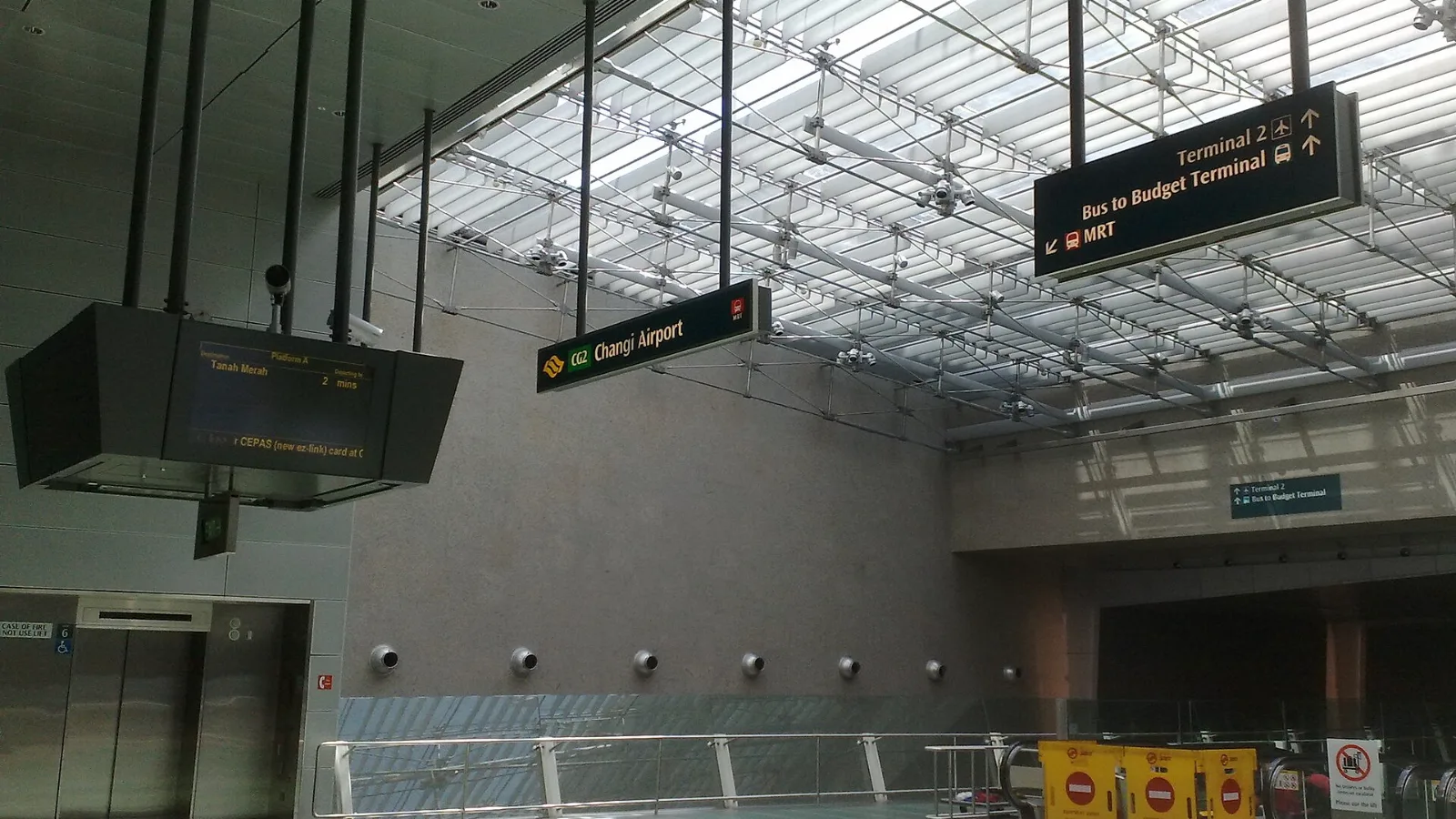
Take the MRT if you are one or two people staying near a train line: it costs about S$2 to S$3 and takes 35 to 50 minutes with one change. Take a Grab or taxi if three or more of you are sharing, you land at Terminal 4 or after the last train, because a car to the city takes about 30 minutes and usually costs S$25 to S$45.
 Travel Tips
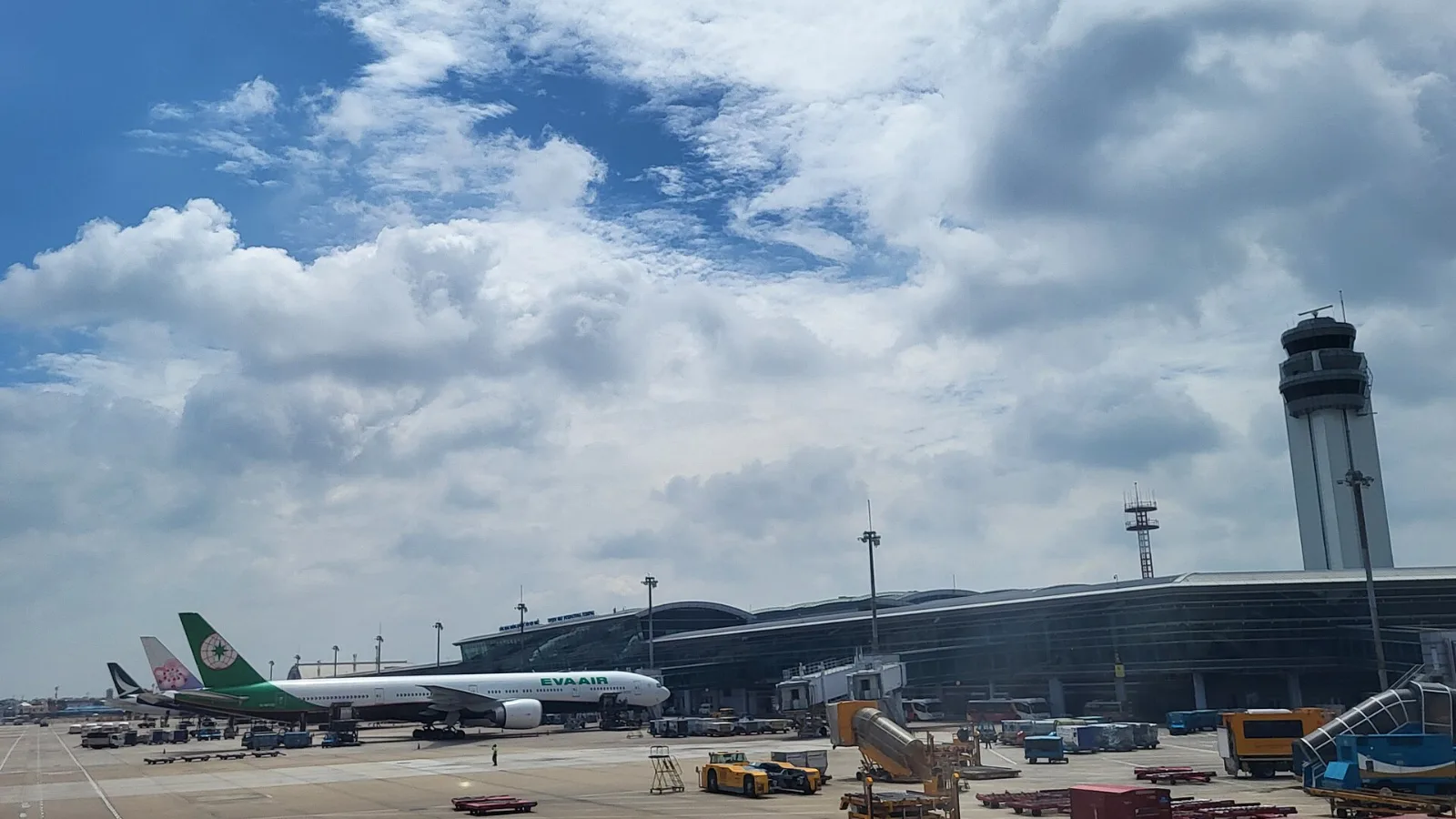
Take a Grab if you land at international Terminal 2, have a suitcase or are two or more people: a GrabCar to District 1 usually costs about 150,000 to 250,000 dong. Take bus 109 only on a tight budget with light luggage, because since 2025 it leaves from domestic Terminal 3, not the international terminal.
 Travel Tips
Take the Keisei Skyliner if your hotel is in Ueno, Asakusa or north-east Tokyo: it reaches Nippori in as little as 36 minutes for ¥2,580. Take the Narita Express if you are staying near Tokyo Station, Shinjuku, Shibuya or Yokohama, because it runs straight there, and the ¥5,200 round-trip ticket brings each leg close to the Skyliner fare.
| Option | Useful for | Limitation at this airport |
|---|
| YVR's free Wi-Fi | Opening a map or messaging while inside the terminal | It is an airport connection, not a city travel connection. |
| Your home carrier's roaming | Keeping your existing mobile service | The charge and data allowance depend on your home contract. |
| Canada data-only eSIM | Maps, messaging and transit updates after leaving YVR | It adds data, not a Canadian phone number or conventional SMS. |
| Local physical SIM | Travelers who specifically need a local mobile number | Purchase and setup take time after arrival; your phone must accept the SIM. |
 co:sim Team