Back to Blog
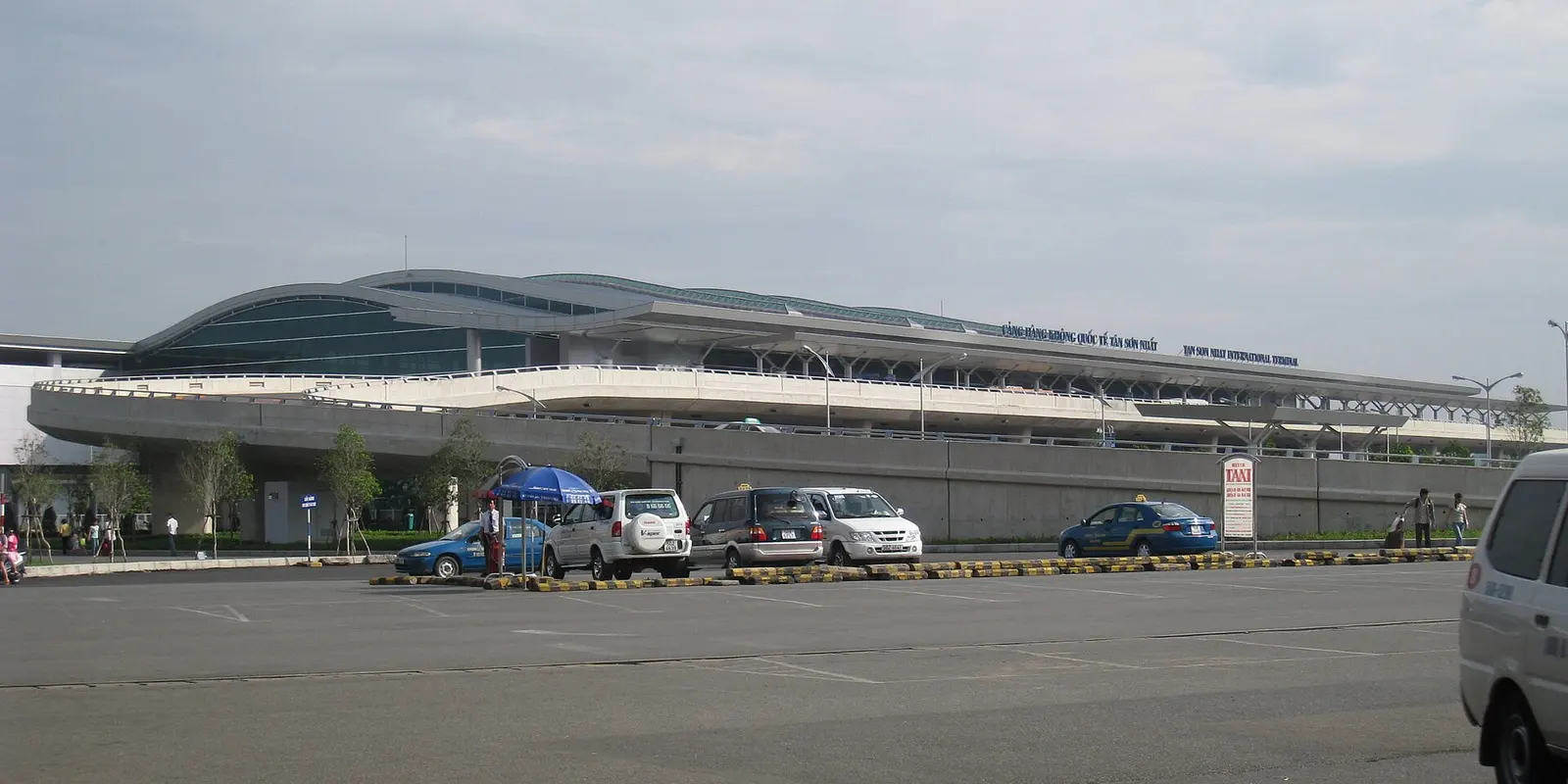
Tan Son Nhat Airport Wi-Fi is free, and SASCO lists the network as FreeWifi TanSonNhat AirPort. Use it to arrange your arrival, then have mobile data ready before walking to your pickup point; a co:sim Vietnam data-only eSIM, an embedded SIM without a phone number, is one option for keeping maps and messages available beyond the terminal.
SASCO's airport Wi-Fi page names the network and describes free, unlimited access in public areas of the domestic and international terminals. That describes the service offered, not a promise of reception at every curb, parking bay or seat. Check the name against airport signage before joining, especially if your phone shows several similar networks.
Open your phone's Wi-Fi settings, select FreeWifi TanSonNhat AirPort, and complete any access screen that actually appears. SASCO does not publish a fixed login sequence on that page, so do not assume a password, local SMS code or mandatory account. If instructions on your screen differ from an old blog, ask an airport information desk to confirm the current process.
After connecting, open a fresh webpage and send a message. The Wi-Fi icon alone does not prove that internet access works. Download the hotel's address, a map of the surrounding streets and the arrival instructions while you are still in a comfortable place to stop. Store the accommodation's name in Vietnamese when available; it is easier to show than to reconstruct from a partial map pin.
First distinguish a failed portal from a weak signal. If the network is visible but new pages will not load, disconnect and reconnect, then open a browser. If reception is weak, move to another public part of the terminal. Keep your passport and bags with you; a better signal is not worth losing track of your belongings.
A VPN or a custom filtering setting can interfere with some captive portals. If you normally use one, briefly pause it while completing the airport's access page, then restore it. Do not bypass certificate warnings, install an unfamiliar configuration profile or enter banking credentials merely to obtain Wi-Fi. These are troubleshooting precautions, not claims that the airport asks you to do those things.
If it still fails, stop repeating the same attempt. Use a working mobile connection, ask the information desk or use the transfer details saved before departure. Avoid deleting an installed eSIM as an experiment: reconnecting to Wi-Fi and changing the selected data line are different operations from removing the profile.
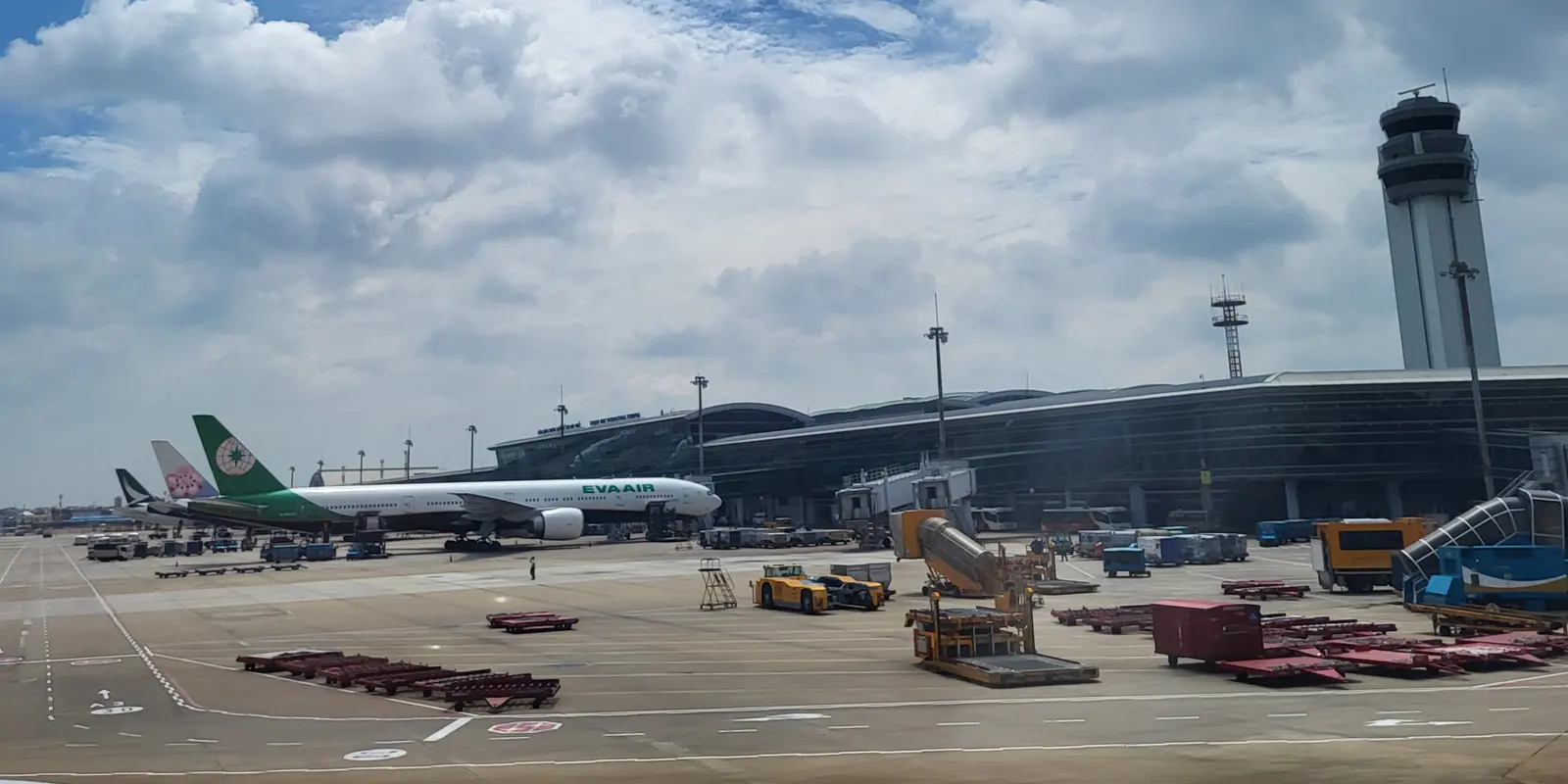
Grab's Tan Son Nhat airport guide tells passengers to check the pickup location and follow the directions inside the app. Its international-arrivals listing points to a parking-lot area. Treat that as orientation: the exact meeting instruction for your booking and terminal is the one to follow, rather than a remembered door number from another traveler's trip.
Get the app installed and signed in before departure. Check that you can use your chosen payment method and receive any account-verification message through your usual number. A data-only travel plan does not supply a Vietnamese phone number or replace an SMS login. Keeping an existing messaging account and obtaining mobile internet are separate preparations.
Once you have your luggage, confirm the destination and pickup pin before requesting the car. Read the driver's vehicle details, retain the booking screen and use in-app messaging if the meeting point is unclear. Avoid crossing roads while watching the map. If the connection disappears, return to a safe place where you can reconnect rather than accepting an unrelated ride from someone who approaches you.
Vietnam Tourism's airport guide also identifies airport taxi bays and names Mai Linh and Vinasun. A staffed taxi arrangement or a prebooked hotel transfer can be a practical fallback when you cannot get online. Confirm the current price and payment arrangements before leaving; this guide does not repeat older published fares or treat an estimated journey time as a guarantee.
For a solo arrival, messages, hotel directions and ride coordination matter more than downloading entertainment. For a family, give each independent traveler access to the address and booking details; the person holding the only connected phone may be busy collecting baggage. A hotspot can help when supported by the chosen plan, but it still depends on the host phone's battery and signal.
For remote work, postpone large cloud backups and software updates until you have a connection suited to them. Check the phone's per-app data usage after your first day, then adjust photo uploads and streaming quality. There is no useful universal daily allowance for someone who might use only maps or might tether a laptop throughout the afternoon.
Airport Wi-Fi and a mobile network are different services. Leaving the terminal's access points can end a Wi-Fi session even while your phone still displays a fading connection. Test the mobile line while standing safely inside or near the exit: turn Wi-Fi off, open a new map search and send a message. Restore Wi-Fi afterward if you still need it.
The Vietnam product page lists networks by plan; compare the actual offer you intend to buy rather than assuming every Vietnam eSIM uses the same network. Signal can vary inside buildings, in crowded areas and along your route. A successful test in arrivals establishes that your setup works there, not that every later part of the journey will have identical reception.

Check that your exact phone model supports eSIM and is not carrier-locked. For co:sim, read the individual plan's allowance, validity, billing-start rule and recharge information before purchase. Those details matter more than a generic instruction to activate only after landing: installing and starting the usable period are not always the same event.
Install using a stable connection and the supplied instructions, then give the profile a clear label such as “Vietnam travel.” Keep the original SIM if you need its number, but check its roaming costs and disable automatic data switching if you want the travel line to handle internet access. Enable roaming on the travel eSIM only as its instructions require.
Save the setup instructions and support details offline. If you need help later, record the selected data line, the visible network and the exact error. Do not share a usable installation QR code publicly. Before leaving arrivals, complete the mobile-data test described above and open the live ride booking again.
Compare Vietnam data plansPhoto credits: Genghiskhanviet (Public domain); Hwi.padam (CC BY-SA 4.0); Steffen Schmitz (more photos) (CC BY-SA 4.0). Photos cropped and resized.
Tan Son Nhat Airport Wi-Fi is advertised as free and unlimited by SASCO, which gives the network name as FreeWifi TanSonNhat AirPort. Confirm that name locally, join through the phone's Wi-Fi menu and follow the access screen you actually receive. The official page does not establish a universal password or an SMS requirement, so there is no reason to invent either in advance. Test a new webpage before assuming you are connected. Free terminal access is useful for opening a hotel confirmation or arranging transport, but it is not a mobile-data service that travels into Ho Chi Minh City with you. Save essential details while connected and prepare another reliable way to communicate once you leave the airport's Wi-Fi area.
A data-only eSIM supplies internet access for an already usable Grab account; it does not provide a local telephone number or guarantee that you can complete account verification. With a co:sim Vietnam plan, prepare Grab before flying while your normal number is still accessible, and verify your payment setup. At Tan Son Nhat, check the pickup pin and follow the official Grab airport instructions together with the live app. Test mobile data before walking out of Wi-Fi range so that you can read driver messages at the meeting point. Keep the booking details available and check the vehicle against the app before boarding. If you cannot restore connectivity, ask airport staff about the taxi or transfer arrangements instead of assuming that a driver approaching you is your booking.
Preparing the profile on a stable connection before departure reduces the number of tasks you must complete with luggage in arrivals. Check the selected plan first, however: an installation step and the start of a data plan's usable period are distinct, and the plan's own instructions decide the timing. co:sim shows plan-specific information on its product pages, so read the offer you are buying instead of relying on a blanket activation promise. Keep the instructions offline, name the travel line clearly and review which SIM handles mobile data. Once in Vietnam, follow the supplied roaming and network settings and test a new webpage with Wi-Fi switched off. If that test fails, retain the profile and contact support with the error details; deleting it can make recovery harder.
Choose the co:sim plan that matches your actual trip, and leave Tan Son Nhat with both a working connection and an offline copy of the route to your hotel.
Instant delivery by email · Install before you fly
 Travel Tips
Take the Keisei Skyliner if your hotel is in Ueno, Asakusa or north-east Tokyo: it reaches Nippori in as little as 36 minutes for ¥2,580. Take the Narita Express if you are staying near Tokyo Station, Shinjuku, Shibuya or Yokohama, because it runs straight there, and the ¥5,200 round-trip ticket brings each leg close to the Skyliner fare.
 Travel Tips
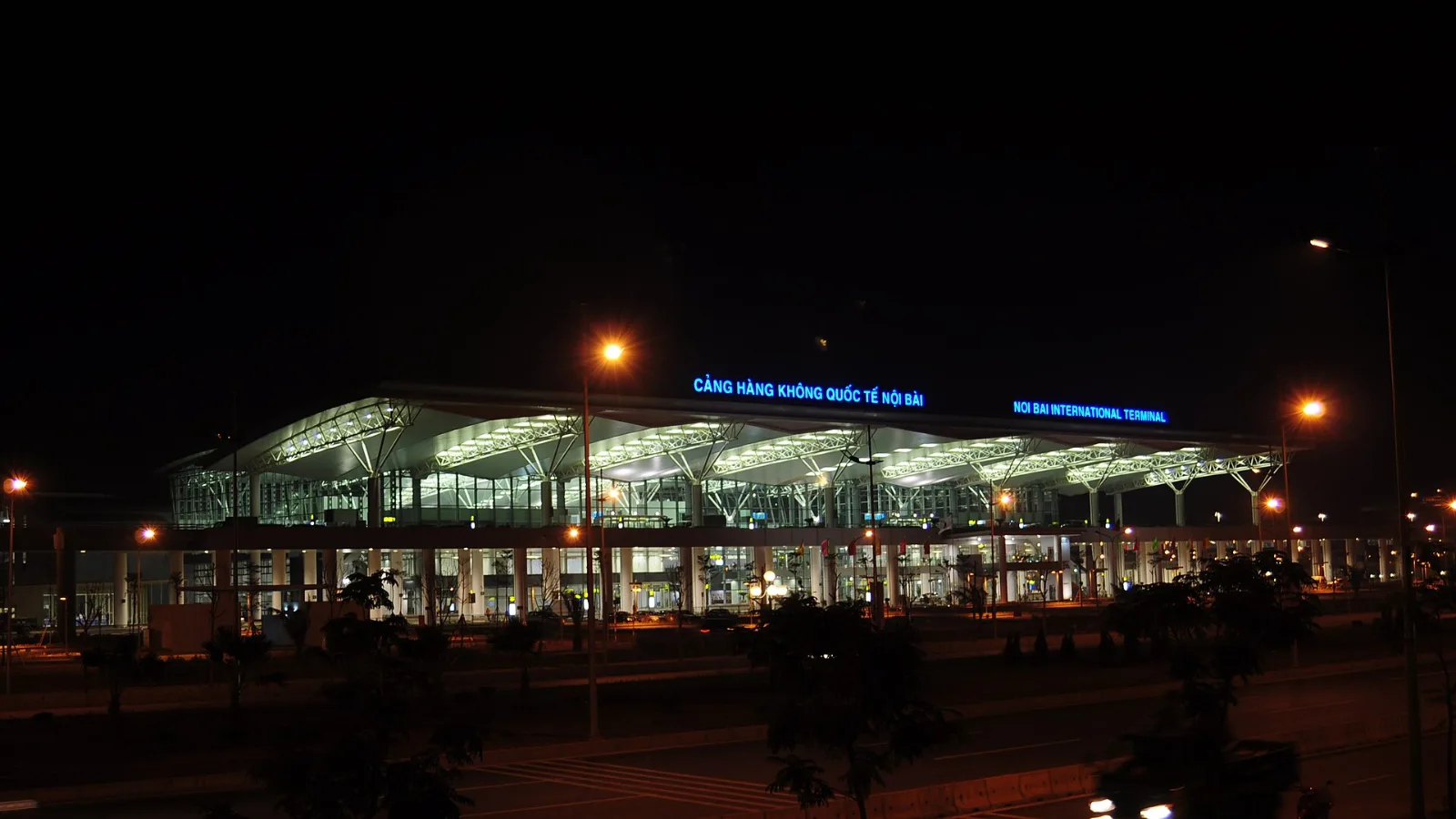
Take bus 86 if you are travelling light, land before mid-evening and are staying near Hoan Kiem Lake: it costs about 45,000 dong and takes 50 to 70 minutes. Take a Grab if there are two or more of you, you have big bags or you land late, because one car to the Old Quarter usually costs about 230,000 to 320,000 dong and drops you at the door.
 Travel Tips
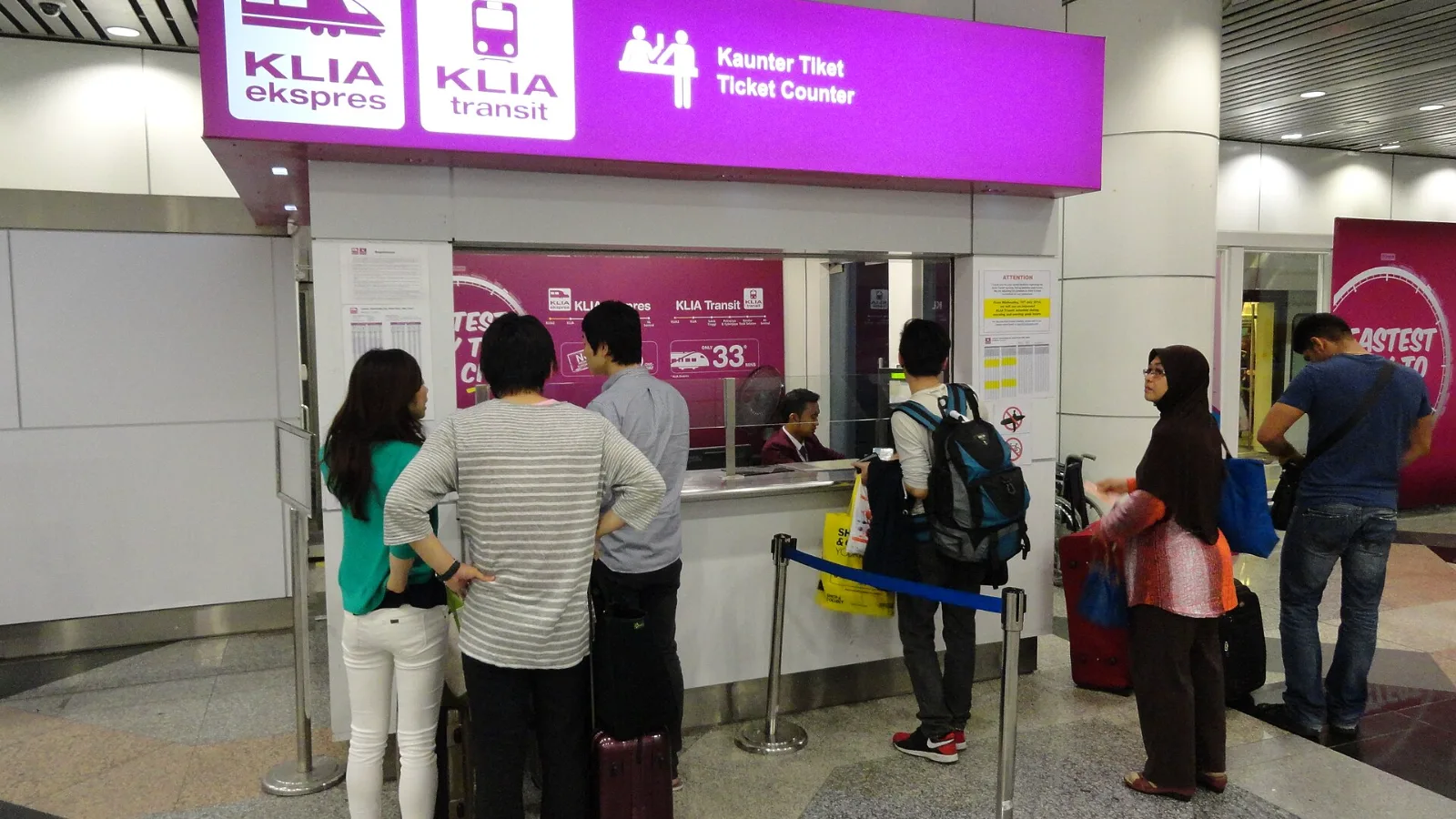
Take the KLIA Ekspres if you are travelling alone or as a pair and your hotel is near KL Sentral or a rail line: it reaches KL Sentral in 28 minutes from Terminal 1 for RM55, less 10% if you buy online. Take a Grab if three or more of you are going to a hotel away from KL Sentral, because one car fare usually costs less than three train tickets and drops you at the door.
| Option | Useful when | Check before relying on it |
|---|
| Airport Wi-Fi | You need to download messages and arrange onward travel inside the terminal | Correct network and a working access screen |
| Existing carrier roaming | Your home plan already has a suitable Vietnam allowance | Destination inclusion, charges and data limit |
| Local SIM or eSIM | You want local service or an offer that includes a number | Registration, handset compatibility and the actual package |
| co:sim Vietnam eSIM | You want a separate travel data line for maps and apps | Selected plan's network, start rule and allowance; no phone number |
| Shared pocket Wi-Fi | Several devices will stay together | Collection arrangements, battery and return requirements |
 co:sim Team