Back to Blog
Sydney Airport offers free Wi-Fi in T1 International and T2 Domestic, and the network you want is called Sydney Airport Free WiFi — no password, no account, just a short terms screen. Treat it as an arrivals bridge rather than the connectivity plan for the trip: the signal stops at the terminal doors, while the run into the Sydney CBD, the rideshare pickup lane and everything after it need mobile data. A travel eSIM like co:sim's Australia plan installs before departure, so the phone registers on an Australian network while you are still taxiing to the gate.
Sydney Airport's own facilities pages for T1 International and T2 Domestic describe the same service and the same joining flow. Select Sydney Airport Free WiFi from the list of available networks, answer the questions the portal asks, read the terms and conditions, and click Proceed. You are then shown a sponsored message and directed to a website. That redirect is the normal end of the sign-in, not an error.
Two details matter more than the name. The airport states the service is available throughout T1 International and throughout T2 Domestic; it documents the service per terminal, so if you are flying from T3 Domestic, read the signage there rather than assuming the same coverage. It also states plainly that the service is not encrypted, and asks passengers to make sure banking, email and social networking sites use SSL.
Because the network is open, its name is the only thing separating it from a lookalike hotspot. Read the name off airport signage rather than joining whichever similar-sounding network shows the strongest bars, and decline any prompt asking you to install a profile or an app to finish connecting.
Sydney Airport's transport options page puts the airport 8 km from the Sydney CBD and lists train, bus, taxi and rideshare as the ways in. Each of those moves you out of terminal Wi-Fi within minutes: the station platform sits below ground, bus stops are kerbside, and a rideshare driver wants a pin drop you cannot place offline.
Australian carriers now publish coverage maps under one rulebook. Telstra's predicted coverage maps state they are prepared in accordance with the Telecommunications (Mobile Network Coverage Maps) Industry Standard 2026, using predictive modelling parameters prescribed by the Australian Communications and Media Authority, and that actual experience and connectivity may vary.
Read that wording carefully, because it changes how you plan. These are predicted outdoor maps. They do not promise a bar of signal inside a sandstone terrace in The Rocks, in a Blue Mountains valley, on a harbour ferry, or in a basement bar in Surry Hills. Greater Sydney is densely served; a drive up the Hunter or down the South Coast is where the map earns its keep.
Check the route you will actually travel rather than the country as a whole, then download offline maps for it while you still have Wi-Fi.
Maps, messaging, transit apps, digital boarding passes and restaurant searches add up slowly, and a modest allowance carries a city week comfortably. Video calls home, streaming on the train and hotspotting a laptop do not. Download podcasts, offline maps and operating-system updates over hotel or home Wi-Fi, and pause cloud photo backup while you are on mobile data.
Each co:sim plan page lists the allowance, the validity, the underlying network, the billing-start rule and whether the plan accepts top-ups, so a plan can be matched to an itinerary instead of bought on the largest number out of habit. Five days in the inner city and three weeks driving north are different problems.
Installing is not the same as starting the clock. Check the billing-start rule shown on the plan page before you install, and if the line is slow to register after landing, toggle Airplane Mode and restart the handset before deleting anything.
Travellers pairing Sydney with Auckland or Queenstown should weigh the single-country page against the Australia and New Zealand regional plan. The regional option only repays itself when the itinerary genuinely crosses the Tasman.
See co:sim Australia data-only plansSydney Airport's facilities pages document free Wi-Fi throughout T1 International and throughout T2 Domestic, under the network name Sydney Airport Free WiFi. You select it from the available networks, answer the questions the portal asks, accept the terms and click Proceed, after which a sponsored message appears and you are directed to a website. The airport's facilities pages describe the service and the joining flow but publish no session cap, so treat any specific minute figure quoted elsewhere as unverified and read the portal wording on the day. The limit that actually bites is geographic rather than temporal: this is a terminal service, and it stops when you walk out to the train, the bus stop or the rideshare lane. A co:sim Australia eSIM installed before departure covers that gap, though it is data-only, with no Australian number attached.
Sydney Airport states that this public-access Wi-Fi service is not encrypted, and asks passengers to make sure banking, email and social networking sites have security such as SSL enabled. In practice that means confirming the network name against terminal signage before joining, staying on HTTPS addresses, and never dismissing a certificate warning to get somewhere faster. A legitimate captive portal asks you to accept terms; it never asks for a banking password, a device-management profile or an app download. If a transfer genuinely cannot wait, mobile data removes the unknown local access point from the chain, although your carrier, the site itself and DNS all remain part of it. Use the bank's own app on an updated handset with multi-factor authentication enabled, then forget the open network so the phone does not rejoin a lookalike automatically.
That depends on what the home contract actually says, and it is worth checking before departure rather than after the first bill. Some plans fold Australia into an international day pass; others bill per megabyte at rates that make a week of maps expensive. Look for the daily fee, the fair-use cap, and whether the allowance is shared with home data. Roaming keeps your number, which matters when a bank or an employer sends one-time codes by SMS. A travel eSIM does not: co:sim sells data-only plans, so calls and texts continue over the home line or over internet apps. Plenty of travellers run both, leaving the home SIM active for SMS while the travel eSIM carries the data, with data roaming switched off on the home line so it cannot quietly take over.
Greater Sydney is densely covered, but Australia is large and the honest answer changes the moment you leave the metropolitan area. Carrier maps such as Telstra's are published under the ACMA's 2026 coverage-maps industry standard and show predicted outdoor coverage, with an explicit caveat that real experience may vary. They cannot promise signal inside a building, in a valley on the Great Western Highway, or along stretches of road between regional towns. Plan for the gaps rather than hoping against them: download the route offline, save accommodation addresses and booking references to the device, and tell someone your plan before a remote drive. Each co:sim plan page names the underlying network, which gives you something concrete to compare against the carrier's own map instead of a marketing slogan.
Use the terminal network for the tasks that end at the terminal, and arrange data that follows the rest of the itinerary.
Instant delivery by email · Install before you fly
 Travel Tips
Take the Keisei Skyliner if your hotel is in Ueno, Asakusa or north-east Tokyo: it reaches Nippori in as little as 36 minutes for ¥2,580. Take the Narita Express if you are staying near Tokyo Station, Shinjuku, Shibuya or Yokohama, because it runs straight there, and the ¥5,200 round-trip ticket brings each leg close to the Skyliner fare.
 Travel Tips
Take bus 86 if you are travelling light, land before mid-evening and are staying near Hoan Kiem Lake: it costs about 45,000 dong and takes 50 to 70 minutes. Take a Grab if there are two or more of you, you have big bags or you land late, because one car to the Old Quarter usually costs about 230,000 to 320,000 dong and drops you at the door.
 Travel Tips
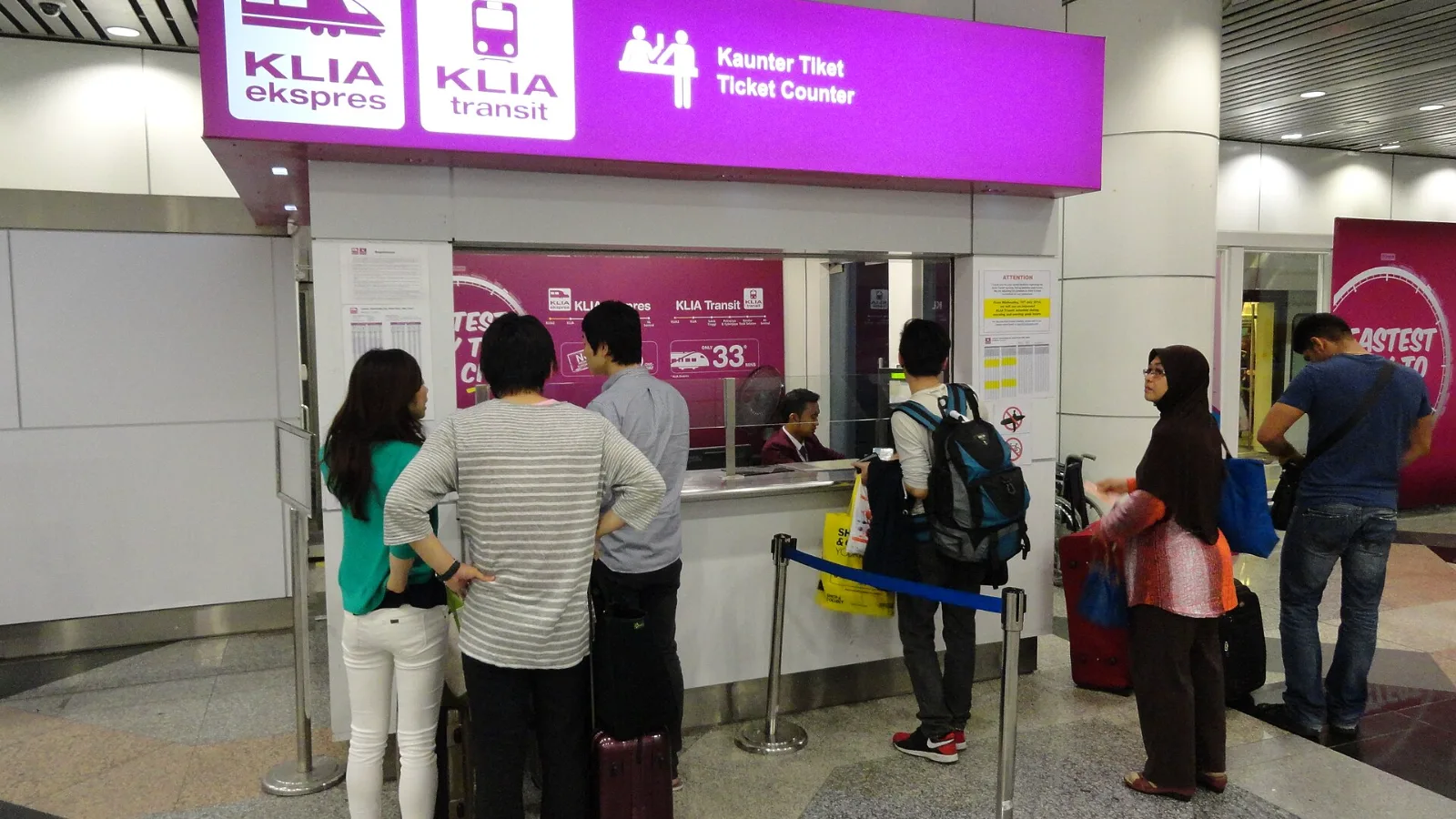
Take the KLIA Ekspres if you are travelling alone or as a pair and your hotel is near KL Sentral or a rail line: it reaches KL Sentral in 28 minutes from Terminal 1 for RM55, less 10% if you buy online. Take a Grab if three or more of you are going to a hotel away from KL Sentral, because one car fare usually costs less than three train tickets and drops you at the door.
| Option | Where it works | Strength | Limitation |
|---|
| Sydney Airport Free WiFi | Inside T1 International and T2 Domestic | Free, no account, fine for a quick task | Unencrypted, and it ends at the terminal doors |
| co:sim Australia eSIM | Terminal, city and the wider trip | Installed before departure, live on arrival | Data-only, so no Australian phone number |
| Home-carrier roaming | Wherever your carrier has an Australian partner | Keeps your existing number | Daily fees and fair-use caps vary by contract |
| Australian prepaid SIM | Longer stays that need a local number | Local calls and SMS included | Needs a shop visit and ID after landing |
 co:sim Team