Back to Blog
Stockholm Arlanda Airport Wi-Fi offers an initial free hour, with two more hours after email confirmation, according to Swedavia's Wi-Fi instructions. Connect, confirm your email if needed, and save your onward route. A co:sim Sweden data-only eSIM is a separate backup once you leave airport Wi-Fi.
Swedavia, the operator of Stockholm Arlanda Airport, describes up to three hours of free Wi-Fi in public areas. The important detail is how that time is unlocked: its current connection instructions give one hour immediately, then another two hours after you confirm your email address through the activation email. Do not assume the whole allowance starts without that extra step.
Use an email account you can open on your phone. Complete the airport connection screen, check the inbox, and follow the confirmation link if you want the additional free time. An address you cannot access until you get home is unhelpful for this process. If the message does not appear, check the junk folder and ask airport staff or Wi-Fi support about the current procedure.
The official English page explains the connection process but does not specify an exact network name. Follow the network name displayed by the airport and confirm it with staff if you are unsure. This avoids turning an unverified name from an older travel blog into a permanent instruction.
Swedavia also lists paid access for travelers who need more time. You do not need to buy that merely to check a train route or send an arrival message within the available free session. For a long wait, compare the current access terms with the mobile allowance you already have. Neither choice guarantees a particular speed at the seat where you are waiting.
Open the full address of your accommodation and decide which transport service reaches it. Save the journey, ticket information, and the final walk after your train or bus. Stockholm Central is a transport interchange, not automatically the closest stop to every hotel, so account for the remaining journey before choosing an airport ticket.
Download what you can use offline: the address, arrival instructions, a map, and the ticket barcode if the operator allows it. Verify that the usable ticket opens without a fresh login. A payment confirmation is not necessarily what a ticket inspector needs to see, particularly if the ticket lives inside an app.
Before walking to the platform, make these decisions:
For a prebooked pickup, confirm the meeting location in the booking rather than using a generic “arrivals” pin. Swedavia's transport overview lists the available modes and links to more detailed information. Use its current directions alongside signs in the terminal, especially if you are moving between airport areas with luggage.
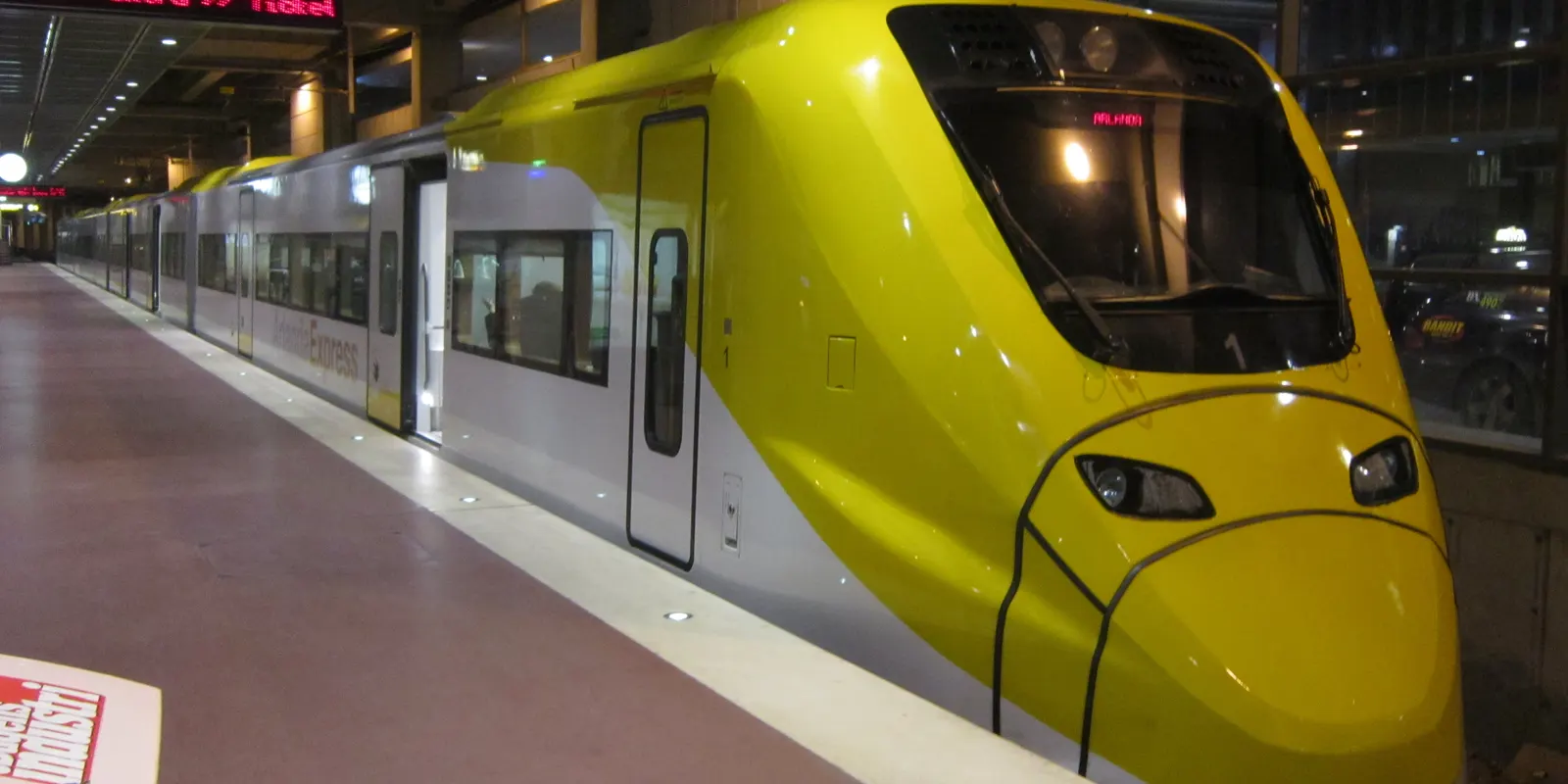
Arlanda has different airport stations for different services. Confusing them can put you at the wrong entrance with the wrong ticket. Swedavia's train guide distinguishes Arlanda South and Arlanda North for Arlanda Express from Arlanda Central for commuter, regional, and long-distance trains. Save the station name that matches your ticket.
Swedavia identifies Arlanda South with Terminals 2 and 4 and Arlanda North with Terminal 5. Follow the Arlanda Express signs from your arrival area and check the station before entering. These are the airport stops for the express service, rather than Arlanda Central in SkyCity. The airport train page explains the distinction and ticket-purchase options.
The operator advertises an 18-minute journey between the airport and Stockholm Central on the Arlanda Express website. That is the train ride, not a guaranteed landing-to-hotel time: passport control, bags, the walk to the train, the departure wait, and your final city connection still matter. Check live traffic information and the current timetable before relying on a tight onward booking.
Keep the ticket available before you reach the platform. The airport guide lists ticket machines by the lifts or escalators and purchase through the operator's app. Read the terms of the ticket you choose rather than assuming all promotional fares or passenger types have the same conditions. Keep a payment method available if you decide to buy after landing.
For other train services, look for Arlanda Central in SkyCity and confirm the destination on your ticket. Swedavia states that passengers boarding or leaving trains at Arlanda Central pay a station fee unless it is already included in the ticket. Compare the complete journey cost rather than a headline fare that omits this part.
The airport train guide identifies SL commuter services toward Stockholm and Uppsala, along with regional and long-distance options. Choose the operator and destination you actually need. A train called “Stockholm” in a travel guide is not interchangeable with every service available at the airport.
If you are heading outside central Stockholm, a direct regional connection may make more sense than taking the express and changing again. If you want the simplest ride to Stockholm Central, inspect the express option. The right decision includes luggage, the final address, station access, and ticket terms, not only the advertised time on the train.
Airport Wi-Fi and mobile data solve different parts of the arrival. Even if you use Wi-Fi on a train, there may be another login and a gap between networks. Keep essential information offline rather than making every ticket, message, and map depend on uninterrupted access.
Check your home plan before buying anything. If Sweden is already included with an adequate allowance, that may be enough for the trip. A separate travel line is more useful when your existing allowance is unsuitable or you want to manage travel data separately. No option justifies a claim that reception is continuous on every platform, tunnel, or street.
An eSIM, or embedded SIM profile, is downloaded to a compatible phone instead of inserted as a physical card. A data-only eSIM supplies internet data rather than a conventional phone number. co:sim's Sweden plans are data-only, so plan an alternative for hotels or services that require ordinary telephone calls or SMS.
Review the destination, data allowance, validity, and billing-start rule before buying. Follow your order's installation instructions on a stable connection and keep the instructions accessible. co:sim provides plan and order information to guide preparation; do not assume that installation, first network connection, and the start of every plan's validity mean the same thing. Some plans count from purchase.
At Arlanda, select the travel profile as the mobile-data line and follow its roaming instructions. Keep the home line's data roaming consistent with your carrier's terms. While you are still in the terminal, turn Wi-Fi off briefly and refresh a route. This verifies the mobile part of the arrival before you walk to a train station or pickup point.
Photo credits: Cover Bene Riobó, CC BY-SA 4.0. Photo 1 My another account, CC0. Photo 2 Manfred Werner (Tsui), CC BY-SA 4.0. Cropped, resized and converted to WebP; adapted photos retain their stated license.
Arlanda's free Wi-Fi time is not entirely automatic. Swedavia's official Wi-Fi page explains that travelers receive one free hour initially and two additional hours after confirming an email address through the activation email. Use an inbox you can access at the airport and finish that confirmation if you need the extra time. The page also describes paid access for longer use, but current terms should be checked directly rather than copied from an old guide. Free terminal Wi-Fi is useful for opening tickets, messaging your accommodation, and choosing the correct station. It does not establish a continuous connection after airport departure. A co:sim Sweden data-only eSIM can provide a separate mobile-data option on a compatible, unlocked phone. Existing roaming may also be sufficient. Save essential addresses and tickets offline regardless of which connection you intend to use next.
You can use a Sweden mobile-data eSIM for your Arlanda transfer if your phone supports the profile, is unlocked, and the chosen plan covers the destination. A co:sim Sweden data-only plan supplies internet access for maps and messaging apps; it does not include a local telephone number or ordinary SMS. Follow your order instructions before travel and check the billing-start rule, because not every plan waits for its first airport connection to begin counting validity. At arrival, select the travel line for data, apply its roaming instructions, and test a route refresh with Wi-Fi disabled. That practical check is more useful than assuming an installed profile is already online. You can still use the airport's free Wi-Fi for ticket retrieval or email confirmation. Keep the hotel address and station names offline too, because mobile reception can vary and an interrupted connection should not erase your transfer plan.
Arlanda Central and the Arlanda Express stations serve different train options. Swedavia's train guide places Arlanda Central in SkyCity for commuter, regional, and long-distance services. Arlanda Express uses Arlanda South and Arlanda North, associated with different terminal areas. Follow the station name and operator printed on your ticket instead of looking only for a general train sign. The guide also explains that boarding or leaving trains at Arlanda Central involves a station fee when it is not already included in the ticket. This makes the complete fare more useful than an isolated advertised price. The express operator's advertised train time does not include your walk from arrivals or the final city connection. Retrieve the right ticket and save your onward address while you still have an airport connection, then check current departures before going down to the platform.
Save the correct station and your final address before leaving arrivals. Review co:sim if you need separate mobile data for the rest of the Sweden trip.
Browse Sweden data-only eSIM plansInstant delivery by email · Install before you fly
 Travel Tips
Take the Keisei Skyliner if your hotel is in Ueno, Asakusa or north-east Tokyo: it reaches Nippori in as little as 36 minutes for ¥2,580. Take the Narita Express if you are staying near Tokyo Station, Shinjuku, Shibuya or Yokohama, because it runs straight there, and the ¥5,200 round-trip ticket brings each leg close to the Skyliner fare.
 Travel Tips
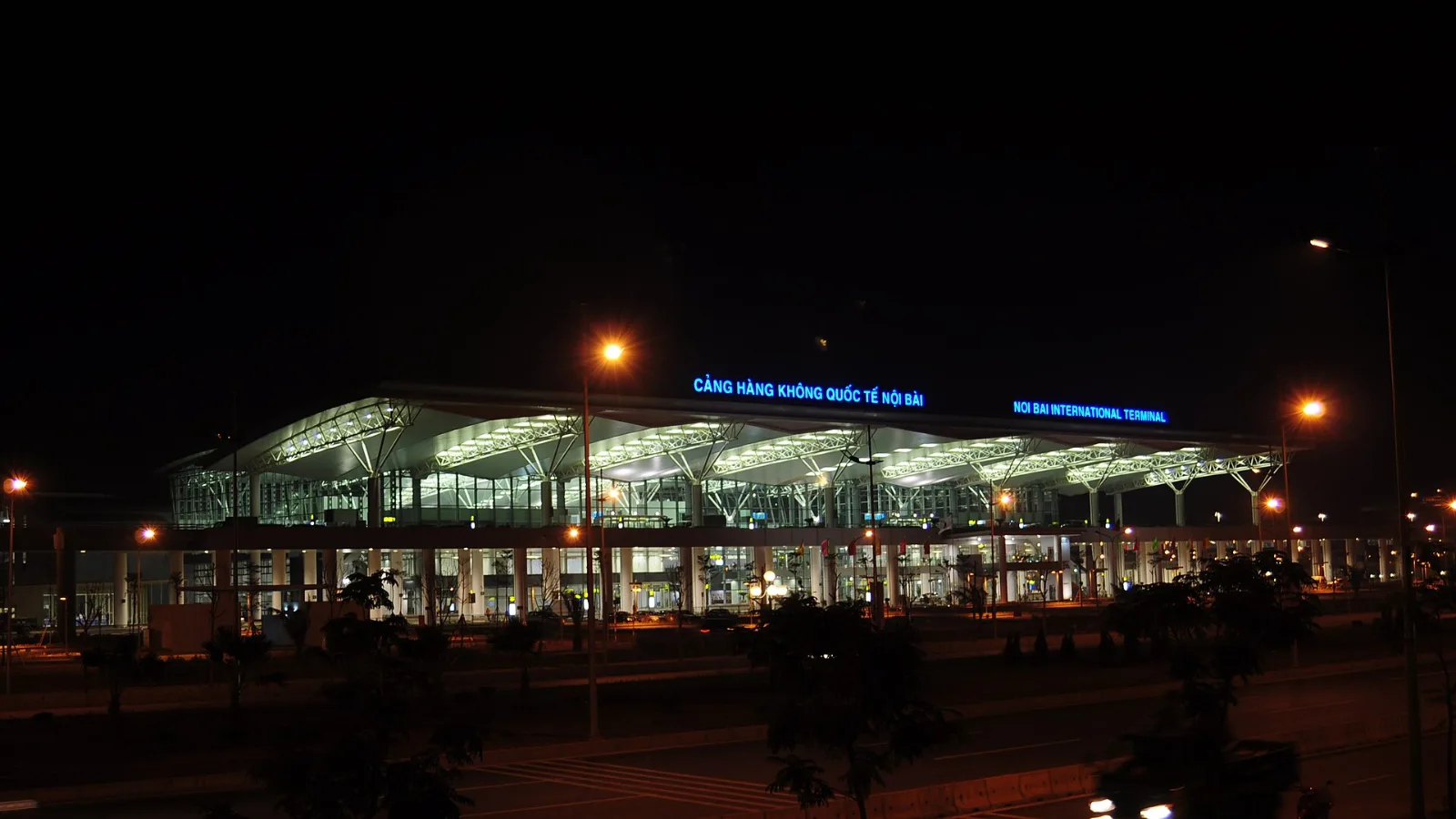
Take bus 86 if you are travelling light, land before mid-evening and are staying near Hoan Kiem Lake: it costs about 45,000 dong and takes 50 to 70 minutes. Take a Grab if there are two or more of you, you have big bags or you land late, because one car to the Old Quarter usually costs about 230,000 to 320,000 dong and drops you at the door.
 Travel Tips
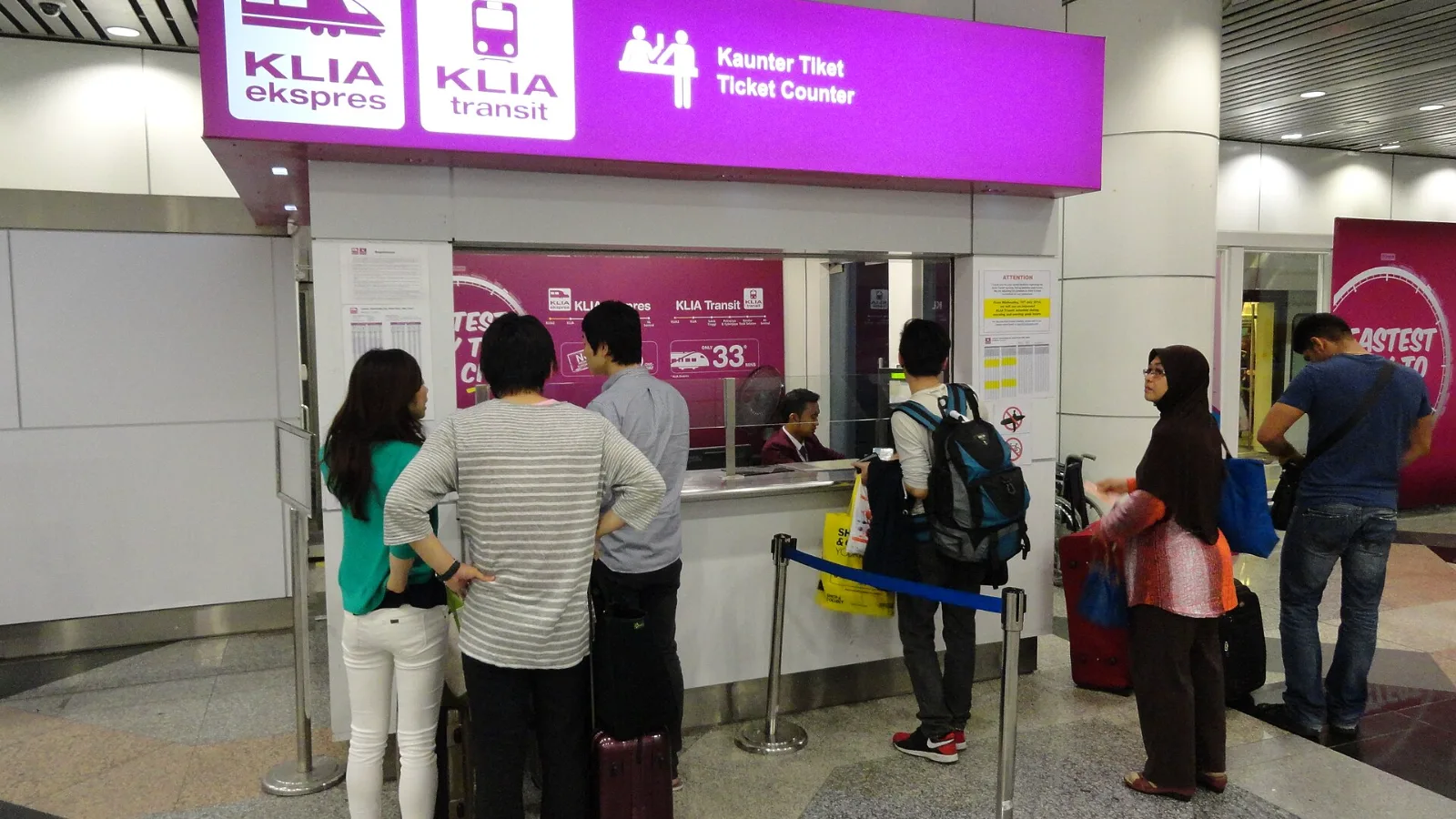
Take the KLIA Ekspres if you are travelling alone or as a pair and your hotel is near KL Sentral or a rail line: it reaches KL Sentral in 28 minutes from Terminal 1 for RM55, less 10% if you buy online. Take a Grab if three or more of you are going to a hotel away from KL Sentral, because one car fare usually costs less than three train tickets and drops you at the door.
| Option | Good use on arrival | Trade-off |
|---|
| Arlanda's free Wi-Fi session | Email confirmation, route planning, ticket retrieval | Extra free time needs email confirmation; airport access is local |
| Your existing mobile plan | Continue with a familiar line | Confirm Sweden is included and inspect roaming terms |
| co:sim Sweden data-only eSIM | Maps and internet messaging after airport departure | Needs a compatible, unlocked device and does not include a phone number |
| Offline map and saved ticket | Read essential information during an interruption | Cannot show a new disruption or message |
 co:sim Team