
Back to Blog
Shanghai Pudong Airport WiFi can get you online without buying a Chinese SIM, but foreign-number verification and access to a login machine should never be your only arrival plan. Save your hotel address and transfer instructions before flying; a compatible, data-only eSIM (embedded SIM) from co:sim can provide a separate connection after landing.
Pudong International Airport is PVG, the airport covered here. The specialist China Airline Travel Wi-Fi guide describes SMS authentication for overseas numbers and an alternative ticket-based login. It also describes Wi-Fi in Terminal 1, Terminal 2 and the S1/S2 satellite areas. That is useful preparation, not a promise that your particular number or arrival position will work immediately.
Start with the wireless network identified on airport signage. The guide lists #AIRPORTPVG-FREE-WIFI; confirm that spelling with a staffed information point because copied names in old travel posts are not reliable evidence of the network currently in front of you. Open the login page, select the SMS option, and enter your own number with its correct international dialing code. These steps come from the published airport-specific instructions.
Keep the line that receives your normal messages available if you intend to use it for authentication. Before departure, ask your home carrier what receiving an SMS abroad requires and whether any charges apply. Do not turn on your home line's mobile data merely to request the code. A verification text and a mobile-data connection are separate things.
If the code does not arrive, check the country selection and number once. Repeatedly requesting codes while walking toward baggage reclaim makes it harder to tell which message belongs to the active form. Move to the alternative workflow instead of assuming the airport has no internet or that you must buy a local SIM.
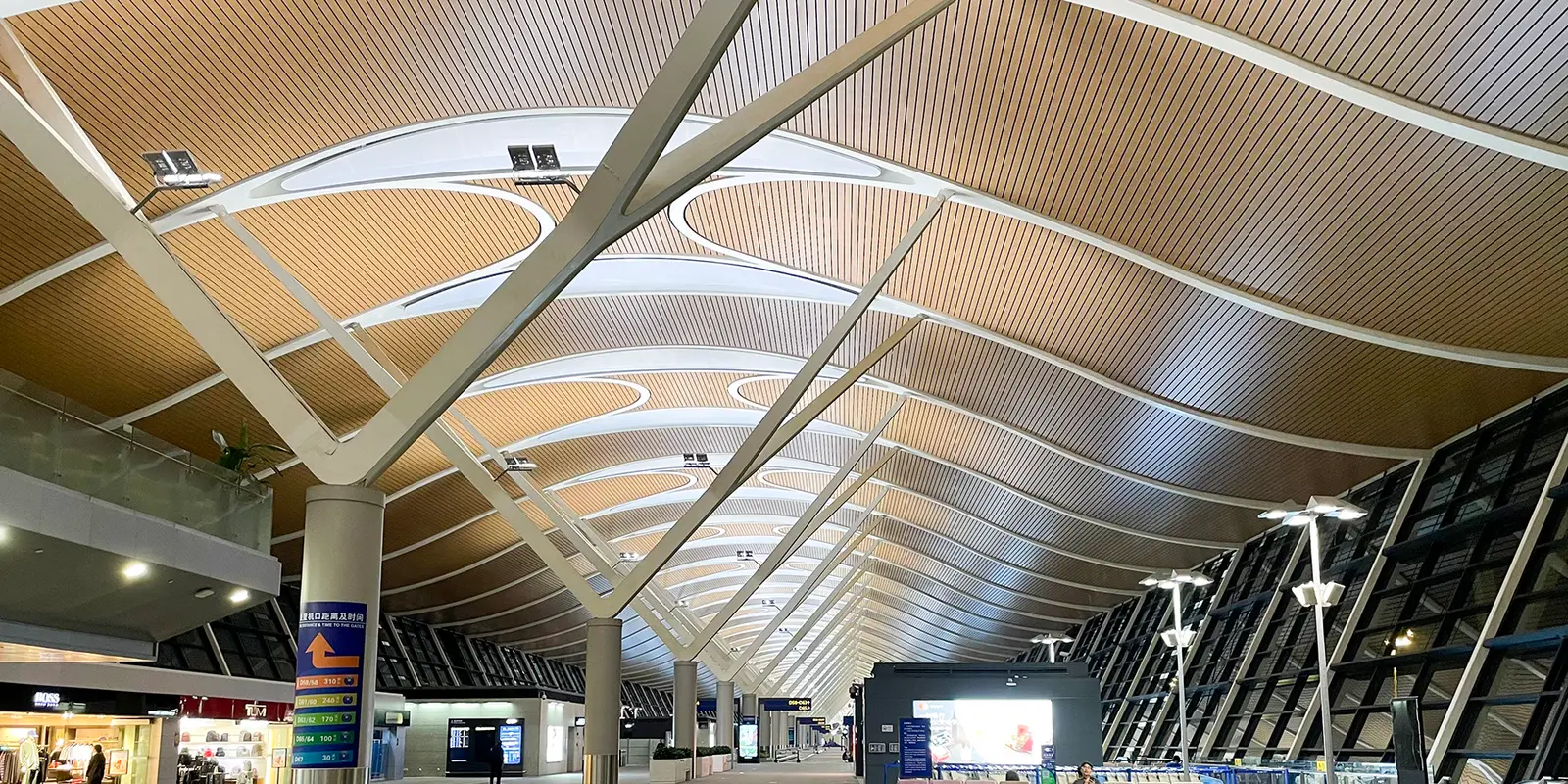
The same Wi-Fi guide describes obtaining a username and password from a Wi-Fi ticket machine using a passport or Chinese identity card. On the portal, select the ticket login option and enter the printed credentials. Keep the slip until you have finished the tasks that require connectivity; do not photograph and share someone else's login ticket.
There is a practical catch: the guide's listed machine positions are in boarding halls after security. A machine mentioned near a departure gate is not necessarily reachable from international arrivals. Ask an information desk where an accessible login machine or assisted connection is available on your side of the terminal. Do not follow an old gate number through a security boundary in pursuit of Wi-Fi.
With no usable SMS or accessible machine, use the offline hotel address and your prearranged transfer instructions. If you prepared a co:sim plan, its China product page is the place to check the selected package's coverage, activation rule and supported networks. Airport Wi-Fi and mobile data are different services; a failure in the airport portal does not itself diagnose the eSIM.
Treat connectivity as something to confirm at each handoff, not as an airport-wide session you can assume will follow you. The PVG guide covers both main terminals and the satellite areas, but it does not establish a continuous connection at every baggage belt, passageway or outdoor pickup point. Save the information you need while you have a working connection.
For an arrival, finish three tasks before putting the phone away: tell your pickup contact which terminal you reached, save the accommodation address in Chinese, and capture the actual meeting instructions. A terminal name alone is insufficient if the driver expects a particular exit. Use the signs and the booking message for that detail rather than a generic airport map screenshot.
For a connection, work from your onward boarding information and airline instructions. An airport photograph illustrates the environment; it does not prove the location of today's counters or gates. If you are remaining airside, there is no reason to leave the permitted transfer route simply to improve your mobile signal.
Choose transport by the address you actually need to reach. Metro Line 2 connects the airport with city stops including Lujiazui, East Nanjing Road and Jing'an Temple. Separately, the Airport Link Line guide describes the connection between Pudong and Hongqiao. They are different services, so a route for a Hongqiao flight connection is not automatically the right route to your hotel.
Check the current departure information after baggage collection. This article deliberately does not give a fixed last-train time or door-to-door duration: your terminal, arrival procedures, destination and the operating timetable all affect the decision. Download the chosen route before leaving the terminal, including the last walk from the station or vehicle drop-off to the accommodation.
| Arrival situation |
|---|

An eSIM is an embedded SIM profile installed on a compatible phone. Compatibility and a carrier restriction are separate checks. Apple's setup guidance explains the requirements for supported iPhones and adding an eSIM; Android travelers should use their manufacturer's instructions for the exact model. Do not infer compatibility solely from the phone's marketing name or where you bought it.
Install using a reliable connection before departure, retain the installation instructions, and label the travel line clearly. Follow the selected plan's actual billing-start rule rather than assuming every eSIM starts its validity at the same moment. Avoid deleting a successfully installed profile just because the airport login page is troublesome; the two issues are unrelated.
Prepare maps, the accommodation address, a booking reference and a contact method that does not depend on receiving a fresh login code. With these saved, a short connectivity problem remains an inconvenience instead of preventing you from finding your transfer. Choose the China data option around the rest of your trip, rather than buying solely because one terminal login attempt failed.
Pudong Airport's published Wi-Fi guide describes SMS login for international mobile numbers, so a Chinese SIM is not the only documented route to access. That does not guarantee delivery to every roaming line. Enter the correct country code, keep the message-receiving line available, and check the number before requesting another code. If authentication still fails, ask about a Wi-Fi ticket machine accessible from your current area. The listed departure-hall machines may not be reachable from arrivals. A co:sim data-only eSIM is a separate mobile-data option, not a replacement phone number for the SMS field. Save your hotel address and pickup instructions before the flight so that neither an undelivered text nor a closed login page leaves you unable to continue your journey.
You do not need to buy an eSIM simply because you have landed at Pudong. If the airport Wi-Fi works and your driver has supplied a clear meeting point, it may be sufficient to send an arrival message and save the reply. Mobile data becomes more useful when the meeting changes, you leave the Wi-Fi area, or you need navigation during the onward journey. Compare a co:sim plan with the roaming arrangement you already have; do not assume another purchase is automatically necessary. Check the China package information before choosing, and remember that data-only service is not a conventional calling or SMS number. A prebooked driver's name, your terminal and the accommodation address should still be saved offline, regardless of which connection you intend to use.
Airport Wi-Fi and mobile data solve different parts of a Shanghai arrival. Wi-Fi is useful while your device is connected to the airport network; it is not a mobile subscription for the subsequent metro journey, street navigation or accommodation transfer. Before leaving, save your route and make sure the booking app can display the details you need without another login. The Line 2 guide and Airport Link Line guide describe different rail options, so choose by destination rather than by whichever station name you recognize first. Use your existing roaming plan or a suitable travel eSIM if you want a mobile connection beyond the terminal. Neither option removes the value of an offline address and a clearly confirmed pickup arrangement.
Choose co:sim around the journey after PVG, with the airport login treated as a useful arrival option.
Browse China data plansInstant delivery by email · Install before you fly
 Travel Tips
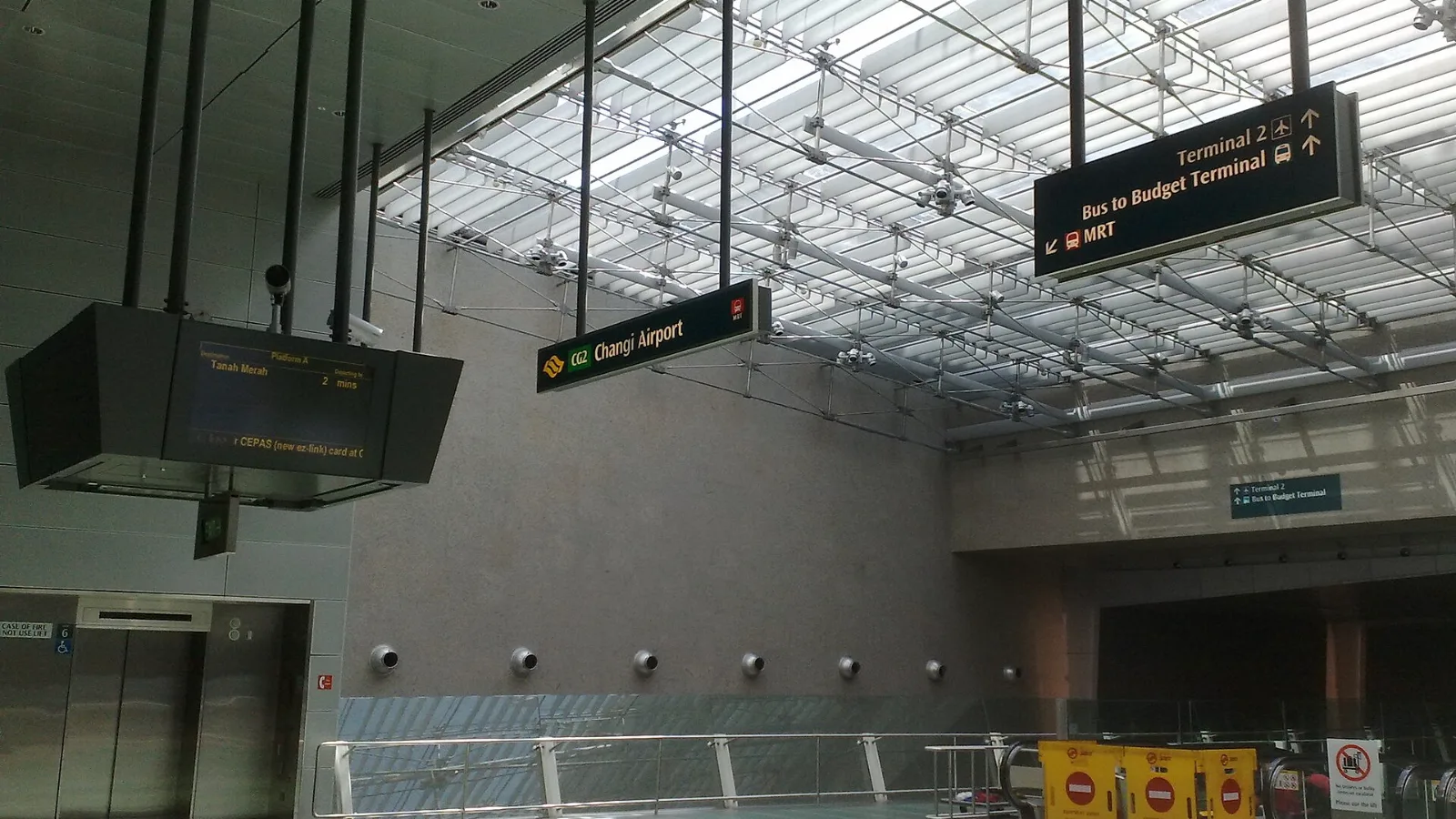
Take the MRT if you are one or two people staying near a train line: it costs about S$2 to S$3 and takes 35 to 50 minutes with one change. Take a Grab or taxi if three or more of you are sharing, you land at Terminal 4 or after the last train, because a car to the city takes about 30 minutes and usually costs S$25 to S$45.
 Travel Tips
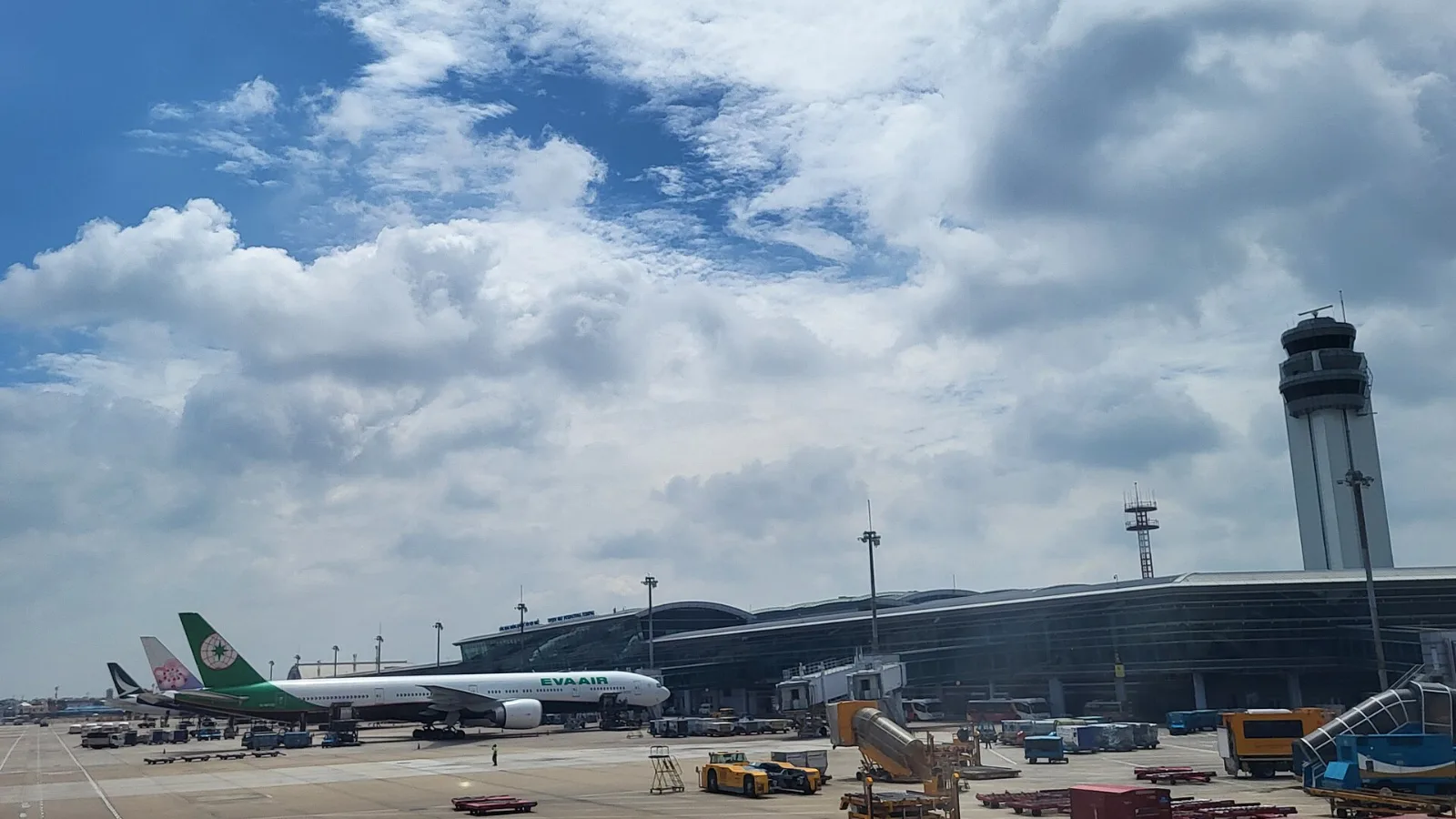
Take a Grab if you land at international Terminal 2, have a suitcase or are two or more people: a GrabCar to District 1 usually costs about 150,000 to 250,000 dong. Take bus 109 only on a tight budget with light luggage, because since 2025 it leaves from domestic Terminal 3, not the international terminal.
 Travel Tips
Take the Keisei Skyliner if your hotel is in Ueno, Asakusa or north-east Tokyo: it reaches Nippori in as little as 36 minutes for ¥2,580. Take the Narita Express if you are staying near Tokyo Station, Shinjuku, Shibuya or Yokohama, because it runs straight there, and the ¥5,200 round-trip ticket brings each leg close to the Skyliner fare.
| Useful connection strategy |
|---|
| What to prepare offline |
|---|
| Someone is meeting you | Airport Wi-Fi may be enough to send an arrival update | Contact name, meeting message and terminal |
| You are navigating into the city | A co:sim China data plan can support your phone beyond the airport | Hotel address and the final walking route |
| You are changing airports | Confirm the transport service and destination airport first | Onward booking, terminal and transfer instructions |
 co:sim Team