
Back to Blog
Seattle Airport Wi-Fi can cover your first arrival tasks: join the airport-advertised network, complete the login screen and save your downtown route before walking outside. TerminalWiFi's accessible SEA guide identifies SEA-FREE-WIFI; a co:sim USA data-only eSIM (embedded SIM) is an optional connection for maps and messages beyond the terminal.
Seattle-Tacoma International Airport uses the code SEA and is often called Sea-Tac. TerminalWiFi's SEA guide describes free airport Wi-Fi, gives the network name SEA-FREE-WIFI and says to accept the terms on the sign-in page. This is an independent guide's description, not a claim that this article has verified a live airport login screen.
Keep the network name as a starting point, not proof of authenticity: another hotspot can copy a familiar name. The accessible guide contains both a specific click-through description and generic wording about possible email or SMS steps. This article therefore does not promise that a particular verification step is required or absent. Follow the actual portal and ask staff if it differs.
Before leaving the building, save your hotel address, the nearest useful station and any entry code already supplied by the property. A saved address is more useful than a screenshot of a map with no street name. Airport Wi-Fi is a shared arrival resource; no speed or uninterrupted-session guarantee is made here.
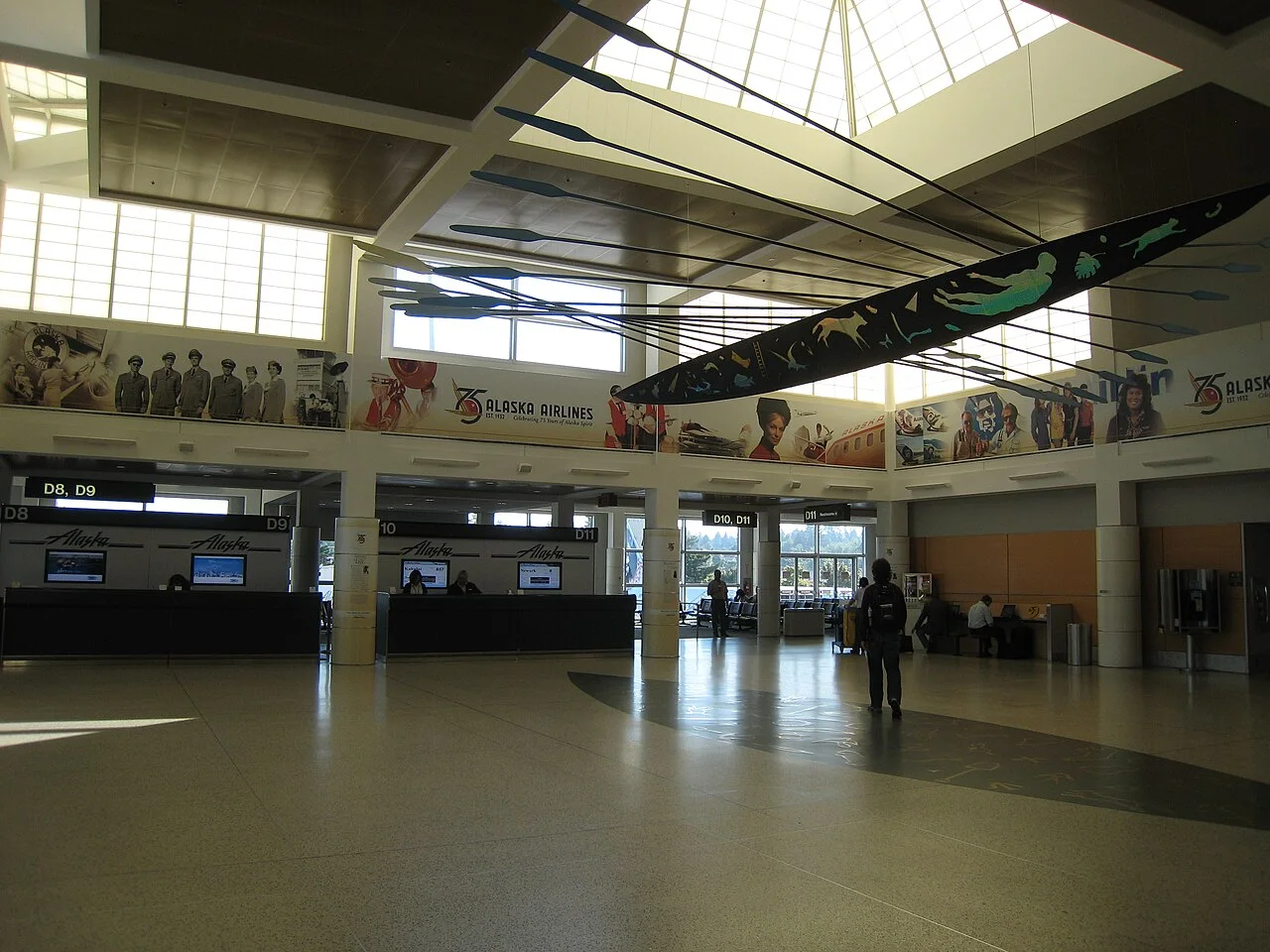
Airport photograph: Minnaert, Wikimedia Commons, CC BY-SA 3.0. The resized image retains that license. It is an archival terminal view, not a current station or pickup map.
A Wi-Fi icon means your device has joined a wireless network, not necessarily that it has internet access. Return to network settings and look for a sign-in prompt. If the portal is absent, reconnect once and open an ordinary browser page to prompt it. Do not repeatedly retry a payment or transport booking while the connection state is uncertain.
A VPN or private-DNS setting can interfere with some captive portals. If needed, pause it briefly for the login, then restore your preferred protection. Never install an unfamiliar certificate, device-management profile or app merely to get public Wi-Fi. Keep software downloads and banking tasks for a connection you can verify.
If the connection remains unavailable, use existing mobile data or ask an information point for help. You can still reach the rail station and buy a ticket without signing in to a transport app. Offline directions should name the station and the hotel address; they cannot show a live cancellation or reply to a host who changes the meeting instructions.
Sound Transit's official airport guide gives the route from baggage claim: find carousel 16, go up to the skybridge level, cross Skybridge Six and turn left through the parking garage toward the station. Follow Link light-rail signs as you go. The airport station is named SeaTac/Airport, which is the name to use in the journey planner.
Rail is not directly beside every baggage belt. Account for the walk through the garage, ticket purchase and the wait for your train when planning the transfer. If you need help with that walk, Sound Transit describes free electric carts between the airport skybridge and the station. Check the published operating details on its airport page; availability should not be assumed for every arrival time.
After an international arrival, finish your arrival procedures and collect your luggage before arranging a meeting outside. A flight landing time is not a reliable pickup time. Tell a hotel or driver when you are ready, and retain enough battery for the walk and the final hotel check-in.
Take the Link 1 Line in the northbound direction for central Seattle. Sound Transit's airport page quotes 38 minutes between the airport and the heart of downtown, with trains every 8–10 minutes for most of the day. Those are published service descriptions, not a guarantee for a disrupted trip or a door-to-door hotel transfer.
Choose your stop by the hotel address. International District/Chinatown, Pioneer Square, Symphony and Westlake serve different parts of the centre. Do not stay aboard for Westlake simply because a guide calls it “downtown” if your booking is closer to another station. Check the station exit and final walk with luggage before boarding.
| Your arrival situation | Practical transport choice to compare |
|---|---|
| Hotel near a central Link station |
Sound Transit lists a Night Bus between the airport and downtown after the final train. Use its current trip planner for the actual departure and boarding point. “Light rail to downtown” does not mean the train runs at every hour, and the Night Bus boarding instructions are not interchangeable with the rail platform.
The official fares page says tickets must be purchased before boarding. Options include ORCA, ticket machines, supported contactless card payment and the Transit GO Ticket app. A ticket machine or supported card tap avoids depending on an app download in arrivals.
Sound Transit's payment instructions say to tap the reader before boarding when using ORCA or contactless payment. Link does not require a tap-off at the destination; do not confuse it with Sounder, the separate commuter-rail service. If using Transit GO, activate the purchased ticket before boarding and keep it available for inspection.
Check the live fare page for the category that applies to you rather than assuming an adult fare covers your whole party. This guide leaves prices to that page. Keep the payment method accessible before joining the platform flow, and avoid having your only ticket on a phone about to run out of battery.

Airport Wi-Fi can handle a prepared route lookup, but its coverage does not travel with you into the city. Maps, accommodation messages and updates after disruption require another connection once you leave it. Save an offline map and booking details even when you also arrange mobile data.
Review the USA data-plan page for the selected package's networks, allowance, billing-start rule and top-up support. A USA plan should not be assumed to include Canada if your onward itinerary crosses the border. Mobile reception can also vary inside buildings or along a rail journey; carrying data is not a guarantee of service everywhere.
co:sim emails installation details after checkout. Follow the selected package's instructions while you have a stable connection, label the travel line, and select it for mobile data when appropriate. Installation and billing start are different concepts, so check the package's rule before deciding when to install. Keep chargeable home-line data roaming off unless your carrier's terms suit the trip.
TerminalWiFi's SEA guide lists SEA-FREE-WIFI and describes accepting terms on a sign-in page. It is an accessible independent guide, not a live test of the airport portal. Confirm the network with current airport signage or staff because a matching name alone does not prove that a hotspot is genuine. This article does not promise a particular SMS requirement, session length or speed.
Once connected, test your booking or a normal web page before relying on Wi-Fi for a transport request. A co:sim USA data-only eSIM provides a separate mobile-data option on a compatible, unlocked phone after leaving terminal coverage. It does not create a US telephone number for ordinary calls or text verification. If an app needs an SMS code, set up that account with a reachable existing number before flying. Keep an offline copy of the hotel address in case either connection fails.
Seattle Airport Wi-Fi is an airport connection, not a promised internet service throughout a Link light-rail journey. Save your hotel address, intended stop and ticket information before leaving the terminal. Downloaded directions remain useful offline, but they cannot refresh a service alert, retrieve a new check-in message or change the route when your original connection is disrupted.
A co:sim USA data-only plan is one mobile-data option for those tasks; an existing home-carrier roaming allowance may be another. Check the selected package's terms and remember that reception can vary inside buildings and along the journey. Do not treat mobile data as a ticket: Sound Transit requires the appropriate fare before boarding. Buy or activate the ticket using the chosen payment method, retain enough phone battery for inspection if using an app, and follow the station's live board when deciding which train to take.
Link is a useful airport-to-city option when your Seattle accommodation is near a convenient station and you can manage the final walk. Sound Transit publishes a 38-minute airport-to-downtown estimate, but that excludes your arrival procedures, the garage walk to the station, waiting time and the onward trip from the train. Use the full hotel address to compare routes.
With heavy luggage, limited mobility, a late arrival or an awkward final approach, a door-to-door car or rail plus a short onward ride may suit you better. Check the current planner before assuming the final train still runs after your flight lands. Sound Transit also lists a Night Bus, with its own boarding point and schedule. Save the hotel's entrance instructions before leaving Wi-Fi, and allow time to find the correct exit at your chosen station rather than judging the whole journey by the rail segment alone.
Yes. Sound Transit's payment guide lists station ticket machines and supported contactless card payment as alternatives to Transit GO. ORCA is another payment method. You do not need to install a transport app merely to make the airport rail trip. Check the machine instructions or reader before proceeding, and purchase or validate the appropriate fare before boarding.
If you choose a phone ticket, complete the purchase and activate it before the train journey, following the app's instructions. Keep the valid screen available for inspection and retain enough battery. A saved route is not a ticket. For ORCA or contactless payment on Link, tap before boarding; Sound Transit says no tap-off is needed for light rail. Its separate Sounder service has different instructions, so make sure you are following the rules for Link.
Plan the station, fare and hotel address before walking out of arrivals. co:sim's current USA packages let you compare mobile-data options alongside that transport plan, while airport Wi-Fi remains useful for the first checks.
Compare USA travel data plansInstant delivery by email · Install before you fly
 Travel Tips
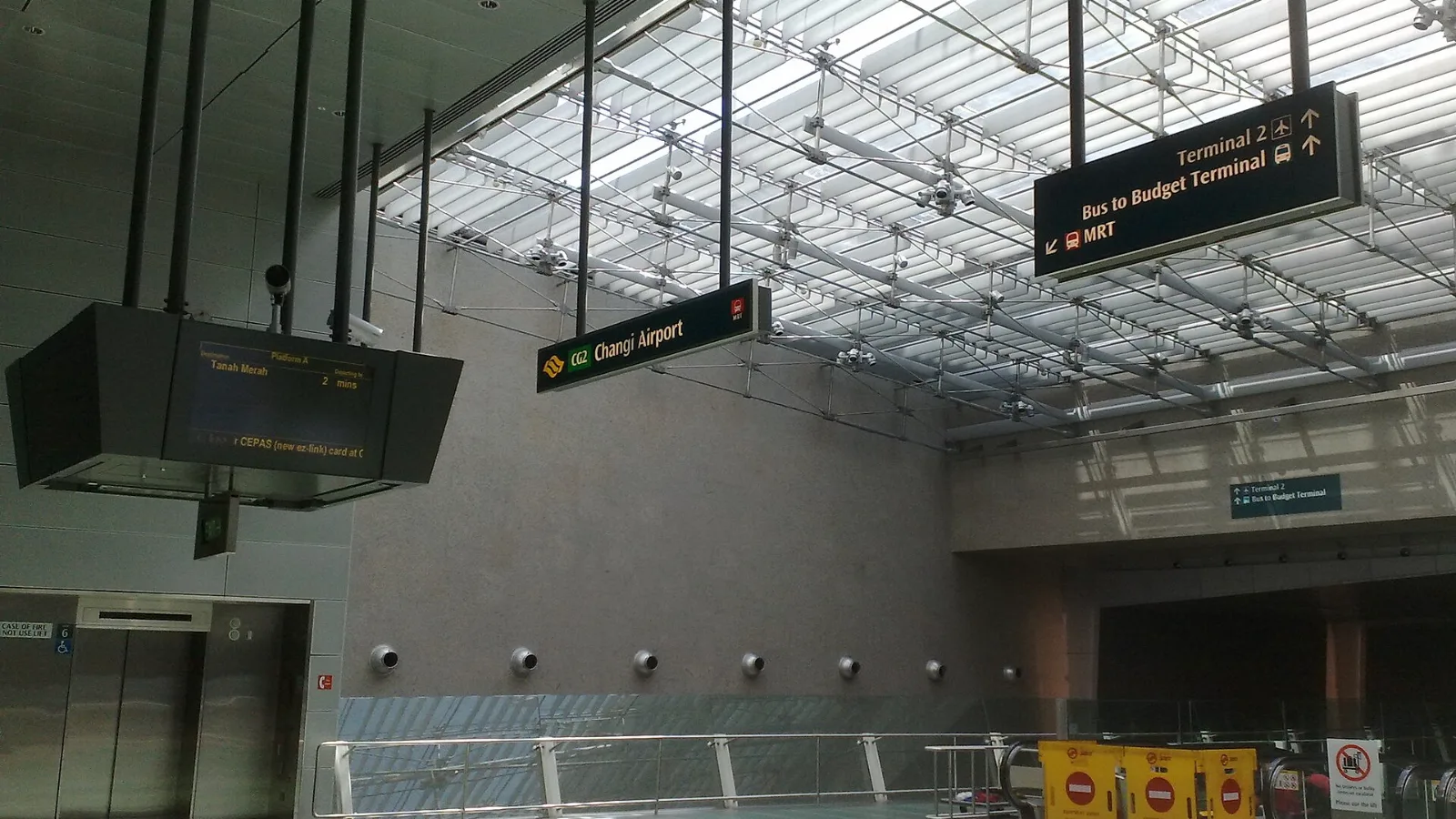
Take the MRT if you are one or two people staying near a train line: it costs about S$2 to S$3 and takes 35 to 50 minutes with one change. Take a Grab or taxi if three or more of you are sharing, you land at Terminal 4 or after the last train, because a car to the city takes about 30 minutes and usually costs S$25 to S$45.
 Travel Tips
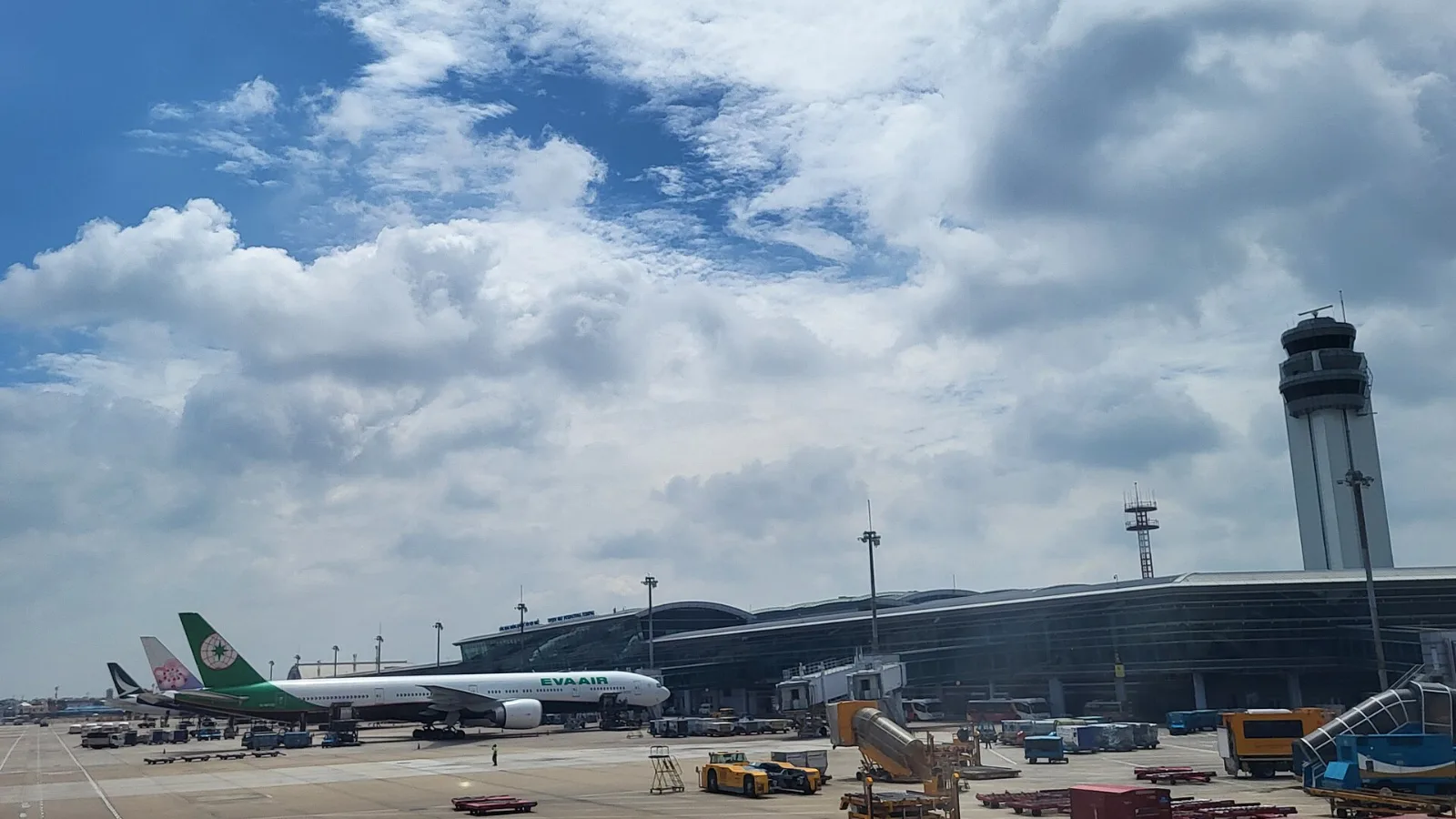
Take a Grab if you land at international Terminal 2, have a suitcase or are two or more people: a GrabCar to District 1 usually costs about 150,000 to 250,000 dong. Take bus 109 only on a tight budget with light luggage, because since 2025 it leaves from domestic Terminal 3, not the international terminal.
 Travel Tips
Take the Keisei Skyliner if your hotel is in Ueno, Asakusa or north-east Tokyo: it reaches Nippori in as little as 36 minutes for ¥2,580. Take the Narita Express if you are staying near Tokyo Station, Shinjuku, Shibuya or Yokohama, because it runs straight there, and the ¥5,200 round-trip ticket brings each leg close to the Skyliner fare.
| 1 Line plus the final walk |
| Several bags or a difficult hotel approach | Rail with a short onward ride, or a door-to-door car |
| Late arrival after the final train | Sound Transit's Night Bus or a confirmed car transfer |
| An address away from the rail corridor | The full connection, not just the downtown train segment |
| Internet option | Arrival benefit | Limitation |
|---|
| SEA Wi-Fi plus saved directions | Read bookings and prepare the first journey | No live updates after you disconnect |
| Home-carrier roaming | Uses the setup you already know | Confirm USA charges and allowance with your carrier |
| co:sim USA data-only eSIM | Mobile maps and internet messaging on the transfer | Compatible, unlocked phone required; no local telephone number |
| Local SIM or portable router | An alternative for some devices or shared use | Purchase, installation or another device to charge |
 co:sim Team