
Back to Blog
San Francisco International Airport (SFO) offers free Wi-Fi in every terminal. Select #SFO FREE WIFI, open a browser, and follow the airport's connection screen. It is useful for a boarding pass or a quick message; arrange mobile data before leaving the terminal if you need maps and transit updates on the way into the Bay Area. A data-only eSIM from co:sim is one option for that second part of the journey.
The airport's Wi-Fi instructions specify the network name #SFO FREE WIFI and say that free service is available in all terminals. Turn on Wi-Fi, select that exact network, and launch a browser. Give the welcome screen a moment to appear before deciding that the connection has failed. You do not need to guess a password from an old travel forum: follow the airport's current instructions and the terms shown on your device.
Do this while still inside the terminal, where the airport's network is intended to work. Save your hotel address, transit route, and any ticket barcode to your phone before heading to the curb or station. Airport Wi-Fi is a convenient starting point, but it is not a continuous connection for the whole trip.
| When you need internet | Practical choice | Why |
|---|---|---|
| Check a gate or download a boarding pass at SFO | Airport Wi-Fi | Free service covers the terminals. |
| Follow a route from the airport into town | Mobile data or a pre-saved offline map | The airport network cannot follow you onto a train or street. |
| Work on a laptop at a gate | Airport Wi-Fi, with a mobile fallback | A busy shared network may not behave like a private connection. |
| Receive a call to your usual number | Keep your primary voice line available | A data-only travel eSIM does not add a phone number. |
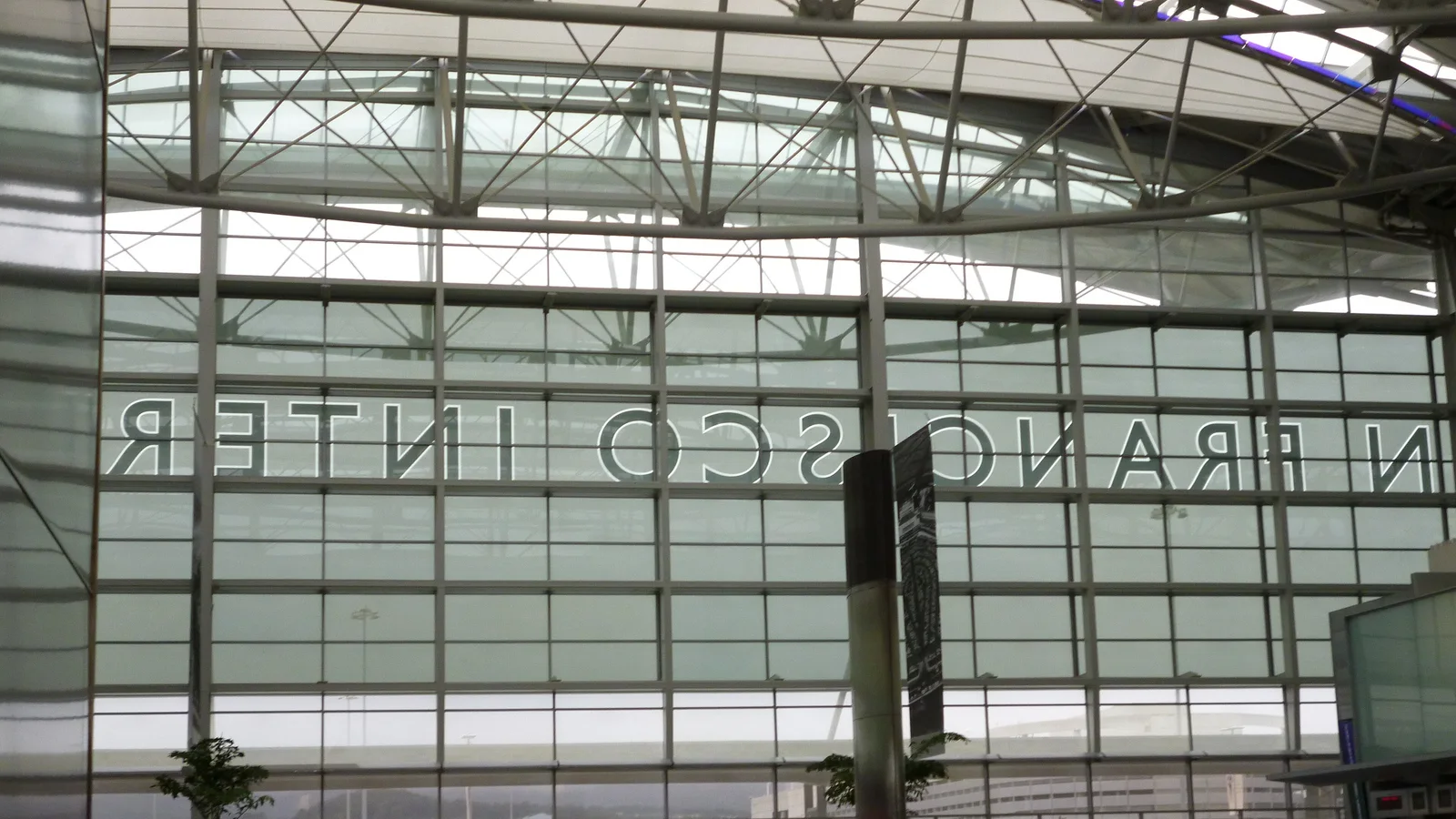
First check that the phone joined #SFO FREE WIFI, rather than a similarly named network. Disable a VPN or private relay briefly if the sign-in screen cannot load, then reopen a normal browser page. If your device says it is connected without internet, forget the network and join again. These are general captive-portal troubleshooting steps, not a promise that a particular device setting fixes every outage.
Apple's public Wi-Fi sign-in guidance explains that some networks require a login or terms page before internet access starts. On an iPhone, tap the network in Wi-Fi settings and use the sign-in screen if it appears. On another device, open a browser and follow the airport page. Avoid entering payment details into a page whose address or network name you cannot verify.
If the network remains unavailable, ask an airport information desk for the current network name. Downloading an offline route while you still have another connection is more useful than trying to solve a captive portal after you reach the platform. The airport page is the source of truth for today's SSID; screenshots in older guides can date quickly.
SFO's free network is for the airport terminals. The BART airport guide places the BART station in the International Terminal and explains that the free AirTrain links all terminals to it. BART says travelers can walk from nearby terminals or use AirTrain from the others. The guide also points passengers to its trip planner, which is worth checking for the route and service that apply when you land.
Open that planner before leaving Wi-Fi coverage, then save the result. If your arrival involves a transfer, delay, or change of destination, mobile data makes it easier to recalculate rather than relying on a screenshot. A co:sim United States plan can provide data after you leave the airport, provided your phone supports eSIM and the plan's listed network serves your route. The United States data-plan page shows current options; it is more reliable than a fixed price quoted in an article.
The moment of handoff matters most at arrivals. Decide whether you are taking BART, a pickup, or a different service while you can still read the signs and check your booking. Save the exact meeting point, not merely a driver's name. An airport network may still show in your phone's list outside, but a weak signal there is a poor basis for a time-sensitive pickup.

It can be enough for a short wait if all you need is a message, a downloaded document, or a quick search. It is less suitable as your only connection once you need live directions, ride messages, restaurant hours, or changes to a train route. You can prepare offline maps and saved addresses in advance; those are useful even when you buy mobile data because a tunnel or crowded area can interrupt any connection.
For a longer itinerary, compare your existing carrier's roaming terms with a local SIM and a travel eSIM. Your home carrier may already include U.S. data. A physical local SIM may be attractive if you need a local phone number, while a data-only eSIM suits a compatible unlocked phone when you mainly need maps and internet messaging. co:sim emails a QR code after checkout, so you can install its eSIM before departure and review the plan's activation rule before you travel. Keep your primary line if you still need calls or one-time codes to its number.
Do not assume that a U.S. plan automatically covers a side trip to Canada. For a cross-border itinerary, compare the country plan with the United States and Canada option and check the exact plan coverage before paying. Likewise, do not assume airport Wi-Fi is secure simply because it has an official-looking name. Use the SSID published by SFO, keep your device updated, and prefer your own mobile connection for sensitive account work.
Save the address of your first stop and the name of the terminal on your itinerary. Download any airline app content you may need without relying on a last-minute captive portal. If you plan to use BART, check its official guide and trip planner before travel and again when you arrive, since service can change. Carry a charged phone and keep a copy of essential reservations that opens offline.
If you choose a travel eSIM, check device compatibility, the networks listed on the actual plan page, whether that plan supports top-ups, and when billing starts. Install the QR profile while you have a dependable connection. Do not remove your primary line unless you intend to; a data-only eSIM does not replace ordinary voice or SMS service. On arrival, choose the travel line for mobile data and test a simple page before you leave the terminal.
Yes. San Francisco International Airport's own Wi-Fi page says its free Wi-Fi service is available in all terminals and instructs travelers to select #SFO FREE WIFI, then launch a browser. The page does not mean the signal will accompany you all the way into San Francisco. Use the airport connection to retrieve a boarding pass, send a message, or check an onward route while you are inside the terminal. Save the route or hotel address before leaving. If you need continuous access to maps or pickup messages after the airport, check whether your home plan includes U.S. roaming or arrange separate mobile data. A co:sim U.S. eSIM is a data-only option for a compatible phone; its current plan details are on the product page, and it does not supply a local phone number. Follow the airport's displayed terms when joining the network.
You can use the airport's free terminal Wi-Fi to open an email and retrieve an eSIM installation QR code, as long as your device connects and can display the code on another screen or through its supported installation flow. The more resilient approach is to install before flying over a connection you control. A co:sim QR code is sent by email after checkout; review the specific plan's install deadline and billing-start rule before you install or switch on data. Once you land, select the travel eSIM for mobile data and test it inside the terminal while Wi-Fi remains a fallback. If the phone is locked, lacks eSIM support, or the destination network is unavailable, an eSIM purchase alone will not solve the problem. Keep your primary line active if you need calls or SMS sent to that number.
Check your route while still on a reliable connection, then save the address and a screenshot or offline map. The BART guide for SFO says its station is at the International Terminal and the free AirTrain connects the other terminals. Use BART's live trip planner for the service that applies to your arrival rather than relying on a printed timetable in an old article. If you are meeting a driver, save the precise pickup location and confirm it through the booking app before walking outside. Mobile data helps when a platform, pickup, or destination changes; airport Wi-Fi is not designed to cover the journey. A co:sim data-only plan may handle maps and internet messages after you leave, but check the actual U.S. plan's coverage and your phone's compatibility first. Retain offline directions as a fallback even with mobile data.
Use SFO's official network for routine travel tasks, but first confirm that you selected #SFO FREE WIFI as shown on the airport's own page. Download a ticket or booking while inside the terminal and save it so the document still opens later without a connection. For a bank login or another sensitive account, consider your own mobile connection if you have one, keep your device updated, and avoid a lookalike hotspot. A public network name by itself does not prove that every page you visit is trustworthy. If a sign-in screen asks for unexpected payment details, stop and confirm the current procedure with airport staff. This practical distinction lets you use the free service where it helps while preparing for the moment you leave its coverage.
For a connected trip beyond the terminal, review the live U.S. data options and choose the plan that fits your route and device.
Explore co:sim United States data plansInstant delivery by email · Install before you fly
 Travel Tips
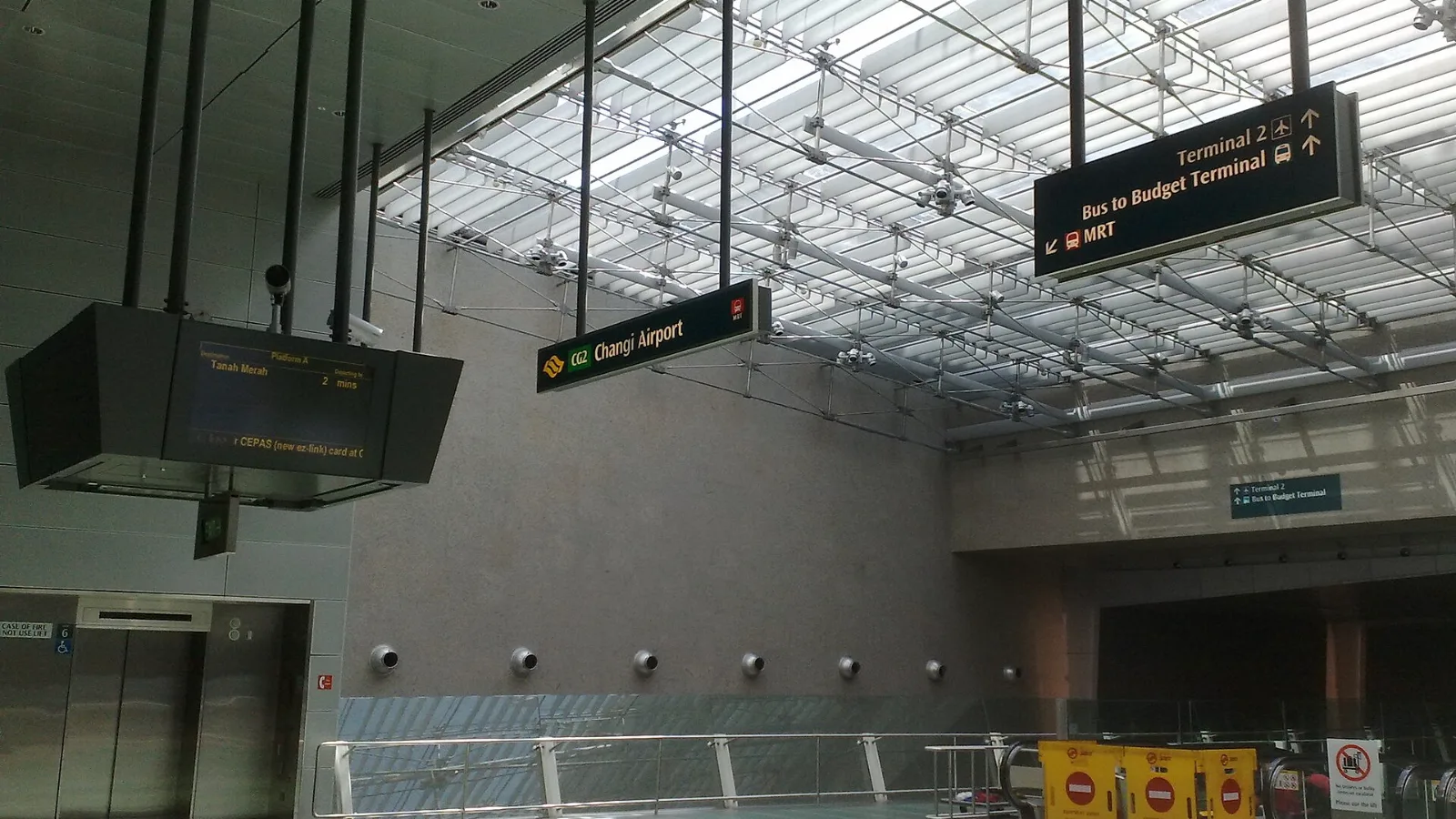
Take the MRT if you are one or two people staying near a train line: it costs about S$2 to S$3 and takes 35 to 50 minutes with one change. Take a Grab or taxi if three or more of you are sharing, you land at Terminal 4 or after the last train, because a car to the city takes about 30 minutes and usually costs S$25 to S$45.
 Travel Tips
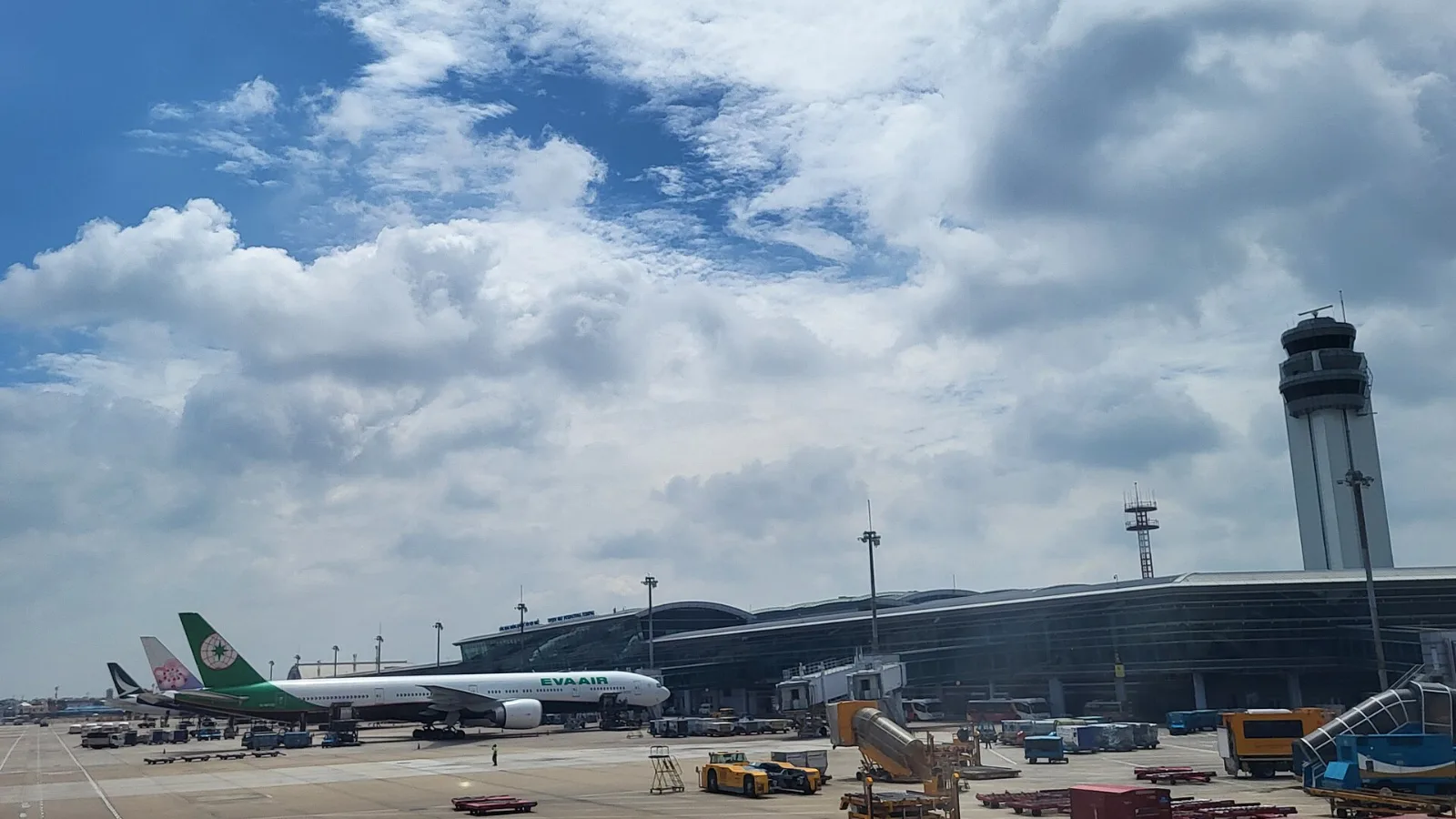
Take a Grab if you land at international Terminal 2, have a suitcase or are two or more people: a GrabCar to District 1 usually costs about 150,000 to 250,000 dong. Take bus 109 only on a tight budget with light luggage, because since 2025 it leaves from domestic Terminal 3, not the international terminal.
 Travel Tips
Take the Keisei Skyliner if your hotel is in Ueno, Asakusa or north-east Tokyo: it reaches Nippori in as little as 36 minutes for ¥2,580. Take the Narita Express if you are staying near Tokyo Station, Shinjuku, Shibuya or Yokohama, because it runs straight there, and the ¥5,200 round-trip ticket brings each leg close to the Skyliner fare.
 co:sim Team