
Back to Blog
Phuket Airport has free Wi-Fi for the first tasks after landing: tell someone you arrived, check your ride, and open a map. The airport guide Phuket 101 identifies the network as AOT Airport Free Wi-Fi by NT and describes an email registration and 60-minute session. Treat that as a useful arrival connection, then use mobile data for the journey beyond the terminal. A Thailand data-only eSIM from co:sim can provide that second connection once your phone attaches to a supported local network.
At Phuket International Airport (HKT), open your phone's Wi-Fi settings and look for the network named AOT Airport Free Wi-Fi by NT, as listed by Phuket 101's airport guide. Select it, then open a browser if the sign-in screen does not appear automatically. The guide says the network requires an email address, uses no password, and offers a 60-minute session that can be registered again. These details can change; check the signage or airport information desk if the network name or sign-in screen differs on your travel day.
An airport network name is easy to imitate. Read the displayed name carefully, avoid a similarly named hotspot, and do not enter a passport number or card details into a page that merely claims to be Wi-Fi registration. If a portal stalls, forget the network, reconnect, and open an ordinary website in the browser. Apple's Wi-Fi connection instructions describe the standard iPhone path through Settings and Wi-Fi; the same basic sequence applies on Android through its Wi-Fi settings.

The practical boundary is the terminal. Your airport connection may let you send a message while you wait for baggage, but a pickup may move, a taxi driver may call through an app, and a map may need to refresh after you leave the building. Phuket's airport operator lists transport options including bus, shuttle bus, taxi, and car rental. Those are decisions you may make after passing through arrivals and walking toward the curb, where you should not assume the airport signal will follow you.
Before you join a vehicle, save your destination address in both English and Thai if your accommodation provides it. Take a screenshot of the booking confirmation and your pickup instructions. If you use an app for the ride, confirm the vehicle details inside that app while you still have a connection. An offline map is a useful fallback, but it cannot update a changing pickup location or send a message to a driver.
co:sim sells data-only travel plans, so a compatible, unlocked phone can use a Thailand plan for maps and messaging once mobile service becomes available. The plan does not supply a Thai phone number or conventional SMS. Keep your home SIM active for calls or bank messages if you need them, and choose the travel eSIM as the mobile-data line to control which line carries internet traffic.
Use airport Wi-Fi when you have a short task inside the building and no immediate need for data outside. It costs no setup beyond the portal, but it is location-bound and may require another sign-in after a session ends. Your carrier's roaming can be simplest for a brief stop if your existing plan already includes Thailand, although you should inspect that plan's terms before relying on it.
A local physical SIM can suit a longer stay or a traveler who needs a Thai number, provided the phone accepts that SIM and the seller can complete any required registration. A pocket Wi-Fi device can connect several devices together, but somebody has to carry, charge, and return it. A data-only eSIM suits a traveler who wants to arrange mobile data before landing and keep the physical SIM slot free. co:sim sends its eSIM installation QR code by email after checkout; its plan page shows the network and plan-specific setup details, so read that page before buying rather than assuming all Thailand plans behave identically.
For the mobile option, compare the current Thailand data-only plans with your own itinerary and expected usage. A short airport transfer and a week of navigation are different demands; there is no need to claim a fixed amount of data works for every traveler.
Download your accommodation address, reservation, and any pickup directions while you have a dependable connection before departure. Save an offline area map, but also write down the actual meeting point. If a driver asks you to change terminals or exit, verify that instruction against your booked service. The airport's transport page is a better starting point for current ground-transport choices than an old screenshot from a travel forum.
If you plan to use an eSIM, first check that your phone supports eSIM and is carrier-unlocked. Install it while you have reliable internet, keep your home line available as appropriate, and read the plan page for the activation and billing-start rules. On arrival, choose the travel eSIM for mobile data and enable its required roaming setting if the plan instructions say so. Do not turn on home-line data roaming by accident while troubleshooting.
For the selected plan, the QR arrives by email, and the destination page identifies the underlying network for each available plan. That lets you verify a concrete network detail before travel. Reception still depends on the local network and your exact location; a plan listing is not a promise of service inside every building or along every road.

First confirm that your phone connected to the intended airport network rather than merely displaying it in the list. Switch Wi-Fi off and on, reconnect, and open a non-cached website in a normal browser tab. A VPN, private DNS setting, or browser privacy feature can interfere with a captive sign-in page; temporarily pause it only long enough to complete the portal, then restore your normal settings. If registration still fails, ask an airport information desk for the current official network name.
When a connected icon appears but pages do not load, test a second simple site. The issue can be a portal session, a weak signal near the edge of coverage, or a wider network outage. Move toward a staffed public area rather than following an unknown hotspot advertisement. If you already installed mobile data, switching off Wi-Fi may be the fastest way to finish a time-sensitive pickup. The account dashboard lets you manage an existing plan, but the data line must first have a usable local signal.
For the journey after arrivals, compare the current Thailand plans and set up the connection that fits your phone and route. Airport Wi-Fi can cover the first message; your onward trip deserves its own plan.
Explore co:sim Thailand data plans FREECheck Thailand free eSIM availabilityPhuket International Airport has a free airport Wi-Fi option. Phuket 101's airport guide names AOT Airport Free Wi-Fi by NT, says that you register with an email address, and describes 60-minute sessions that can be registered again. Treat the session length and portal steps as a current guide rather than a guarantee for every visit: airport contractors and sign-in screens can change. At the airport, verify the network name against signs or with an information desk before entering any details. Use the connection for an arrival message, a quick map check, or ride confirmation while still in the terminal. For maps and messaging after you depart, arrange mobile data separately. A co:sim Thailand plan is data-only, so it can support internet apps on a compatible unlocked phone but does not give you a Thai calling or SMS number.
Do not plan on the airport's Wi-Fi covering your ride. Phuket Airport's operator lists bus, shuttle bus, taxi, and other transport choices, but the airport wireless service is meant for airport premises, not the route to your accommodation. Save a screenshot of your pickup instructions, hotel address, and confirmation before you leave the building. An offline map helps you inspect the route, but it cannot contact a driver or show a changed meeting point. If your home plan includes Thailand roaming, that may already solve the problem; check its terms. Otherwise, a local SIM or a data-only eSIM can provide mobile internet after the terminal. co:sim emails its installation QR after checkout, allowing you to set up a compatible unlocked phone before your flight, then use the plan's listed network when service is available on arrival.
Check that you selected the exact airport network shown on official signage. Forget and rejoin it, then open a normal browser page to trigger the captive portal. Apple's connection guide shows where iPhone users manage Wi-Fi networks; Android users can do the equivalent in their Wi-Fi settings. If a VPN or private DNS setting blocks the portal, temporarily pause that feature, complete the sign-in, and switch it back on. Avoid submitting payment card or passport data to a page presented as simple Wi-Fi registration. If no portal appears, ask airport staff for the current network and test near a staffed public area. You can also turn off Wi-Fi and use an already active mobile-data line. A travel eSIM requires an eSIM-compatible unlocked phone and local network coverage; it is an alternative connection, not a repair for an airport hotspot.
Save your accommodation address, booking reference, flight details, and the precise pickup point as files or screenshots before you leave Phuket Airport arrivals. If your hotel provides its address in Thai, keep that version as well; it can help a driver identify the destination. Check the driver's vehicle details in the app you used to book, and agree on a fallback meeting point if you travel with other people.
The airport operator's transport page lists bus, shuttle, taxi, and other options, but the exact route and stop should be checked against signs on the day. An offline map can show streets when a connection drops, yet it cannot receive a new pickup instruction. Keep your phone charged and make sure important tickets are stored locally rather than behind an email login. Those simple preparations remain useful whether you choose airport Wi-Fi, included roaming, a local SIM, or a travel eSIM for the next part of the journey.
Instant delivery by email · Install before you fly
 Travel Tips
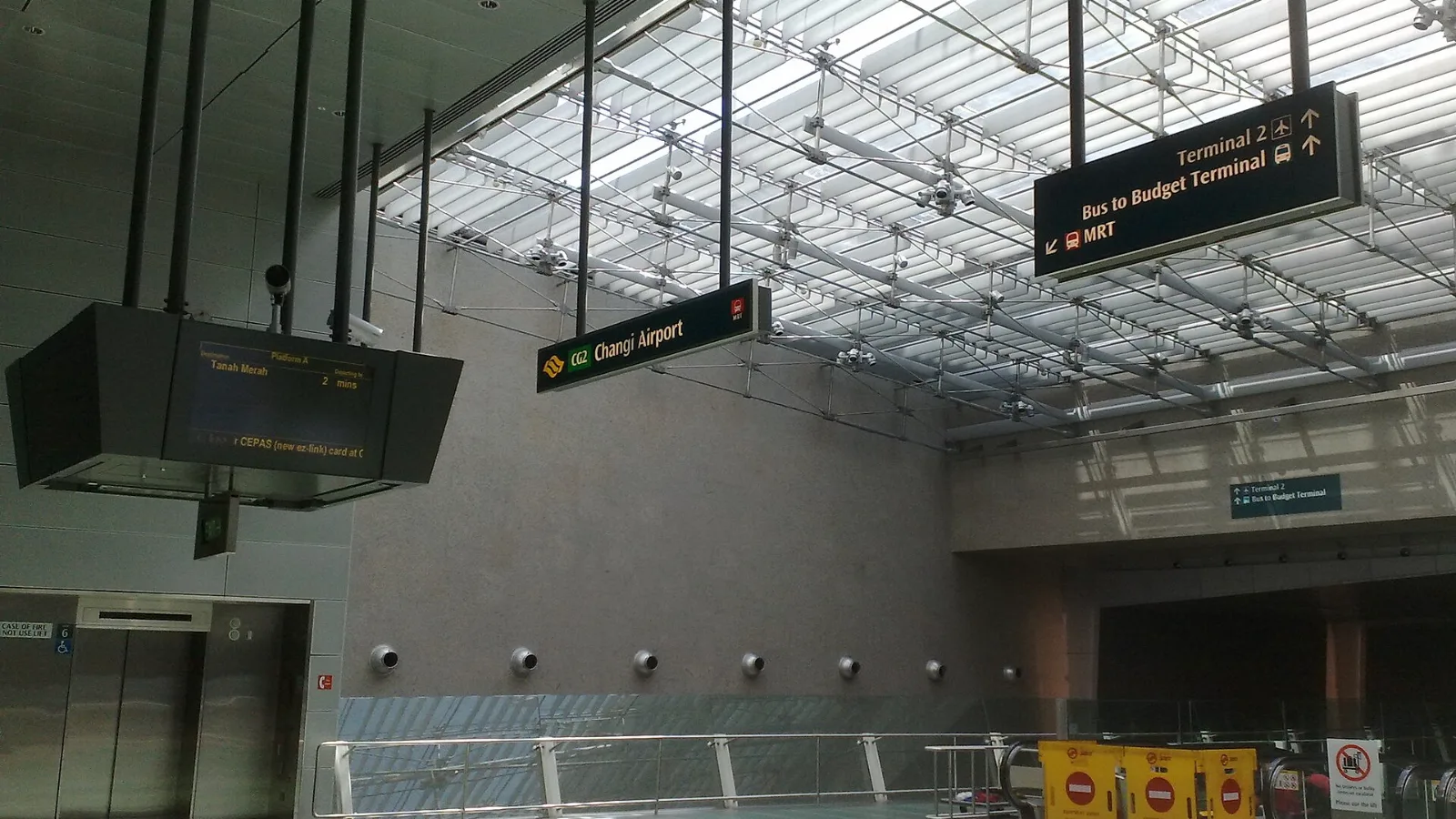
Take the MRT if you are one or two people staying near a train line: it costs about S$2 to S$3 and takes 35 to 50 minutes with one change. Take a Grab or taxi if three or more of you are sharing, you land at Terminal 4 or after the last train, because a car to the city takes about 30 minutes and usually costs S$25 to S$45.
 Travel Tips
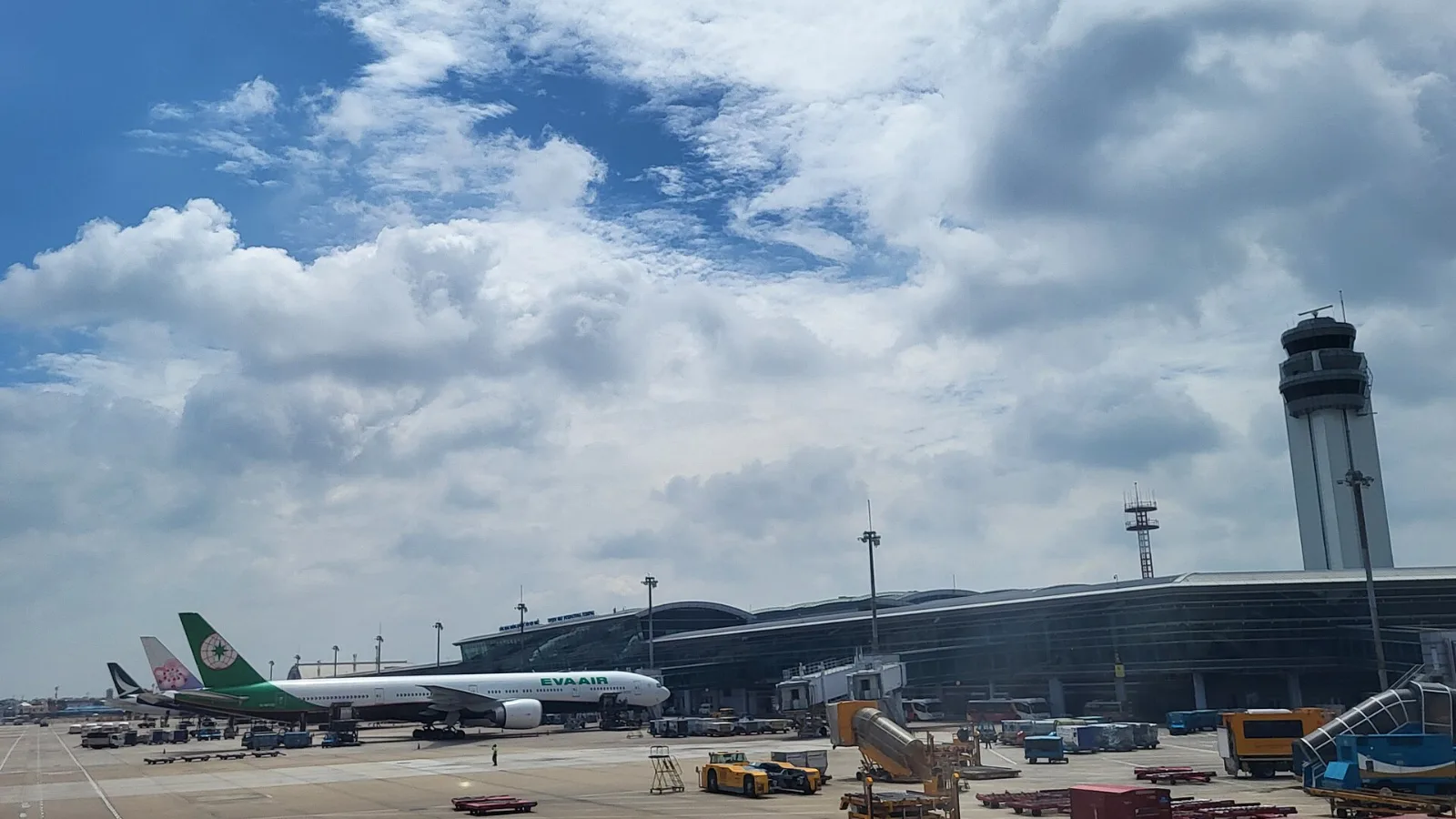
Take a Grab if you land at international Terminal 2, have a suitcase or are two or more people: a GrabCar to District 1 usually costs about 150,000 to 250,000 dong. Take bus 109 only on a tight budget with light luggage, because since 2025 it leaves from domestic Terminal 3, not the international terminal.
 Travel Tips
Take the Keisei Skyliner if your hotel is in Ueno, Asakusa or north-east Tokyo: it reaches Nippori in as little as 36 minutes for ¥2,580. Take the Narita Express if you are staying near Tokyo Station, Shinjuku, Shibuya or Yokohama, because it runs straight there, and the ¥5,200 round-trip ticket brings each leg close to the Skyliner fare.
| Connection | Best use at HKT | Limitation to remember |
|---|
| Airport Wi-Fi | Messages and quick checks in the terminal | Registration and terminal-only reach |
| Home-carrier roaming | Immediate continuity if already included | Terms depend on your carrier |
| Local SIM | Longer stay or need for a local number | Purchase and phone-slot logistics |
| co:sim Thailand eSIM | Data after leaving arrivals | Compatible unlocked phone; data-only |
 co:sim Team