
Back to Blog
Orlando Airport Wi-Fi is free in MCO's public areas, according to the airport's own Wi-Fi page. Confirm the network with current signs, connect, and save your terminal and onward travel details before you move away from the airport. A compatible co:sim data-only eSIM is an optional mobile connection for the part of the trip beyond MCO, subject to the plan you choose.
Open Wi-Fi settings in a public area of Orlando International Airport and compare the network list with the official airport instructions or nearby signage. Select the airport network and complete any screen shown on your phone. MCO says the service is free in public areas. Because signs and device menus can change, a blog screenshot is less useful than the instructions posted where you are standing.
After connecting, try a real task: load your airline's current flight status, send your arrival message, or open the transport booking. If your phone shows a Wi-Fi icon but nothing loads, you may still need to complete a connection page. Once the internet works, save the hotel address, confirmation number and pickup instructions. Put those details in notes or downloads so they remain available if the browser closes or the signal changes as you move.
Use ordinary caution on a public connection. Check the address of any login page, use the usual protections on your accounts, and do not give a payment card to an unexpected page claiming to sell airport access. The airport's own description says the Wi-Fi is free. If the displayed network does not match current airport information, ask a staff member instead of guessing among similar names.
Check that Wi-Fi is selected and that your phone has not switched to cellular data. Open an ordinary page in a browser to see whether a connection screen appears. If it does not, disconnect and reconnect once. A VPN or private DNS setting can prevent some captive pages from opening; changing it briefly is a device check, not a promise that this is the cause at MCO. Restore the setting you normally use after the test.
If your device still reports no internet, compare the selected network with the airport's Wi-Fi information and ask an information desk for the current instructions. Show the precise error rather than saying only that “the internet is broken.” Avoid repeatedly entering personal details into a page you cannot identify. You can still follow saved directions to your pickup or hotel while someone helps with the connection.
A co:sim eSIM can provide mobile data on a compatible phone if the selected plan suits your destination and has been prepared under its terms. It does not grant access to airport Wi-Fi or provide a US phone number. If you need a conventional call or text for a driver, confirm how your home line works abroad and retain the driver's booking details offline.
Start with the terminal printed on your flight reservation, then use MCO's official terminal maps to identify the relevant path. A/B and C are distinct terminal areas. Do not tell a driver only “Orlando Airport” and expect the booking to identify the right place. Ask where the service collects passengers for your terminal and use current signs after landing.
For a meeting, send the flight number, arrival terminal, traveler name and agreed pickup point. A person tracking only your scheduled arrival time may miss a terminal change. If you have a rental car, keep the company and booking number available. If you are continuing to a theme-park area, confirm the full accommodation address; the name of a resort district does not identify the entrance your driver needs.
MCO's ground-transportation guide is a useful starting point for modes of travel. Choose the actual operator and pickup instruction in your reservation rather than relying on an old web map or another traveler's fare estimate. Confirm current hours, stops and costs with that operator if they affect your choice. This article does not quote fares because they can change.
This checklist works whether you are staying in Orlando or changing transport again. The operator's live instructions control the actual pickup.
Airport Wi-Fi is for the airport. Once you travel to a hotel, convention center or another city, you need whatever connection is appropriate to that leg: your home carrier, a local SIM, an eSIM or a connection supplied at the destination. If a booking needs a call to an ordinary telephone number, a data-only plan alone will not supply one. If you mainly need maps and internet messages, mobile data may fit well.

Check co:sim's United States data page for the current plan details and verify device support before selecting anything. For a trip that also crosses into another country, compare the North America regional options; do not infer that a US-only plan follows you across a border. The product page is the source for the plan's destinations and terms, not this airport guide.
If you have decided to use one, preparing it on a reliable connection before departure simplifies arrival. Apple documents eSIM setup for iPhone, while other manufacturers provide model-specific instructions. Verify that your device supports eSIM and is eligible for the plan. Read the plan's installation and billing-start information, because installing a profile is not necessarily the same event as starting service.
Keep the QR email and instructions available offline. Name the travel line clearly, and after landing verify which line carries mobile data. If you leave your home line enabled for calls or SMS, review that carrier's international terms. A data-only eSIM does not receive verification texts sent to a conventional number. If MCO Wi-Fi works and you only need a brief message, you can use it; buy mobile data for the onward tasks that actually require it.
Browse co:sim United States data plansYes. The airport's Wi-Fi page says wireless internet is available free of charge in public areas of Orlando International Airport. Use the current airport instructions and signs to select the network, rather than trusting a dated network name from a third-party article. Test with a browser page before you rely on the connection to send a pickup message. If a payment page appears unexpectedly, pause and ask an information desk, since the airport describes the service as free. Download the terminal, booking and accommodation address even if the connection works. A co:sim data-only eSIM can serve as a separate mobile-data option when the phone and selected plan qualify; it is not needed for airport Wi-Fi and will not provide a US voice number or SMS inbox.
MCO's official Wi-Fi information describes free wireless internet in public areas. That is a service description, not a guarantee of the same signal at every seat or an instant connection on every phone. Confirm the current network from airport signage where you are, complete any on-screen step, and load a page to test internet access. If the device cannot connect, ask airport staff for current instructions. Also check your actual terminal on the MCO terminal maps before arranging a pickup; the network does not tell a driver whether you are at A/B or C. A mobile-data plan may help with onward communication under its own terms, but it does not change an airport's Wi-Fi performance or pickup layout. Keep your address and reservation offline.
Not through a conventional telephone number supplied by a co:sim data-only plan: it includes mobile data and no voice or SMS line. Internet calling or messaging can work when the hotel uses a compatible service, but many bookings still publish a standard phone number. For those, retain your existing line under your carrier's overseas terms or another appropriate calling option. The Apple eSIM guide explains how compatible iPhones add a profile; other phones require their own instructions. Check device eligibility and the selected plan's terms before departure, then save the QR details offline. MCO's free Wi-Fi may be enough to message someone while you are in the airport. The reason to arrange mobile data is the journey after you leave, when airport Wi-Fi is no longer the connection you are using.
Send your flight number, actual terminal, name, provider and agreed meeting point. The official MCO terminal maps help distinguish terminal areas, while the ground-transport page introduces the available modes. Your own booking or driver supplies the specific pickup instructions. Save the response so you can read it without Wi-Fi; if the flight changes, confirm the meeting point again. Include your full destination address, especially when a resort or hotel complex has multiple entrances. A mobile-data plan can provide mobile messages after departure if your phone and product are suitable, but it cannot fix an ambiguous pickup location. Current signs and the transport operator's instructions take precedence over an older screenshot.
Use free MCO Wi-Fi for the immediate arrival tasks, then match any mobile-data choice to your onward route. co:sim's US plans show current product conditions.
Instant delivery by email · Install before you fly
 Travel Tips
Take the Keisei Skyliner if your hotel is in Ueno, Asakusa or north-east Tokyo: it reaches Nippori in as little as 36 minutes for ¥2,580. Take the Narita Express if you are staying near Tokyo Station, Shinjuku, Shibuya or Yokohama, because it runs straight there, and the ¥5,200 round-trip ticket brings each leg close to the Skyliner fare.
 Travel Tips
Take bus 86 if you are travelling light, land before mid-evening and are staying near Hoan Kiem Lake: it costs about 45,000 dong and takes 50 to 70 minutes. Take a Grab if there are two or more of you, you have big bags or you land late, because one car to the Old Quarter usually costs about 230,000 to 320,000 dong and drops you at the door.
 Travel Tips
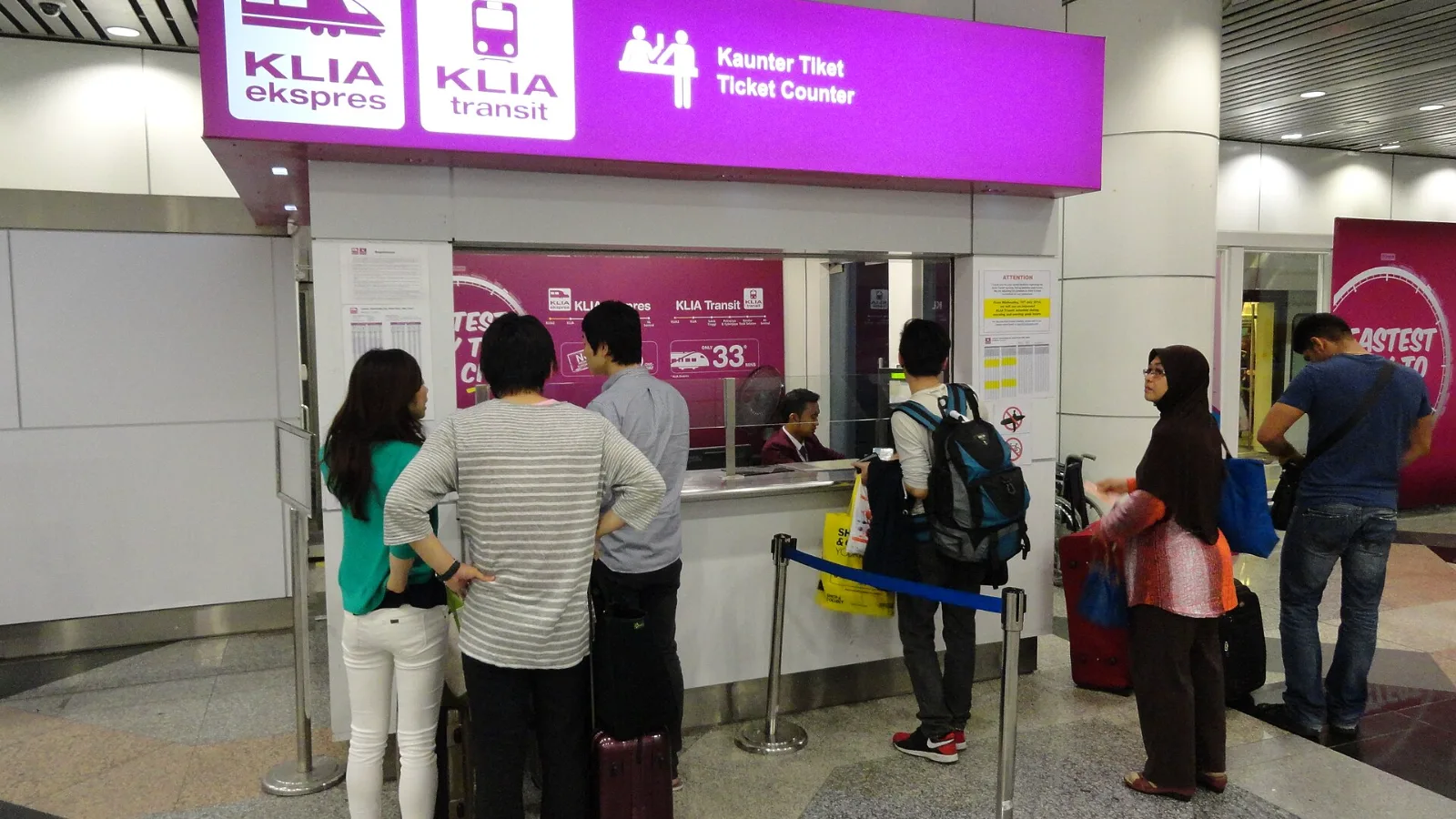
Take the KLIA Ekspres if you are travelling alone or as a pair and your hotel is near KL Sentral or a rail line: it reaches KL Sentral in 28 minutes from Terminal 1 for RM55, less 10% if you buy online. Take a Grab if three or more of you are going to a hotel away from KL Sentral, because one car fare usually costs less than three train tickets and drops you at the door.
| Before leaving MCO | Why it matters | Offline copy |
|---|
| Arrival terminal | Pickup areas differ | Flight and terminal screenshot |
| Accommodation | Resort names can be ambiguous | Full address and entrance details |
| Transport booking | Provider supplies the meeting point | Confirmation and contact |
| Ongoing data | Wi-Fi is an airport service | Selected plan instructions |
 co:sim Team