Back to Blog
Nice Airport Wi-Fi uses the official network name NiceAirportFreeWifi: select it, open a browser and accept the portal terms. The airport describes access as free and without a time limit. Save your Nice or Monaco transfer before leaving the hotspot; co:sim's France data-only eSIM (embedded SIM) is an option for mobile internet in France, with Monaco requiring a separate coverage check.
The airport's official free-Wi-Fi guide names NiceAirportFreeWifi, with that spelling. It instructs passengers to choose the network, open a browser and accept the general terms on the portal homepage. Use the airport's own wording rather than a generic “airport free Wi-Fi” name copied from another destination's guide.
NiceAirportFreeWifi with the current airport signage.Free access without a time limit does not mean a guaranteed download speed, access at every outdoor stop or uninterrupted service. Use a working session to prepare the next leg rather than postponing every decision until you reach the pavement. Keep a copy of the hotel address, your chosen arrival stop and any ticket instructions that you may need without internet.
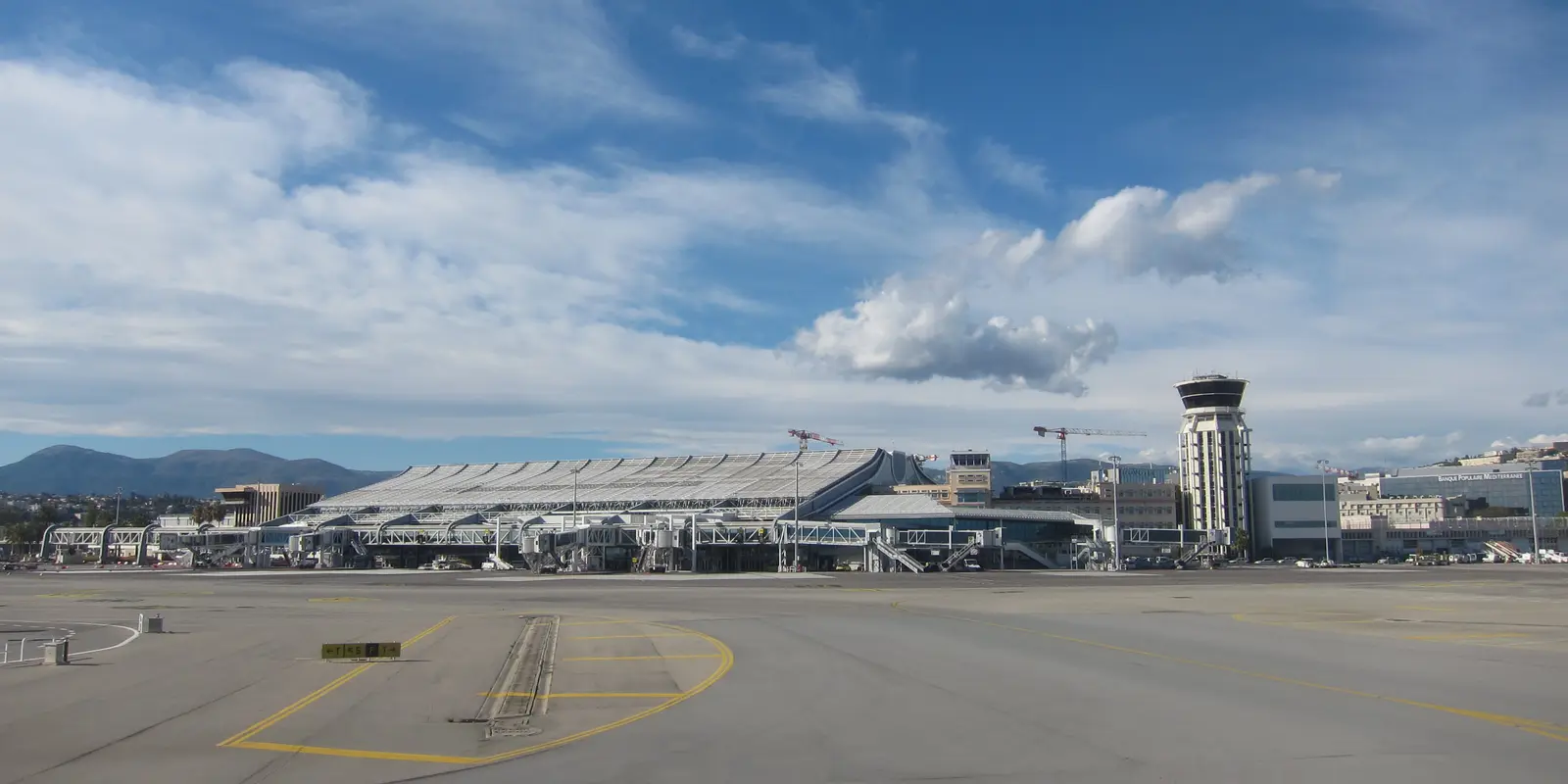
Cover photograph: Nice Airport Terminal 1 in October 2020, Olivier Cleynen, CC BY 4.0; cropped. Historical terminal view, not today's passenger conditions.
Reopen Wi-Fi settings and look for the phone's sign-in prompt. If necessary, forget the confirmed network and join again, then open a fresh browser page. A Wi-Fi symbol can appear while the captive portal, the browser page that controls access, still awaits your acceptance. A previously loaded map or email is not a useful test of a new connection.
A VPN (virtual private network) may interfere with portal access. If that happens, pause it briefly for sign-in and restore it afterwards. Do not install an unfamiliar certificate or dismiss a browser security warning to make the hotspot work. Ask airport staff to confirm the network if the available names differ from the official instructions.
If you already have mobile data, use it for a time-sensitive host message and return to troubleshooting when you can stop safely. Keep a charged phone and an offline route as fallbacks. Neither a free hotspot nor a travel eSIM can help when your phone has run out of power.
The airport's public-transport guide identifies tram line 2 as the connection from Terminal 1 and Terminal 2 toward central Nice and Port Lympia. It names Jean Médecin as a city-centre stop. The Lignes d'Azur airport-access page, published by the transport operator, independently confirms these terminal, centre and port links.
Choose the stop using your accommodation entrance, not just the word “Nice” on the booking. Jean Médecin and Port Lympia serve different parts of the city. A further walk or local connection may still be needed, particularly when the address is away from the tram corridor. Save that final leg while the airport connection works.
Both official pages also distinguish line B, serving CADAM / Centre Administratif, from line 2 toward the centre and port. Check the destination display before boarding rather than taking the first tram that arrives. Follow the current route and disruption information for your travel day; a photograph of a tram is not a timetable.
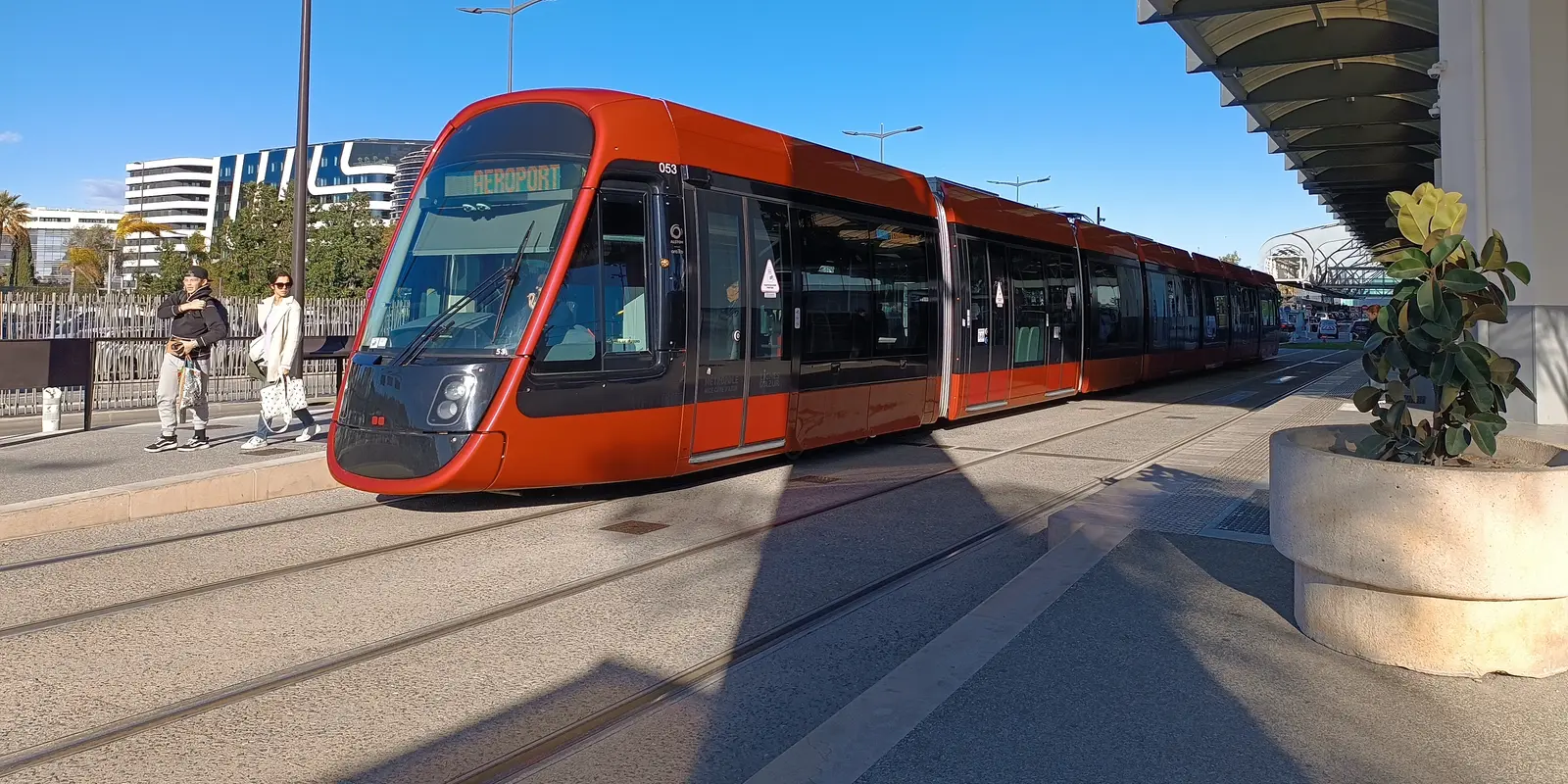
Photograph: Tram beside Nice Airport, Kyah117, CC BY 4.0. Cropped for the article; consult the live operator information for service details.
The airport transport page describes free tram travel between Terminal 2, Terminal 1 and Grand Arénas. That limited airport segment is not a statement that travel into central Nice is free. Check the ticket for your complete journey, including the airport stops you will use on the return.
The airport and Lignes d'Azur describe different ticket channels and airport products. Read the current product conditions instead of assuming that a city fare, airport return and multi-day pass are interchangeable. If you use a machine, check what the selected ticket actually includes before confirming payment. No fixed fare is quoted here because the live operator information is the appropriate place to make that purchase decision.
Open a mobile ticket while online and check whether its issuer requires an app or a changing code. Saving a screenshot of directions is useful; saving a screenshot of a ticket is only useful if the ticket provider accepts it. Keep a payment method available if you need to choose a different product at the stop.
Monaco is a separate destination for mobile coverage. An airport serving the French Riviera can be a convenient starting point for Monaco travel without making a France data plan valid there. Do not infer coverage from the distance between Nice and Monaco, the route's French departure point or the fact that the journey begins on a French network.
The airport's public-transport page lists route 80 toward Monaco and Menton. Check its current stopping arrangements, timetable and ticket instructions for your arrival terminal. Save the destination stop and the final route to your accommodation as separate details. The tram into central Nice and an onward Monaco coach solve different journeys.
If your itinerary crosses into Monaco, inspect the purchased plan's explicit destination list before enabling mobile data there. When Monaco is not listed, arrange another suitable connection and keep offline navigation ready. Nearby reception from a French network is not a coverage promise or a reliable way to decide which roaming charges apply.
Airport Wi-Fi can handle your first message, a booking check and downloaded directions. It cannot be assumed to follow you onto the tram or into a city street. A traveller meeting a driver at a fixed point may need little more; an apartment arrival with changing instructions benefits more from data outside the hotspot.
An eSIM is useful when you want data on your own phone without collecting a separate hotspot device. Existing roaming can be simpler if it already covers the trip. Pocket Wi-Fi can suit shared devices but must remain charged and near its users. None of these options justifies a claim that reception is continuous everywhere along the coast.
For a Nice stay, compare the France data-plan details with your trip length and intended use. Map searches and messages differ from video uploads or laptop sharing. Download large files before travel where practical, and select an allowance for your own habits rather than relying on a supposed standard airport-arrival requirement.
co:sim's data-only plans do not include a French phone number, ordinary voice calls or SMS. Use internet calling or messaging apps when those fit the task. Check the selected plan's coverage, billing-start rule, deadline and reloading support before ordering. Install on a stable connection, follow the travel-line instructions and test a small webpage with Wi-Fi off before walking toward transport.
Compare France data-only eSIM plansEligible new users can check the France free-eSIM offer. Sign-in and a valid payment card for verification are required; the card is not charged for the free item. Install and activate by the displayed deadline. Free items are non-refundable. Top-ups require a first connection, reloading support and an open validity window; you cannot top up after validity expires. The offer's listed coverage still needs a separate Monaco check.
FREECheck the free France eSIM offerNice Airport's official Wi-Fi guide identifies the network as NiceAirportFreeWifi and describes access as free and without a time limit. It tells passengers to select that network, open a browser and accept the general terms on the portal homepage. Confirm the name against airport signage and test a new webpage after completing those steps. A Wi-Fi icon alone does not prove the portal has granted internet access. The absence of a time limit is not a promise about speed, reception at every outdoor transport stop or uninterrupted service. Save your onward route and booking information while the connection works. Airport Wi-Fi should be treated as a local service for the airport visit, rather than a connection that accompanies you into Nice or on a journey toward Monaco.
A France eSIM should not be assumed to cover Monaco. The two are separate destinations for the purpose of checking a plan's explicit coverage, even when you travel between them on the same day. Before using co:sim or another travel plan across that boundary, inspect the purchased plan's destination list and arrange a suitable alternative if Monaco is absent. A French network visible near the border does not establish that the plan includes Monaco or prevent a phone from selecting another network. Keep offline maps and your accommodation details ready if you will not have a confirmed connection. Check home-carrier roaming separately too. The fact that a coach leaves Nice Airport for Monaco proves a transport link, not the territorial coverage of any mobile-data product.
The free tram segment described by Nice Airport is the link between Terminal 2, Terminal 1 and Grand Arénas. It does not make the whole journey into central Nice free. The airport and Lignes d'Azur identify line 2 as the route linking the terminals with Jean Médecin and Port Lympia; choose your stop using the address you actually need. Check the live ticket products and their airport conditions before buying, since a city ticket and an airport product may have different rules. Keep your ticket available in the format its issuer requires. An offline screenshot of a route can help you find the stop, but a ticket screenshot is only valid when the issuer accepts that format. Check service updates before relying on an old saved timetable.
The co:sim free France eSIM is for eligible new users and requires sign-in plus a valid payment card for verification. The card is not charged for the free item. Check the offer's current allowance, listed coverage and order dates rather than treating “free” as unlimited data or coverage everywhere nearby. Install and activate by the displayed deadline; installing the profile alone does not complete activation. Free items are non-refundable. Later top-ups require that the card has connected, supports reloading and is still within its validity window. No top-up is available after validity expires, so arrange another suitable plan when the window has closed. For a trip continuing to Monaco, confirm that destination separately before relying on this or any France-labelled plan outside its stated coverage.
Save the stop-to-hotel route, confirm any Monaco coverage separately, and compare co:sim's France mobile-data plans for the part of your trip within their listed coverage.
Instant delivery by email · Install before you fly
 Travel Tips
Take the Keisei Skyliner if your hotel is in Ueno, Asakusa or north-east Tokyo: it reaches Nippori in as little as 36 minutes for ¥2,580. Take the Narita Express if you are staying near Tokyo Station, Shinjuku, Shibuya or Yokohama, because it runs straight there, and the ¥5,200 round-trip ticket brings each leg close to the Skyliner fare.
 Travel Tips
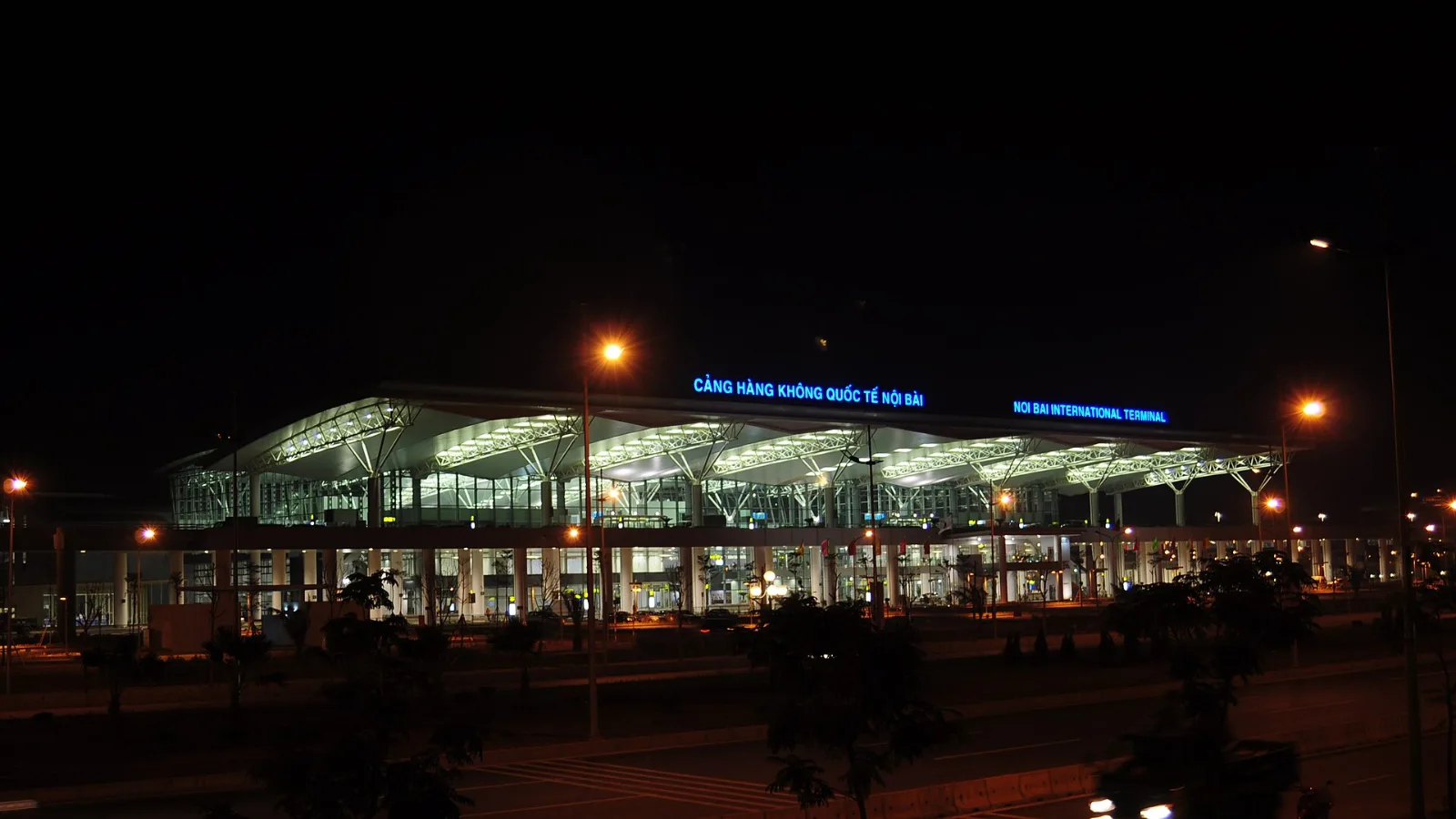
Take bus 86 if you are travelling light, land before mid-evening and are staying near Hoan Kiem Lake: it costs about 45,000 dong and takes 50 to 70 minutes. Take a Grab if there are two or more of you, you have big bags or you land late, because one car to the Old Quarter usually costs about 230,000 to 320,000 dong and drops you at the door.
 Travel Tips
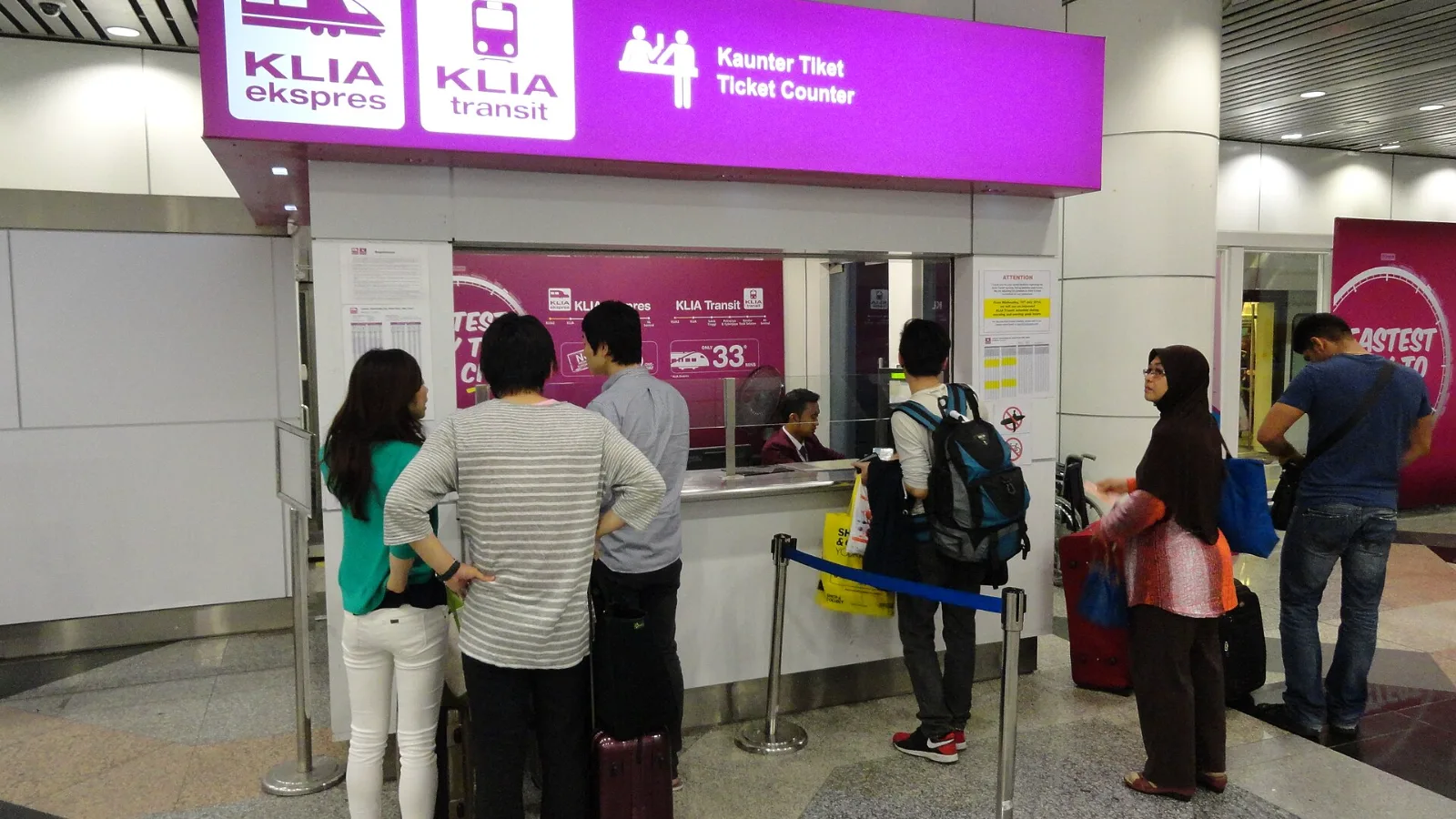
Take the KLIA Ekspres if you are travelling alone or as a pair and your hotel is near KL Sentral or a rail line: it reaches KL Sentral in 28 minutes from Terminal 1 for RM55, less 10% if you buy online. Take a Grab if three or more of you are going to a hotel away from KL Sentral, because one car fare usually costs less than three train tickets and drops you at the door.
| Option | Best use in this arrival | What to check |
|---|
| Nice Airport Wi-Fi | Portal access and saved onward information | Official network and working session |
| Existing home roaming | Familiar line for the wider trip | France allowance; Monaco separately |
| co:sim France data-only eSIM | Maps and internet messaging in France | Unlocked compatible phone and purchased coverage |
| Local SIM or pocket Wi-Fi | Another device or a group staying together | Collection, charging and travel-area conditions |
 co:sim Team