
Back to Blog
Miami International Airport (MIA) offers complimentary Wi-Fi with advertising on its MIA-WiFi network. Use it to retrieve your address and ground-transport details after landing, then switch to mobile data for the trip into Miami or PortMiami. A data-only eSIM such as co:sim's US plan can keep maps and messages working after the terminal signal ends.
The airport's Wi-Fi instructions say to select MIA-WiFi, open a browser, and use the welcome page. Complimentary access includes advertising. The airport also lists paid, uninterrupted options, but you do not need one just to check a reservation or send an arrival message. The airport describes coverage in indoor public areas, including baggage claim and departure gates; it does not promise service on the road or at the cruise port.
If the welcome page does not appear, the airport suggests refreshing or reopening the browser. On a phone, first turn off a VPN or private DNS temporarily if it prevents the captive portal from opening, then restore your usual settings when finished. Check the network spelling before entering any information, and avoid doing sensitive account work on a shared network. If a connection fails, save the airport's support details from its Wi-Fi page and use cellular data as a fallback.
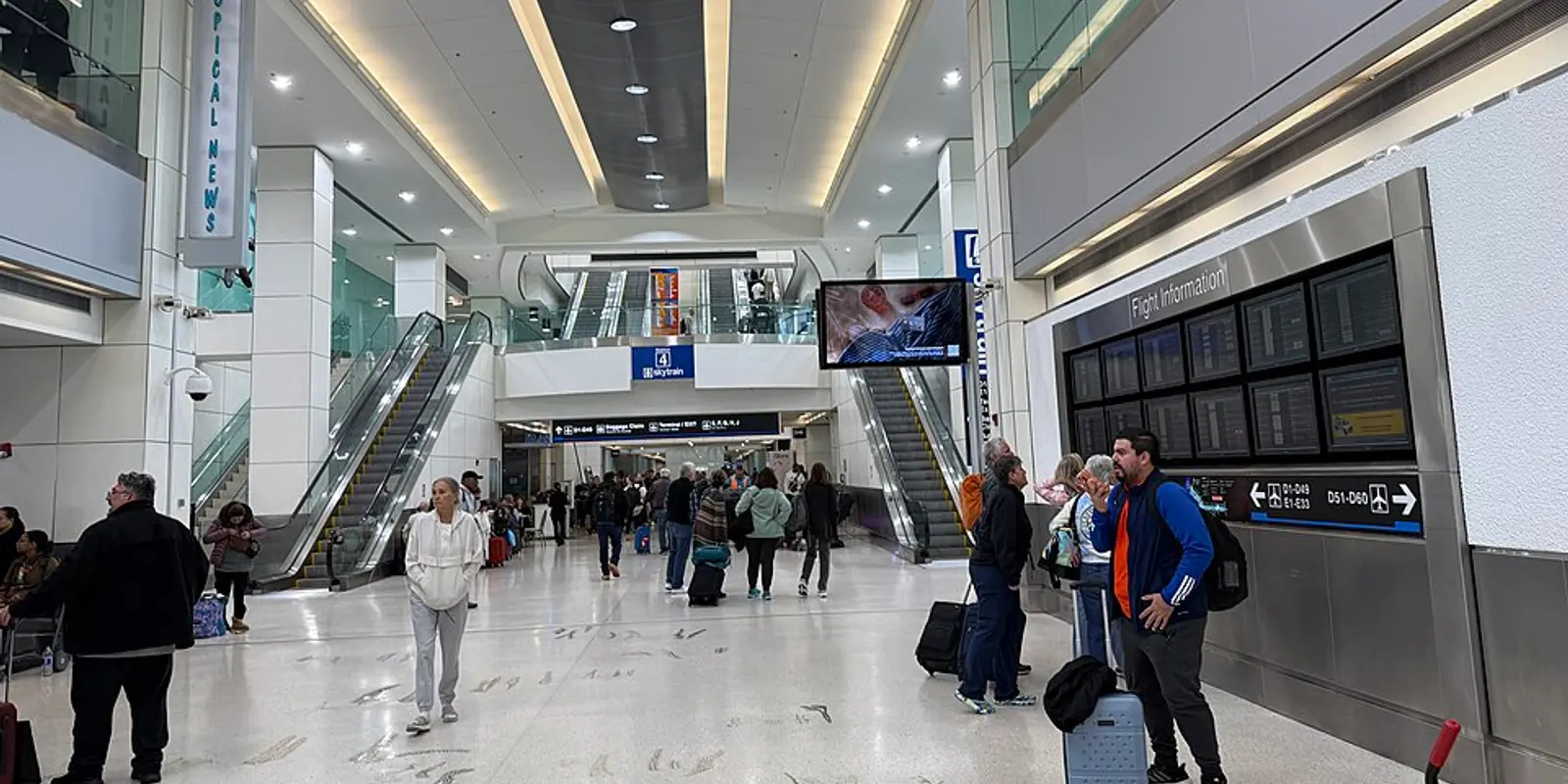
Open the exact hotel address, ride pickup point, or cruise-terminal assignment while you still have airport connectivity. Screenshot the details that must work offline: a booking reference, the name of your transport operator, and the terminal or berth your cruise line assigned. PortMiami's official directions page lists multiple terminals with different addresses, so "PortMiami" alone is not enough for a driver or a map pin.
Download an offline map of the Miami area if you expect to lose service. It can help with orientation, although live traffic, a ride request, and a message to a driver still need a connection. If you installed a co:sim eSIM before departure, check that its data line is enabled and that data roaming is on for that line when you are ready to use it. Keep your usual SIM selected for calls and texts if you need your home number; the travel plan provides data, not a new phone number.
For public transport, follow airport signs to the free MIA Mover. The airport's public-transport guide places its terminal access on level 3 between the Dolphin and Flamingo garages; it links the terminal with the Miami Intermodal Center, where Metrorail, Metrobus and Tri-Rail connections are available. Plan the onward route for your actual destination, and check the current timetable and fare before boarding. A Miami Beach bus or a Metrorail ride serves a different journey from a PortMiami cruise transfer.
If you prefer a taxi or app-based ride, the airport's ground-transport page directs you to pickup areas on the arrivals level outside baggage claim. Confirm the vehicle and pickup zone in the operator's app rather than following an unsolicited offer in the hall. Your map and ride app will need data after they leave the airport network. For a trip continuing into Canada or Mexico, inspect the North America regional option against your full route instead of assuming a US-only plan covers another country.

The airport's PortMiami guidance offers taxi or ride-share as direct choices and describes public-transport connections that involve more than one step. PortMiami's own terminal list and driving directions should be the final check for your ship's terminal. Ask your cruise line to confirm that assignment before setting off; a port-wide search result can point to the wrong entrance.
For a same-day sailing, leave room for baggage collection, traffic and the cruise line's boarding cutoff. A ride is simpler when you have luggage and a fixed check-in time; public transport can suit a lighter bag and a flexible schedule, but it is not a direct airport-to-ship train. Mobile data can carry the terminal address, driver messages and revised arrival time between MIA and the port. Once aboard, check your cruise operator's connectivity rules separately: a land-based travel eSIM should not be treated as shipboard internet at sea.
| Moment |
|---|
Airport Wi-Fi is enough for a short arrival task; mobile data is the practical continuity layer when the journey moves. co:sim sends the eSIM QR code by email after checkout, so you can prepare the phone before flying and verify the plan's supported networks and billing-start rule on its product page. If your phone cannot install eSIMs, use a compatible physical SIM or your carrier's roaming service instead.
Yes. Miami International Airport's official Wi-Fi page describes complimentary internet access with advertising on MIA-WiFi in its indoor public areas. It also lists paid uninterrupted options, so do not mistake a paid prompt for the only way to get online. Select the airport's named network, open a browser, and follow its welcome page. If nothing loads, refresh or reopen the browser as the airport suggests. Airport Wi-Fi is useful for sending an arrival message, opening a booking and checking ground transport while you are still inside MIA. It is not a dependable connection for a vehicle ride or the journey to PortMiami. A co:sim US data plan is one way to keep maps and messages available when you leave the terminal, provided the phone is eSIM-compatible and the selected plan fits your trip. Download essential addresses while connected in either case.
No. The airport's coverage description names indoor public airport areas such as baggage claim and gates; it does not describe Wi-Fi along the road or at PortMiami. Before leaving the airport, save the cruise line's exact terminal assignment and compare it with PortMiami's terminal addresses. You will still need a connection for live traffic, a ride request, or a last-minute message to the driver. A mobile-data plan or your home carrier's roaming service can fill that gap. co:sim's US eSIM is data-only: it supports internet-based maps and messaging, but it does not add a voice number or turn the ship's at-sea network into included coverage. If you will visit another country after Miami, check the regional plan's destination list before choosing it.
No. The airport's public-transport guide says the free MIA Mover connects the terminal to the Miami Intermodal Center, where Metrorail, Metrobus and Tri-Rail services connect. Its PortMiami guidance presents a separate transfer decision: a taxi or ride-share is direct, while public transport takes additional steps. This matters if you have heavy luggage or a hard cruise boarding cutoff. Check the current transit route for your specific terminal instead of treating the port as one station. co:sim data can help you follow route changes on a map, but a screenshot of your ship's terminal and booking reference remains useful if connectivity drops. If you choose a road transfer, confirm the pickup location with the driver before leaving the airport's arrivals area.
For the airport-to-city or airport-to-port leg, compare the co:sim US data plans with the regional option if your onward itinerary crosses a border.
View US eSIM plansInstant delivery by email · Install before you fly
 Travel Tips
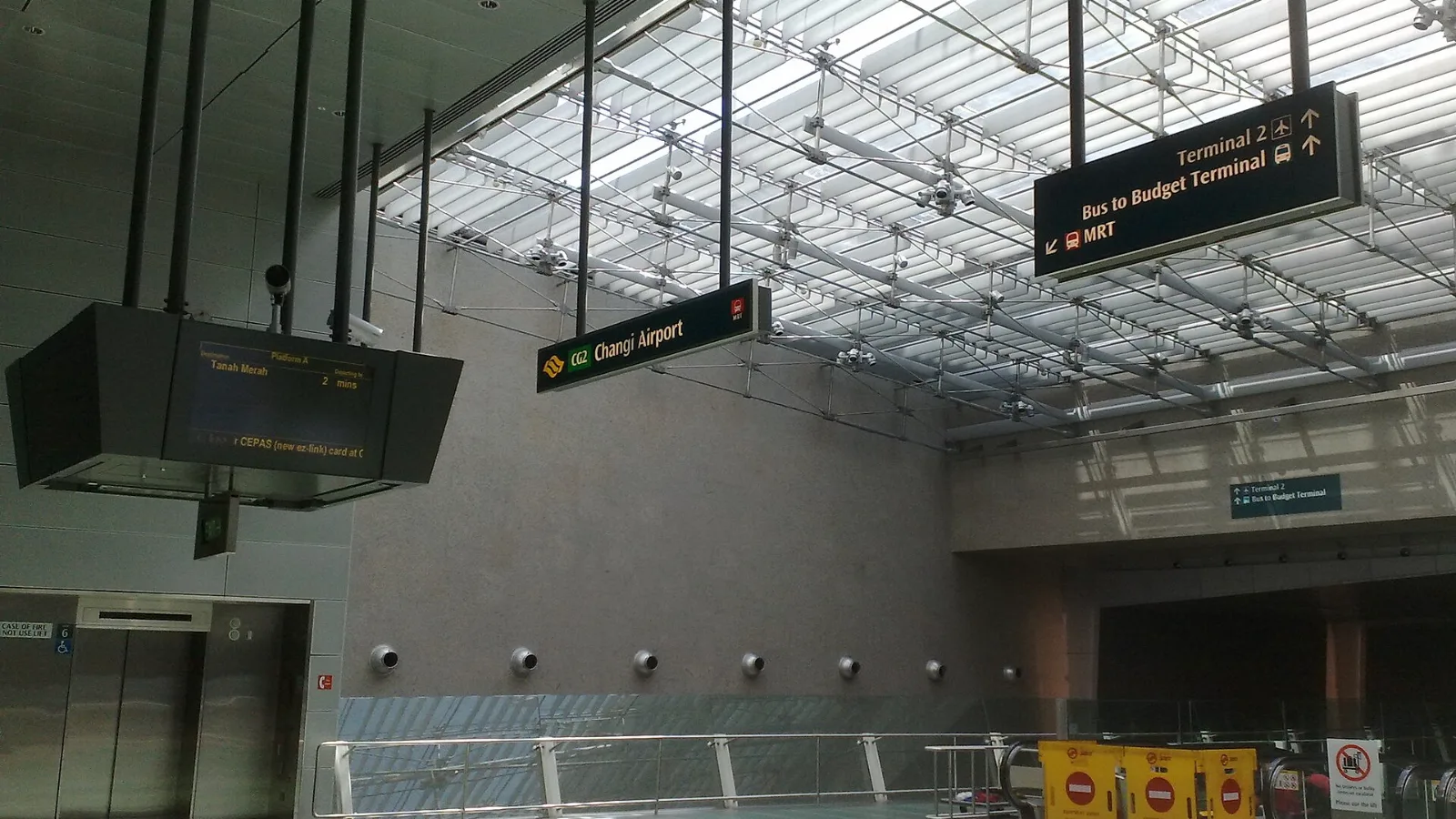
Take the MRT if you are one or two people staying near a train line: it costs about S$2 to S$3 and takes 35 to 50 minutes with one change. Take a Grab or taxi if three or more of you are sharing, you land at Terminal 4 or after the last train, because a car to the city takes about 30 minutes and usually costs S$25 to S$45.
 Travel Tips
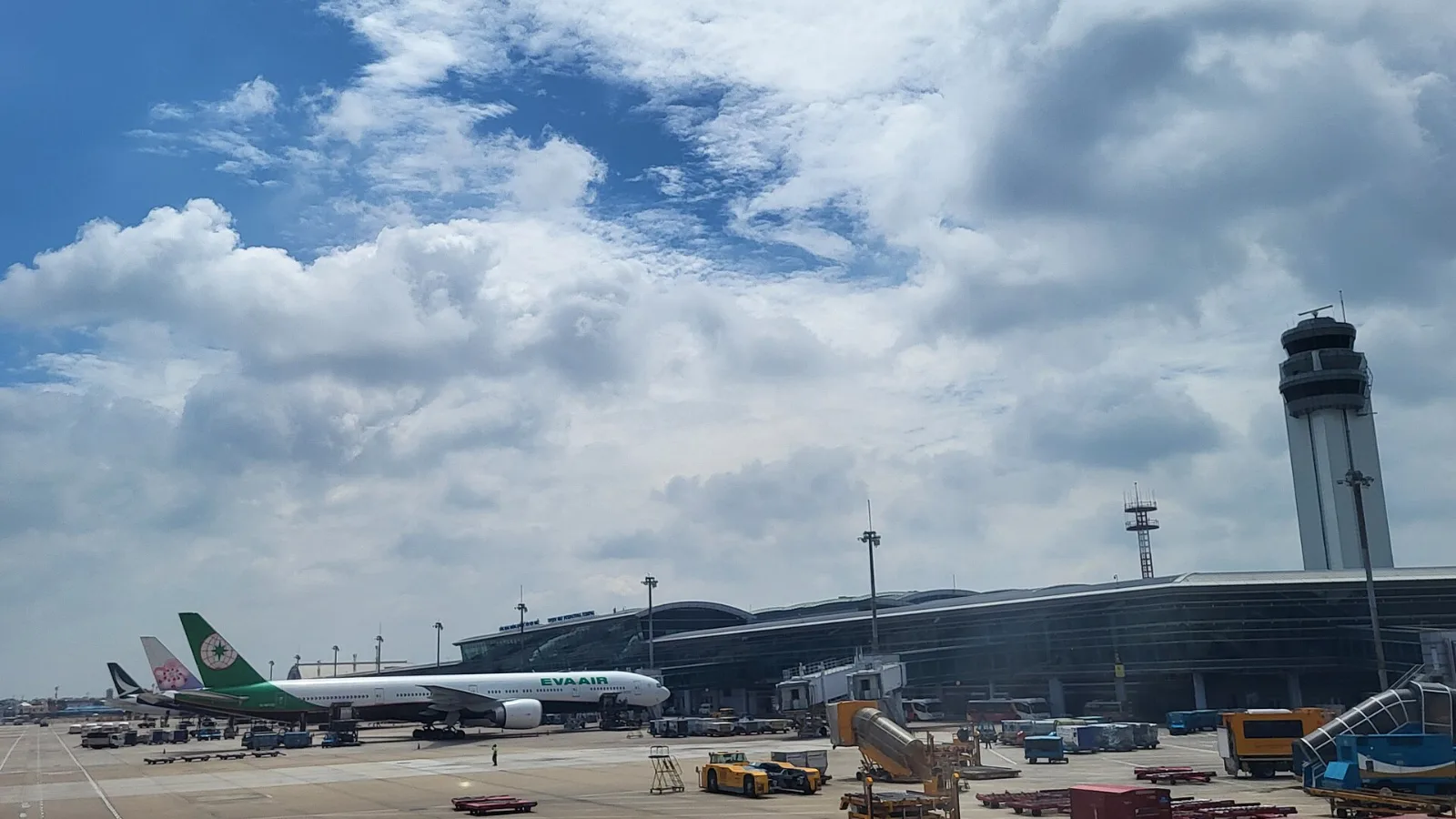
Take a Grab if you land at international Terminal 2, have a suitcase or are two or more people: a GrabCar to District 1 usually costs about 150,000 to 250,000 dong. Take bus 109 only on a tight budget with light luggage, because since 2025 it leaves from domestic Terminal 3, not the international terminal.
 Travel Tips
Take the Keisei Skyliner if your hotel is in Ueno, Asakusa or north-east Tokyo: it reaches Nippori in as little as 36 minutes for ¥2,580. Take the Narita Express if you are staying near Tokyo Station, Shinjuku, Shibuya or Yokohama, because it runs straight there, and the ¥5,200 round-trip ticket brings each leg close to the Skyliner fare.
| Useful connection |
|---|
| Limitation |
|---|
| Baggage claim or terminal concourse | MIA's complimentary MIA-WiFi | The airport describes indoor coverage, not a citywide connection. |
| MIA Mover and onward ground travel | Your own mobile data | Check that the plan covers each country on the itinerary. |
| PortMiami terminal handoff | Mobile data plus saved terminal details | Terminal assignments come from the cruise line, not a generic port map. |
 co:sim Team