Back to Blog
Manchester Airport Wi-Fi is free to access, and the airport's Terminal 2 instructions identify the network as _FreeWIFI. Connect and save your onward route before leaving the building; a data-only eSIM (embedded SIM), such as co:sim's UK option, handles mobile internet after the airport connection disappears. This guide concerns Manchester, England, not Manchester-Boston in the United States.
Manchester Airport's official facilities page lists airport Wi-Fi as a free service. Its Terminal 2 Wi-Fi-calling instructions explicitly tell passengers to connect to _FreeWIFI. That is a firmer starting point than a network name copied from a guide to a different Manchester airport.
_FreeWIFI.A connected Wi-Fi icon does not prove that internet access works. Your phone may have joined the hotspot without completing its captive portal, the browser page that controls access. The official pages cited here do not establish a universal session duration or a guaranteed speed, so use the actual portal terms rather than planning around an unsourced time limit.
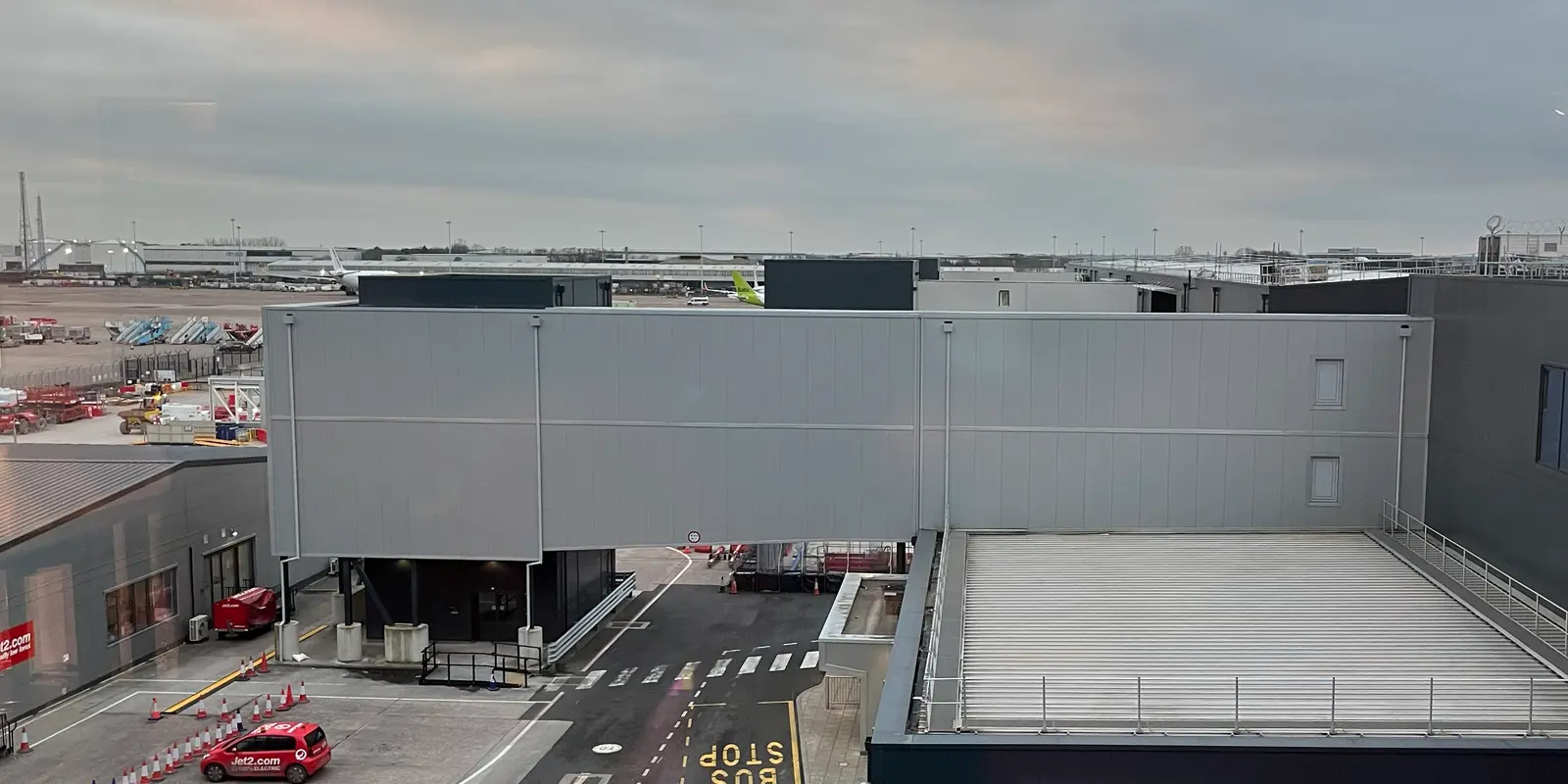
Cover photograph: Manchester Airport Terminal 2, Richard Cooke, CC BY-SA 2.0; cropped. Historical photograph, not a current wayfinding map.
Stay somewhere you can stop safely and troubleshoot before walking toward the station. Open Wi-Fi settings again and check whether your phone offers a sign-in notification. Forget the network, rejoin it and try the browser once more. A page already stored in your browser can appear to work without testing the connection, so open something new.
If a VPN (virtual private network) prevents the portal loading, pause it only long enough to finish the airport sign-in, then restore it. Do not install a certificate, download an unfamiliar app or accept a browser security warning simply to obtain Wi-Fi. Ask airport staff to confirm the advertised network if several similar names appear.
The airport's Terminal 2 guidance also warns that cellular reception inside the terminal can vary by provider. Wi-Fi calling, when supported by your home carrier, is a separate feature from internet access. A travel data plan does not supply a replacement phone number or ordinary carrier SMS, so keep any home-line verification needs in mind.
Start with the terminal written on your booking and the current airport information, rather than a saved screenshot of an old terminal map. A photograph can explain the setting but cannot prove which airline uses a building today. Keep your flight number available if you need staff to point you toward the right exit or meeting place.
For rail, the airport's train guide places the station between Terminal 2 and Terminal 3 and describes signed links using lifts, escalators and moving walkways. Follow the signs for the station from your actual arrivals exit. Do not interpret the availability of a walkway as a guarantee that Wi-Fi will follow you along it.
Tell a person collecting you your terminal and the exact signed meeting point. “I'm at Manchester Airport” is not enough to identify the correct road or entrance. Send that message while online, then keep the agreed location visible offline.
The airport's rail information identifies direct services to Manchester Piccadilly and describes the journey as around 20 minutes. That is an indicative train journey, not a landing-to-hotel promise: border formalities, baggage collection, the walk and a wait for the next service all come before it.
Use the connection to check the departure that fits the time you actually reach the station. Confirm the ticket's train restrictions and what happens if your flight arrives late before buying a tightly timed fare. A flight landing time is not a reliable train boarding time. The airport guide lists ticket machines and the rail information desk at the station as alternatives to booking online.
Piccadilly is an arrival point in the city, not automatically the nearest stop to your accommodation. Save the route from the station to your hotel as a separate leg. If another station or a road transfer suits the address better, compare the whole journey rather than choosing the train solely because its headline duration is short.
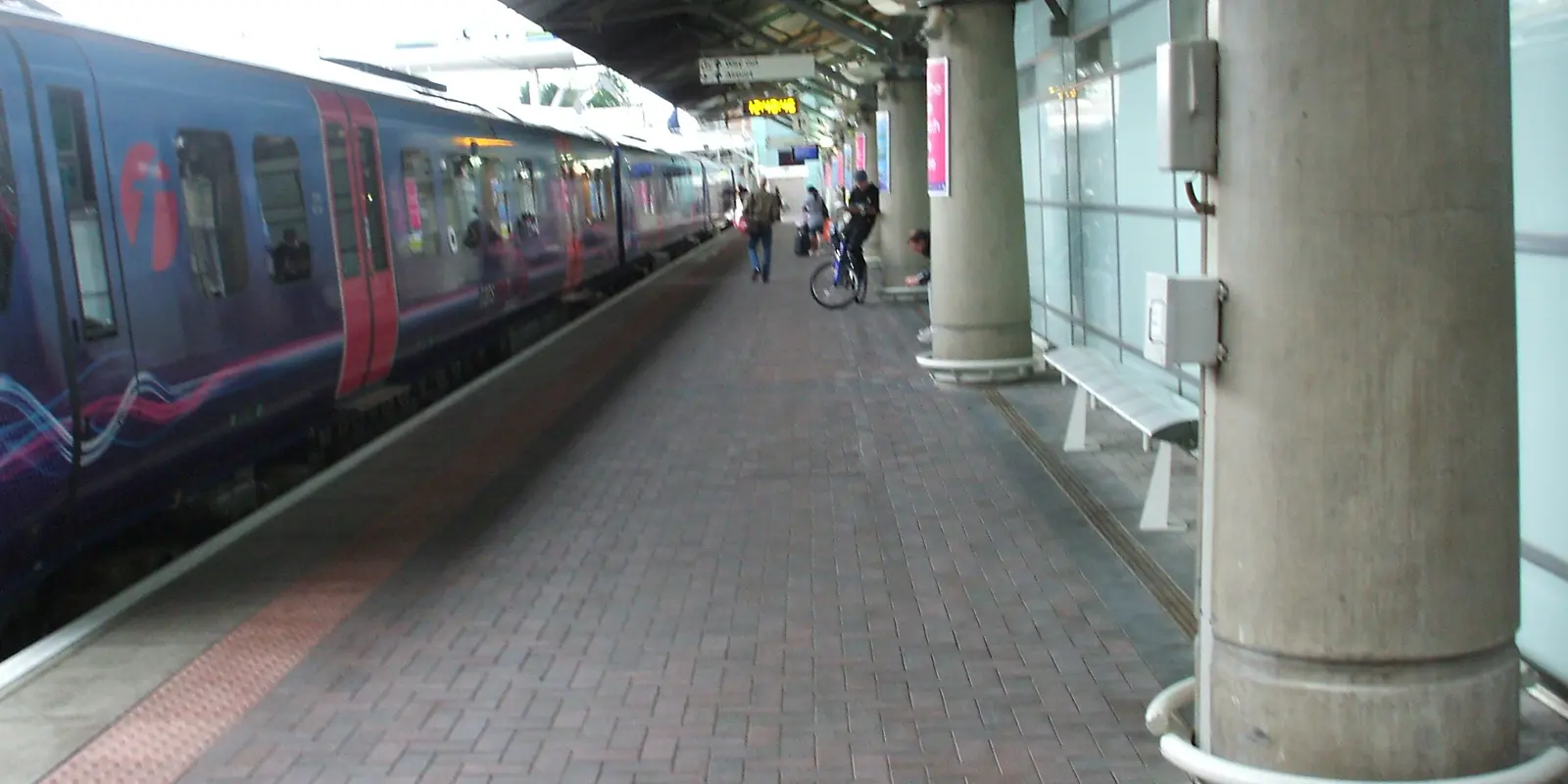
Photograph: Manchester Airport railway station, Nicholas Lawley, CC BY 3.0. The crop illustrates the rail setting; consult current displays for platforms.
Match the connection to the part of the journey it needs to serve. The airport hotspot can be enough for a collection message and an offline map. It is less useful when your host changes the meeting point after you have left the terminal.
An eSIM avoids collecting a separate device, but does not remove coverage gaps or dependence on phone battery. Pocket Wi-Fi can suit a group travelling together; it also needs charging and stays with whoever carries it. Existing UK roaming may already meet your needs, especially when the allowance is included rather than an extra daily purchase.
Prioritise your accommodation address, the route from Piccadilly, your booking reference and a contact method your host actually uses. Download the relevant map area and open any ticket you intend to show. Check the issuer's offline-ticket rules; a screenshot is not a substitute when a ticket requires an active app or changing code.
For mobile data, compare the UK data-plan details with your trip length and expected use. Maps, messages and occasional booking checks call for a different allowance from video uploads or laptop tethering. Download entertainment over a trusted connection before travel rather than letting it consume your arrival data.
co:sim provides data-only plans: use internet calling or messaging apps, but do not expect a UK phone number or included voice calls and SMS. Read the selected plan's coverage, billing-start rule, activation deadline and top-up support before checkout. Install on a stable connection and keep the setup instructions available; installation and activation are different steps.
Compare UK data-only eSIM plansEligible new users can also check the free offer. Sign-in and a valid payment card for verification are required; the card is not charged for the free item. Install and activate by the deadline displayed for the order. Free items are non-refundable. A top-up requires a card that has connected and supports reloading while its validity window remains open; no top-up is available after validity expires.
FREECheck the free UK eSIM offerBefore you walk away from the hotspot, turn off Wi-Fi briefly and test a small webpage on your selected travel data line. Disable unwanted data roaming or automatic data switching on your home line. A successful airport test proves that moment's connection, not uninterrupted reception throughout the train journey.
Manchester Airport's official facilities page describes airport Wi-Fi as free, while its Terminal 2 instructions identify _FreeWIFI as the network to select. The official pages used for this guide do not establish a universal session duration. Read the portal conditions presented when you connect instead of assuming a fixed number of free hours or unlimited access. Confirm the network against airport signage, complete any browser steps and open a fresh webpage to test the connection. A Wi-Fi icon alone can mean that your phone has joined the hotspot without passing the login page. Use the working session to save your booking and onward directions. Airport internet access should not be treated as a connection that continues along the train route or outside the airport campus.
A UK travel eSIM can provide mobile data after you leave Manchester Airport Wi-Fi, provided your phone supports eSIM, is carrier-unlocked and the selected plan covers your destination. co:sim's UK plans are data-only, so they can support maps and internet messaging but do not include a UK phone number or conventional voice calls and SMS. Read the purchased plan's details before relying on it for your arrival. Install on a stable connection, select the travel line for mobile data and follow its roaming instructions. Test a small webpage with Wi-Fi switched off before heading out. That check helps detect a setup problem while you still have a fallback. It does not guarantee reception in every carriage, building or point along the rail journey.
Use Manchester Airport Wi-Fi to inspect rail options while waiting, but choose a ticket that fits the uncertainty of your arrival. The airport describes the train ride to Manchester Piccadilly as around 20 minutes; this excludes baggage collection, border checks, walking and waiting. A restricted fare tied to one departure may be inconvenient if your flight or baggage is delayed. Read the specific ticket conditions rather than assuming every missed train permits travel on the next one. Save the booking reference and check how the ticket must be displayed before leaving the hotspot. If you prefer to decide at the station, the airport lists ticket machines and a rail information desk. Keep the journey from Piccadilly to your accommodation separate from the airport rail leg.
The co:sim free UK eSIM offer is for eligible new users, with eligibility checked during the claim process. You must sign in and provide a valid payment card for verification; the card is not charged for the free item. Check the data allowance, coverage and dates displayed for the actual offer rather than assuming they match a paid plan. Install and activate the eSIM by the displayed deadline: installing the profile alone does not complete activation. Free items are non-refundable. Later top-ups depend on reloading support, a first connection and an open validity window; you cannot top up after validity expires. Arrange another suitable plan if that window has closed. Prepare this before departure when possible, so arrival connectivity does not depend on completing account and device setup beside the baggage belt.
For a Manchester arrival, save the station-to-hotel route first, then choose co:sim's UK mobile-data option only if you need a connection beyond the airport hotspot.
Instant delivery by email · Install before you fly
 Travel Tips
Take the Keisei Skyliner if your hotel is in Ueno, Asakusa or north-east Tokyo: it reaches Nippori in as little as 36 minutes for ¥2,580. Take the Narita Express if you are staying near Tokyo Station, Shinjuku, Shibuya or Yokohama, because it runs straight there, and the ¥5,200 round-trip ticket brings each leg close to the Skyliner fare.
 Travel Tips
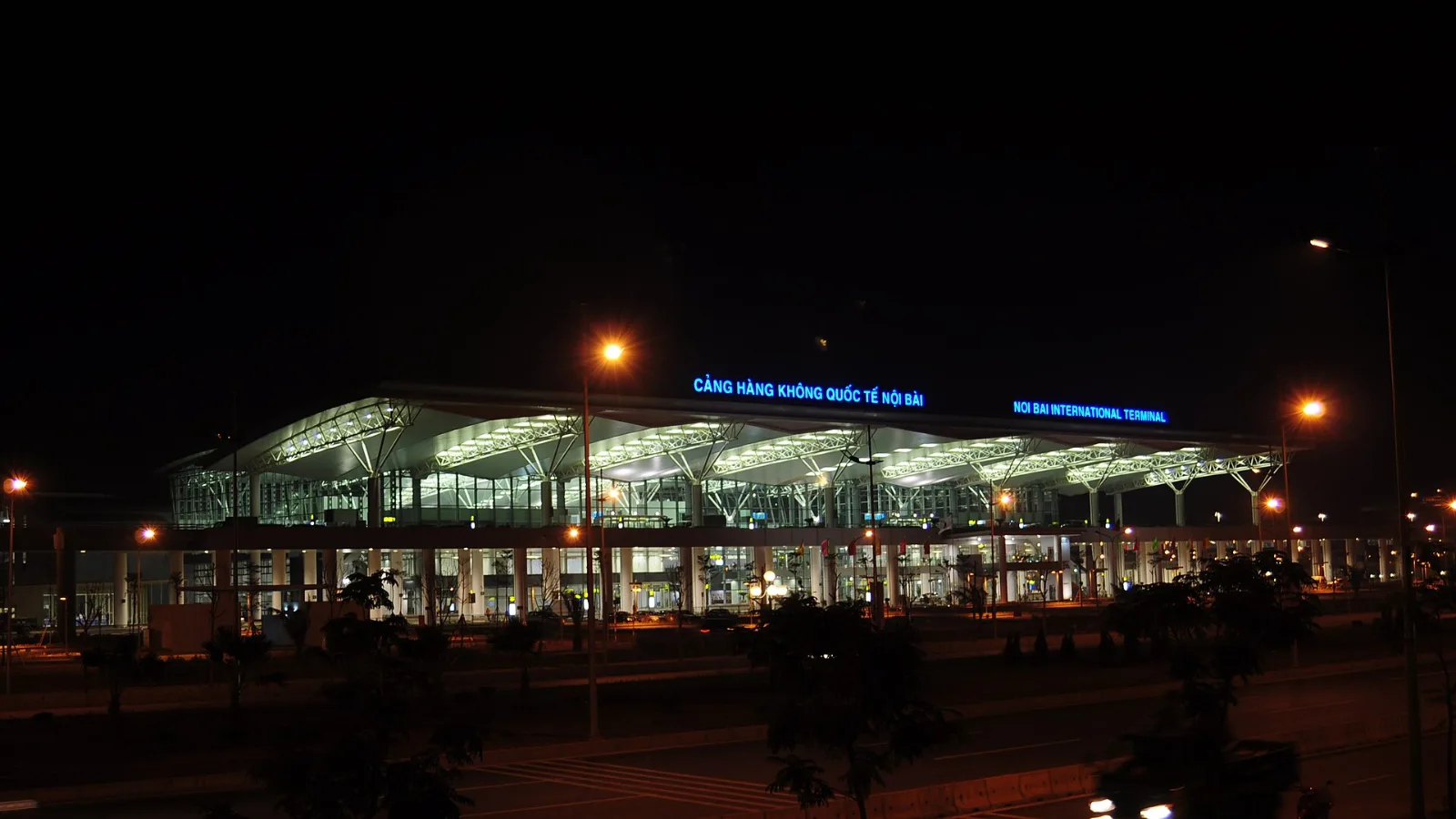
Take bus 86 if you are travelling light, land before mid-evening and are staying near Hoan Kiem Lake: it costs about 45,000 dong and takes 50 to 70 minutes. Take a Grab if there are two or more of you, you have big bags or you land late, because one car to the Old Quarter usually costs about 230,000 to 320,000 dong and drops you at the door.
 Travel Tips
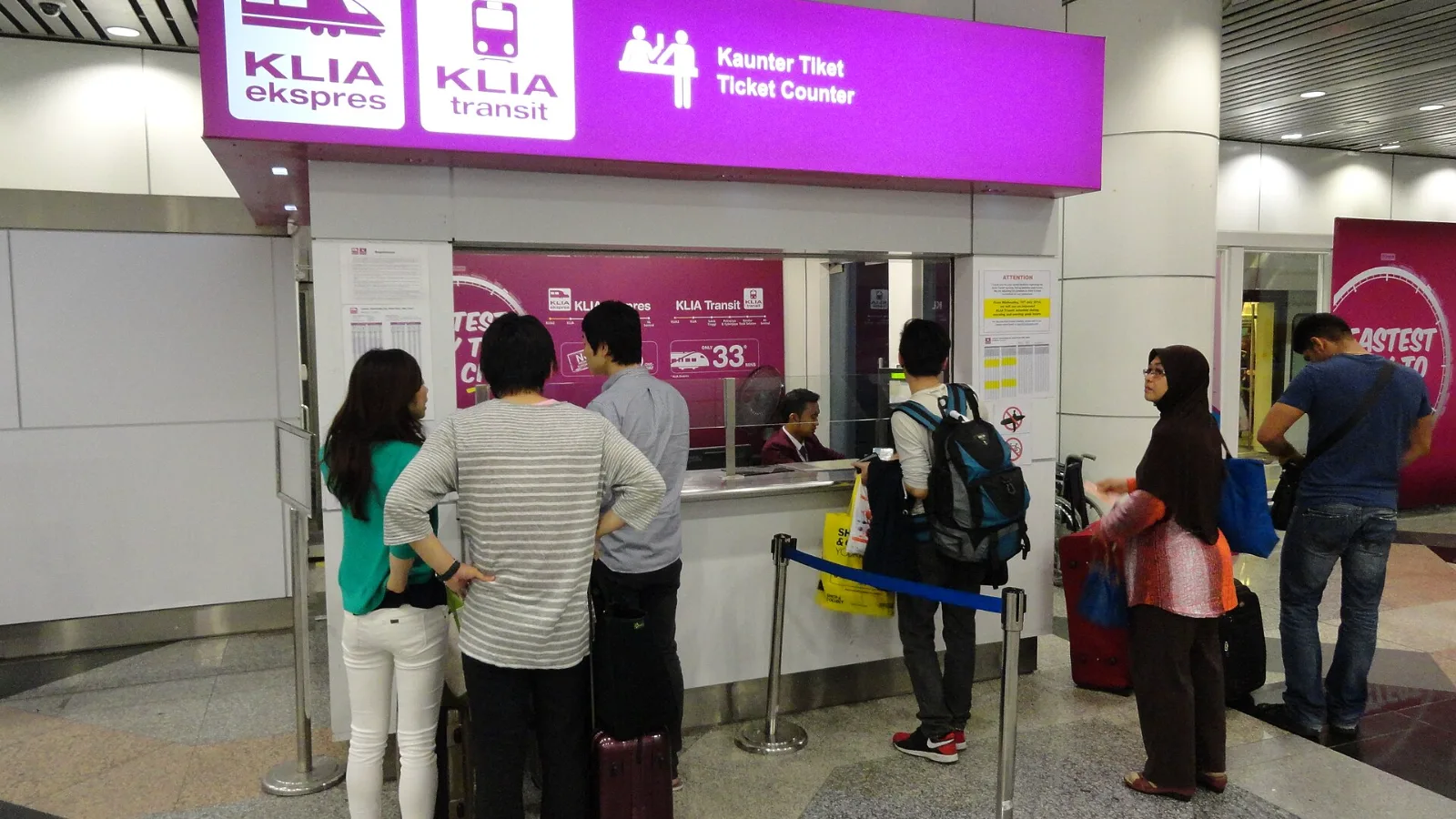
Take the KLIA Ekspres if you are travelling alone or as a pair and your hotel is near KL Sentral or a rail line: it reaches KL Sentral in 28 minutes from Terminal 1 for RM55, less 10% if you buy online. Take a Grab if three or more of you are going to a hotel away from KL Sentral, because one car fare usually costs less than three train tickets and drops you at the door.
| Option | Useful for | Check before relying on it |
|---|
| Airport Wi-Fi | Booking retrieval and departure checks inside the airport | Network identity, portal terms and actual access |
| Home SIM roaming | Keeping your existing number and a familiar setup | Your carrier's UK allowance and charges |
| co:sim data-only eSIM | Maps and internet messaging beyond the hotspot | Compatible, carrier-unlocked phone and purchased-plan details |
| Local SIM or pocket Wi-Fi | Devices or group travel that need a different setup | Availability, collection arrangements and device compatibility |
 co:sim Team