
Back to Blog
Adolfo Suárez Madrid-Barajas runs one free passenger network, Airport Free Wifi Aena, and Aena attaches a clock to it: you get 15 minutes of free internet in which to confirm the verification email the portal sends you. Confirm inside that window and the time limit goes away. Miss it and you are back at the welcome portal with nothing downloaded. A traveller who lands with mobile data already running, such as a data-only co:sim Spain eSIM, never enters the sequence at all.
Aena publishes the procedure on its Wi-Fi page for Adolfo Suárez Madrid-Barajas. There are four steps, and the last one is the one people miss.
Airport Free Wifi Aena. Compare the spelling against the network list before tapping. A look-alike SSID is the oldest trick in any terminal.Aena's page is explicit that once the account has been verified you have access to the internet without time limitations. The 15 minutes exist only to get you as far as step 4.
It means the free tier is neither a 15-minute cap nor an open network. It is 15 minutes to prove an address, then no stated limit. Two situations turn that into a real problem.
The first is a mailbox that will not sync. Your mail app does have data during those 15 minutes, so the loop can close, but it closes slowly when the app is set to manual refresh, when the message lands in spam, or when a corporate mail client wants a VPN that the portal has not authorised yet.
The second is a throwaway address. Aena verifies the address rather than the person, so any mailbox is acceptable, but it has to be one you can genuinely open from a seat in the terminal.
Decide before you fly which mail app you will use, and keep the boarding pass, accommodation address and pickup contact saved offline so a portal problem never sits between you and time-critical information.
Aena documents how to connect. It does not publish a terminal-by-terminal coverage map, and at an airport this size that gap is worth respecting rather than assuming away. Madrid-Barajas is not one building. T1, T2 and T3 form one connected complex while T4 and T4S sit separately, far enough away that Aena's own underground page lists two different Metro stations to serve them.
Treat reception as something that varies with where you are standing, not as a property of the airport. Boarding areas and seating zones are where to test it. A transfer from T2 to T4S is a shuttle ride, and a session that worked at one gate says nothing about the other end.
If a download matters, start it while you are seated rather than while walking to a gate.
Treat any shared airport network as untrusted, including a legitimate one. HTTPS protects the contents of properly secured sites, but a look-alike hotspot can still steer you to a false page or ask for something the real portal never asks for. Aena's flow asks for an email address. It does not ask for card details, so a page that does is not Aena's.
Use the connection for low-risk work: an offline map download, a boarding pass, a public transport timetable. Keep banking, password resets and account recovery on mobile data. Reach sensitive services through a saved app or bookmark rather than a link the portal shows you.
Afterwards, tell the phone to forget the network so it cannot silently rejoin something with a similar name in a café three days later.
The airport network stops at the terminal door. Metro Line 8 links the airport with Nuevos Ministerios, runs from 06:05 to 02:00 every day including public holidays, and carries a 3 euro airport supplement on top of the normal fare, all published on Aena's underground page. That ride is exactly when a maps app, a ticket machine and a message to whoever is meeting you all want data at once.
Every co:sim plan page lists the underlying network, the install deadline and whether the plan can be topped up, so the checking happens at home rather than in a corridor at 4% battery. For an itinerary that continues past Spain, the Europe regional bundle covers a multi-country trip on one card instead of one eSIM per border.

For subscribers on an EU or EEA contract, often yes. The European Commission's roaming rules set out the domestic-style framework and the fair-use safeguards attached to it. Check that Spain sits inside your carrier's zone and read the usable allowance, because fair-use caps can differ sharply from the headline domestic figure.
Travellers arriving from the UK, Switzerland, the Americas, Asia or elsewhere fall under their own carrier's terms instead. An international add-on does not automatically include Spain at a sensible rate, so compare the daily charge, the speed after the cap and the hotspot rules first.
A separate travel eSIM lets you keep home-line data roaming switched off while the primary number stays reachable for verification texts. It is data-only, so internet calling and messaging work normally, but it does not provide a Spanish phone number.
See current co:sim Spain eSIM plansThe free trial eSIM for Spain is a separate offer for new customers. It needs an account and a card for verification, and the card is not charged.
FREEClaim a free Spain eSIMInstall on stable Wi-Fi at home rather than in the arrivals corridor. co:sim sends the QR code and the manual installation details by email within seconds of checkout, so the install can happen the evening before departure, with a second screen to hand.
Label the profile something obvious such as Spain data. On arrival, select it as the mobile data line, enable data roaming for that line only, and switch off automatic cellular data switching so the phone cannot quietly fall back to your home SIM.
Give registration a few minutes before changing anything. If nothing appears, toggle airplane mode or restart before touching the APN, and do not delete the profile as a first move. Many travel profiles are designed to be installed once.
The network at Adolfo Suárez Madrid-Barajas is called Airport Free Wifi Aena and it is free to use. Aena's published procedure gives you 15 minutes of free internet in which to confirm a verification email, and states that once the account has been verified you have access without time limitations. So the honest answer is that the free tier is unlimited in duration but gated behind a short verification step, and the step is where people get stuck. Join the network, let the welcome portal load, identify yourself with an email address or an Aena Club account, then open the verification message before the 15 minutes run out. Keep the boarding pass and hotel address offline so a failed verification never becomes a missed connection. A travel eSIM is a separate connection that does not depend on the portal at all.
The email address is how Aena verifies the session rather than the person. The welcome portal offers three routes: an email address as a guest user, a login to an existing Aena Club account, or a new Aena Club registration. Whichever you pick, a confirmation message follows and the connection stays limited until you open it. Use a mailbox you can actually read from the terminal, because an address you cannot open leaves you stuck at the portal when the 15 minutes expire. Aena asks for identification, not for payment, so a page requesting card details is not the airport's. If you would rather not hand over an address at all, mobile data from a co:sim plan skips the portal entirely and works the moment the aircraft door opens.
First check the spam folder, then check that your mail app is set to fetch rather than wait for a manual refresh. A corporate mail client that insists on a VPN may fail while the portal session is still restricted, so try a personal mailbox instead. If the portal session has already expired, forget the network, rejoin it, and let the welcome page load again before retrying. Do not install a certificate, configuration profile or app that a portal offers you, and do not enter card details anywhere in this flow. If it still fails, ask at an airport information desk where the current connection instructions are posted. Travellers who would rather not gamble on this at all install a co:sim eSIM before departure, since it carries its own data and is unaffected by the airport portal.
No. The travel eSIMs described here are data-only. They carry mobile internet for maps, ride apps, email, WhatsApp, Signal and other internet calling services, but they do not include a Spanish number for traditional voice calls or SMS. Your existing messaging accounts keep their original identity, so contacts see no change. On a dual-SIM phone, the home line can stay available for bank verification texts while the eSIM carries all mobile data. Before landing, switch off data roaming and automatic data switching on the home line, then confirm the data counter is rising on the travel line rather than the home one. If a long stay genuinely needs domestic calls or a local number, compare a registered local SIM instead, and check what your home carrier charges for incoming calls and voicemail while abroad.
Use the airport network to prepare, then rely on the connection that covers the rest of the trip.
Instant delivery by email · Install before you fly
 Travel Tips
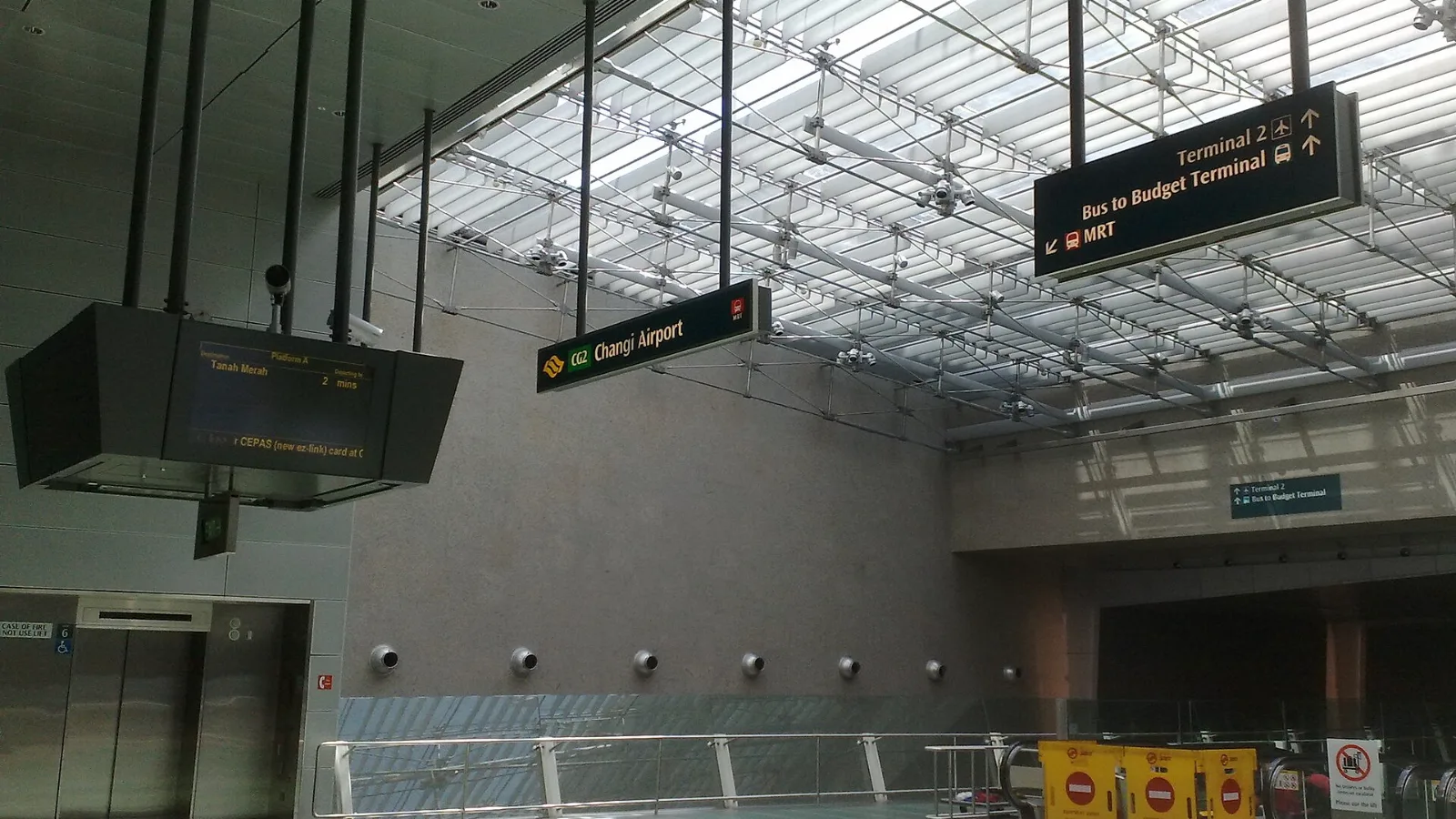
Take the MRT if you are one or two people staying near a train line: it costs about S$2 to S$3 and takes 35 to 50 minutes with one change. Take a Grab or taxi if three or more of you are sharing, you land at Terminal 4 or after the last train, because a car to the city takes about 30 minutes and usually costs S$25 to S$45.
 Travel Tips
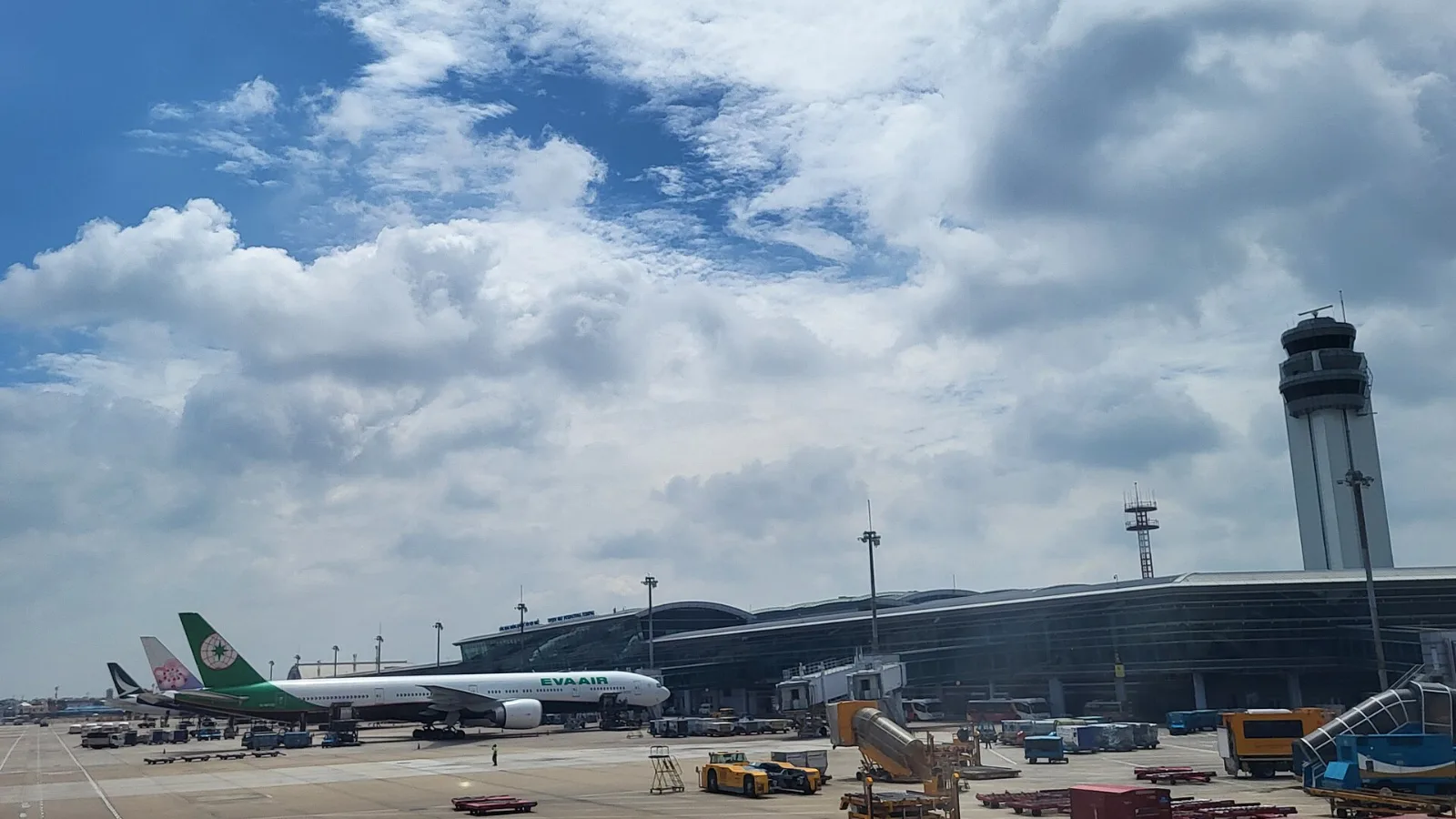
Take a Grab if you land at international Terminal 2, have a suitcase or are two or more people: a GrabCar to District 1 usually costs about 150,000 to 250,000 dong. Take bus 109 only on a tight budget with light luggage, because since 2025 it leaves from domestic Terminal 3, not the international terminal.
 Travel Tips
Take the Keisei Skyliner if your hotel is in Ueno, Asakusa or north-east Tokyo: it reaches Nippori in as little as 36 minutes for ¥2,580. Take the Narita Express if you are staying near Tokyo Station, Shinjuku, Shibuya or Yokohama, because it runs straight there, and the ¥5,200 round-trip ticket brings each leg close to the Skyliner fare.
 co:sim Team