
Back to Blog
LAX offers free airport Wi-Fi in terminal public areas. A current LAX Wi-Fi guide describes the network _LAX Free WiFi and a browser sign-in step; verify those instructions against airport signage when you travel. Use the hotspot for a quick arrival task, then switch to a reliable mobile connection for the pickup zone and Los Angeles journey. A US data-only eSIM from co:sim can serve that purpose on a compatible unlocked phone.
Open your phone's Wi-Fi settings after you reach a terminal public area. The LAX Wi-Fi guide lists _LAX Free WiFi and says to select the free option in a browser portal. It describes a short advertising or video step and free sessions that can be renewed. Because network names and portal conditions can change, confirm the name on current airport signs rather than joining a copycat network on the strength of a web article alone.
If no sign-in page appears, open a regular website in a browser. Reconnect to the network if the page still does not load. A VPN or private DNS configuration sometimes interrupts captive portals; you can pause it while completing the official sign-in, then restore it. Apple's Wi-Fi instructions show the iPhone settings path; Android phones use Wi-Fi under Network and Internet or Connections.

Use the airport connection to tell someone you arrived, pull up a boarding pass, inspect a terminal map, or confirm a pickup. A terminal map guide shows why a precise terminal and exit matter at Los Angeles International Airport: the airport has multiple passenger terminals and different curbside meeting points. Check your airline's current terminal information before giving a driver a location. Construction and airline moves can make old screenshots stale.
Do not build an onward plan around airport Wi-Fi reaching the entire Central Terminal Area, a parking structure, or your ride out of LAX. A portal session may also expire while you are dealing with baggage. Download the booking confirmation, take a screenshot of the meeting point, and save your accommodation address before leaving the terminal. An offline map can show a road, but it cannot receive a driver's revised instruction.
co:sim's US eSIM plans are data-only. They can support maps, ride apps, and internet messaging after the hotspot ends when the phone is compatible, unlocked, and attached to a supported network. They do not add a US voice number or ordinary SMS. Keep another line for a conventional call or text if a driver, hotel, or account verification flow requires one.
It may be enough if you remain inside the terminal, already have your next boarding pass, and only need a short message. If you change terminals, meet someone at a curb, use a shuttle, or continue into the city, a mobile connection gives more flexibility. The LAX map guide can help you orient yourself, but always check current airport and airline signs when deciding the actual route.
Home-carrier roaming is a reasonable option if US data is included in your existing plan. A local SIM can be useful for a longer stay or a US phone number, provided your phone and registration needs fit. A portable hotspot works for a group carrying several devices, but it must stay charged and close to those devices. A travel eSIM avoids swapping a physical SIM and can be set up before departure. co:sim sends the installation QR by email after checkout; its plan page lists the network and plan-specific rules you should inspect before choosing.
Compare the current United States data-only plans against your route and device, not an old quoted price or assumed data allowance. The amount needed for a brief transit differs from the amount needed for navigation across several days.
Write down the airline, terminal, and exact pickup instructions. Save the hotel address and booking confirmation locally, not only as a link in an email that may require sign-in again. Agree on a fallback meeting point with anyone collecting you. Once you have a working connection in the terminal, check for last-minute messages before walking to the designated curb or shuttle stop.
If you intend to use an eSIM, confirm both eSIM support and carrier unlock status before buying. Install the plan with stable internet while you can still access the QR email easily. Read its activation and billing-start details, then set the travel line for mobile data after arrival and apply any roaming setting the plan requires. Keep the home line for calls and verification messages if needed; make sure it is not inadvertently selected for data roaming.
The concrete detail to check is the underlying network shown on each US plan page. A network name is more useful than a vague coverage promise, although real signal still varies inside buildings and along your route. Your account dashboard can show plan management options once your device has service. If no local signal appears, work through the plan's device settings and the actual network environment rather than repeatedly reconnecting to airport Wi-Fi.

First confirm the SSID against signs at the airport. Open a browser page to request the portal, forget and rejoin the network, or move nearer a staffed public area. Temporarily pause a VPN or private DNS feature only for the sign-in, then restore it. If a network asks you to install an unexpected app or hand over financial details, stop and ask staff whether it is legitimate.
If your device joins Wi-Fi but pages still fail, test a simple site and check whether you have accepted the free service's current portal step. The LAX Wi-Fi guide describes a free option and repeatable sessions; conditions can change, so current airport instructions control. A slow hotspot can also be crowded. For a time-sensitive pickup, switch to a working mobile-data line instead of waiting through several retries.
Use public Wi-Fi with ordinary care: check the website address and HTTPS, keep your device updated, and prefer your own mobile connection for banking or account recovery. No connection method guarantees safety if you open a fraudulent site. The most useful arrival habit is to keep travel documents offline and confirm your ride from the correct terminal before you leave its public area.
Use airport Wi-Fi for the terminal task it can handle, and arrange data for the journey ahead. Review current US plans and your phone's compatibility before departure.
Explore co:sim United States data plansA current LAX Wi-Fi guide says free service is available in terminal public areas and lists _LAX Free WiFi as the network. It describes a browser portal with a free option and an advertising or video step. Verify that name and flow against signage at LAX on your travel day because the airport can change a Wi-Fi vendor or portal condition. The connection is useful for messaging, a boarding-pass check, or pickup confirmation while you remain in a covered terminal area. It is not a dependable plan for a ride into Los Angeles. Save your booking and terminal pickup details offline and arrange a mobile connection for the onward trip. A co:sim US eSIM provides data for internet apps on a compatible unlocked phone, but it supplies no regular US calling or SMS number and remains subject to local network reception.
Do not assume terminal Wi-Fi reaches every pickup or rideshare location at Los Angeles International Airport. The airport's terminal map guide shows a multi-terminal layout, so the correct meeting point depends on your airline, exit, and chosen transport. Check current signs and the instructions inside the ride app. Before leaving the terminal, screenshot the booking details, send a precise terminal and pickup point to your driver, and save your destination address. An offline map is useful when service drops but cannot show a moved vehicle or receive a message. If your home plan includes US roaming, that may be the easiest continuity option. Otherwise, a local SIM or a data-only eSIM can carry internet traffic beyond the hotspot. co:sim emails a QR after checkout, letting an eligible unlocked phone be prepared before departure; check the plan's network and setup details first.
The phone may have joined the radio network without completing its captive-portal sign-in. Open a normal webpage and follow the official free-access prompt. If it still fails, forget and rejoin the network, try from a staffed public area, or temporarily pause a VPN or private DNS feature until the portal loads. Apple's Wi-Fi support page shows where iPhone users select and inspect a network; Android menus differ slightly by maker. Confirm the network name against airport signage rather than an imitator, and do not enter a card number into a page that merely claims to offer free airport access. If the hotspot is unavailable, use offline copies of your documents and switch to an already active mobile line. A US data eSIM can be that separate data line when the phone supports it and has a usable local signal; it cannot repair the airport's portal itself.
For a sensitive task such as banking or recovering an account, use your own trusted mobile connection when one is available. Airport Wi-Fi is useful for routine arrival messages and travel information, but a similarly named hotspot or a fraudulent login page can mislead a rushed traveler. Check the network name against airport signage before joining, and inspect the website address and HTTPS before entering credentials. Do not install a configuration profile or an unfamiliar app merely because a page says it will improve free access.
Keep your phone's software current and turn off automatic joining of unknown public networks if your device allows it. If you must complete a sensitive action while at LAX and have no mobile data, verify the site carefully and consider waiting until you can use a connection you control. A VPN can add protection for traffic, but it cannot make a fake website genuine. Save travel documents offline so an account login is not required at the curb.
Instant delivery by email · Install before you fly
 Travel Tips
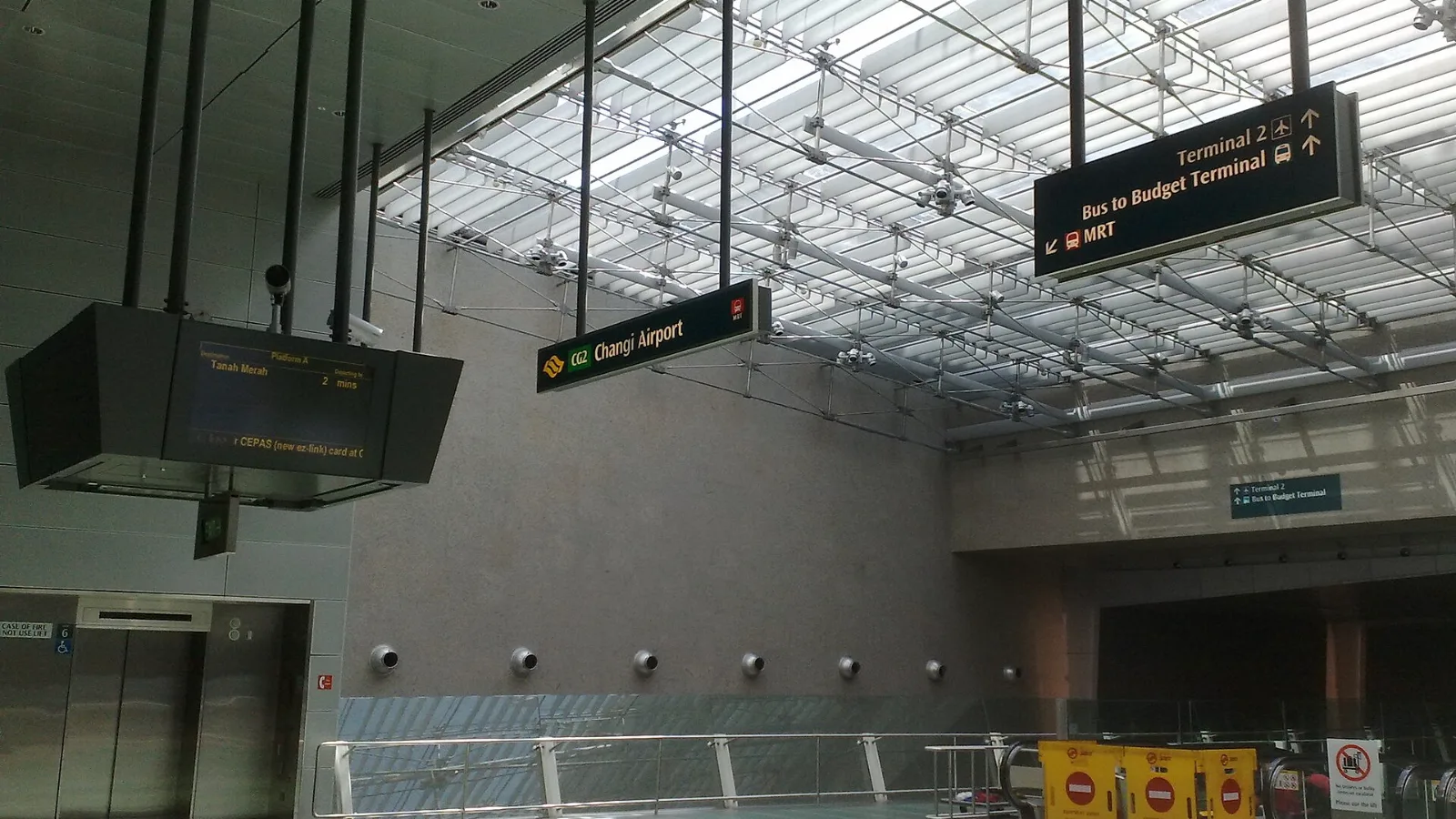
Take the MRT if you are one or two people staying near a train line: it costs about S$2 to S$3 and takes 35 to 50 minutes with one change. Take a Grab or taxi if three or more of you are sharing, you land at Terminal 4 or after the last train, because a car to the city takes about 30 minutes and usually costs S$25 to S$45.
 Travel Tips
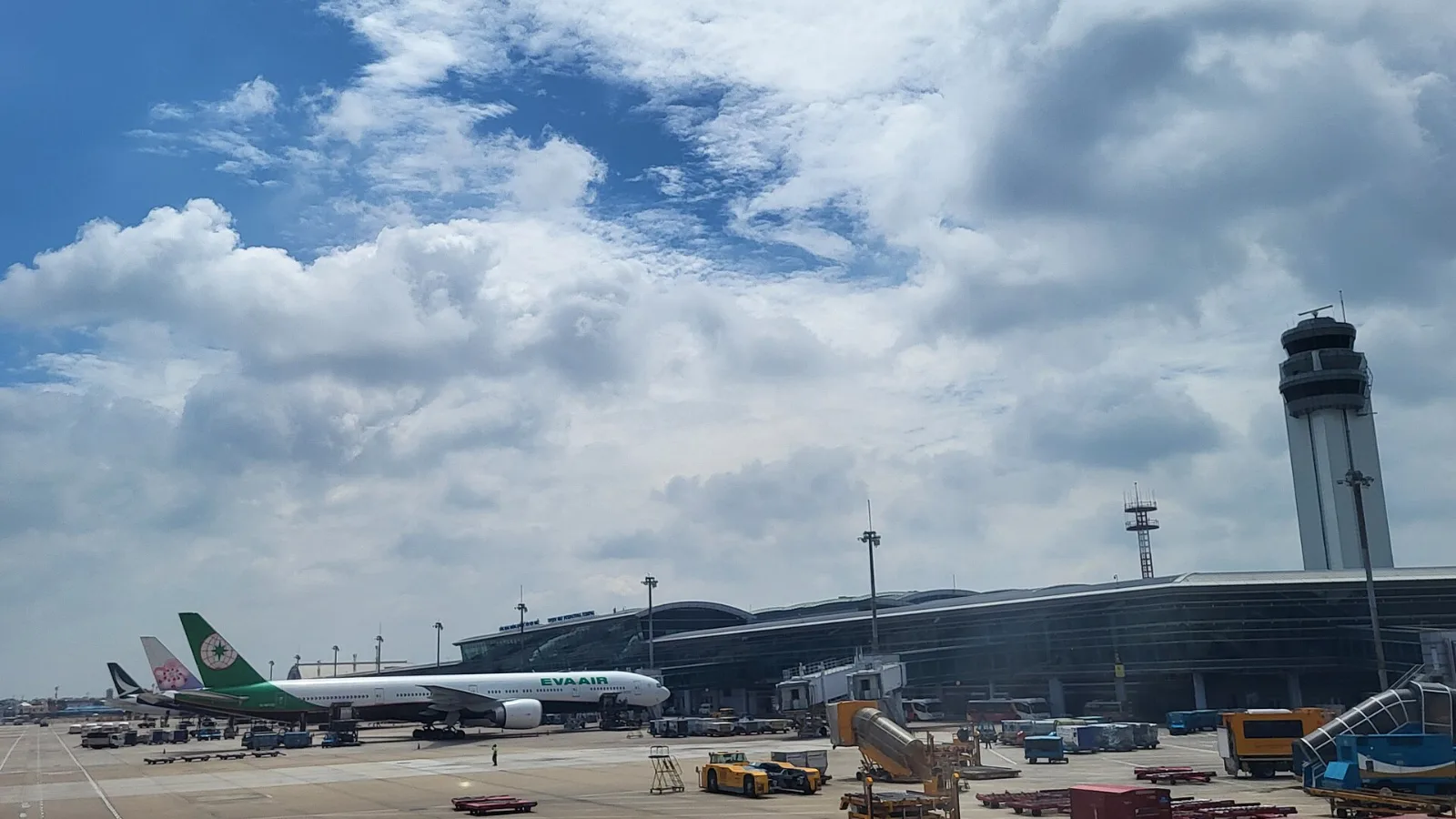
Take a Grab if you land at international Terminal 2, have a suitcase or are two or more people: a GrabCar to District 1 usually costs about 150,000 to 250,000 dong. Take bus 109 only on a tight budget with light luggage, because since 2025 it leaves from domestic Terminal 3, not the international terminal.
 Travel Tips
Take the Keisei Skyliner if your hotel is in Ueno, Asakusa or north-east Tokyo: it reaches Nippori in as little as 36 minutes for ¥2,580. Take the Narita Express if you are staying near Tokyo Station, Shinjuku, Shibuya or Yokohama, because it runs straight there, and the ¥5,200 round-trip ticket brings each leg close to the Skyliner fare.
| Option | Best use at LAX | Main limitation |
|---|
| LAX Wi-Fi | Short tasks inside terminal areas | Portal and limited physical reach |
| Included roaming | Immediate connectivity | Carrier plan terms vary |
| Local SIM | Need a US number | Purchase and setup after arrival |
| co:sim US eSIM | Data for ride apps and onward travel | Compatible unlocked phone; no number |
 co:sim Team