
Back to Blog
Kuala Lumpur International Airport (KLIA) provides Wi-Fi information for both Terminal 1 and Terminal 2 on the Malaysia Airports T1 page and T2 page. Connect in your actual terminal, confirm the current network and portal instructions there, and prepare mobile data for the trip into Kuala Lumpur. A Malaysia data-only plan from co:sim can keep maps and messages working after you leave the airport.
First check your boarding pass or arrival details for the correct terminal. KLIA Terminal 1 and Terminal 2 have distinct airport service pages, and Malaysia Airports publishes Wi-Fi information for T1 and Wi-Fi information for T2. At either terminal, open the Wi-Fi settings on your device, compare the available network name with airport signage, and follow the airport's current sign-in flow. Do not rely on an old blog post's exact SSID or time limit; the operator's live page and signs are the appropriate sources on the day.
If your phone shows connected but cannot load a page, open an ordinary website in a browser to trigger any captive portal. Then reconnect once or move to a public area nearer the terminal concourse. Ask airport staff before entering personal information into a suspicious screen. Apple explains the iPhone Wi-Fi settings path; Android users can open Network and Internet or Connections, depending on the device maker.
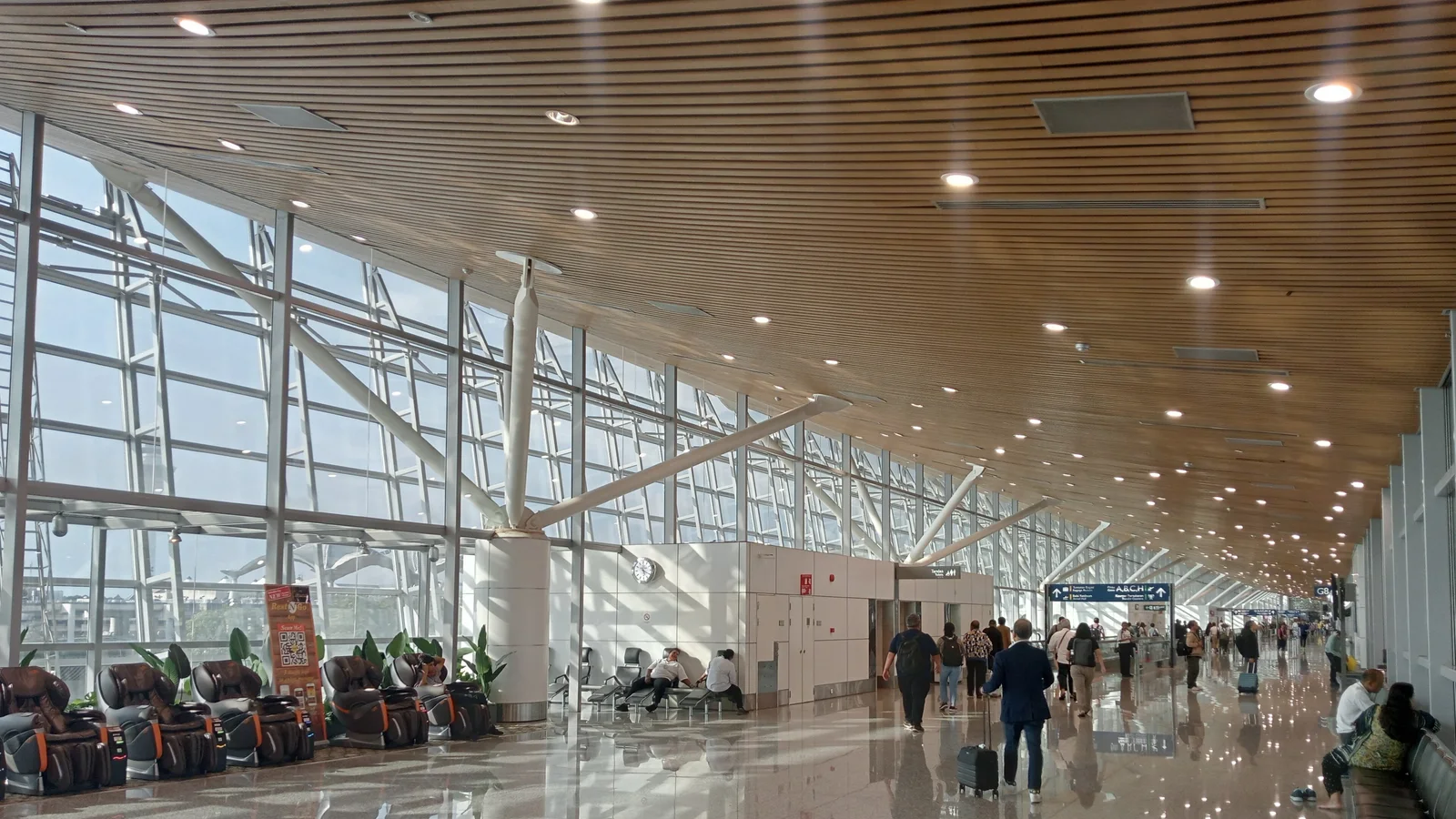
Both terminals use the airport code KUL, but they are different physical destinations. Malaysia Airports maintains separate Terminal 1 and Terminal 2 pages with flight and facility information. A traveler waiting in the wrong terminal cannot solve that mistake by finding a stronger hotspot. Confirm the terminal on your airline's booking and on the airport's live flight information before arranging a meeting point or transfer.
That check matters especially when one ticket ends at KUL and another begins with a different airline. A transfer may require you to leave a secure area, change buildings, and pass through airline or immigration formalities. Airport Wi-Fi is useful for checking the next gate and messaging a travel companion inside each terminal, but you should not assume that one login session carries continuously through a terminal transfer.
Save both terminal names, the next flight number, and a screenshot of your booking before you move. If you arrange a pickup, send the driver T1 or T2, not just "KLIA." A Malaysia data eSIM supplies mobile data for internet apps on an eligible unlocked phone, so it can provide continuity between terminal Wi-Fi sessions; it does not include a Malaysian phone number for ordinary calls or SMS.
Malaysia Airports has public-transport guidance for KLIA Terminal 1 and for Terminal 2. Read the page for your terminal before selecting a rail, bus, taxi, or pickup option. Transport details can change, and the correct boarding point depends on where you land. Airport Wi-Fi can help while you research the route inside the building. Mobile data becomes more useful when you walk to the pickup area, change a meeting point, or check a map after departure.
An offline map is still worth downloading. Save your hotel address and the name of the nearest station, and make a screenshot of any ticket or ride instruction. Offline maps cannot refresh a delayed train or a moved pickup. If you need to contact someone from the road, use a connection that follows you, such as an included home-carrier roaming allowance, a local SIM, or a travel eSIM.
co:sim sends its installation QR by email after checkout. Its Malaysia plan pages show the underlying network and the plan's setup rules, so you can choose with real details in view before your flight. Select the travel line for mobile data after arrival, and keep the home line configured for the calls or verification texts you still need. The plan is data-only; app-based calling uses internet data, while normal voice and SMS remain tied to another service.
For a connection that stays entirely inside one terminal, airport Wi-Fi may be sufficient for a boarding-pass refresh and a message. For a T1-to-T2 move or a city transfer, mobile connectivity is more resilient because you will leave the original hotspot's footprint. Home-carrier roaming is the simplest choice when Malaysia is already included on good terms. A local SIM may suit someone who needs a Malaysian number, but it involves a purchase and any applicable registration.
A portable router can share one connection among several devices, at the cost of carrying and charging another object. A travel eSIM is convenient when the phone supports eSIM and is unlocked, and when data rather than a phone number is the goal. A data-only eSIM is one such option; compare its live Malaysia plan details instead of choosing a fixed amount from an old article. Plan availability, network, and validity can vary by product.

Before flying, confirm that your phone supports eSIM, that it is not carrier-locked, and that you can open the QR email on another screen or use a manual installation method if the plan provides one. Install while a reliable internet connection is available, then read the plan page's activation and billing-start details. On arrival, select the travel eSIM for mobile data and follow any roaming setting specified for that plan. Do not switch your home line to expensive data roaming by mistake.
For Wi-Fi, use the signposted airport network rather than a copycat hotspot. A captive portal may appear only after a browser opens; a VPN or private DNS can sometimes keep it from appearing. Pause such settings only while signing in, then restore them. If the airport service is slow, avoid repeated large downloads and use your prepared offline documents.
One practical sequence is to use terminal Wi-Fi to confirm the latest gate or transport plan, then switch to mobile data as you head to the public-transport area. If you travel with somebody, decide in advance where to meet if one phone cannot connect. An installed plan can be managed from the account dashboard once your device has a working connection, but it cannot overcome a local network outage or an incompatible handset.
Check the terminal first, then choose the connection that will still work after you leave it. Compare current Malaysia data plans before departure and carry offline copies of your key travel details.
Explore co:sim Malaysia data plansMalaysia Airports publishes separate Wi-Fi service pages for KLIA Terminal 1 and Terminal 2. That confirms Wi-Fi is a facility to check in either terminal, although the network name, login flow, and session conditions should be verified against current airport signs when you travel. KUL is one airport code serving both terminals; it does not mean you will stay on one wireless network as you change buildings. Before moving, save your onward flight and terminal, an offline map, and any pickup details. Use the airport connection for tasks within its reach and arrange a separate mobile option if you need messages and maps through a transfer or ride into Kuala Lumpur. A co:sim Malaysia eSIM is data-only, so it supports internet apps on a compatible unlocked phone but cannot replace a regular mobile number for calls or SMS.
Do not count on uninterrupted airport Wi-Fi during a KLIA Terminal 1 to Terminal 2 transfer. Malaysia Airports treats T1 and T2 as separate terminal facilities, and the route between them is more than a walk to another gate. Check your airlines' current transfer instructions and allow for any immigration, baggage, or check-in steps that apply to your booking. Screenshot the next flight number and meeting point before you leave a connected area. If you have home-carrier roaming included, it may be the easiest bridge. Otherwise, a local SIM or data-only eSIM can carry maps and messaging outside a terminal hotspot. co:sim emails its QR code after checkout, so a compatible unlocked phone can be set up before travel. Its plan page lists the network and rules to check before relying on it.
Confirm that the SSID matches airport signage in your terminal, then turn Wi-Fi off and back on or forget and rejoin the network. Open an ordinary website in a browser; a captive portal sometimes appears only after the first web request. Apple's Wi-Fi guide shows where iPhone users select and inspect a network. On Android, use the phone's Wi-Fi settings and any displayed sign-in notification. A VPN or private DNS service may interrupt the portal, so you can pause it for the sign-in and restore it afterward. If the page still fails, ask staff for current instructions rather than entering details into an unknown hotspot. For urgent transport arrangements, turn off Wi-Fi and use an already working mobile-data connection. A co:sim eSIM can provide that connection only if your phone is compatible, unlocked, and attached to a supported network.
Tell the driver whether you are arriving at KLIA Terminal 1 or Terminal 2, and send the specific pickup area shown by your airline or booking service. Both terminals use airport code KUL, so writing only 'KLIA' leaves a practical ambiguity. Malaysia Airports keeps separate Terminal 1 and Terminal 2 pages, including transport guidance for each, which is why the terminal is the first fact to confirm. Save your flight number, airline, terminal, and meeting point offline before the flight.
When you land, check the operator's current signs and your ride app for the final walking route; a pickup can move even when the building remains the same. If your phone cannot connect at the curb, a screenshot still tells you where to go, but it cannot receive a changed vehicle location. Agree on a fallback meeting place and keep a second communication option if your pickup depends on a live message.
Instant delivery by email · Install before you fly
 Travel Tips
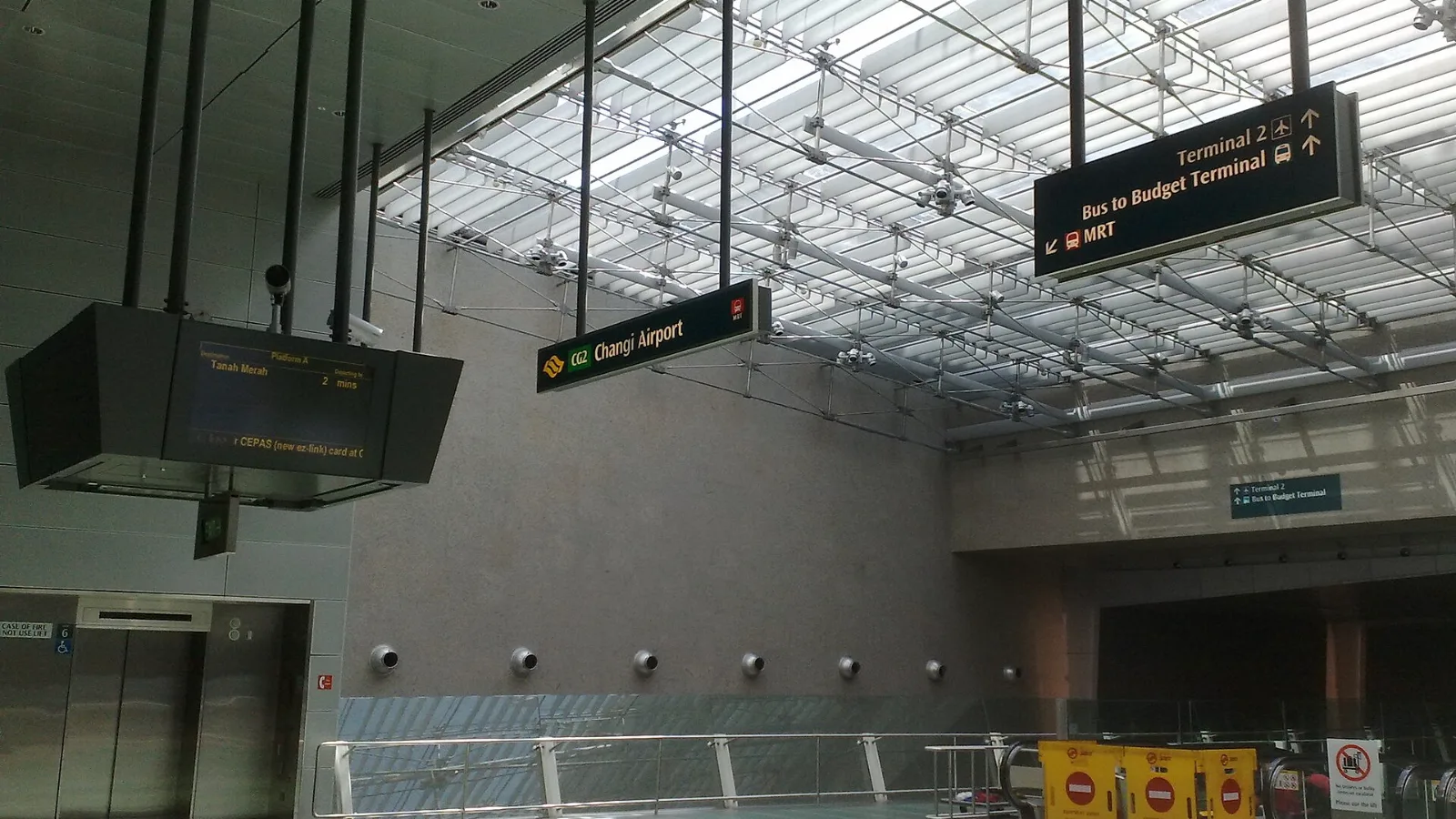
Take the MRT if you are one or two people staying near a train line: it costs about S$2 to S$3 and takes 35 to 50 minutes with one change. Take a Grab or taxi if three or more of you are sharing, you land at Terminal 4 or after the last train, because a car to the city takes about 30 minutes and usually costs S$25 to S$45.
 Travel Tips
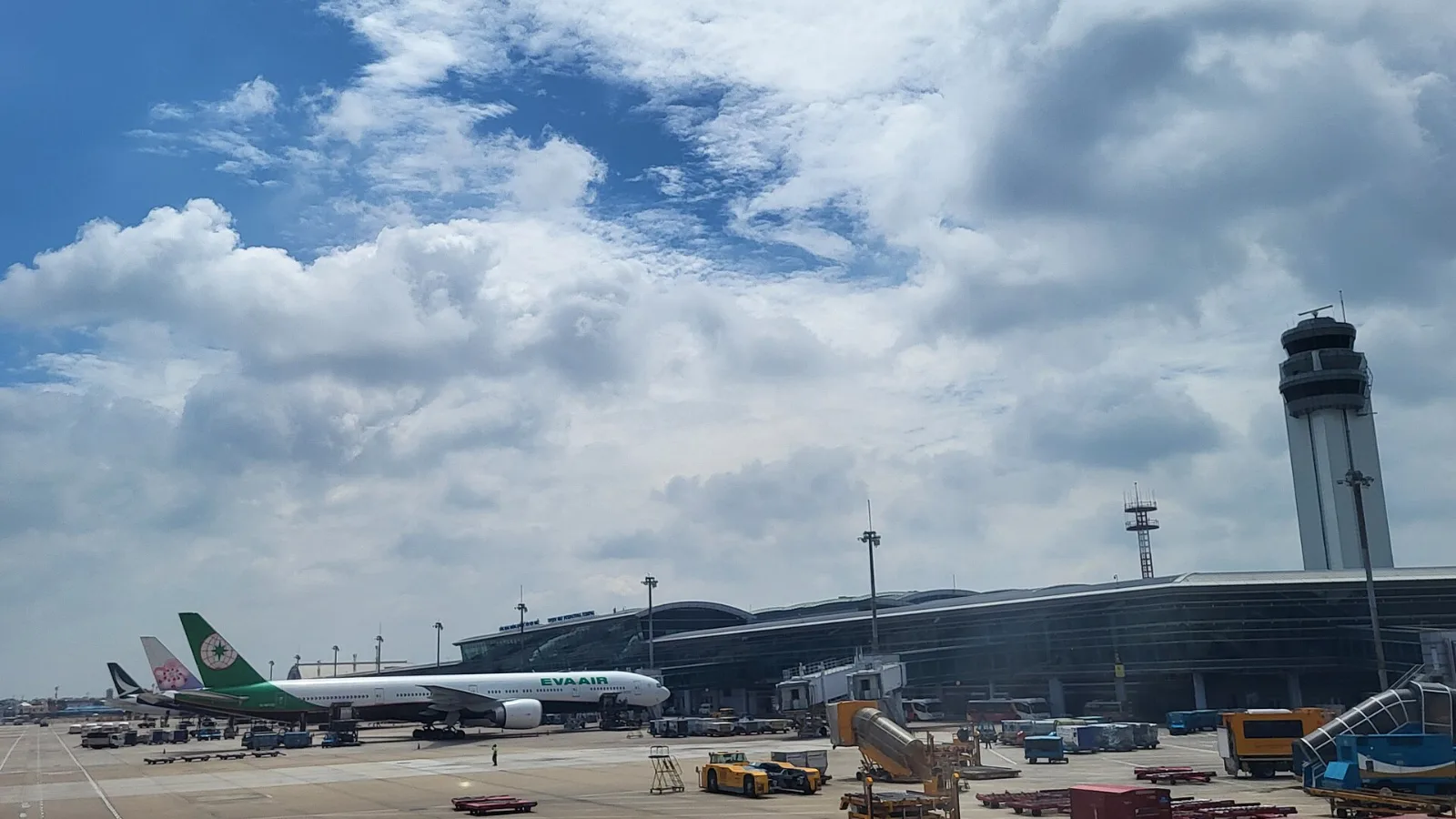
Take a Grab if you land at international Terminal 2, have a suitcase or are two or more people: a GrabCar to District 1 usually costs about 150,000 to 250,000 dong. Take bus 109 only on a tight budget with light luggage, because since 2025 it leaves from domestic Terminal 3, not the international terminal.
 Travel Tips
Take the Keisei Skyliner if your hotel is in Ueno, Asakusa or north-east Tokyo: it reaches Nippori in as little as 36 minutes for ¥2,580. Take the Narita Express if you are staying near Tokyo Station, Shinjuku, Shibuya or Yokohama, because it runs straight there, and the ¥5,200 round-trip ticket brings each leg close to the Skyliner fare.
| Option | Good fit | Important limit |
|---|
| KLIA Wi-Fi | Quick tasks inside T1 or T2 | Do not assume coverage beyond the terminal |
| Included roaming | Seamless short transit | Your carrier's terms decide usage |
| Local SIM | Need a Malaysian number | Extra purchase and setup |
| co:sim Malaysia eSIM | Data through transfer and city trip | Compatible unlocked phone; no number |
 co:sim Team