Japan and South Korea eSIM: One Plan or Two? (2026)
co:sim TeamSeptember 27, 20269 min readTravel Tips
For a Japan–South Korea trip, compare one regional eSIM that lists both countries with separate Japan and Korea plans. co:sim Asia-14 is a candidate when its current destination list, partner networks, validity and data tier match your dates. Choose the option that covers both legs without paying for data or days you will not use.
#What is an eSIM and can one cover Japan and South Korea?
An eSIM (embedded SIM) is a digital mobile-network profile installed on a compatible, unlocked phone. A single regional profile can reduce line changes when you fly from Tokyo or Osaka to Seoul or Busan. Separate Japan and South Korea plans can be better when one leg is much longer, when you want different data allowances, or when a country page lists a network you specifically need.
Open the current Asia-14 destination list, then compare the Japan plan page and South Korea plan page. Treat the variant shown at checkout as the source of truth. Write down the arrival and departure dates for both countries and check that the regional plan remains valid on the day you cross the sea or fly between airports.
A data-only eSIM supplies internet access. It does not give you a Japanese or Korean telephone number, ordinary carrier calls or SMS. Keep your home line available if a bank or hotel uses that number, and review your home carrier's roaming settings before departure.
Both stops are listed and you want one profile for the itinerary
Destination list, KDDI/au and SoftBank for Japan, SKTelecom and LG Uplus for South Korea, validity and data tier
Separate country eSIMs
The two stays have different lengths or requirements
Two installation windows, two data balances and a line change after the flight or ferry
Home-carrier roaming
You need the same number and already have a suitable travel rate
Price, fair-use rules and whether data roaming is enabled on the intended line
Local SIM or pocket Wi-Fi
You need a local number, long-term service or shared data
Purchase or rental logistics, identity rules and device compatibility
The Japan National Tourism Organization and Korea Tourism Organization help you map the actual cities, stations and attractions on your route. They do not certify a commercial eSIM. Use them to identify where you need data, then match those places to the partner networks named on the product page.
The current Asia-14 catalog lists KDDI/au and SoftBank for Japan and SKTelecom and LG Uplus for South Korea. The broader Japan page also shows NTT docomo and Rakuten Mobile in its operator summary. These names describe the catalog entry you are viewing; they are not a promise that every variant uses every network or that every tunnel, island or rural road has service.
#How should you plan airport rail and the cross-border handoff?
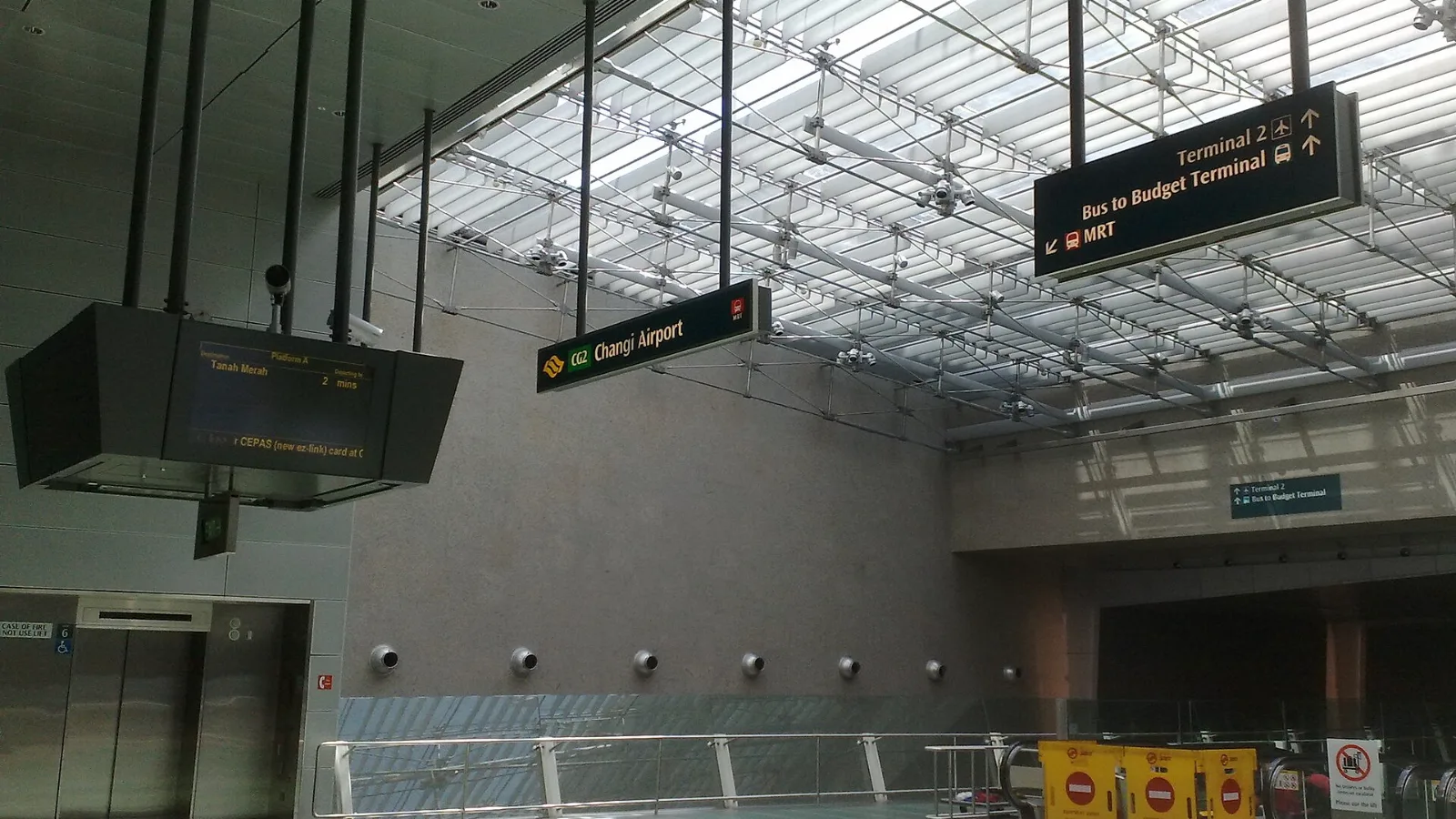
Download your first hotel's address, the rail route from the airport and any ticket or translation app you may need while still on reliable Wi-Fi. Japan's official travel planning page is a useful checklist. Narita Airport's access guide sets out the airport's train and bus options, so you can save the route before you land rather than relying on a live search.
For Incheon arrival planning, a Korea Tourism Organization trip-length page notes an Airport Railroad Express journey to central Seoul of about 40–50 minutes. Check your actual station and onward route separately. A transit card or ticket is not replaced by mobile data, and mobile data does not guarantee that a ticket app will accept a payment method offline.
Install the eSIM on dependable Wi-Fi within the plan's stated installation window. The QR code arrives by email after checkout; read the exact plan page for when billing or validity begins. On arrival in Japan, enable the travel line, select it for mobile data and follow its roaming or APN instructions. Before boarding the flight or ferry to Korea, screenshot the next hotel address and save the onward route.
South Korea airport and city travel
When you arrive in South Korea, a regional profile may register on the new partner network without a new installation. Give it time, then turn Wi-Fi off and load an ordinary webpage. With two country plans, select the Korean line for mobile data and keep the Japan profile installed until you are sure you no longer need its settings. Apple documents the separate travel-data line on iPhone in its travel eSIM guide; Android menu names vary by manufacturer.
Japan currently has a free-eSIM offer page. Check the live eligibility and verification terms there. It is a separate offer, not proof that a regional plan is free or that one small allowance will cover both countries.
Estimate from your real habits. Maps, messaging, ticket downloads and occasional searches usually require less data than video calls, high-resolution photo backup or streaming. Check recent usage in your phone settings, download offline maps on Wi-Fi and disable automatic cloud-photo backup over mobile data if you want a tighter allowance.
The live Asia-14 plan list includes 1GB for 7 days and 3GB for 15 days. Those tiers are useful reference points, not a promise that either will suit your route. Compare the number of travel days, the date of the Japan–Korea transfer and the allowance you actually use. If you expect to need more data, check the product page for top-up support; reloadability differs by plan.
#Does the co:sim Asia-14 eSIM work in both Japan and South Korea?
Use the live Asia-14 page and the exact variant at checkout to answer this question. The catalog snapshot lists Japan and South Korea, with KDDI/au and SoftBank shown for Japan and SKTelecom and LG Uplus for South Korea. A regional label alone is not enough: confirm both destinations, the validity period, the data tier and the partner networks before you buy. If the page matches your dates, co:sim Asia-14 can simplify a Tokyo–Seoul itinerary because one installed profile can be selected for mobile data in both countries. If one leg is much longer or you need a country-specific allowance, separate plans may be easier to budget. Install on Wi-Fi, save the first hotel and transfer route offline, and test a normal webpage with Wi-Fi disabled after each arrival. Network service still depends on the listed partner and the local environment, so a good connection in central Tokyo does not promise the same result in every Korean station or rural area.
#Do I need a second eSIM when I fly or take a ferry from Japan to Korea?
No, if one regional plan explicitly includes both countries and remains valid on the transfer date. The phone may take a short time to register on a new partner network after landing or docking. If you purchased separate plans, install both according to their own instructions, then select the Korean line for mobile data when the second leg begins. co:sim delivers each QR code by email, but each product can have its own installation window and billing-start rule, so do not copy the settings from one order to another. Apple explains travel-data line selection on iPhone in its official guide; Android labels depend on the manufacturer. Keep the home line's data roaming off unless your carrier says otherwise. Do not delete the Japan profile at the border, and keep offline hotel addresses, rail directions and booking references until the new connection has loaded a page without Wi-Fi.
#Can I keep my home number while using a Japan–Korea travel eSIM?
Often, on a compatible dual-line phone, you can keep the home SIM available for its existing number while assigning the travel eSIM to mobile data. A data-only travel eSIM does not issue a Japanese or Korean number and cannot receive ordinary SMS sent to a new local number. Messaging apps can use the travel data connection, while bank codes sent to the home number still depend on that line and your carrier's roaming terms. Apple's Dual SIM guidance explains how iPhone lines can coexist; Android behavior differs by model. Before leaving home, decide which line handles mobile data, turn off automatic switching if your phone offers it, and check the setting again after the international handoff. If a service requires a local number, verify that requirement separately before buying a data-only plan. co:sim can provide the data connection, but it does not change those phone-number or carrier rules.
#Is one regional eSIM always cheaper than two country plans?
No. Prices, promotions, data allowances and validity can change, so compare the live product pages for the same travel dates. A regional plan may save setup time when both countries are included, while two country plans may avoid paying for unused days or may offer a better fit for an uneven itinerary. Compare total checkout price, data per leg, named partner networks and any top-up option. Home roaming can still be sensible when you need your existing number, and a local SIM or pocket Wi-Fi can suit a longer stay or several connected devices. Use the product page as the pricing source rather than a static article. Whichever option you choose, save transport and hotel details offline before the first airport transfer. That small step protects the itinerary when a line is still registering or a station has weak signal.
Compare both legs against the live catalog, then choose the line you can verify when you arrive.

 co:sim Team