
Back to Blog
"Is my phone eSIM compatible" and "is my phone unlocked for eSIM" get asked together constantly, but they check two unrelated things. eSIM compatibility is a hardware and software question fixed by the model you own: iPhone XS, XR, or later, and most Android flagships from around 2020 onward, per Apple's own eSIM setup requirements. Carrier lock is a separate software restriction your carrier applies, and it has nothing to do with whether the phone's eSIM chip exists. A phone can be eSIM-capable and still carrier-locked, or fully unlocked and simply too old to have eSIM hardware at all. Here's exactly where to check both, in under two minutes.
People conflate the two because both produce the same symptom: "Add eSIM" is missing or greyed out, or a QR code scan fails silently. The fix depends on which check actually failed. A device with no eSIM hardware will never show an "Add eSIM" option, no matter which carrier settings you change. A carrier-locked device might show the option and still reject a QR code from anyone other than the carrier that locked it. Knowing which one you're troubleshooting saves a wasted call to support.
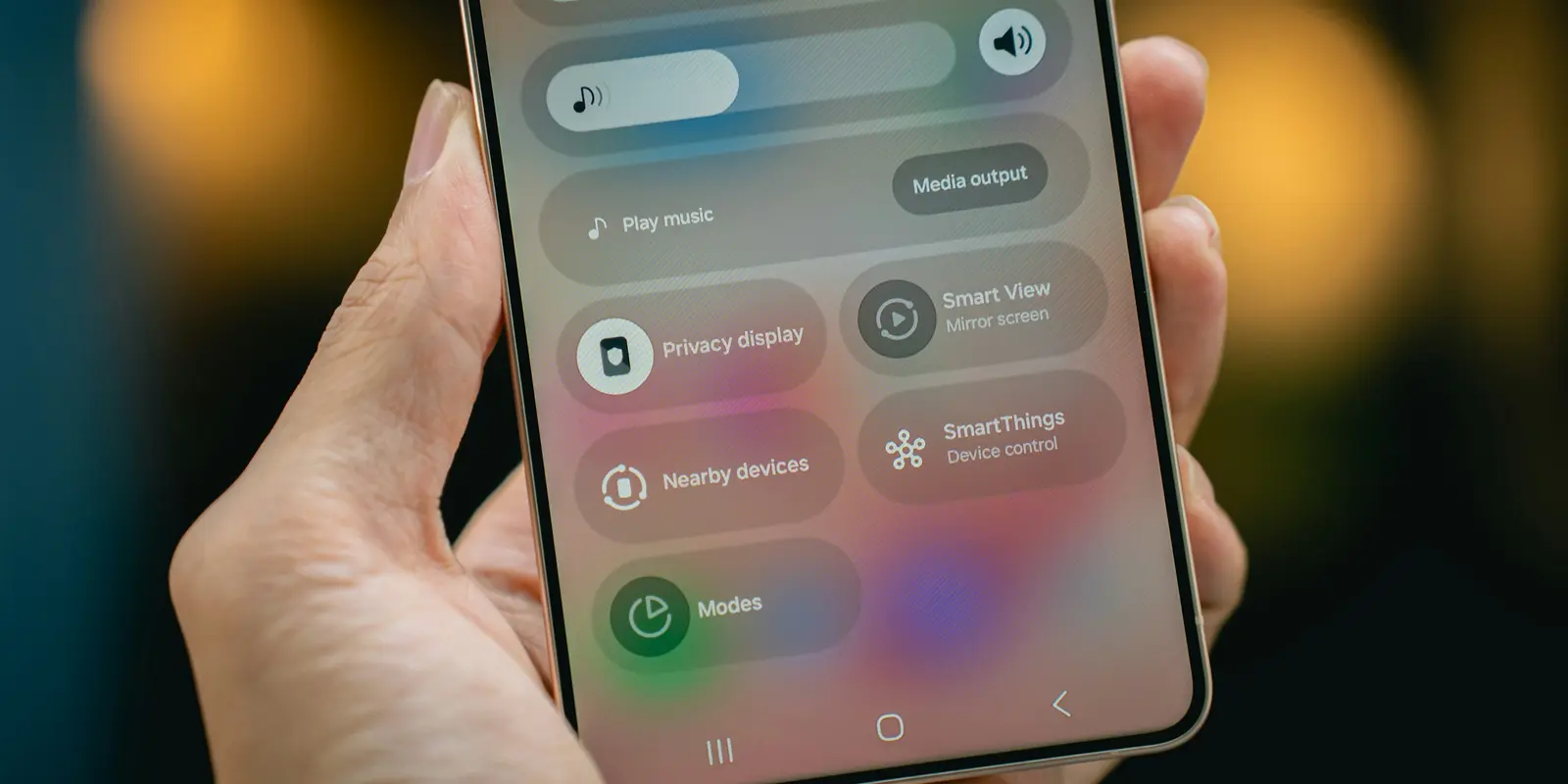
Confirm the hardware exists first. This check is the same whether you're keeping your current carrier or adding a second, travel-only eSIM.
*#06# from the Phone app. A screen showing a 32-digit EID confirms eSIM hardware on any iPhone.Carrier lock is unrelated to the hardware check above. It restricts which SIM profiles, physical or eSIM, the phone will accept, based on a flag your carrier set, usually because the phone was sold on a contract or installment plan.
Open Settings, tap General, tap About, and look for "Carrier Lock." If it reads "No SIM restrictions," the iPhone is unlocked, per Apple's official unlocking guide. Any other message means it's locked to a specific carrier, and only that carrier, not Apple, can remove the lock.
Android has no single universal settings screen for this. The reliable methods are contacting your carrier directly, or asking the carrier that originally sold the device to check its status against the IMEI. In the US, the FCC's consumer guide to cell phone unlocking confirms carriers must unlock postpaid phones on request once contract obligations are met, and prepaid phones no later than one year after activation.
In most cases, yes, for a data-only travel eSIM like the ones co:sim sells for 190+ destinations, though "in most cases" is doing real work in that sentence. A carrier lock blocks a full replacement SIM, voice, text, and data, from a competing carrier. A data-only eSIM never asks the phone to leave its original carrier: it adds a second profile purely for data, alongside the primary locked line, which is why it typically installs even when a full carrier-swap eSIM would fail. A traveler heading to Japan, for example, can generally add a data-only eSIM for Japan to a locked iPhone without touching the primary line's carrier settings at all.
That said, a small number of carriers block all secondary SIM profiles, physical or digital, as part of the lock. If "Add eSIM" is greyed out entirely rather than just rejecting one carrier's QR code, the lock is stricter than typical, and the honest move is checking with your carrier before buying, or unlocking the phone first using the steps above.
With both checks clear, hardware confirmed and "No SIM restrictions" showing (or your carrier has confirmed data-only eSIMs are allowed on a locked line), installing takes minutes. Each co:sim plan page lists the underlying network, the install deadline, and the billing-start rule before you buy, and the eSIM QR code arrives by email within seconds of checkout, so you can install it before you leave home instead of hunting for airport Wi-Fi on arrival.
Mexico
1-day trip pass
From $2.99
Canada
1-day trip pass
From $2.99
Brazil
Valid 7 days
From $3.99
| Check | iPhone | Android |
|---|---|---|
| eSIM hardware (EID) | Settings → General → About | Settings → About phone → SIM status |
| "Add eSIM" option | Settings → Cellular | Settings → Network & internet → SIMs |
| Carrier lock status | Settings → General → About → Carrier Lock | Contact your carrier directly |
| Universal hardware check | Dial *#06# | Dial *#06# (works on most models) |
eSIM compatibility is determined entirely by your phone's hardware and software, not your carrier. Every iPhone XS, XR, or later has an eSIM chip built in, per Apple's official eSIM requirements, and it stays there no matter which carrier services the phone. What your carrier controls is whether it offers eSIM plans at all, and whether the phone is locked to that carrier's SIMs specifically. A hardware-compatible phone on a carrier that doesn't support eSIM still can't activate one on that account, but the phone itself remains capable, and a different eSIM-supporting carrier, or a travel eSIM provider like co:sim, can typically still use it. Checking compatibility and checking carrier lock are separate steps precisely because one is fixed by the manufacturer and the other is a switch your current carrier controls.
An EID confirms the hardware exists, not that setup will succeed. The two most common blockers after a confirmed EID are carrier lock, covered above, and an expired or already-scanned QR code, since most carriers and travel eSIM providers issue codes that only install once. Other causes include a weak Wi-Fi connection during setup, since eSIM profiles download over the internet rather than the cellular network, an outdated iOS or Android version, or a device already holding its maximum number of stored eSIM profiles, eight on most current iPhones. Restarting the phone, confirming the carrier-lock status covered earlier, and requesting a fresh QR code from the issuer resolve the large majority of failed installs that pass the initial hardware check.
Usually not, but it depends on how strict your carrier's lock is. Most carrier locks only block a competing full-service SIM, physical or digital, while allowing a secondary data-only profile like a travel eSIM to install alongside the locked line, since it never asks the phone to leave its home carrier for calls or texts. If you're unsure, checking Settings → General → About → Carrier Lock on iPhone, or asking your carrier directly on Android, before you buy avoids wasted time at the airport. If uninstalled, co:sim eSIMs can be refunded within 30 days of purchase, though some plans that bill immediately at purchase are excluded, so a failed install caused by an unusually strict carrier lock isn't necessarily wasted money either way. When in doubt, unlocking first removes the variable entirely.
Yes, and it's a common combination on older subsidized phones. An iPhone 8 bought on a carrier installment plan, for example, can be carrier-locked, a software restriction, while also lacking eSIM hardware entirely, a manufacturing fact, since eSIM arrived with the iPhone XS in 2018. In that case, unlocking the phone only solves the carrier-lock half of the problem; it still couldn't run an eSIM afterward because the physical chip was never built in, no matter how many carrier settings change. This is exactly why the two checks in this guide are kept separate: fixing one doesn't fix the other, and a given phone can fail both, either, or neither, independently of the other. Always run both checks before assuming a phone can or can't take an eSIM.
Two explanations cover almost every case. First, the phone genuinely lacks eSIM hardware, most common on budget and mid-range Android models and on flagships released before roughly 2020; checking a supported-devices catalog or the manufacturer's spec sheet confirms your exact model either way. Second, the phone has the hardware, but the carrier's firmware build hides the option, which happens on some carrier-branded Android phones even when the identical model sold unlocked shows "Add eSIM" clearly. If your carrier confirms the model supports eSIM but your specific unit still doesn't show the option, that points to a carrier restriction or firmware limitation rather than a hardware gap, and the fix is contacting the carrier rather than the phone manufacturer.
Confirm the hardware first, the carrier lock second, and in most cases a data-only travel eSIM installs on whatever compatible phone you already carry, locked or not.
Mexico
1-day trip pass
From $2.99
Canada
1-day trip pass
From $2.99
Brazil
Valid 7 days
From $3.99
Instant delivery by email · Install before you fly
 eSIM Guides
An independent lifecycle study found eSIMs produce 46% less CO2 than physical SIM cards. Here's where those savings actually come from, sourced and explained.
 eSIM Guides
Compare Guam eSIM data plans and check whether your US carrier already covers Guam. See how co:sim delivers a GTA-network eSIM by email in seconds.
 eSIM Guides
Compare Barbados eSIM data plans by network and coverage. See whether Flow or Digicel fits your trip, and how co:sim delivers a Flow-network eSIM by email in seconds.
 co:sim Team