Back to Blog
Honolulu Airport Wi-Fi is free and advertiser-supported in Terminals 1 and 2, according to Hawaii DOT's internet-services page. Use it to open your hotel address and choose your onward transport, then check mobile data before leaving. A co:sim US data-only eSIM is one backup for the Oahu journey.
Honolulu Airport, officially Daniel K. Inouye International Airport, uses the airport code HNL. The official internet-services page specifically lists Terminals 1 and 2 and describes unlimited free Wi-Fi sponsored by advertisers. It also lists paid Boingo subscriptions as an alternative. The free option does not require purchasing a premium subscription just to organize your arrival.
The official page does not publish an exact network name or a step-by-step login screen. Use the current airport Wi-Fi signs or ask airport staff to identify the correct network, then follow the connection page for the free service. Avoid selecting a lookalike hotspot because an old blog gives it a plausible name. The network shown on your phone should match what the airport actually identifies.
Open a real page once connected: your hotel address, an arrival message, or the current transport information. A Wi-Fi symbol without completed access is not enough to arrange a pickup. If a paid subscription appears, distinguish it from the advertised free option and confirm the procedure with staff before entering payment details.
The official service description is not a promise of Wi-Fi at every terminal curb, station entrance, or Honolulu street. Nor does it establish the same service in a terminal not listed on that page. Make your essential decisions while you can stop comfortably in the documented terminal area, then keep a mobile or offline fallback for the next part of the trip.
Save the accommodation's full street address, reservation, and check-in instructions. Waikiki is a neighborhood, not an exact drop-off point, and hotels can have different entrances for cars and pedestrians. If someone is meeting you, agree on a named location instead of relying only on a moving map pin.
Open Hawaii DOT's ground-transportation overview to compare taxis, ride apps, prearranged services, and public transport. For a booked car or shuttle, read the operator's pickup instructions; for a ride app, check the airport's current pickup guidance inside the booking process. Do not assume the ordinary arrivals curb is the correct zone for every service.
Before leaving your connection, keep these items accessible:
Briefly disable Wi-Fi and update the route using your mobile line. If it cannot load, choose a fallback while you still have airport access: existing roaming, another suitable data line, an offline plan, or help from a staffed information point. Do not make a driver wait while you are still working out the meeting location.
TheBus is Honolulu's public-bus system. The airport's current TheBus and Skyline page lists the W Line eastbound from the airport through Downtown Honolulu, Kakaako, and Ala Moana Shopping Center to Waikiki. It places the bus stop east of the lei stands on Ala Onaona Street, in front of Lelepaua station. Save these names before walking out.
The same airport page lists route 42 as a limited late-night option rather than an all-day equivalent to the W Line. Do not select a bus solely from an old guide's route number. Confirm the current service, direction, and departure on TheBus's official site and the airport page. If a flight or baggage delay pushes your arrival late, check the journey again using the time you will actually reach the stop.
Before boarding, find the stop closest to your hotel and inspect the last walk. A bus headed to Waikiki may still leave you with a walk carrying bags. Save the street names as well as a screenshot of the route, so you can ask for directions or recognize your stop if a screen becomes difficult to read outdoors.
Check the operator's baggage rules and any linked temporary rules before choosing the bus. The baseline requirement is that bags must be stowed without blocking aisles, using another passenger's seat, or interfering with other travelers. A large checked suitcase should not be assumed acceptable merely because an airport guide mentions luggage.
The airport's transport page and the operator's rules describe luggage allowances differently. This guide therefore does not promise a particular suitcase count or size. For a bag that is difficult to stow at your seat, confirm directly with the operator or choose a car or prebooked transfer that accepts it. Having an online route does not solve an onboard luggage restriction.
This matters for families, passengers with several bags, and anyone carrying bulky equipment. Compare the whole arrival task: reaching the stop, stowing bags, paying, and walking from the final stop. Public transport can be a good fit for a traveler with manageable luggage while a door-to-door transfer may fit a different arrival better.
Skyline is Honolulu's rail system. The official airport transit page places Lelepaua station between the International Parking Garage and Terminal 2 Parking Garage and describes access from ground level and the garages. It also notes dedicated luggage racks on the trains. Follow current signs and check the onward destination rather than assuming a rail station means a direct train to your Waikiki hotel.
The payment distinction matters: that source says TheBus accepts cash or a HOLO card, while Skyline requires a HOLO card. It identifies ticket vending machines at Lelepaua for adult HOLO cards. If you want to combine rail and bus, review the current transfer rules and the complete route before boarding; a cash bus payment is not interchangeable with a HOLO journey.
Rail can be useful when its route fits your destination. For Waikiki, inspect the W Line and any rail-plus-bus alternative in the current planner. Neither a saved screenshot nor a fast airport connection confirms that a particular train is still running when you reach the station. Check actual service and allow for the walk from the terminal.
Check your current plan first. If it already includes suitable US data, another line may not be necessary. If you need a separate plan, confirm that its destination coverage fits Hawaii and your wider itinerary. Review the United States destination page and the conditions of the individual plan you choose.
A mobile connection helps with current information, but it does not guarantee reception throughout Oahu or make every service contactable through an app. Keep the hotel's written address and an alternative contact method. For the arrival journey, prioritize maps, tickets, and messages instead of large background downloads using the same allowance.
An eSIM, or embedded SIM profile, is downloaded to an eligible phone; data-only means it provides mobile internet without a conventional telephone number. co:sim's US plans are data-only. Internet calling and messaging can use that connection, while an ordinary call or SMS needs a suitable existing line or another service.
Review compatibility, destination coverage, validity, and the billing-start rule before buying. Install using the instructions for your order on a stable connection. co:sim provides plan and order information for that decision, so check it rather than assuming every plan starts counting only when you land. Some plans begin at purchase. Preserve the installation details and avoid deleting the profile as a quick airport experiment.
At HNL, select the travel profile for mobile data and follow its roaming instructions. Control your home line's data roaming separately according to your carrier's terms. Verify a map refresh with airport Wi-Fi off before walking to the bus stop, station, or pickup point. Keep the offline address even after the test succeeds.

Photo credits: Cover TastyPoutine, CC BY-SA 3.0. Photo 1 Mds08011, CC BY 4.0. Photo 2 Pmattes, CC BY-SA 3.0. Cropped, resized and converted to WebP; adapted photos retain their stated license.
Honolulu Airport's official internet-services page describes unlimited free, advertiser-supported Wi-Fi in Terminals 1 and 2. It also lists paid Boingo subscriptions, but these are separate from the free option. The page does not publish an exact network name, so follow the current terminal signs or ask staff to identify the correct connection. Open the hotel address or transport page to verify internet access rather than relying on the Wi-Fi symbol alone. The service description does not guarantee access outside the terminal areas or during the journey to Waikiki. A co:sim US data-only eSIM is a separate mobile-data option if your phone is compatible and unlocked and the plan fits the destination. Existing roaming or saved offline information may also serve the arrival. Keep your address and transfer instructions accessible before you leave the airport connection.
For a Honolulu arrival, choose a mobile-data plan whose stated destination coverage fits Hawaii and your trip. On co:sim, review the United States page and check the destination details for your Hawaii itinerary. A US data-only eSIM provides internet data for supported applications rather than a local number, ordinary voice calls, or SMS. Review device compatibility, destination details, validity, and the billing-start rule before buying, then follow the order's installation instructions with a stable connection. At HNL, choose the travel line for mobile data and test a route refresh with Wi-Fi switched off. An installed profile is not proof that mobile data is working. You can still use terminal Wi-Fi to retrieve a reservation or plan a transfer. Save the hotel address offline too, and retain another way to contact a service that requires a conventional telephone call.
For Waikiki, the airport's TheBus and Skyline page lists the W Line through Downtown Honolulu, Kakaako, and Ala Moana. Skyline is a separate rail service, so a rail option should be checked as a complete journey rather than assumed to reach your hotel directly. The same source says TheBus accepts cash or HOLO, while Skyline requires HOLO. Review the current planner, service information, payment method, and final walk before leaving arrivals. Check the operator's baggage rules as well: bags must not obstruct aisles or other passengers, and a large suitcase should not be assumed acceptable. A taxi or booked transfer can fit an arrival with more luggage. Save your chosen stop and hotel address while connected, then recheck if delays change the time you actually reach public transport.
Choose the transfer that fits your bags and address. Consider co:sim when you need separate mobile data after leaving HNL.
Browse US data-only eSIM plansInstant delivery by email · Install before you fly
 Travel Tips
Take the Keisei Skyliner if your hotel is in Ueno, Asakusa or north-east Tokyo: it reaches Nippori in as little as 36 minutes for ¥2,580. Take the Narita Express if you are staying near Tokyo Station, Shinjuku, Shibuya or Yokohama, because it runs straight there, and the ¥5,200 round-trip ticket brings each leg close to the Skyliner fare.
 Travel Tips
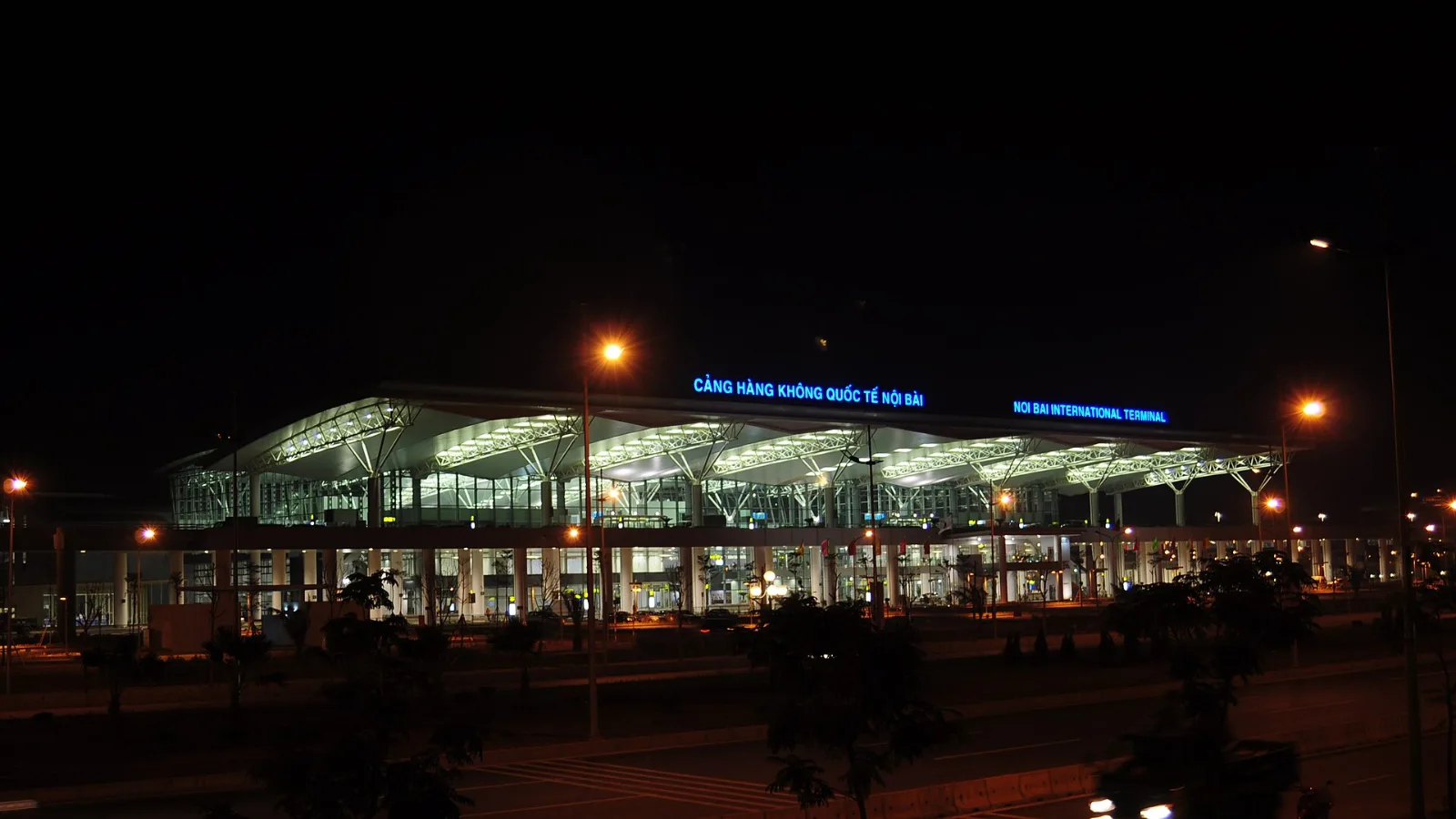
Take bus 86 if you are travelling light, land before mid-evening and are staying near Hoan Kiem Lake: it costs about 45,000 dong and takes 50 to 70 minutes. Take a Grab if there are two or more of you, you have big bags or you land late, because one car to the Old Quarter usually costs about 230,000 to 320,000 dong and drops you at the door.
 Travel Tips
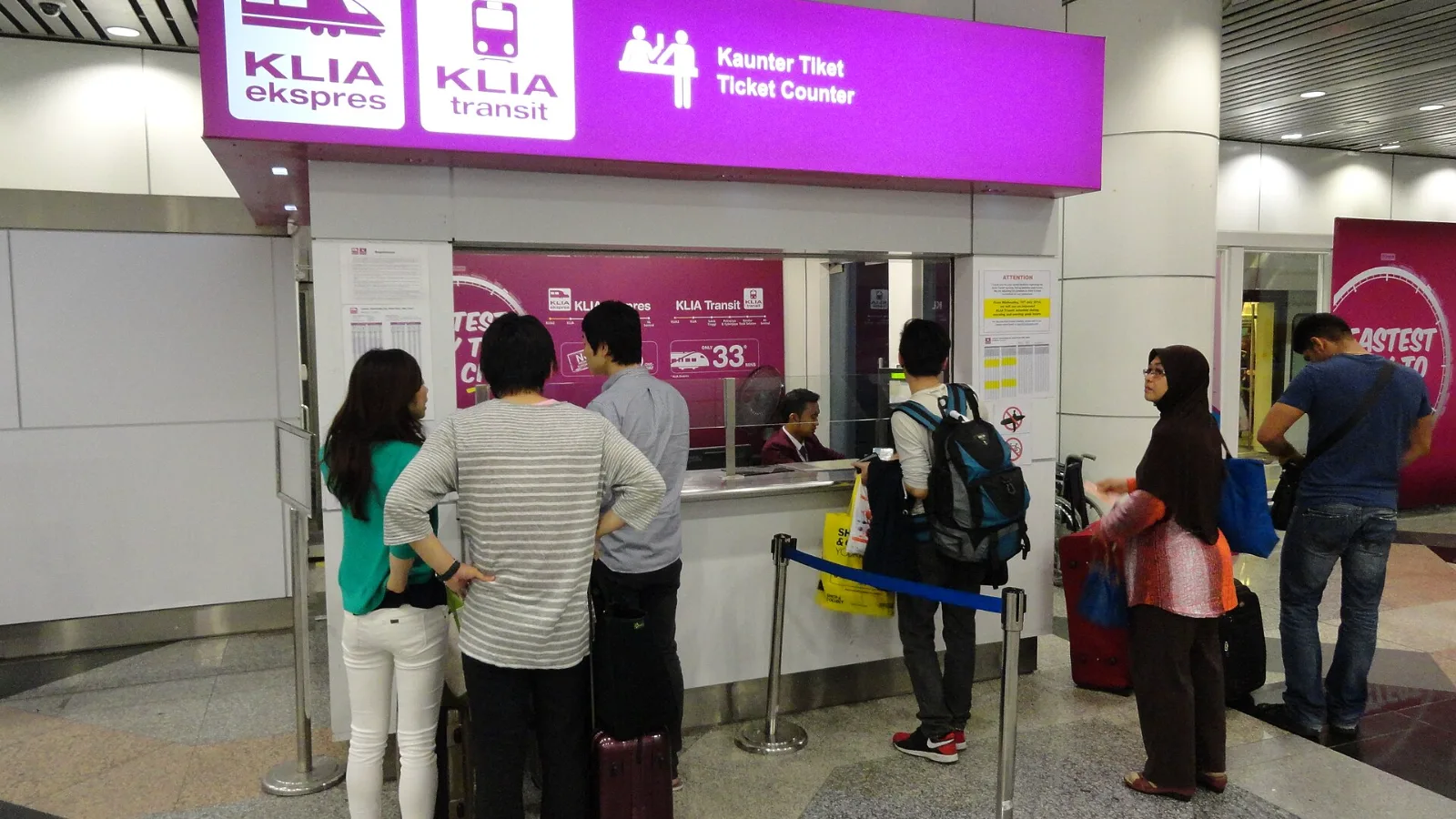
Take the KLIA Ekspres if you are travelling alone or as a pair and your hotel is near KL Sentral or a rail line: it reaches KL Sentral in 28 minutes from Terminal 1 for RM55, less 10% if you buy online. Take a Grab if three or more of you are going to a hotel away from KL Sentral, because one car fare usually costs less than three train tickets and drops you at the door.
| Option | Useful arrival task | What it does not solve |
|---|
| HNL's free terminal Wi-Fi | Retrieve bookings and decide on a transfer | Continuous data outside the documented terminal areas |
| Home-carrier roaming | Use an existing mobile line | Unexpected charges unless you check the allowance |
| co:sim US data-only eSIM | Refresh maps and use internet messaging on a compatible phone | A local telephone number, SMS, or a transport ticket |
| Saved offline information | Read an address and remembered route | Live departures or a new pickup message |
 co:sim Team