
Back to Blog
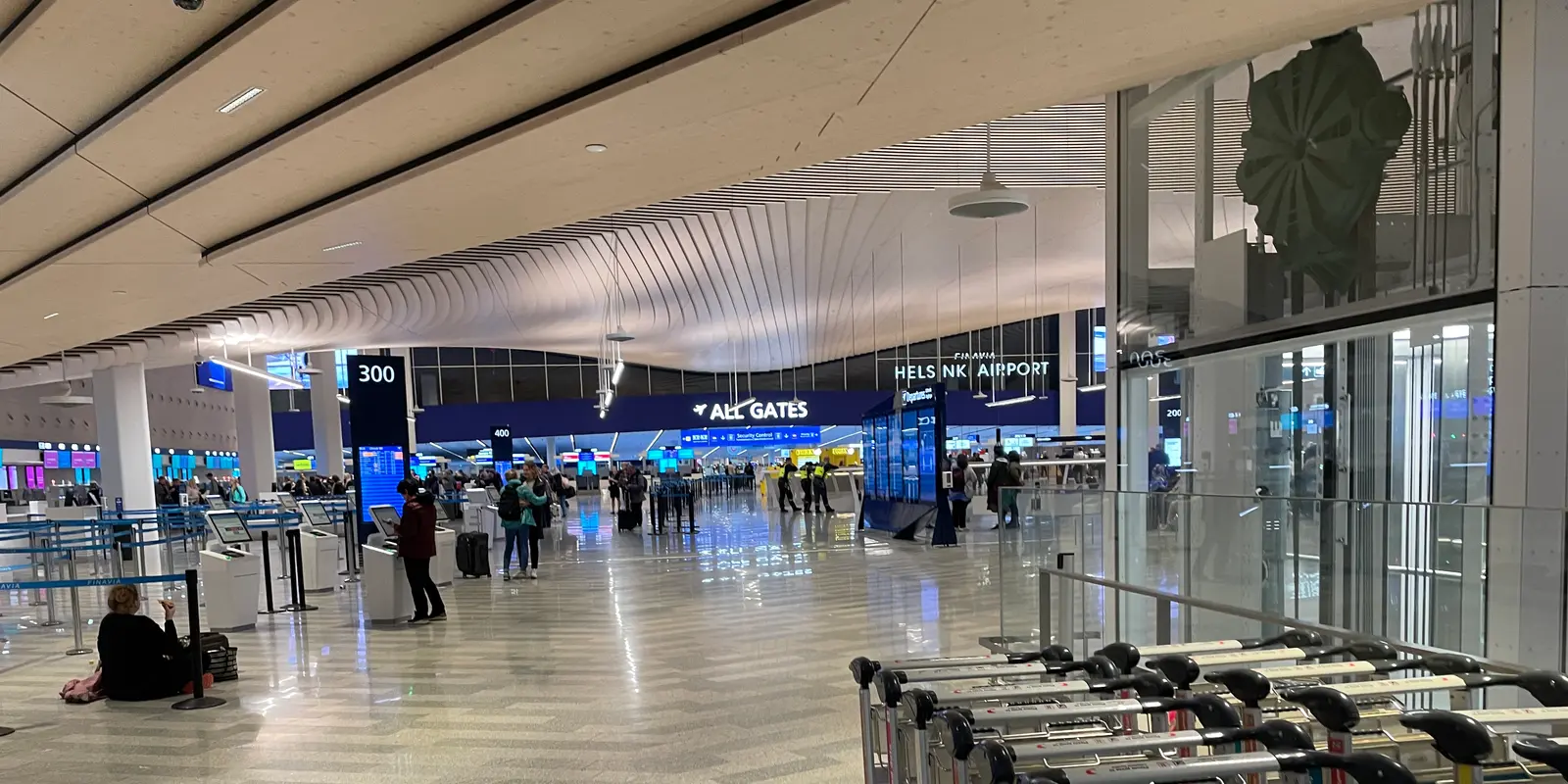
Helsinki Airport offers free, unlimited Wi-Fi at up to 100 Mb/s without a username or password. Join “Helsinki Airport Free Wi-Fi” and complete the startup page in a browser. That connection is useful inside the terminal; for trains, buses, hotel check-in, and the rest of Finland, prepare mobile data such as co:sim's Finland eSIM before leaving home.
Finavia's official Helsinki Airport Wi-Fi page gives unusually specific instructions. The service is free and unlimited, the connection is described as 100 Mb/s, and separate user credentials are not required. Select the exact network name “Helsinki Airport Free Wi-Fi,” then connect through the startup page that opens in the web browser.
Save the boarding pass, baggage reference, accommodation address, and first transport route offline before relying on any portal. Airport instructions and network names can change, so the Finavia page or current terminal signage should outrank an old screenshot.
A captive startup page can be blocked by an active VPN, private DNS, content-filtering profile, or a phone that continues routing through mobile data. Pause the VPN or private DNS briefly, open a plain non-sensitive website, and return to Wi-Fi settings. Forget and rejoin the network only after confirming its exact name.
If the phone says “connected without internet,” wait a minute before changing many settings. A shared network may respond slowly during a busy arrival wave. Toggle Wi-Fi once, move to another public part of the terminal, and reopen the browser. Do not install an unknown certificate, configuration profile, or application to obtain public access.
The session may need the startup page again after the phone sleeps. If repeated attempts fail, use prepared mobile data or ask airport staff where the current instructions are displayed. Keep time-sensitive documents offline so portal troubleshooting never puts a connection or train at risk.
Treat any shared network as untrusted even when the name is correct. HTTPS protects traffic to correctly secured sites, but a look-alike hotspot can still lead to a false login page. Check the domain before entering credentials, keep the operating system updated, and reject unexpected download or certificate prompts.
Use airport Wi-Fi for low-risk tasks such as maps, public timetables, gate information, and entertainment downloads. Prefer mobile data for banking, password changes, work systems, or account recovery. Open a service through its saved application or bookmark rather than through an advertisement or portal link.
After use, remove the airport network from the saved list if the phone would otherwise join networks automatically. Disable nearby file sharing and decline unfamiliar Bluetooth requests. These measures do not make every session private, but they reduce avoidable exposure.
Airport Wi-Fi stops being useful on the rail platform, bus route, taxi pickup, or city street. Before exiting, download an offline Helsinki map, save the correct entrance to the accommodation, and note the platform or stop for the first journey. Winter weather and a low battery make last-minute searching harder, so keep a charger accessible.
A Finland plan covers movement rather than only the terminal. The co:sim product page shows the current host network, data allowance, validity, activation rule, and whether top-up is supported. Read those live details instead of assuming that every travel eSIM sold for Finland uses the same network or starts validity at the same event.
For a trip continuing beyond Finland, compare the current country list in the Europe data-plan catalog. A regional plan is useful only when every intended destination is actually listed. Do not buy extra geographic coverage for a Finland-only trip merely because the plan name sounds broader.

For many subscribers whose home plan is issued in the EU or European Economic Area, it can. Finland's regulator explains on its 2026 European roaming page that customers traveling in covered countries can use services at domestic prices or with a regulated small surcharge, subject to conditions such as fair-use limits.
The European Commission's roam-like-at-home overview adds the wider framework and safeguards. Neither page means every contract includes unlimited Finnish data. Confirm the included volume, fair-use calculation, hotspot policy, speed conditions, and treatment of prolonged roaming with the issuing carrier.
Travelers from the United Kingdom, Switzerland, the United States, Canada, Japan, South Korea, China, and other markets follow their own carrier contracts. An “international” option does not automatically include Finland at an acceptable price. Compare the actual home-carrier charge with a separate data-only plan before enabling roaming.
Confirm that the phone supports eSIM and is carrier-unlocked. co:sim sends the QR code and manual installation information electronically after checkout, so keep them on a second device or in another accessible location. Install on reliable Wi-Fi before departure, but read the exact activation rule before switching the travel line on.
Label the profile Finland data. On arrival, choose it for mobile data, enable data roaming only on that line, and disable automatic data switching. Keep data roaming off on the home SIM unless its Finnish terms are understood. Wait several minutes for registration before changing APN or network settings.
If service does not start, verify the selected data line, roaming switch, APN, and automatic network selection. Toggle airplane mode or restart the phone. Try a manual network only when it is listed for the plan. Do not delete the profile as the first fix because many travel eSIMs are intended for one installation.
Yes. Finavia's current service page says Helsinki Airport offers unlimited free Wi-Fi to all passengers, describes the connection as 100 Mb/s, and says separate credentials are unnecessary. Select “Helsinki Airport Free Wi-Fi” and use the startup page that opens in the browser. Free and unlimited does not mean identical speed everywhere: passenger density, terminal position, device radio, and local interference can affect the real result. Use the network for tickets, messages, maps, or a larger download before departure, but keep essential documents offline. Check the exact SSID against current Finavia instructions because a similar name can be a look-alike hotspot. A co:sim mobile plan is separate from airport Wi-Fi and becomes useful for the train, bus, pickup point, and city after the terminal connection ends.
Open a normal browser to trigger the startup page, then temporarily pause a VPN, private DNS, or filtering profile if it blocks the redirect. Confirm that the network name is exactly “Helsinki Airport Free Wi-Fi.” If the phone remains connected without internet, forget the network, rejoin it, move to another public terminal area, and try a simple non-sensitive website. Never install an unfamiliar certificate, profile, or application. A session may expire after sleep, so reopen the browser and repeat the displayed step. If the portal still fails, ask airport staff for the current instructions or use the co:sim line according to its activation rule. Keep the boarding pass, transfer route, booking references, and accommodation address offline so the troubleshooting delay cannot disrupt the journey.
You can install an eSIM over a stable airport connection, but preparation before departure is usually calmer. Home Wi-Fi gives you time, a second screen for the QR code, and easier access to support instructions. If installation must happen at Helsinki Airport, finish the startup page first and verify that an ordinary secure site loads. Save the QR code or manual details on another device and read the activation rule before enabling the line. Profile installation and paid-validity start are not always the same event. After installation, label the line, select it for mobile data, enable roaming on that line, and keep home-line data roaming off. Give the profile time to register. Do not delete it when the first attempt is slow; use airplane mode, restart, and the supplied APN or network steps first.
The travel plans discussed here are data-only and do not include a Finnish phone number for conventional calls or SMS. Mobile data supports maps, bookings, email, WhatsApp, Signal, FaceTime, and other internet calling. An existing messaging account normally keeps its original identity. Travelers who need a local number for domestic calls should compare a registered Finnish mobile subscription or prepaid SIM. On a dual-SIM phone, the home line can remain available for selected bank texts while the travel eSIM carries all data. Disable data roaming and automatic data switching on the home line, and check whether incoming calls or voicemail create charges. co:sim displays the data-plan terms online; it does not change the voice and SMS pricing set by the home carrier.
Use the airport network to prepare, then choose mobile data that matches the route beyond the terminal.
See current co:sim Finland data plansInstant delivery by email · Install before you fly
 Travel Tips
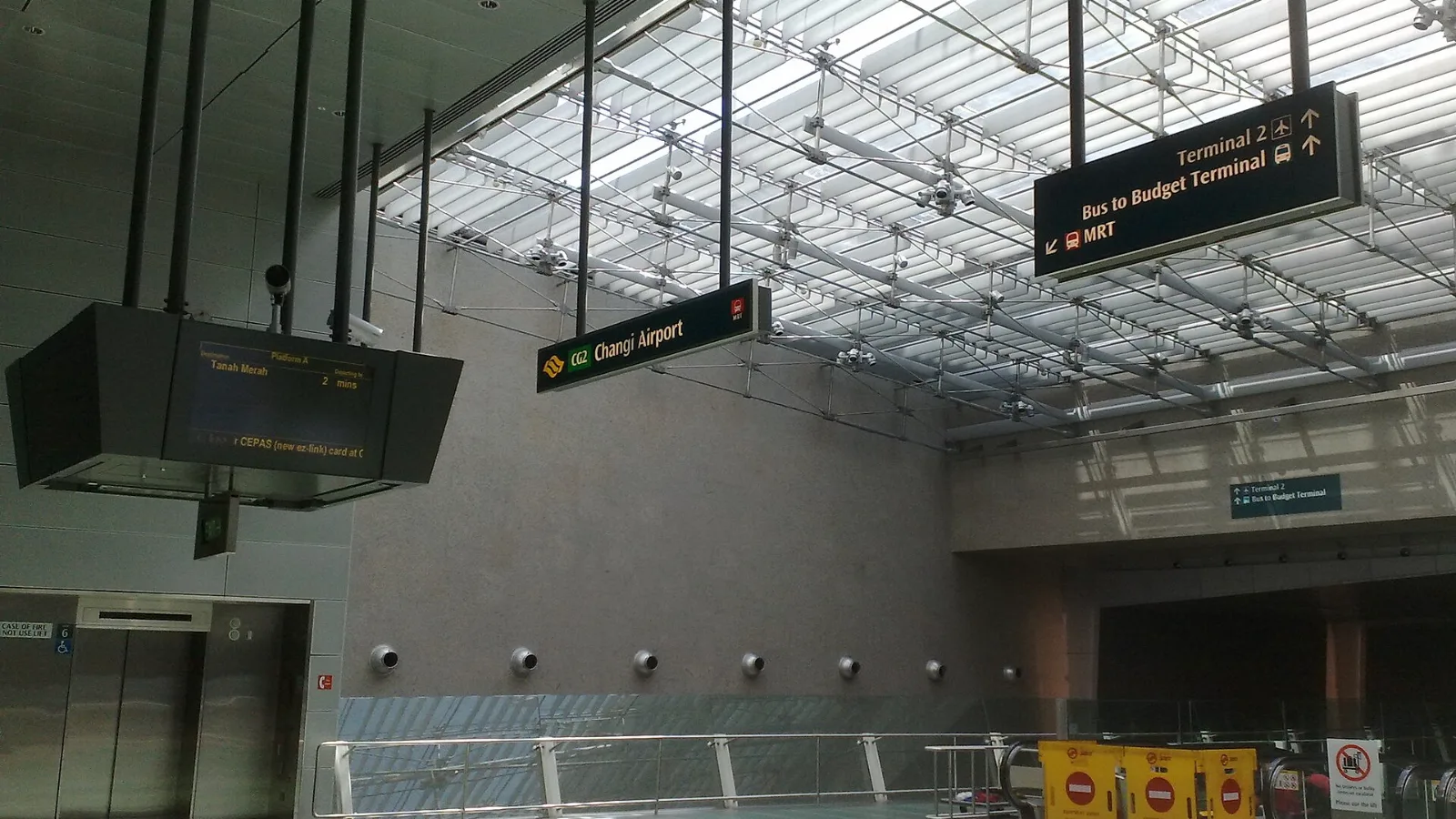
Take the MRT if you are one or two people staying near a train line: it costs about S$2 to S$3 and takes 35 to 50 minutes with one change. Take a Grab or taxi if three or more of you are sharing, you land at Terminal 4 or after the last train, because a car to the city takes about 30 minutes and usually costs S$25 to S$45.
 Travel Tips
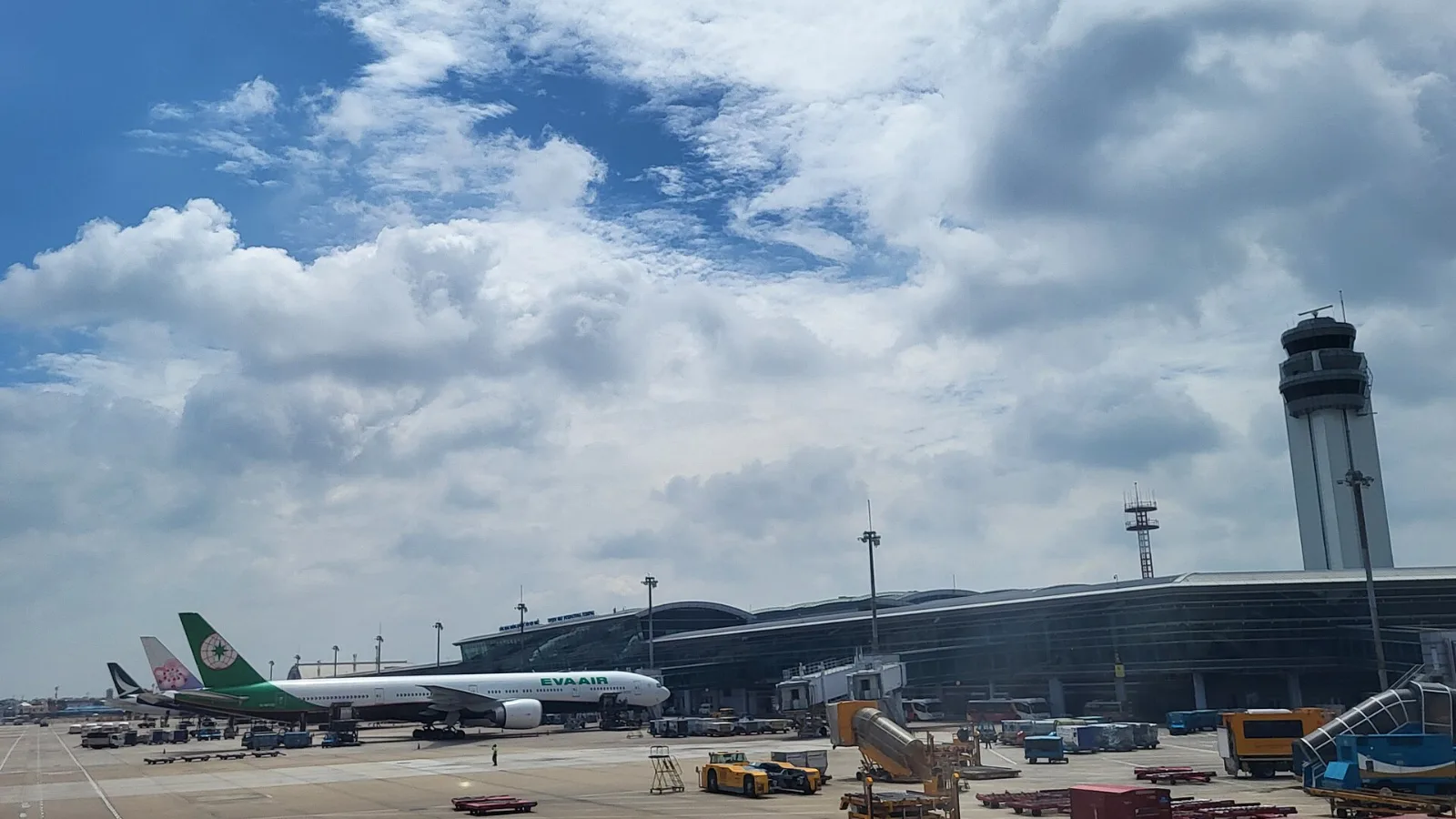
Take a Grab if you land at international Terminal 2, have a suitcase or are two or more people: a GrabCar to District 1 usually costs about 150,000 to 250,000 dong. Take bus 109 only on a tight budget with light luggage, because since 2025 it leaves from domestic Terminal 3, not the international terminal.
 Travel Tips
Take the Keisei Skyliner if your hotel is in Ueno, Asakusa or north-east Tokyo: it reaches Nippori in as little as 36 minutes for ¥2,580. Take the Narita Express if you are staying near Tokyo Station, Shinjuku, Shibuya or Yokohama, because it runs straight there, and the ¥5,200 round-trip ticket brings each leg close to the Skyliner fare.
 co:sim Team