Back to Blog
Fukuoka Airport offers free Wi-Fi, and its domestic terminal connects directly to the subway for Hakata. International arrivals first take the airport's free terminal shuttle to the domestic side before entering the station. Use the airport network to check your route, then keep mobile data ready for the shuttle, subway and streets beyond; co:sim's Japan data plans are one option for that handoff.
The airport's official Wi-Fi service page lists two network names: AirportFreeWiFi-2.4G and AirportFreeWiFi-5.0G. It says use is free. Choose the name your device can see, follow the on-screen terms and confirm that a normal web page loads before relying on it for a ticket or a message. The airport notes that the service can vary with device compatibility and conditions, so keep essential booking details available offline too.
This is a convenient place to retrieve your hotel address, check the next subway departure, and tell someone you have landed. Avoid entering sensitive information on an unfamiliar public network unless the site or app uses a secure connection. Japan National Tourism Organization's connectivity guide treats airport Wi-Fi as an arrival aid while outlining mobile and rental Wi-Fi options for the rest of a Japan trip. A travel eSIM covers mobile data rather than providing another airport hotspot, and its data-only service does not add a Japanese phone number.
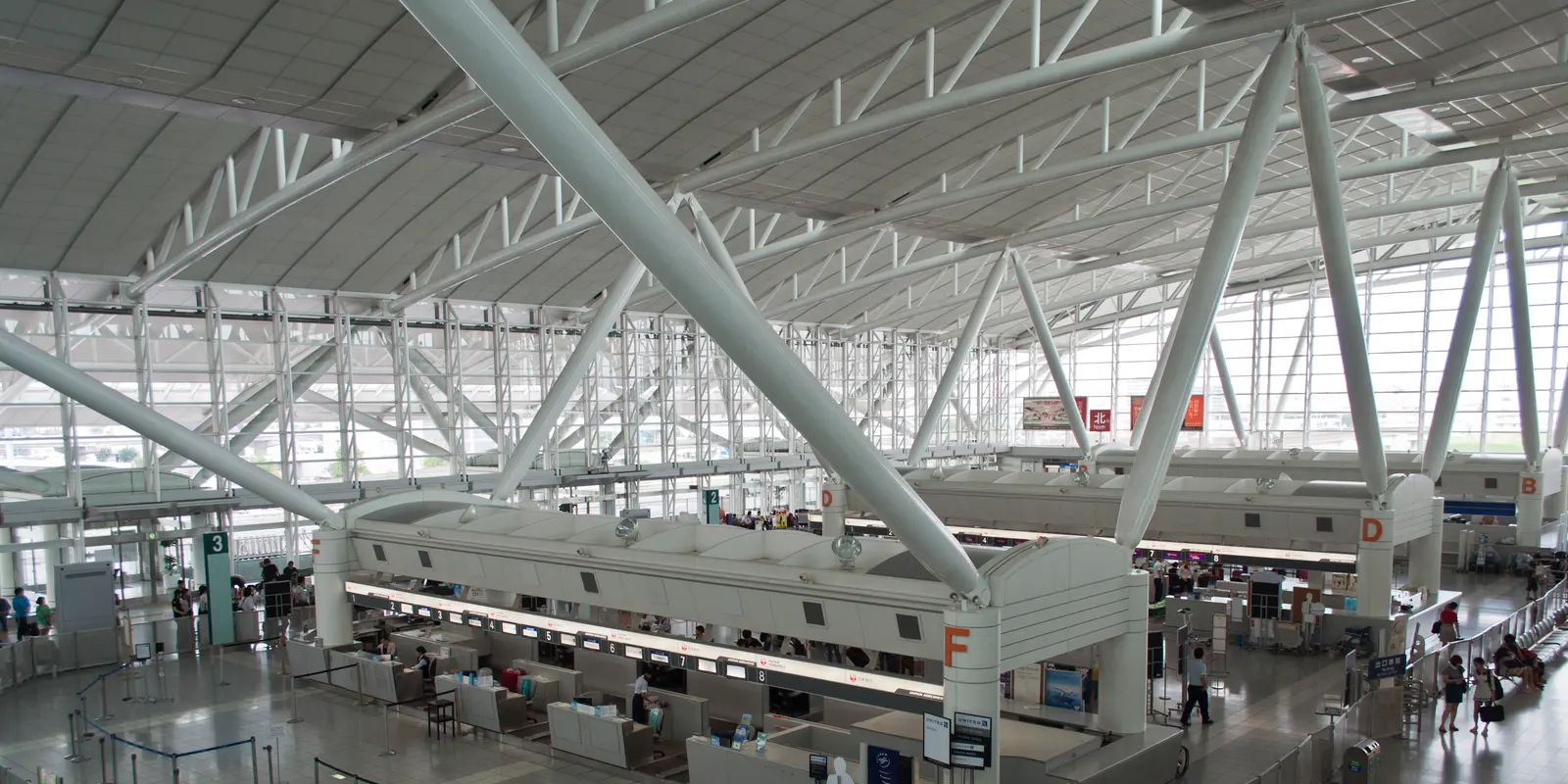
The key distinction is the terminal. The airport's subway access guide places Fukuoka-kuko Station below the domestic terminal, not inside the international arrivals building. After immigration and baggage claim at the international terminal, follow signs to the free shuttle bus at stop 5. Get off at the domestic terminal's South Bus Boarding Area and follow entrances 1A or 1B down to the subway. If you land at the domestic terminal, follow the airport's signs to the B2F Access Hall and station ticket gates directly.
From Fukuoka-kuko Station, take the Airport Line toward Hakata. The Fukuoka City Subway route map shows Hakata after Higashi-Hie, two station stops from the airport. Check the live timetable if you arrive late, because the airport's shuttle and the subway are separate services. Mobile data can keep the shuttle stop, station exit and hotel pin accessible when airport Wi-Fi is no longer in range. Save a screenshot of the Japanese hotel address as well; it helps even when your phone has no signal.
The train direction matters more than a memorized journey time. Confirm the platform display says the Airport Line is heading toward the city, not simply that you have reached a station with an airport name. At Hakata, check which exit serves your hotel before climbing to street level. The complex connects to other rail services, so a map pin for "Hakata Station" can still leave a long walk with luggage. If a late flight makes the subway impractical, use the airport's current transport pages to check buses or a taxi rather than guessing from an old schedule.
Decide whether you need a ticket, an accepted transit card or another valid fare medium for your journey. The subway operator's route page has the current line map and operating information; use its journey tools for your travel date rather than memorizing a fare from an older blog post. If Hakata is only a transfer, check the correct exit or onward rail operator before you enter the paid area. JR services at Hakata and the city subway are different systems, even though their stations are linked.
Set the route in your map app while still at the terminal. In an international arrival, a direction that merely says "walk to the subway" can hide the shuttle step. At the domestic terminal, follow the station signs rather than boarding another bus by habit. If you prepared a co:sim Japan eSIM before departure, turn on that line for mobile data and enable data roaming for it when ready to connect. Check the plan page's network and billing-start information first; the details vary by plan. Keep your regular SIM active for calls if you need its number.
Airport Wi-Fi wins for a quick address lookup while standing in the terminal. A rental pocket Wi-Fi can serve several devices, though it adds pickup, charging and return tasks. Your home carrier's roaming may be easiest if its Japan terms already suit you. A data-only eSIM is convenient when you want maps and messaging to continue from the airport shuttle through Hakata and onward travel without carrying another device.
Check the actual trip before buying. A Japan-only plan fits an itinerary contained in Japan; for a second leg in South Korea, compare a regional Japan and South Korea option and confirm the product page's country list. Do not assume that an airport's Wi-Fi, a train's onboard signal or a Japan-only plan will follow you across a border. co:sim emails a QR code after checkout, which lets a compatible phone be prepared before departure. The plan remains data-only, so ordinary voice and SMS needs require your existing line or an internet calling app.
Yes. The airport's Wi-Fi service directory states that use is free and names AirportFreeWiFi-2.4G and AirportFreeWiFi-5.0G as its networks. Select one of those exact names in your device settings and complete any on-screen connection steps. Check that a website loads before depending on it for a hotel booking or transit information. The airport cautions that device compatibility or other conditions can affect the service, so keep a screenshot of your address and reservation. The free network is a useful arrival connection; it is not a mobile subscription for the journey across Fukuoka or Kyushu. A co:sim Japan eSIM is a separate data-only option for using maps and messages away from the terminal, assuming your phone supports eSIM and the chosen plan matches your destination.
No. Fukuoka Airport's subway access instructions place the station at the domestic terminal. From international arrivals, take the free terminal shuttle from stop 5 to the domestic terminal's South Bus Boarding Area, then follow entrances 1A or 1B down to the station. Domestic arrivals can follow the signs to the B2F Access Hall without this shuttle transfer. The subway route map shows Hakata two stops from Fukuoka-kuko, with Higashi-Hie between them. This compact trip is easy to plan once you account for the terminal change, but the shuttle, ticket purchase and train wait still take time. co:sim mobile data can keep a live map open during the transfer; save the station and hotel names offline as a backup if a device or network misbehaves.
No. For a short transfer, the airport's free Wi-Fi plus saved directions may be enough, especially if you already know your hotel address and do not need a ride app. The subway's official route map makes the station order easy to check before leaving the terminal. A mobile plan becomes more useful when you must follow a live route, message a host, change trains at Hakata or travel around Kyushu after arrival. Your home carrier's roaming or a rental hotspot may also meet that need. co:sim's Japan plan is data-only and gives no local phone number, so keep a calling solution if one is required. If the itinerary continues to South Korea, verify regional coverage rather than expecting a Japan-only plan to work there.
For the subway transfer and the days after it, compare the co:sim Japan plan options with your actual route and device compatibility.
View Japan eSIM plansInstant delivery by email · Install before you fly
 Travel Tips
Take the MRT if you are one or two people staying near a train line: it costs about S$2 to S$3 and takes 35 to 50 minutes with one change. Take a Grab or taxi if three or more of you are sharing, you land at Terminal 4 or after the last train, because a car to the city takes about 30 minutes and usually costs S$25 to S$45.
 Travel Tips
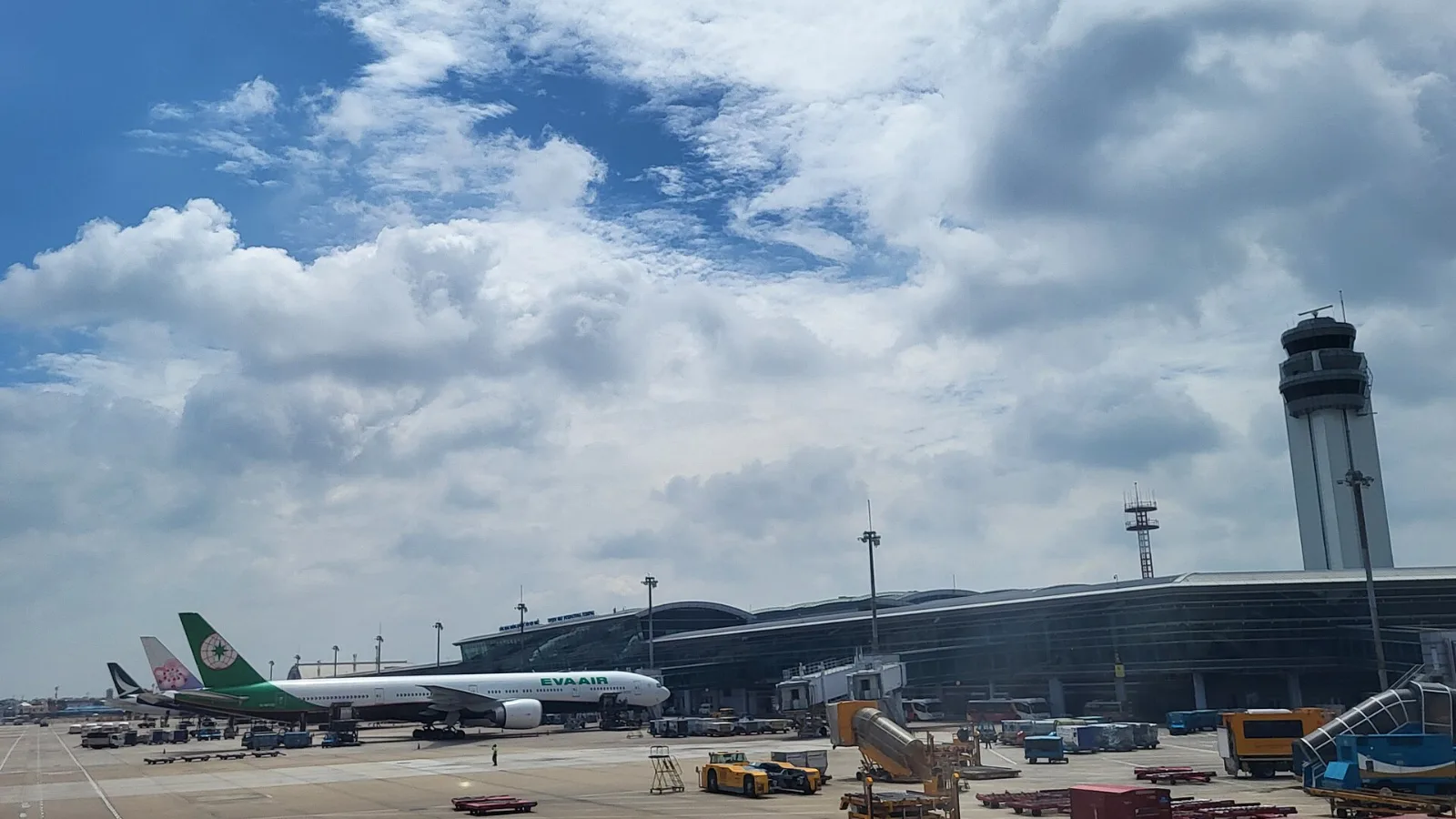
Take a Grab if you land at international Terminal 2, have a suitcase or are two or more people: a GrabCar to District 1 usually costs about 150,000 to 250,000 dong. Take bus 109 only on a tight budget with light luggage, because since 2025 it leaves from domestic Terminal 3, not the international terminal.
 Travel Tips
Take the Keisei Skyliner if your hotel is in Ueno, Asakusa or north-east Tokyo: it reaches Nippori in as little as 36 minutes for ¥2,580. Take the Narita Express if you are staying near Tokyo Station, Shinjuku, Shibuya or Yokohama, because it runs straight there, and the ¥5,200 round-trip ticket brings each leg close to the Skyliner fare.
 co:sim Team