
Back to Blog
Use Edinburgh Airport Wi-Fi to save your accommodation details and choose the tram or bus before heading outside. The airport has an official Wi-Fi welcome page, but that page does not specify a public network name or session limit. For connectivity after leaving the hotspot, co:sim's UK data-only eSIM (embedded SIM) is one option alongside home roaming.
The official EDI Wi-Fi welcome page confirms the airport's Wi-Fi arrival page exists. It is not a technical instruction sheet: the retrieved page does not establish an SSID, an SMS verification requirement or a universal free-session duration. Follow the network information advertised inside the airport and read the actual access terms on your phone.
Do not pay an unfamiliar portal, install a certificate or supply sensitive documents simply because a network includes “airport” in its name. Nor should you assume a lounge network has the same conditions as public terminal access. The airport's facilities page describes lounge Wi-Fi separately; lounge amenities are not proof of the terms for every visitor.
Cover photograph: Edinburgh Airport terminal building, Russel Wills, CC BY-SA 2.0; cropped. Historical view, not current directions.
A Wi-Fi icon only confirms a connection to the hotspot. A captive portal, the browser page that controls access, may still need your attention. Open the connection notification again, forget and rejoin the confirmed network, then test with a new webpage rather than a cached booking screen.
If a VPN (virtual private network) blocks the portal, temporarily pause it for sign-in and restore it afterwards. Treat a browser security warning as a reason to stop and verify the network, not a hurdle to click through. Use your own mobile connection for sensitive account work when available. Keep battery power for the ticket or directions you need next.
Avoid troubleshooting while walking outside with luggage. Save whatever already works and ask for directions if the connection remains unavailable. An offline address and a clearly identified tram stop can be more useful than repeatedly refreshing a route planner until your phone battery runs low.
The airport's official tram guide places the stop immediately outside the main terminal, beside the plaza and Edinburgh sign. The route runs toward the city centre and onwards to Newhaven. Use your accommodation address to choose a stop; “city centre” is too broad when you still have to walk with bags.
The guide lists Haymarket, Princes Street and St Andrew Square among the stops, and describes Waverley railway station as a short walk from St Andrew Square. The tram does not deliver you onto a Waverley train platform. If you are continuing by rail, save that walking leg and allow time for finding the right platform separately.
The airport gives an indicative city-centre journey of 30 minutes. Check the linked timetable for your actual travel day, including the last useful departure after baggage collection. The cited guide tells passengers to buy tickets before boarding and lists machines at tram stops, including the airport. Being online helps you plan; it does not replace having the correct ticket.

Photograph: Edinburgh Airport tram terminus, Rosser1954, CC BY-SA 3.0. Historical infrastructure view; follow current signs and displays.
Lothian's official airport-bus page describes Airlink as a 24/7 express service between Edinburgh Airport and the city centre and lists departures at Waverley Bridge. It can be worth checking when a late arrival falls outside the tram's service hours or when its city arrival point suits your address.
Compare the full door-to-door route rather than assuming a bus and tram have interchangeable stops. A hotel near one route can make that option easier even when the other has a shorter advertised journey. Save the correct boarding point and destination from the live operator page. Temporary road changes or service updates should be checked on the day.
Lothian distinguishes airport fares and products from standard city tickets. Read the accepted payment methods and ticket conditions before boarding, particularly if you already have a city pass. Do not assume that a ticket valid on ordinary buses automatically covers the airport express. If you plan to use a mobile ticket, make sure it is available in the app and understand whether it needs a live connection.
For a traveller with a saved address and a fixed transfer, the airport connection may be enough to prepare. Someone coordinating with an apartment host or changing onward trains benefits more from mobile data after leaving the terminal. Existing UK roaming may already cover that need; check it before buying another plan.
Do not make a journey depend on finding another free hotspot at the next stop. Transport Wi-Fi, a café connection and airport Wi-Fi are separate services. The presence of one says nothing about the availability of the others. Coverage and performance also vary on mobile networks; an eSIM is an alternative access method, not a guarantee of continuous reception.
Save your hotel entrance, check-in instructions and a contact method that works over internet data. Edinburgh addresses can involve a final walk beyond the main transport corridor, so open that route separately rather than stopping the plan at Princes Street or Waverley Bridge. Keep the booking reference and any ticket accessible without relying on your email inbox loading again.
If you will need mobile data, compare the UK plan details with your time in Scotland and the rest of your itinerary. Messaging and map checks need a different allowance from uploading video or sharing a laptop connection. Download large files before travel where practical, and review your phone's background-data settings.
co:sim's data-only plans work with internet calling and messaging apps but do not include a UK number, standard voice calls or SMS. Read the selected plan's coverage, billing-start rule, activation deadline and reloading support. Install over a stable connection, then follow the supplied instructions for the travel data line. Installation alone is not proof that the plan has activated.
Compare UK data-only eSIM plansEligible new users can check the free UK offer as another starting point. You must sign in and provide a valid payment card for verification; the card is not charged for the free item. Install and activate by the displayed deadline. Free items are non-refundable. Top-ups require first connection, reloading support and an open validity window; no top-up is available after validity expires.
FREECheck the free UK eSIM offerBefore going outside, switch Wi-Fi off briefly and test a small webpage using your selected travel data line. Check that unwanted home-line roaming or automatic data switching is disabled. Complete the test while you can still return to the airport connection for help; do not start a new installation as the tram doors are closing.
The Edinburgh Airport Wi-Fi welcome page retrieved for this guide does not publish a specific SSID, meaning the name shown in your phone's network list. It also does not establish an SMS requirement, public-access price or universal session limit. Confirm the network using signage inside the airport or ask staff, then read the terms displayed when you join. Avoid selecting a hotspot solely because its name sounds plausible. Complete any browser sign-in steps and load a fresh webpage to test access before using a ticketing app. A Wi-Fi icon can appear before the portal has granted internet access. Lounge Wi-Fi is described separately on the airport facilities page, so lounge benefits should not be assumed to apply to every public-terminal session or every visitor.
A compatible, carrier-unlocked phone can use a UK travel eSIM for mobile data after landing in Edinburgh, provided the plan covers the destination and you follow its setup instructions. co:sim's UK options are data-only: maps and internet messaging can work over the connection, but no UK phone number, ordinary voice allowance or SMS allowance is included. Install over a stable connection before travel when practical, and check the selected plan's billing-start rule and activation deadline. On arrival, choose the travel line for mobile data and follow the supplied roaming settings. Test with Wi-Fi switched off before leaving the terminal. Mobile reception can vary, so also retain offline directions. A plan that works during that test does not promise uninterrupted connectivity at every tram stop or inside every building.
Edinburgh Airport's tram guide lists St Andrew Square as a stop within a short walk of Waverley railway station. It does not describe the tram as a service into Waverley's platforms, so plan the remaining walk separately if you have an onward train. Choose your stop using the accommodation or station entrance you actually need. For a late flight, check whether you can reach the airport tram stop before the applicable last departure after border formalities and baggage collection. Lothian describes Airlink as a 24/7 airport-to-city express and lists Waverley Bridge departures on its official page. Compare its current route and payment conditions as an alternative. The most useful service is the one whose timetable and final arrival point fit your actual journey, rather than the one with the shortest headline duration.
The co:sim free UK eSIM requires eligibility as a new user, sign-in and a valid payment card for verification. The card is not charged for the free item. Review the allowance, coverage and dates shown for the specific offer before claiming it. Install and activate the eSIM by the displayed deadline; adding the profile to your phone alone does not complete activation. Free items are non-refundable. A later top-up is conditional on the card having connected, supporting reloading and remaining within its validity window. You cannot top up after validity expires, so a closed window calls for another suitable plan. Prepare the account and device while you have a reliable connection, rather than making your arrival depend on finishing a claim and installation beside a departing tram.
Save the exact stop-to-door route for Edinburgh, then consider co:sim's UK mobile-data plans for the part of the journey that airport Wi-Fi cannot accompany.
Instant delivery by email · Install before you fly
 Travel Tips
Take the Keisei Skyliner if your hotel is in Ueno, Asakusa or north-east Tokyo: it reaches Nippori in as little as 36 minutes for ¥2,580. Take the Narita Express if you are staying near Tokyo Station, Shinjuku, Shibuya or Yokohama, because it runs straight there, and the ¥5,200 round-trip ticket brings each leg close to the Skyliner fare.
 Travel Tips
Take bus 86 if you are travelling light, land before mid-evening and are staying near Hoan Kiem Lake: it costs about 45,000 dong and takes 50 to 70 minutes. Take a Grab if there are two or more of you, you have big bags or you land late, because one car to the Old Quarter usually costs about 230,000 to 320,000 dong and drops you at the door.
 Travel Tips
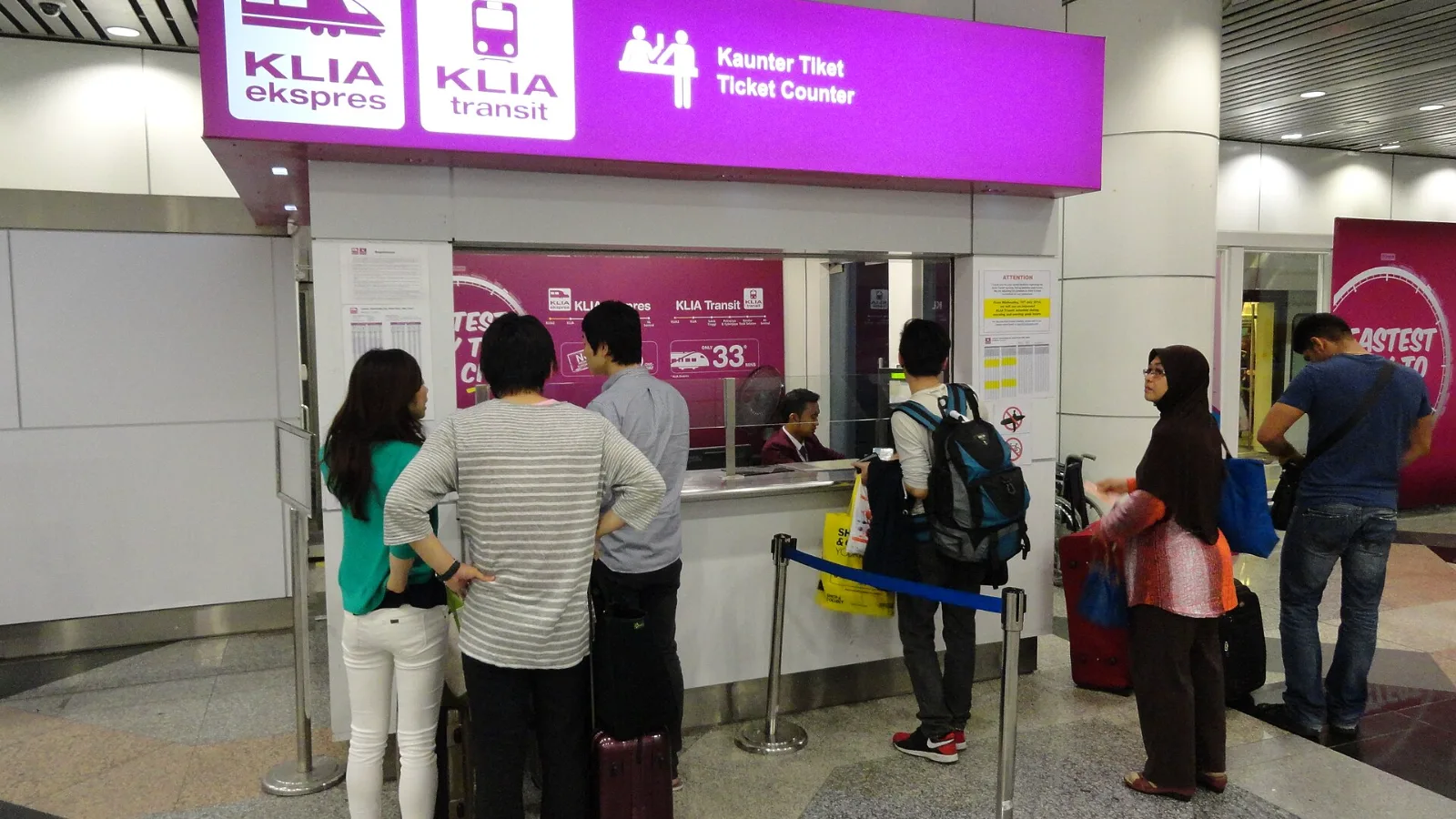
Take the KLIA Ekspres if you are travelling alone or as a pair and your hotel is near KL Sentral or a rail line: it reaches KL Sentral in 28 minutes from Terminal 1 for RM55, less 10% if you buy online. Take a Grab if three or more of you are going to a hotel away from KL Sentral, because one car fare usually costs less than three train tickets and drops you at the door.
| Connection | A useful Edinburgh arrival task | Practical limitation |
|---|
| Airport Wi-Fi | Downloading directions and checking the departure | Portal conditions and range depend on the airport service |
| Home SIM roaming | Keeping access to your usual line | Your carrier decides UK allowance and charges |
| co:sim data-only eSIM | Maps and internet messages during the onward trip | Compatible, unlocked phone; no included phone number |
| Pocket Wi-Fi or local SIM | Sharing a connection or serving another device | Check collection, charging and compatibility arrangements |
 co:sim Team