
Back to Blog
Dual eSIM means your phone holds and can use more than one SIM profile at the same time — usually your home carrier's line for calls, texts, and two-factor codes, plus a second eSIM handling mobile data while you travel.
Most eSIM-capable phones from the last several years support some form of this, but the exact combination (two eSIMs, or one eSIM plus a physical SIM) and how many lines can be active at once depends on the device.
"Dual SIM" is the umbrella term for any phone that holds two SIM profiles, in whatever combination the hardware supports: two physical SIM cards, one physical SIM plus one eSIM, or two eSIMs. "Dual eSIM" is the specific case where both of those profiles are digital — no physical card involved on either line.
An eSIM itself is just a SIM in a different format. GSMA, the mobile industry body that defines the eSIM specification, describes it as a way to securely download a SIM profile into a chip that's already built into the device, rather than swapping a removable card. A single eSIM chip can also store several operator profiles and switch between them, though on older or entry-level phones only one profile can be active at a time even if several are saved. Dual SIM and dual eSIM phones go a step further: they can keep two of those lines live simultaneously, not just stored.
Almost every consumer dual-SIM phone, including iPhone and Pixel, uses what the industry calls Dual SIM Dual Standby, or DSDS: both lines stay connected and reachable, but only one carries the active voice call or data session at a moment. Apple's own support documentation is direct about this for iPhone: "Your iPhone can use one cellular data network at a time." Google's Pixel support page names the same mechanism explicitly, calling it "Dual SIM Dual Standby (DSDS)," and notes it depends on carrier support.
A rarer, more expensive alternative is Dual SIM Dual Active (DSDA), which gives each line its own radio hardware so both can genuinely be active, including two live calls, at once. It costs more and takes up more space inside the phone, which is a large part of why mainstream phones like iPhone and Pixel stick with DSDS instead. For everyday travel use, DSDS is what you're working with: pick which line handles data, and the phone quietly keeps the other one on standby for calls and texts.
These are two different numbers, and mixing them up is the most common source of confusion.
According to Apple, an iPhone XS or later can store eight or more eSIM profiles and swap which ones are active from Settings — useful if you keep separate travel eSIMs for countries you visit often. But storage isn't the same as simultaneous use: iPhone XS through the 12 series pairs one physical SIM with one eSIM, while iPhone 13 and later can run two eSIMs active at the same time, in addition to the physical-SIM-plus-eSIM combination. Either way, only two lines total are active at once, no matter how many are sitting in storage.
Pixel follows a similar split. Per Google's support page, Pixel 3a and later support one physical SIM plus one eSIM, and Pixel 7 and later can run two eSIMs simultaneously where the carrier allows it. Other Android brands implement dual SIM with their own settings layouts, so the menu path and simultaneous-eSIM support vary by manufacturer and region — check your specific model's settings before assuming a feature is there.
The mechanics are the same across brands, even though menu wording differs slightly:
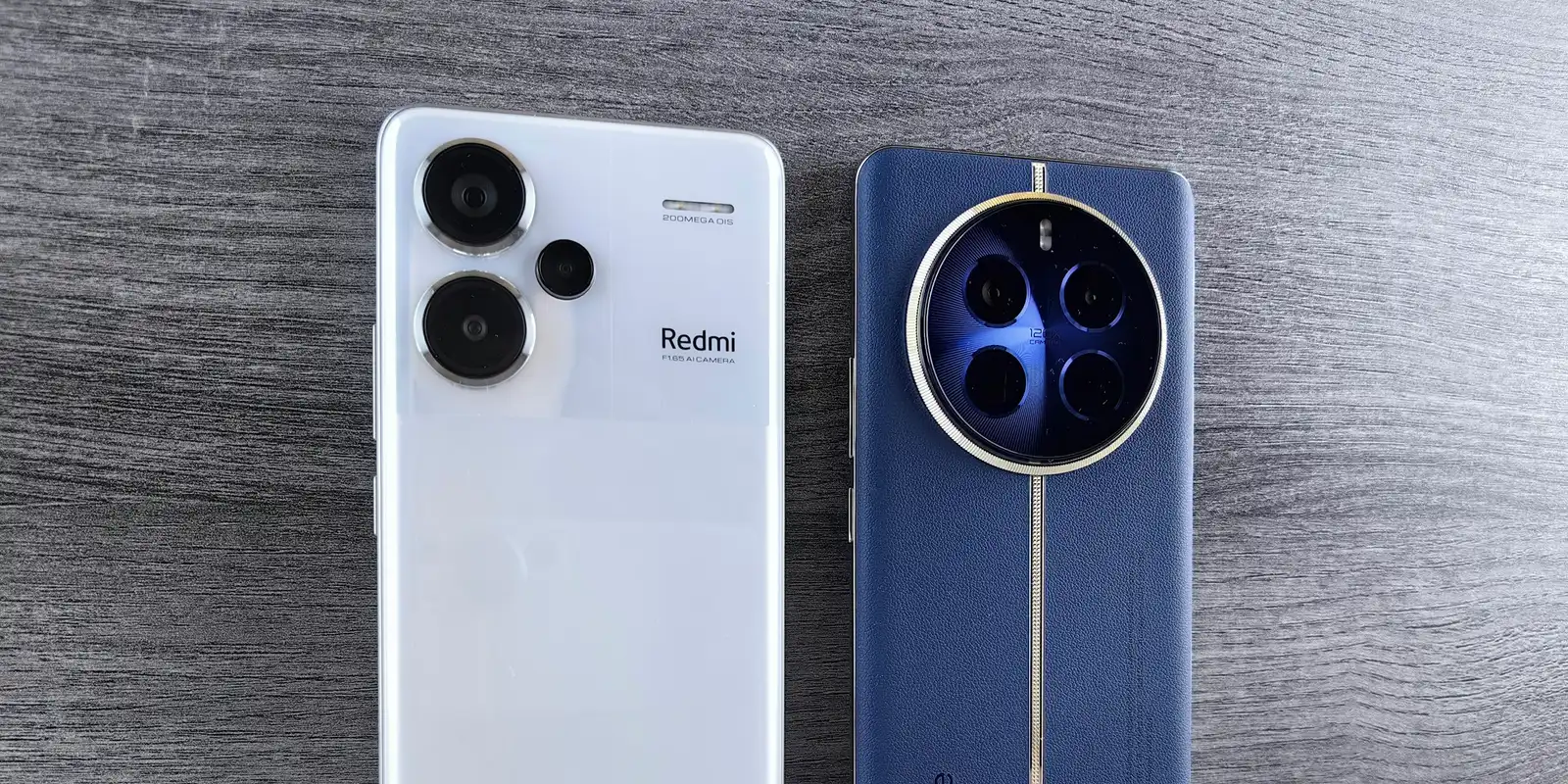
co:sim delivers the QR code by email within seconds of checkout, so this whole flow can happen at home before departure rather than at an airport counter with spotty Wi-Fi. For a two-week trip to Japan, for example, you'd install a co:sim Japan data plan as the secondary eSIM, set it as the default for data, and leave your home line's data roaming off — local data speeds, no roaming line item on your home carrier bill.
On both iPhone and Pixel, you set separate defaults for calls, texts, and mobile data — they don't have to point at the same line. The common travel setup is: home SIM handles calls and texts (so your existing number keeps working for banks, contacts, and 2FA codes), travel eSIM handles data (so you're not paying roaming rates for maps and messaging apps). Each plan's page also lists whether it's reloadable, which matters if a trip runs long: co:sim lists the underlying network and top-up support directly on the plan page, so you know before buying whether it'll cover a longer stay without reinstalling anything.
One detail worth checking before you fly: if your phone doesn't support two active eSIMs (see the model lists above), you'll need a physical SIM tray free for the travel line, or you'll have to manually switch which eSIM is active in Settings each time you want to use the other. Manual switching works fine, but it means your home line briefly goes offline while the travel eSIM is active, and vice versa.
For a traveler, no: both combinations behave the same once set up, two lines, one set of "who handles what" preferences, and (on DSDS phones) one active data connection at a time. The practical difference is just which physical constraint applies. A phone with a SIM tray free can keep the physical card in for the home line and add any eSIM for travel. A phone that's eSIM-only, or that already has its tray occupied, needs two active eSIMs instead — which means checking your model supports it (see the tables above) before you buy a second eSIM plan.
If your phone only supports one active eSIM alongside a physical SIM, and you'd rather not give up your physical home SIM slot, a co:sim eSIM still works exactly the same way in that second slot: install it, set it as your data default, done.
Adding a travel eSIM as your secondary line takes about five minutes and never touches your home number.
Mexico
1-day trip pass
From $2.99
Canada
1-day trip pass
From $2.99
Brazil
Valid 7 days
From $3.99
Dual SIM is the general term for any phone that can hold two SIM profiles at once, in any combination the hardware supports: two physical cards, one physical card plus one eSIM, or two eSIMs. Dual eSIM is the specific case where both profiles are digital eSIM profiles and no physical card is involved on either line. Every dual eSIM phone is a dual SIM phone, but not every dual SIM phone supports dual eSIM — some older or entry-level devices only pair one eSIM with one physical card, and won't run two eSIMs at the same time even if both slots individually work. Check your exact model before assuming two-eSIM support, since it varies by phone generation and sometimes by region.
These are separate limits. Apple says an iPhone XS or later can store eight or more eSIM profiles and swap which ones are active from Settings, but iPhone 13 and later can only run two of them live at the same time (or one eSIM plus a physical SIM on older models); storage capacity doesn't raise the simultaneous-use limit. Pixel phones follow a similar pattern: profiles can be stored and swapped, but Pixel 7 and later support only two active lines at once, one of which can be a second eSIM. Storing more than you need is still useful if you travel to the same countries repeatedly, since switching between saved profiles in Settings is faster than reinstalling a plan from scratch each trip. In practice, the two-active-line ceiling rarely matters for a single trip, since most itineraries only need one home line and one travel line running at the same time.
On most consumer phones, no — including iPhone and Pixel, which use Dual SIM Dual Standby (DSDS). Both lines stay reachable, but only one carries an active call or data session at a time; if you're on a call with one line, the other typically goes to voicemail unless your carrier supports Wi-Fi Calling to pick it up in parallel. A separate, less common design called Dual SIM Dual Active (DSDA) gives each line its own radio so both can be active together, including two simultaneous calls, but it requires extra hardware and isn't standard on mainstream phones. For a travel setup, this rarely matters: a data-only travel eSIM like co:sim's doesn't make voice calls at all, so there's no call-slot conflict with your home line to begin with.
No. Leave it on, just switch off data roaming on that line specifically. Your home SIM stays reachable for calls, texts, and verification codes while the travel eSIM handles data, which is the entire point of a dual-SIM setup. co:sim plans are data-only by design (no phone number attached), so adding one as the second line never competes with your home number for calls or SMS; it only takes over the data connection you assign to it. The one setting to double-check is that data roaming is off on the home line and cellular data is set to the travel eSIM — otherwise your phone may quietly use the home line's roaming data instead of the plan you just paid for.
Mexico
1-day trip pass
From $2.99
Canada
1-day trip pass
From $2.99
Brazil
Valid 7 days
From $3.99
Instant delivery by email · Install before you fly
 eSIM Guides
An independent lifecycle study found eSIMs produce 46% less CO2 than physical SIM cards. Here's where those savings actually come from, sourced and explained.
 eSIM Guides
Compare Guam eSIM data plans and check whether your US carrier already covers Guam. See how co:sim delivers a GTA-network eSIM by email in seconds.
 eSIM Guides
Compare Barbados eSIM data plans by network and coverage. See whether Flow or Digicel fits your trip, and how co:sim delivers a Flow-network eSIM by email in seconds.
 co:sim Team