Back to Blog
A data-only eSIM can connect a parking app abroad, but the app takes payment through its own account and payment method. An eSIM (embedded SIM) such as co:sim adds internet access, not a phone number. Check the parking service's number rule before buying: EasyPark's European and Australian arrangements differ.
Yes, when the app accepts your account, existing number and payment method. EasyPark's Slovenia help page says you can use your phone number in countries where it operates and tells drivers to check the country and area code. That supports keeping an existing eligible number; it does not mean a data-only plan supplies one.
There is a concrete geographic exception. EasyPark's Slovakia abroad policy says its European arrangement uses your own number, but parking in Australia requires a new registration with an Australian number. Do not assume an existing European account plus Australian mobile data meets that registration requirement. Resolve number eligibility first; changing the internet connection cannot change the account's country rules.
co:sim is relevant after that check. Compare the selected plan's coverage, allowance, validity and billing-start rule with your trip. A data plan can carry the app's traffic while your original number remains the account identifier. If that number must receive a verification message, its own service must support receiving it abroad; the data-only eSIM cannot receive SMS on its behalf.
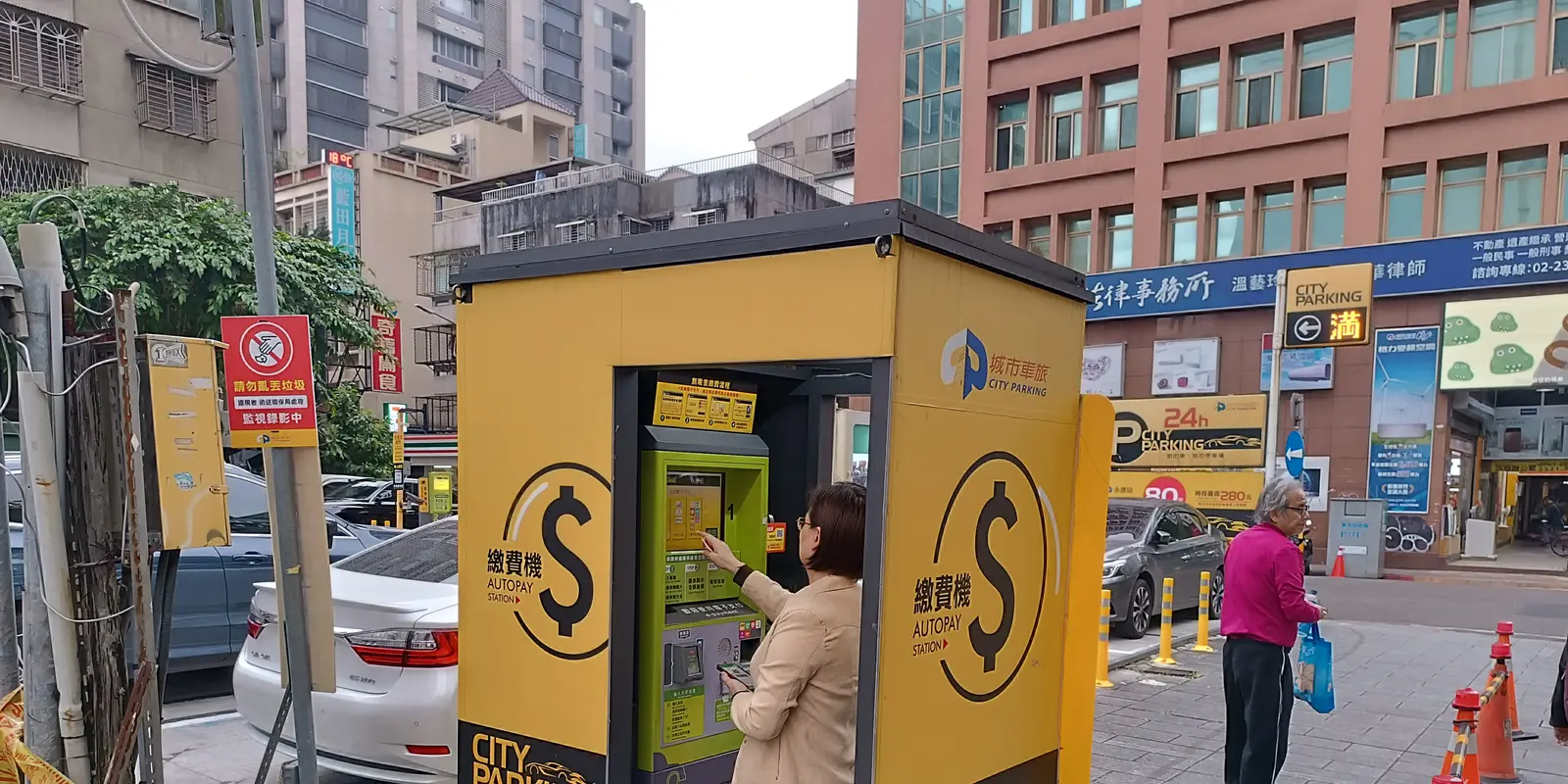
Read the sign before opening the app. ParkMobile's zone-parking instructions tell drivers to enter the zone number shown at the location. Match the vehicle and zone to the actual space, review the time and payment details, and confirm the parking session succeeded. A map pin or a phone connection is not proof that you paid for the correct zone.
Check what the location offers if the app cannot be used. A meter, kiosk or other posted method can be useful where provided, but there is no basis for promising those alternatives at every space. Do not leave the car assuming a failed app attempt counts as payment. Follow the posted rules or choose another permitted place to park.
For a US trip, US data plans provide one example of a country-level connectivity comparison, not a statement that every US parking location uses ParkMobile. co:sim delivery arrives by email, and My Plans provides the place to manage the purchased plan. Neither replaces the parking operator's session record.
Compare data-only plans for your tripA data-only travel eSIM does not include a mobile number for parking-app registration or verification messages. It provides internet access. If your parking account already uses an eligible home number, that number can remain its identifier while the app connects through a different data line. This distinction matters before you pay for a plan: a connection and a number are different services, and neither automatically establishes a valid parking account.
With co:sim, choose the travel data plan for its actual coverage and dates, then check number eligibility with the parking service separately. Keep access to the existing number if a sign-in or verification step requires it. Do not assume a previously signed-in app will never ask you to verify again. If the service requires a local number that you do not have, resolve that requirement or identify an accepted on-site payment method before relying on the app.
EasyPark's published abroad guidance supports using your own number in its European arrangement, subject to the service's supported locations and the correct country and parking-area selection. Its own-number help page also addresses using an existing number abroad. This is a statement about EasyPark's service, not permission to assume every European parking app accepts the same account or that every parking space participates.
Check the intended country and location in the app before departure, keep the account accessible, and review the payment method you will use. A co:sim data connection may carry the app's traffic without replacing that existing number. If an SMS verification appears, the number's own mobile service still has to receive it. At the space itself, select the posted area and correct vehicle, and look for a confirmed session rather than treating successful login as completed payment.
No. EasyPark's Slovakia help page distinguishes European use with your own number from Australia, where it says you must register again with an Australian number. A traveler should check that requirement before assuming an existing European account is ready for an Australian parking stop. Adding Australian mobile data does not provide an Australian number, alter the registration rule or prove that the intended payment method will be accepted.
Decide how you will meet the account requirement before selecting connectivity. If you cannot use the required account arrangement, inspect the actual parking location's advertised alternatives or choose a different permitted location. Do not generalize this Australian exception to every other country, and do not turn European guidance into a worldwide promise. The useful question is whether your specific account can start a valid session at that specific location, with a payment method the service accepts.
Use a meter or other physical payment method only if the parking location actually offers and accepts it for your space. ParkMobile's zone-parking page explains its app workflow using the on-site zone number; it does not establish a universal physical alternative at every participating location. Read the sign, check which methods are accepted and follow the local time restrictions. Availability can differ between nearby spaces, garages or operators, so another driver's experience is not confirmation for your space.
If your phone cannot connect or the app rejects the transaction, do not assume parking is authorized. Complete an accepted payment route or move to another permitted place. Keep the zone, vehicle and confirmation details accessible for your own reference. A screenshot of an unsuccessful attempt is not a paid session, and buying a new mobile data plan cannot correct a wrong zone or an ineligible account.
Buy extra mobile data only if you need a connection that your current arrangement does not provide. Existing roaming may already support the parking app. A data-only eSIM can be useful if you also need maps, messages and access away from Wi-Fi, but it does not guarantee a particular parking session is extendable. The posted restrictions and the operator's rules control how long the vehicle may stay; internet access cannot override them.
Before leaving the car, confirm the original session and understand its end time. If you plan to manage it later, retain access to the eligible account and use a reliable connection. Check the result of any requested extension rather than assuming tapping a button succeeded. Compare the data plan against the whole trip, including its covered countries and validity, rather than treating a second SIM as a parking entitlement.
Compare co:sim after confirming the app accepts your number and payment method, and keep the location's parking rules as the final authority.
Mexico
1-day trip pass
From $3.99
Canada
1-day trip pass
From $2.99
Brazil
Valid 7 days
From $3.99
Instant delivery by email · Install before you fly
 eSIM Guides
Compare a suitable existing ONE card with Angola fixed and daily data offers, keeping actual network choices, trip dates and calling needs separate.
 eSIM Guides
Choose between a suitable existing ONE card and a short Cameroon data package, with exact Orange or selected Global120 networks and separate local-number needs.
 eSIM Guides
Choose reusable ONE when wider or repeated supported travel justifies first funding. Keep the selected free 1GB/7-day eSIM for a small covered need without a data purchase.
 co:sim Team