
Back to Blog
Copenhagen Airport (CPH) offers free Wi-Fi throughout the airport. Select CPH Airport Free WiFi and test a browser page before relying on it for a ticket. If you are continuing to Malmö, save your train route and ticket details before leaving the terminal: the journey crosses from Denmark into Sweden, while airport Wi-Fi stays at the airport. A co:sim regional data plan can be useful for a compatible phone when its listed countries include both stops.
The airport's own customer-service answer says free Wi-Fi is offered throughout Copenhagen Airport and identifies the network as CPH Airport Free WiFi. Turn on Wi-Fi, select that exact name, and open a browser or app to confirm that data actually loads. If you have trouble connecting, the airport directs passengers to its Service Information desks.
Do not use an old network name from a third-party guide as the main instruction. An older guide still describes a CPH Hotspot login flow, while the airport's current customer-service answer gives the newer network name. Follow the airport's information desks and signs if the name changes again. Before you walk to the station, save your hotel address, train route, and any ticket you will need to display offline.
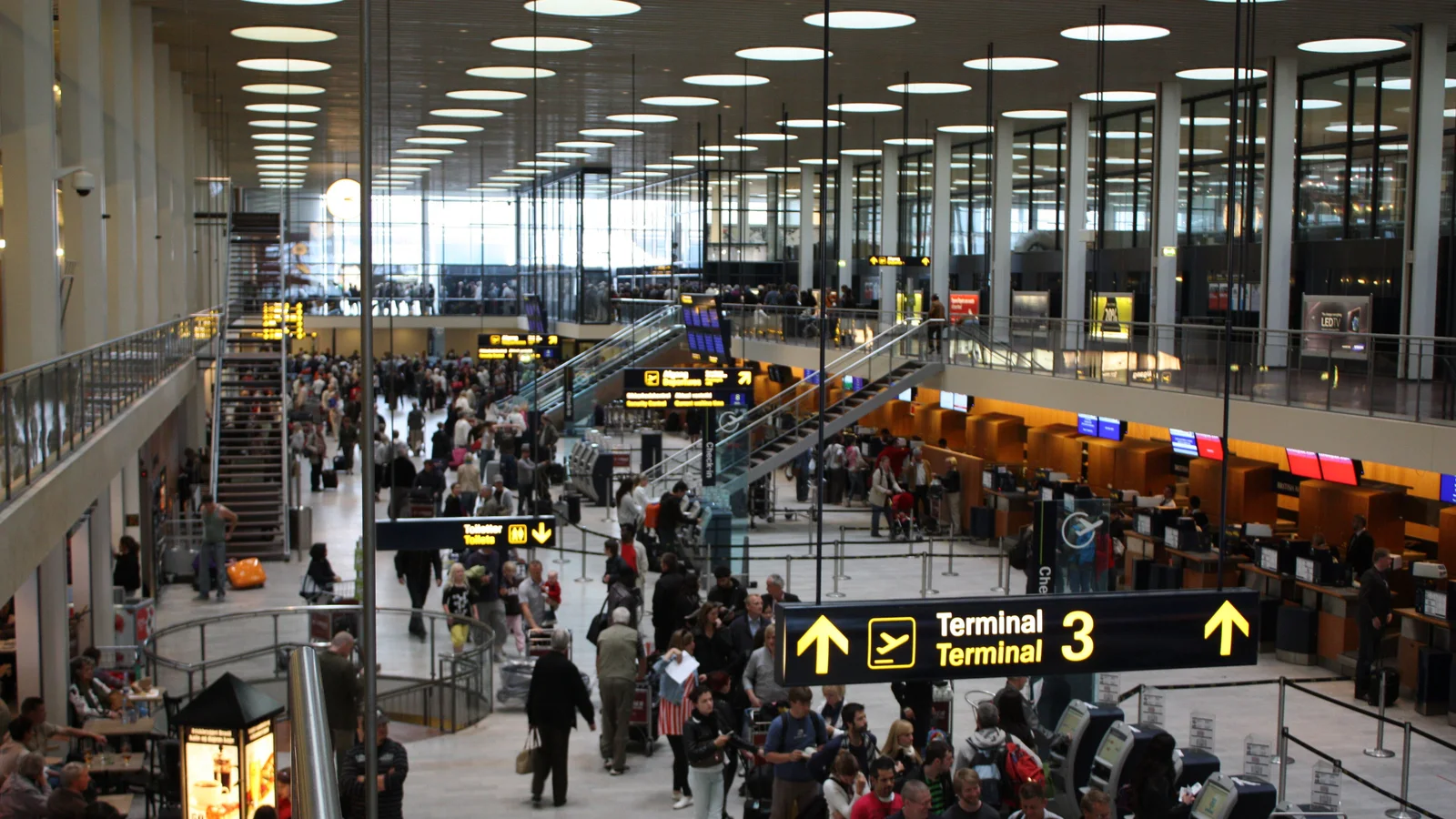
Confirm that your phone joined CPH Airport Free WiFi, not another similarly named hotspot. If a browser screen asks you to accept terms, complete that step before testing a booking app. If you see a connected Wi-Fi symbol but no usable page, forget the network, reconnect, and test in a normal browser. Temporarily pausing a VPN can help a captive portal load, but turn it back on once sign-in is complete.
Apple's captive-network guidance explains why a device may join public Wi-Fi yet still require a login or terms page. The exact screen depends on the device and current airport configuration. If troubleshooting takes longer than your connection window, ask a Service Information desk, as the airport itself recommends. Do not miss a train while trying to make a free hotspot work.
Download the ticket and directions before leaving the terminal. A co:sim eSIM can be installed before departure over a trusted connection, so airport Wi-Fi becomes a backup rather than the only route to your QR code. The plan page lists networks, activation details, and top-up support for the actual option you choose; check those details instead of assuming all Europe products behave alike.
Follow airport signs for the rail station and search for a journey to Malmö Centralstation on the current railway planner. Öresundståg's timetable page includes the Copenhagen–Malmö corridor and explicitly advises checking the booking site or a regional transport app before travel because track work can change services. That live check matters more than a fixed departure interval in a blog post.
Buy a ticket for your actual origin and destination through an official rail or regional ticket channel. Keep the ticket available offline before boarding. If your itinerary involves a change, check the platform and service number again at the station. Crossing into Sweden also means that a Denmark-only mobile plan is not automatically enough for directions and messages at the other end.
The Öresundståg ticket guidance explains where travelers can buy tickets and use its booking tools. Check the current fare there rather than trusting a remembered price. Keep your travel document accessible for the cross-border trip and follow current operator instructions. A co:sim Europe regional plan is worth comparing if its listed country coverage fits both Denmark and Sweden; inspect the selected plan before paying.

Start with your route, not the airport. If you stay in Copenhagen, a Denmark-only data plan may meet your needs. If you cross the bridge to Malmö or add another country, compare the countries listed on a regional plan. An EU or EEA home contract may already cover the journey under your carrier's roaming terms, so check that first; allowance and fair-use terms are specific to your contract.
The Denmark data-plan page provides current country options. Do not use a fixed price from a travel article, because catalog offers change. If you need a Swedish phone number or ordinary voice and SMS service, a data-only eSIM will not create them. Keep your existing line enabled where appropriate or choose a different service. This matters when a hotel, rail account, or bank sends a verification code to your usual number.
For maps, online tickets, and internet messaging, mobile data can fill the gap after CPH Wi-Fi drops away. Coverage still depends on the plan's networks and your location. A co:sim plan is delivered by email as a QR code after checkout; install it while you have dependable internet, and read its billing-start rule before turning on the travel line. Offline maps and a saved ticket remain useful even with a working eSIM.
Save the booking confirmation, the exact Malmö or Copenhagen address, and the operator's current itinerary. If you are heading to Sweden, check the final station name carefully: a ticket to central Malmö is a different instruction from a vague note that says only “Malmö.” Keep a copy of the ticket that opens without an internet connection. Check the rail operator's live notices close to departure because works can change platforms and times.
If you are using a travel eSIM, verify that the chosen plan includes every country you will visit, that your phone is unlocked and eSIM-capable, and that the plan's network list covers the places you need. Install ahead of time, then test mobile data at CPH while the airport's free Wi-Fi remains available as a fallback. Keep your primary line if you need ordinary calls or SMS. Do not treat a regional label as a substitute for reading the destination list.
Yes. Copenhagen Airport's customer-service page says Wi-Fi is free throughout the airport and tells passengers to select CPH Airport Free WiFi. Choose that network, then open a browser or app to verify that internet access works. If the connection fails, the airport directs passengers to its Service Information desks. Older third-party guides may mention a different network name or an old registration flow, so trust the airport's current signs and staff. Use the terminal connection to retrieve a ticket, look up a platform, or send an arrival message. Save essential details before leaving for the rail station, since the airport hotspot is not a mobile connection across the bridge to Sweden. A co:sim eSIM may provide data beyond the airport if your phone is compatible and the specific plan lists the countries and networks for your route; it does not provide an ordinary phone number.
Do not assume so. Malmö is in Sweden, and a plan sold for Denmark alone should be treated as Denmark-only unless its own coverage list explicitly says otherwise. Check the destination list of the exact eSIM you intend to buy. A co:sim regional option may include both Denmark and Sweden, but read the selected plan's country list and network details rather than relying on a broad product label. You may also have an existing carrier plan that covers both countries under its roaming terms. Regardless of the data choice, save your rail ticket and destination address offline. Öresundståg advises travelers to check its current booking planner or regional app because rail works can change the service shown in a static timetable. A data-only eSIM helps with directions and internet messages where covered; it does not add a Swedish number or replace the ticket required for your train journey.
Use Öresundståg's current timetable and booking guidance, then follow the airport's rail-station signs and the displays at the platform. The operator explicitly warns that track work can cause rapid changes and recommends checking its booking site or a regional transport app before travel. Search with your actual origin and Malmö destination, not a generic city-to-city example that might start at Copenhagen Central instead of the airport. Buy the correct ticket through an official channel and keep it available offline. If you have a connection after Malmö Centralstation, save that leg separately. Airport Wi-Fi can help you check the itinerary before leaving the terminal, while mobile data can help when a platform or service changes later. A regional data-only plan is one option for an unlocked compatible phone, provided the chosen plan covers both sides of the border; your usual voice line remains separate.
Make sure the ticket can be displayed without a connection before you leave Copenhagen Airport. Open it once, save the document through the operator's supported method, and check whether your phone can still show it in offline mode. The Öresundståg ticket page explains its purchase channels, while its timetable guidance urges a current journey check because rail works can change service. A saved ticket does not freeze the platform or departure information, so read the station displays again before boarding. Keep the exact destination address separately in case your next connection changes. If your phone needs live access to retrieve a ticket, arrange a suitable mobile connection before leaving the terminal and keep another accessible copy if the operator permits it. The airport's free Wi-Fi is useful for preparation, not a substitute for a valid rail ticket.
For a Denmark-only stay or a Denmark–Sweden trip, compare the current destination and regional plan details before selecting mobile data.
Explore co:sim Europe data plansInstant delivery by email · Install before you fly
 Travel Tips
Take the Keisei Skyliner if your hotel is in Ueno, Asakusa or north-east Tokyo: it reaches Nippori in as little as 36 minutes for ¥2,580. Take the Narita Express if you are staying near Tokyo Station, Shinjuku, Shibuya or Yokohama, because it runs straight there, and the ¥5,200 round-trip ticket brings each leg close to the Skyliner fare.
 Travel Tips
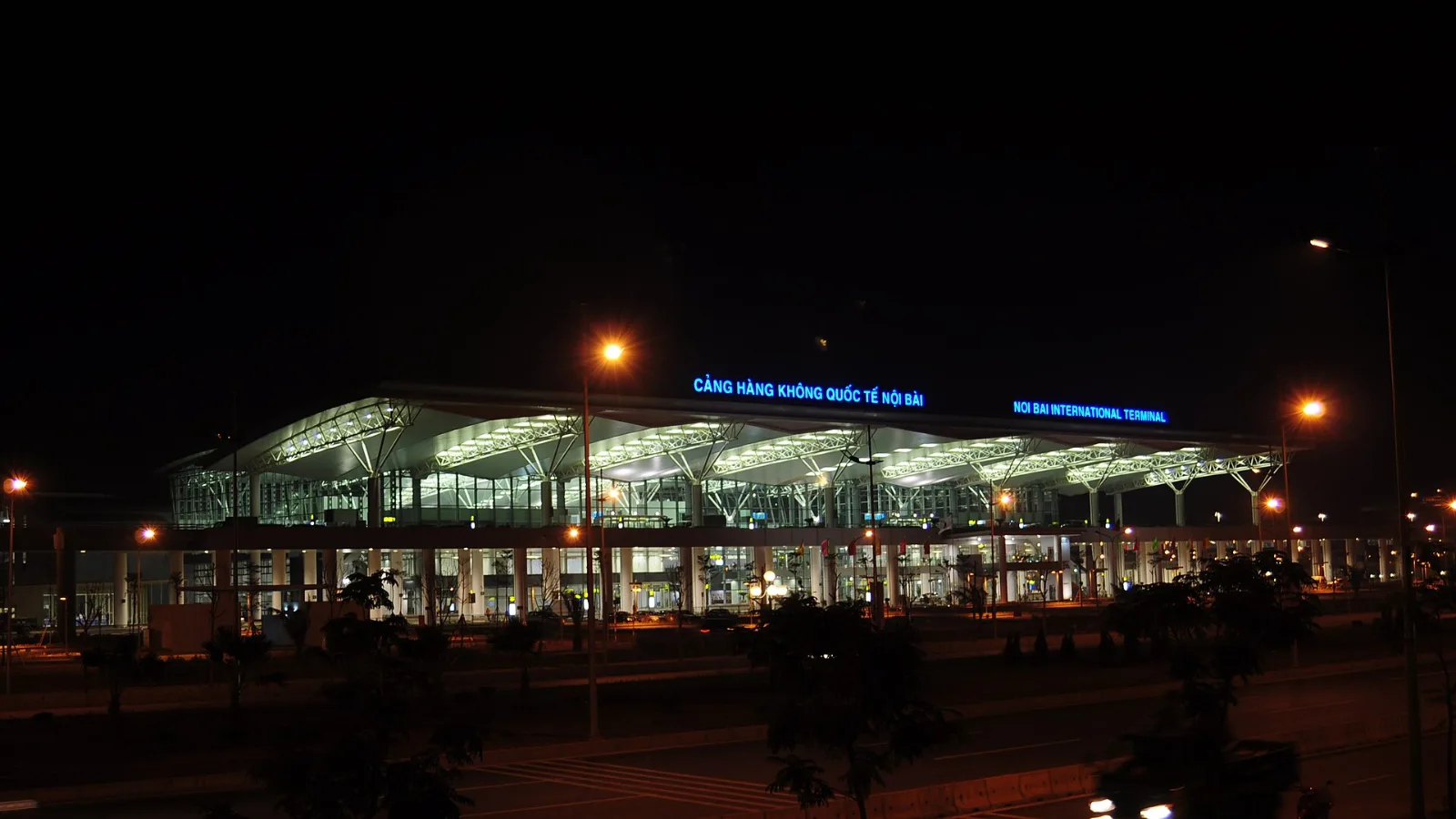
Take bus 86 if you are travelling light, land before mid-evening and are staying near Hoan Kiem Lake: it costs about 45,000 dong and takes 50 to 70 minutes. Take a Grab if there are two or more of you, you have big bags or you land late, because one car to the Old Quarter usually costs about 230,000 to 320,000 dong and drops you at the door.
 Travel Tips
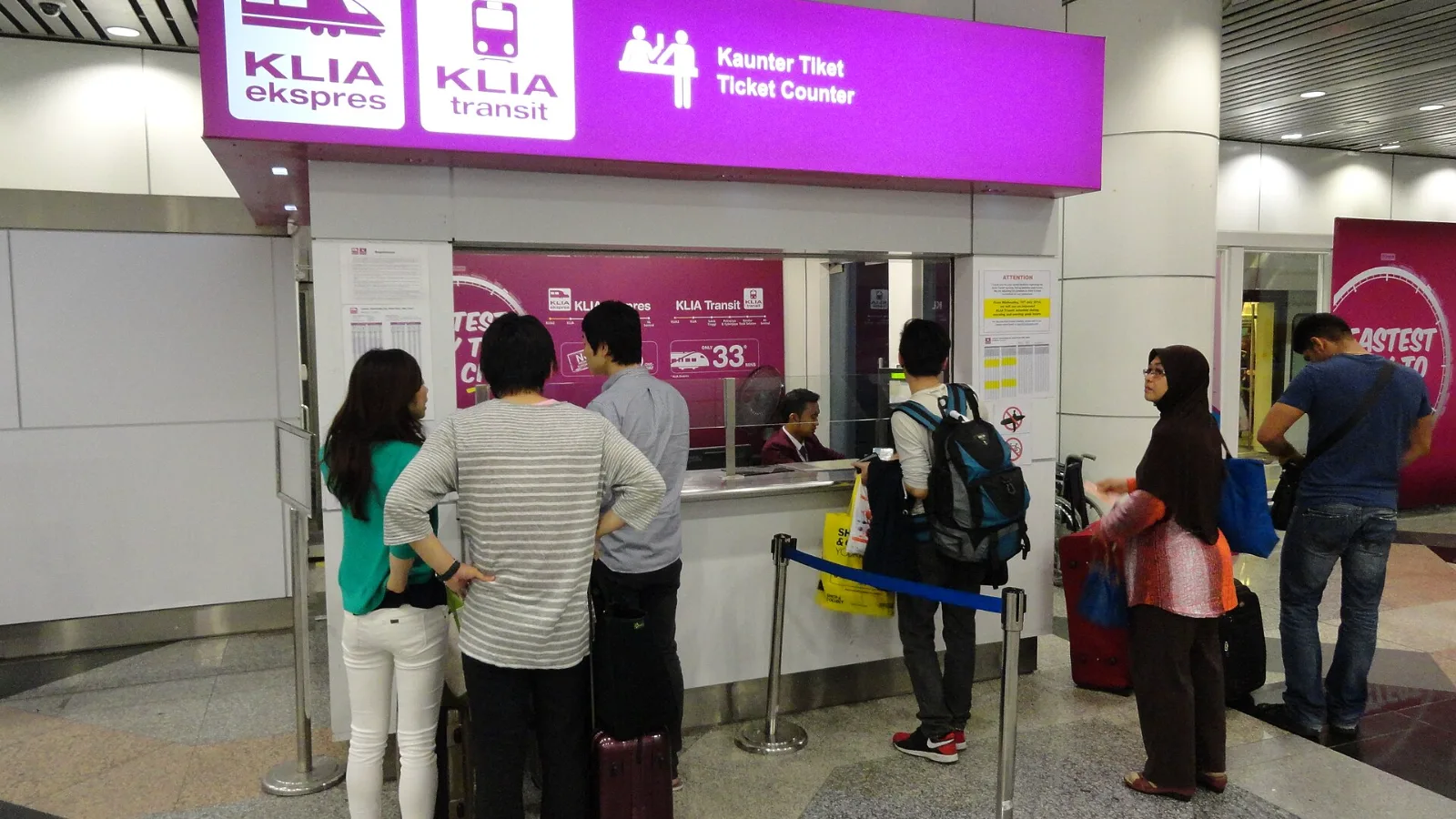
Take the KLIA Ekspres if you are travelling alone or as a pair and your hotel is near KL Sentral or a rail line: it reaches KL Sentral in 28 minutes from Terminal 1 for RM55, less 10% if you buy online. Take a Grab if three or more of you are going to a hotel away from KL Sentral, because one car fare usually costs less than three train tickets and drops you at the door.
| Part of the journey | Connection to plan for | Why |
|---|
| Waiting or checking a flight at CPH | Airport Wi-Fi | The airport says it is free throughout the airport. |
| Taking a train into Copenhagen | Offline ticket plus mobile data if needed | An airport hotspot does not cover the whole ride. |
| Continuing to Malmö | Denmark-and-Sweden mobile coverage or offline plans | The rail journey crosses a national border. |
| Receiving calls to your usual number | Keep your normal voice line | A data-only eSIM does not issue a phone number. |
 co:sim Team