
Back to Blog
A travel eSIM supplies the phone data that CarPlay and Android Auto use for live maps, traffic and streaming. A co:sim data-only plan changes your phone's connection, not the car's hardware or app compatibility. Select the travel line for mobile data and test navigation while parked before setting off.
An eSIM (embedded SIM) is a digital mobile-network profile on your phone. Apple describes CarPlay as an iPhone feature connected to a compatible car by USB or wirelessly. Google likewise requires a compatible phone, car and supported connection for Android Auto. In either case the phone runs the apps and its selected data line supplies their internet connection.
If the car display works but the map will not refresh, test the phone's internet connection. The display link can work without mobile service. A data-only travel plan supplies internet where its listed partner network has service; it does not add a voice number or cellular SMS.
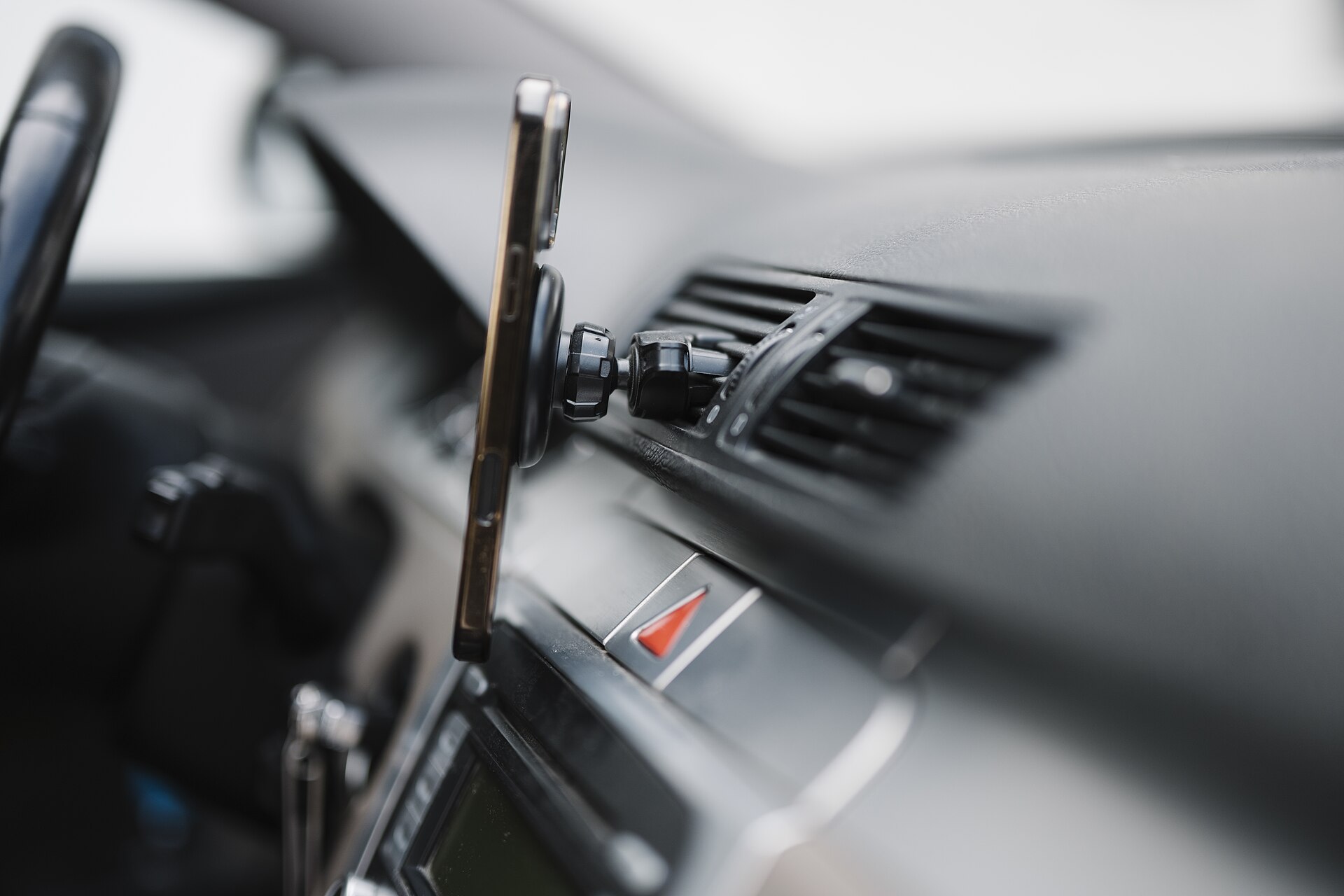
Photograph: Shixart1985 on Wikimedia Commons, CC BY 2.0.
If your trip is to Japan, compare the destination and network details on co:sim's Japan data page. For a different country, select its page and inspect the actual plan rather than assuming the Japan example applies. The right plan is the one that covers the places you will drive, lasts through the trip and fits the amount of navigation and streaming you expect.
A wireless CarPlay or Android Auto link can use local Wi-Fi or Bluetooth between the phone and car. That is different from a public Wi-Fi hotspot or cellular internet. The car may show your apps even when the phone's travel line has no signal. Conversely, a working travel eSIM will not repair an unsupported car, a bad cable or a failed wireless pairing.
Check the phone first, while parked. Open a website without another Wi-Fi network, confirm the travel eSIM is selected for mobile data, and check whether the phone displays a network connection. If the phone has data but CarPlay fails, follow Apple's CarPlay troubleshooting steps, including checking the cable, wireless settings and car software. Android Auto users should return to Google's setup and compatibility guidance before blaming the eSIM.
Do not change settings on the move. Save the route and an offline map before a long drive. Offline maps can preserve basic navigation if coverage drops; live traffic, search and streaming still need internet. Check the plan page for its partner network and included countries before driving across a border.
No. Compatibility depends on the phone, operating system, vehicle and connection method. Apple's CarPlay setup page and Google's Android Auto requirements are the starting points. An eSIM changes the phone's mobile-data subscription, not the dashboard's hardware or supported app list. If the car worked on your home SIM, switching the data line should not make an incompatible app compatible.
For a rental car, confirm CarPlay or Android Auto support with the rental company, then test pairing before leaving the lot. Bring a suitable cable even if wireless pairing is advertised. Phone software, car firmware and rental-car settings can all affect connection behavior. If the dashboard does not connect but your phone has mobile data, use navigation directly on the mounted phone where local rules permit. The data plan does not depend on the display connection to provide mobile data.
Yes, if your iPhone supports both lines and you select the travel eSIM for cellular data. CarPlay uses apps on the iPhone, so live maps and streaming follow the phone's active data connection; the car does not need its own eSIM. Your home line can remain available for its ordinary calls and messages, subject to your carrier's roaming terms. A co:sim plan is data-only and does not replace your home phone number or provide carrier voice and SMS. After installing the plan on Wi-Fi, choose the travel line under Settings > Cellular > Cellular Data, then check a website with Wi-Fi off while parked. If the phone has no data, solve that network problem before troubleshooting the dashboard. Apple's CarPlay setup instructions cover the separate phone-to-car connection. Keep offline directions available for areas where the travel network has no service.
The phone-to-car link itself does not require a mobile-data subscription merely to show a supported interface, but connected apps often need internet. A wireless dashboard link is local communication between the phone and car; it should not be confused with the cellular connection that downloads traffic, new map results or music. A co:sim travel eSIM may provide that cellular data when the selected plan covers your route and the phone can attach to its partner network. Google lists the phone and vehicle requirements for Android Auto; Apple gives wired and wireless CarPlay connection paths. If the car pairs but live results fail, test internet on the phone with ordinary Wi-Fi off. If the phone works but the screen fails, check pairing, cable and software rather than buying another data plan.
The dashboard connection does not decide whether your data plan works in the next country. Coverage follows the countries and partner networks listed for the particular travel eSIM. A single-country plan should not be assumed to cover the neighboring country; check a relevant regional plan or arrange another country plan before crossing. The phone may take time to attach to a new network after you arrive, and coverage can thin out on rural roads. Save offline maps and any essential booking details before departure. Leave your home line available if you need its number, but inspect its roaming settings so a fallback does not create unexpected carrier charges. CarPlay and Android Auto can continue to display already available phone functions without live data, while traffic updates, new searches and streaming may pause until the phone has a supported connection again.
Compare countries, network listings and plan rules before the drive.
Mexico
1-day trip pass
From $2.99
Canada
1-day trip pass
From $2.99
Brazil
Valid 7 days
From $3.99
Instant delivery by email · Install before you fly
 eSIM Guides
povo Data-Only cannot use overseas roaming. Compare a new Voice + Data contract with separate travel eSIM data, and check the actual purchase conditions.
 eSIM Guides
Compare T-Satellite's supported apps, compatible phones and recurring add-on with travel eSIM data. Check which connection your itinerary actually needs.
 eSIM Guides
Check how au's reservation rate stretches an eligible monthly roaming credit, then compare separate travel data and the announced February 2027 changes.
Valid 7 days
From $3.99
 co:sim Team