
Back to Blog
Cancun Airport Wi-Fi is available in the terminal areas, according to the airport's Wi-Fi information page. Use it for a quick message or to retrieve a booking, but save your transfer details and arrange mobile data before you leave the building. A data-only Mexico eSIM from co:sim is one way to keep maps and messaging available after the airport connection ends; it does not provide a local phone number.
Yes. The Cancun airport Wi-Fi page says wireless internet is available to passengers in all terminals. That is the useful, defensible starting point. The page is not a promise that a particular network name, login screen, speed or connection time will be the same on the day you arrive. Follow current signs inside your terminal and ask an airport information desk if several similarly named networks appear.
Before joining any public network, turn off automatic joining for unfamiliar hotspots. Open a browser only after selecting the network shown by airport signage. If a page requests payment-card information, a social-media password or a software installation merely to connect, stop and verify it with airport staff. Public Wi-Fi can be convenient without becoming the trusted connection for every account you own.
The important boundary is physical: airport Wi-Fi is a terminal amenity, while the ride to a hotel or another town happens outside it. A saved map, a screenshot of your driver's meeting instructions and an offline copy of the hotel address are useful even if you also carry mobile data. They protect the arrival plan from a delayed login page, an exhausted phone battery or a changed pickup point.
Save your accommodation address in text, not only inside a booking app. Keep the booking reference, transfer company name, pickup instructions and a contact method accessible offline. If you are taking a bus, save the destination and the current ticket or schedule from the operator. Screenshots are a sensible backup, but revisit the live booking when connectivity returns because meeting points and times can change.
The airport's transportation overview lists several ways onward, including ADO buses. ADO's own airport-to-Playa del Carmen page describes bus areas at airport terminals and is a better source for a specific bus journey than an old travel forum. Check your actual terminal, stop and destination before buying: a hotel transfer, downtown bus and Playa del Carmen bus solve different journeys.
Write down the passenger name that appears on a transfer reservation. Drivers may ask for it where mobile signal and public Wi-Fi are least convenient, just outside the terminal. If you arrive with family or friends, put the same information on more than one device. An eSIM does not replace these offline details; it makes it easier to correct the plan when the operator sends an update.
You can keep using home-carrier roaming, buy local service after arrival, rely on venue Wi-Fi, or install a travel eSIM on a compatible phone without a carrier lock. Each has a different trade-off. Roaming can preserve your existing line but its terms depend on your carrier. A local SIM can make sense for a longer stay, especially if you need a local number. Hotel and cafe Wi-Fi helps at fixed locations, yet it cannot guide a driver to the right pickup point when you are between them.
The co:sim Mexico plans page is a useful place to check those plan-specific details. Do not choose by the word “unlimited” or a headline duration alone: read the network list, data allowance, start rule and whether the particular plan supports top-ups. A data-only eSIM cannot receive ordinary calls or SMS to a Mexican number, although internet messaging and calling apps can work over its data connection.

On a compatible dual-SIM phone, a travel eSIM can supply cellular data while your home line remains available according to that line's settings and carrier terms. Apple's international eSIM guide explains the iPhone controls and cautions that roaming is still governed by the carrier. Check your own device documentation if you use Android; menu names vary by manufacturer and software version.
Install while you still have a reliable connection, then review the co:sim plan page for its own installation and billing-start instructions. Once you have reached Mexico, select the travel eSIM for mobile data and check whether data roaming is required for that plan. Keep your home line's data roaming setting aligned with your carrier contract. A mistaken default data line is a more common practical problem than a lack of airport Wi-Fi.
Test one low-stakes page or map search before walking to the pickup area. If it fails, recheck the selected data line, airplane mode, and the plan's instructions rather than repeatedly switching both lines at once. That preserves a clear record of what changed and keeps your home number available if you need to contact the transfer operator.
Start with your actual endpoint. Downtown Cancún, the Hotel Zone, Playa del Carmen and Tulum are different destinations, and a transfer to one should not be assumed to stop at another. Check the airport transport page and the carrier or bus operator you intend to use. Save the route and pickup location before you depart. After landing, use terminal Wi-Fi to confirm a live update, then switch to your chosen mobile connection for the journey.
If your phone cannot use eSIM, plan around that fact before the trip: keep roaming available if its terms work, or find a local SIM option that fits your arrival time and device. If you have a compatible phone, compare Mexico data plans before you fly and read the delivery and installation instructions. This is a convenience, not a promise that every route or building has signal; review the network information for the plan you select.
For travelers crossing onward beyond Mexico, a Mexico-only plan may be the wrong purchase. Start with the itinerary and compare the data-only catalog for a suitable regional option. Do not assume that a country plan automatically continues across a border. The correct coverage list is the one on the specific plan page when you purchase it.
Cancun Airport Wi-Fi can help you retrieve a confirmation while you are inside the terminal, but it is not a dependable connection for the entire hotel transfer. The airport confirms terminal Wi-Fi; it does not describe a connection continuing along the road. Save your hotel address, pickup instructions and booking reference offline before your flight. Confirm the meeting point with your transfer operator, because a driver and a passenger can use different exits or pickup zones.
If you need live maps or messages after leaving the building, arrange a separate mobile connection. A co:sim Mexico data eSIM is one option for a compatible phone without a carrier lock, but it is data-only and does not supply a local phone number. Your home carrier's roaming or a local SIM may suit you better depending on your device and existing contract. Keep the offline details even when mobile data is working.
You may be able to install a travel eSIM over Cancun Airport Wi-Fi if the connection is stable and your phone supports eSIM, but preparing before departure gives you more time to solve any issue. Apple's travel eSIM guidance recommends checking device and carrier settings for international use. With co:sim, the QR code is delivered by email after checkout; read the selected plan's installation deadline and billing-start rule before deciding when to install. These rules differ among plans, so a generic instruction to “activate immediately” can be wrong. Keep the QR code or installation details available on a second screen if your device requires one to scan it. Once in Mexico, verify that the intended line is selected for cellular data. If the connection does not work, check the plan instructions and your phone's data-line settings before changing unrelated options.
Choose by the part of the trip where you need data. Airport Wi-Fi is useful in the terminal, but a transfer or day trip needs another connection. Home-carrier roaming is simplest when your plan explicitly includes Mexico on terms you accept. A local SIM may be preferable for a long stay or when you need a local phone number. A Mexico travel eSIM is useful when you want to arrange app-based maps and messages before arrival on a compatible phone. Data-only plans do not include ordinary calls and SMS; internet apps can use the data allowance. Check the individual plan's network, allowance, support for top-ups and start rule instead of inferring them from the destination name. Whatever you choose, save the driver's meeting point and your accommodation address offline. A working signal improves flexibility but should not be the only copy of your arrival instructions.
Choose a connection for your itinerary and keep arrival details offline. Compare current Mexico options before departure.
See co:sim Mexico data plansInstant delivery by email · Install before you fly
 Travel Tips
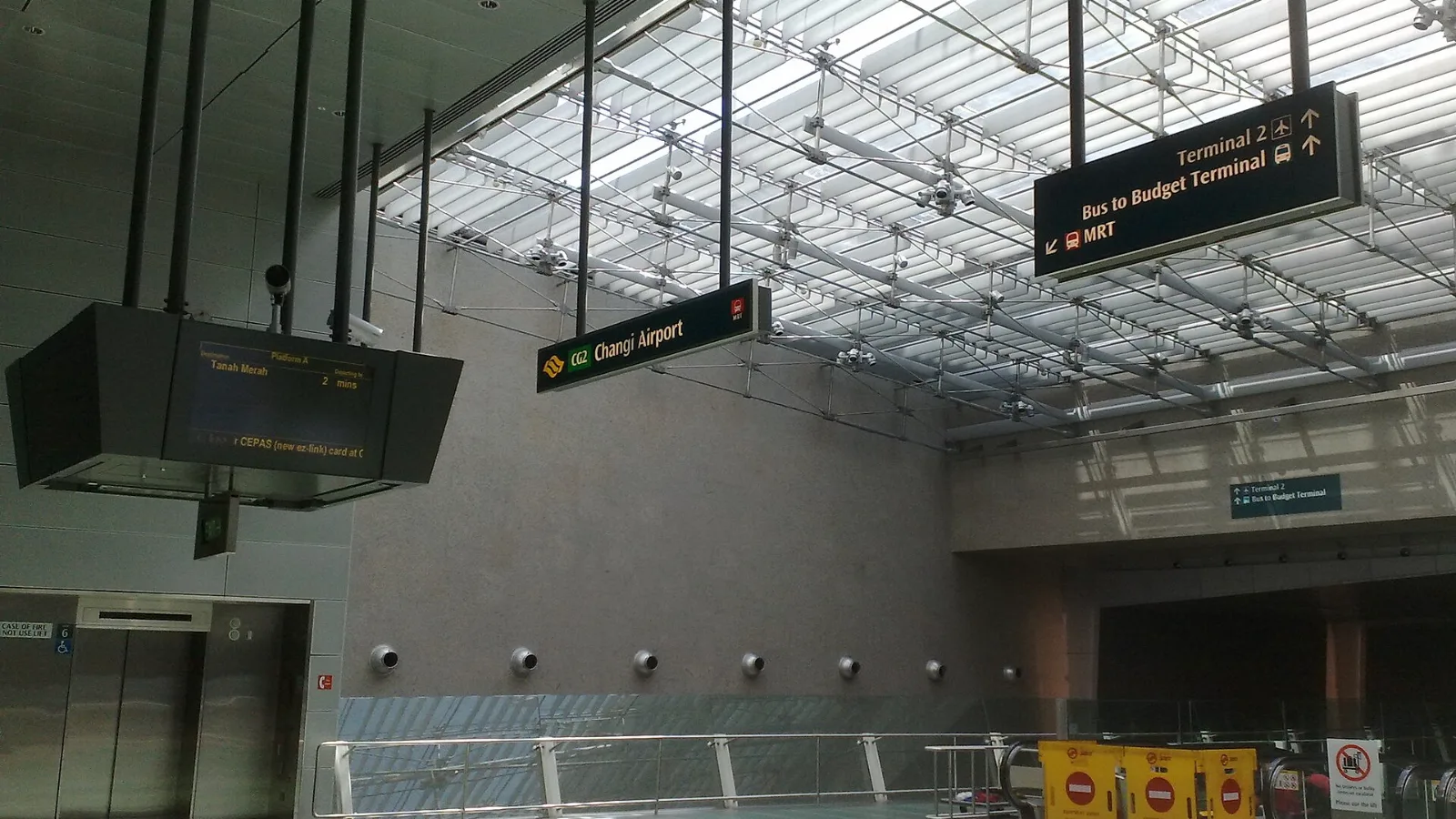
Take the MRT if you are one or two people staying near a train line: it costs about S$2 to S$3 and takes 35 to 50 minutes with one change. Take a Grab or taxi if three or more of you are sharing, you land at Terminal 4 or after the last train, because a car to the city takes about 30 minutes and usually costs S$25 to S$45.
 Travel Tips
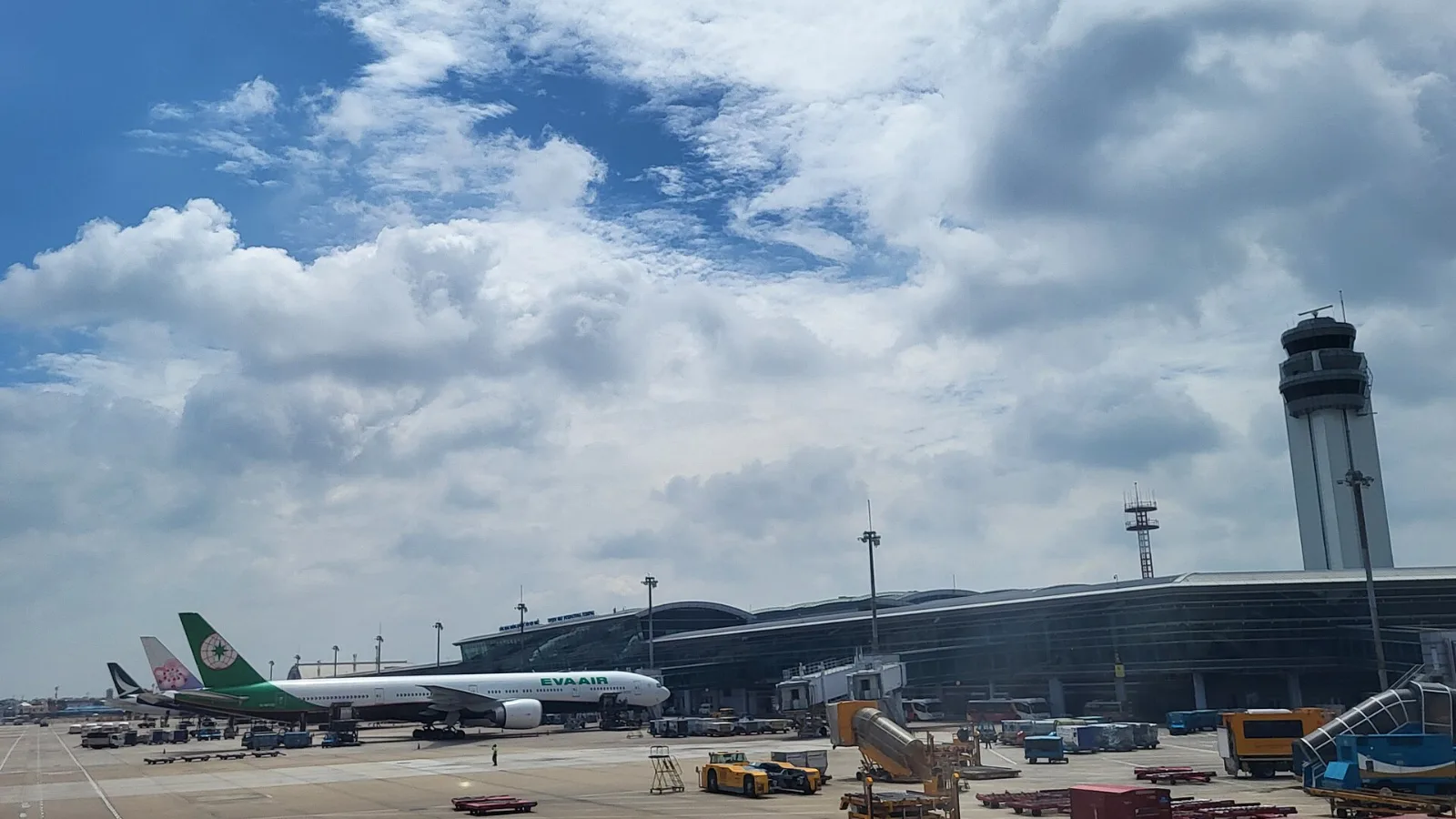
Take a Grab if you land at international Terminal 2, have a suitcase or are two or more people: a GrabCar to District 1 usually costs about 150,000 to 250,000 dong. Take bus 109 only on a tight budget with light luggage, because since 2025 it leaves from domestic Terminal 3, not the international terminal.
 Travel Tips
Take the Keisei Skyliner if your hotel is in Ueno, Asakusa or north-east Tokyo: it reaches Nippori in as little as 36 minutes for ¥2,580. Take the Narita Express if you are staying near Tokyo Station, Shinjuku, Shibuya or Yokohama, because it runs straight there, and the ¥5,200 round-trip ticket brings each leg close to the Skyliner fare.
| Option | Useful for | Check before relying on it |
|---|
| Airport or hotel Wi-Fi | A short login or message while inside the venue | The connection stops being useful when you move away |
| Home-carrier roaming | Keeping your existing service under your carrier's terms | Your allowance and charges for Mexico |
| Local SIM | A longer trip or a requirement for a local number | Store hours, identity requirements and your phone's SIM options |
| co:sim Mexico data eSIM | Maps and app-based messages during the onward trip | Device compatibility, plan network, data amount and billing-start rule |
 co:sim Team