
Back to Blog
Buenos Aires Ezeiza Airport has passenger Wi-Fi according to its operator's free-services information. Use it to confirm a pickup or send an arrival message, then rely on offline trip details and a separate mobile connection once you leave the terminal. A co:sim Argentina data eSIM is one option for maps and app messages on a compatible phone, but it has no Argentine phone number.
Aeropuertos Argentina lists Wi-Fi among its free passenger services, and its Ezeiza free-services page is the airport-specific place to check shortly before travel. The operator also stated when opening Ezeiza's newer departures terminal that the building had Wi-Fi service throughout. Those statements establish that Wi-Fi is provided. They do not establish today's SSID, a login procedure, a speed or a connection duration, so avoid instructions that claim one fixed method will always work.
On arrival, look for current airport signage or ask at an information counter before selecting a network. If a browser page appears, read what it asks you to accept. Do not enter a bank-card number or your primary email password simply because a network with a familiar name requests it. Public networks can be useful for checking an itinerary while remaining unsuitable for sensitive transactions.
If the connection page fails to load, switch Wi-Fi off and on once and open an ordinary web page. Check that airplane mode is no longer blocking your radios. Avoid accepting a similarly named hotspot offered by another device. There is no reason to spend the first part of your arrival trying to force a public connection when a saved pickup message or working mobile-data plan would already answer the immediate question.
Keep the address of your first destination in text, not just inside a hotel app. Save the reservation code, passenger name, pickup zone and a contact number for your transport provider. If you booked a ride through an app, take a screenshot of the booking before your flight. Then check the live details again once you have a connection; a vehicle assignment or meeting point may change after landing.
Do not confuse Ezeiza, whose airport code is EZE, with Aeroparque Jorge Newbery, whose code is AEP. Both serve the Buenos Aires area but they are different airports. Check the code on your ticket and the airport named in your transfer booking. This matters even when your phone has data: a map pin for the wrong airport is not a connectivity problem that better Wi-Fi can fix.
Agree on a simple fallback with anyone meeting you: a named exit, a visible information point or a message sent once you have collected luggage. For a group, put the details on two phones. A connection lets you respond to a new instruction, but offline information prevents a temporary network problem from turning into a missed pickup.
Airport Wi-Fi serves the airport visit. For the rest of the day, compare home-carrier roaming, a local SIM and an eSIM (embedded SIM) data plan. Roaming may be simplest if your carrier includes Argentina on acceptable terms. A local SIM can suit a long trip or a need for a local number, but you should check store availability and your device's SIM support. A travel eSIM is convenient when your phone is compatible and free of a carrier lock, because you can arrange data before the trip.
Use the co:sim Argentina plans page to compare the current plan details, including the network information, allowance, billing-start rule and any top-up support. Do not infer that all Argentina plans work alike or that a destination name guarantees a signal in every building. The practical goal is to make the trip from the airport manageable, not to claim that any provider eliminates every weak spot.

First confirm that the phone supports eSIM and is not restricted to one provider. Apple's international eSIM guide describes how an iPhone can use a travel eSIM alongside an existing line and how roaming settings affect each. Android menu names differ, so follow the manufacturer's instructions for your model. Check the chosen plan's installation deadline and billing-start rule rather than assuming every eSIM starts on first connection.
If you buy from co:sim, the installation QR code arrives by email after checkout. Install when you have a reliable connection and enough time to read the device prompts. On arrival, select the travel eSIM as the data line if that is the setup you want. Check the plan instructions for whether its data-roaming setting should be on. Keep the home line's roaming setting under your control so it does not quietly become the data line.
Open a map or another low-risk page before you leave the airport. If mobile data does not load, verify that the intended line is selected and that airplane mode is off. Make one change at a time; rapid changes to both lines can hide which setting was responsible. Keep a separate copy of the operator's instructions somewhere you can reach without the connection you are trying to repair.
Treat Wi-Fi as a convenience, not the only arrival channel. Start with the saved address and transport instructions. If you are waiting for a ride, use a known information point and contact the provider by the method in your booking when connectivity returns. If you need to make an ordinary phone call, remember that a data-only eSIM does not provide a local calling number; your home line or another phone service must cover that need.
If your trip continues beyond Argentina, a single-country plan may not match the itinerary. Compare the destination list of any regional product in the data-only catalog rather than assuming a border crossing is included. The safest decision is grounded in the exact cities and countries you plan to visit, the phone you carry and the calls or messages you truly need.
Ezeiza Airport Wi-Fi can help while you are in the terminal, but it should not be the only part of a plan for reaching Buenos Aires. The airport operator lists Wi-Fi as a free service; that is a statement about the airport, not mobile service along your journey. Save your destination address, reservation reference and pickup instructions before your flight. Check that your booking says EZE rather than AEP, the other major airport serving the city. If you need maps and messages after leaving, choose mobile data in advance. co:sim offers Argentina data eSIM plans for compatible phones without a carrier lock, but those plans do not supply an Argentine voice number or ordinary SMS. Roaming or a local SIM may be better for some travelers. Even with a data plan, an offline address and a clear meeting point remain useful if the driver changes the pickup instructions.
You may be able to install a travel eSIM over Ezeiza's Wi-Fi if the network works and your device supports eSIM. Preparing earlier, on a reliable connection, leaves more time to check the settings. Apple's travel eSIM instructions show the iPhone controls for an additional line; Android users should consult their own device maker. co:sim emails the QR code after purchase. Before installing, read the selected plan's installation deadline and billing-start condition, because a single generic activation rule does not fit every product. If a QR code must be scanned, display it on another screen or follow the provider's manual-install instructions. After landing, select the travel line for cellular data and check the plan's roaming instructions. Do a small connection test before heading to your pickup point. If it fails, recheck the selected line and airplane mode before changing anything else.
An Argentine number is not necessary for every visitor, but the answer depends on how your bookings and contacts work. Maps, web pages and internet messaging can run over data. A local number may matter if a transport company, lodging host or another service insists on ordinary calls or SMS to an Argentine line. A data-only travel eSIM cannot meet that requirement by itself. Keep your home line available under your carrier's terms, use an internet calling app when the other person accepts it, or consider a local SIM if voice service is central to your trip. Check with each provider about its exact capabilities before buying. Airport Wi-Fi does not solve this number question: it is a connection inside the terminal, not a substitute for a cellular voice line. Save the contact details and meeting instructions offline whichever setup you choose.
Decide how you will reach your first address, then pick a connection that supports that journey. Current Argentina plan details are on the destination page.
Compare co:sim Argentina data plansInstant delivery by email · Install before you fly
 Travel Tips
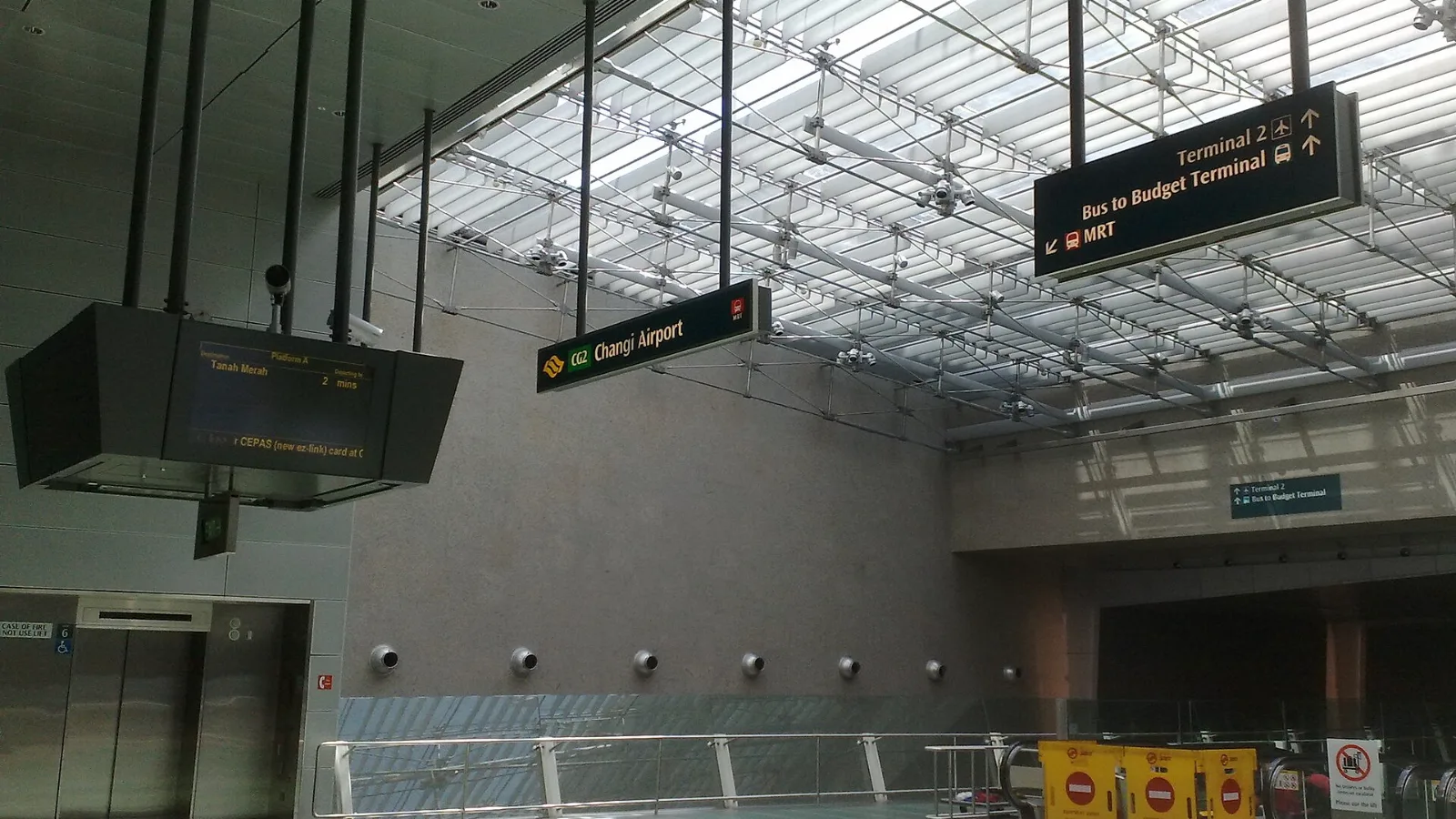
Take the MRT if you are one or two people staying near a train line: it costs about S$2 to S$3 and takes 35 to 50 minutes with one change. Take a Grab or taxi if three or more of you are sharing, you land at Terminal 4 or after the last train, because a car to the city takes about 30 minutes and usually costs S$25 to S$45.
 Travel Tips
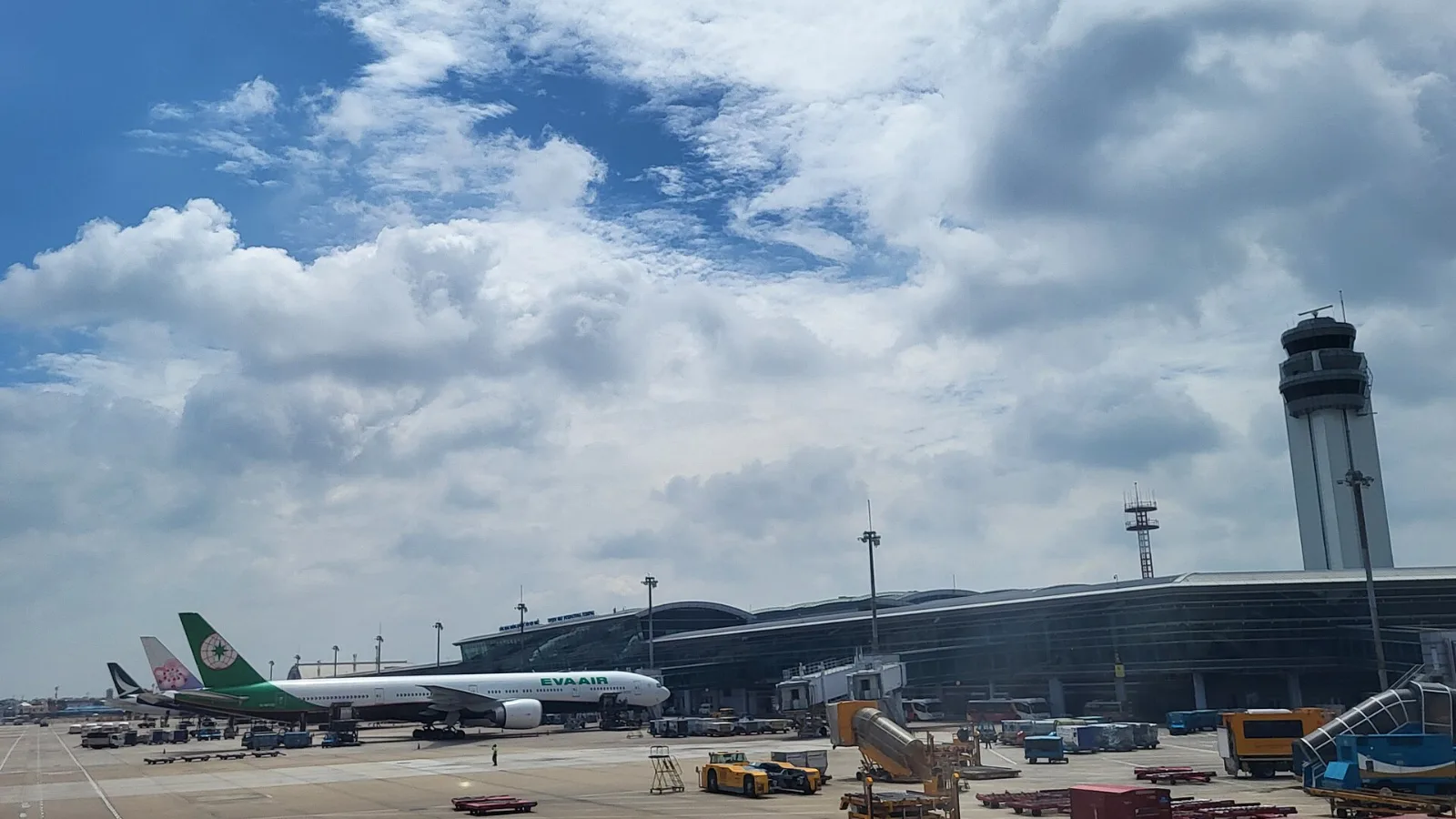
Take a Grab if you land at international Terminal 2, have a suitcase or are two or more people: a GrabCar to District 1 usually costs about 150,000 to 250,000 dong. Take bus 109 only on a tight budget with light luggage, because since 2025 it leaves from domestic Terminal 3, not the international terminal.
 Travel Tips
Take the Keisei Skyliner if your hotel is in Ueno, Asakusa or north-east Tokyo: it reaches Nippori in as little as 36 minutes for ¥2,580. Take the Narita Express if you are staying near Tokyo Station, Shinjuku, Shibuya or Yokohama, because it runs straight there, and the ¥5,200 round-trip ticket brings each leg close to the Skyliner fare.
| Connection | Strength | Limit to plan around |
|---|
| Ezeiza or hotel Wi-Fi | Useful while inside the venue | You need another option between venues |
| Home-carrier roaming | Uses an existing account and line | Terms for Argentina vary by carrier |
| Local SIM | Can fit a longer stay or local-number need | Purchase and activation depend on the seller |
| co:sim Argentina data eSIM | Prearranged maps and app messaging | Data-only; read the exact plan's network and start rule |
 co:sim Team