Back to Blog
Brisbane Airport Wi-Fi is free in both the International and Domestic terminals: select BNE Free Wi-Fi, register your details and follow the terms on the connection page. Use it to check your transfer before leaving, then keep a separate mobile connection, such as a co:sim Australia data-only eSIM, for the journey beyond BNE.
The airport connection and your onward transport are different decisions. A working browser inside arrivals does not prove that your phone has mobile data for an Airtrain connection, a hotel message or a rideshare pickup outside the building.
The airport's official services page gives a short connection process and confirms free Wi-Fi across both terminals. Follow the airport's published network name rather than selecting whichever network has the strongest signal.
BNE Free Wi-Fi from the available networks.The official instructions say to register your details. They do not establish a universal requirement for a particular phone-number format, a credit card or a specific SMS code. Follow the current portal rather than preparing around an invented login method. This guide also makes no claim about a fixed session length or download allowance: the terms you see at the airport control your session.
If the login window does not appear, open your browser after selecting the network. Temporarily pause a VPN if it prevents the portal from loading, then reconnect it after completing the login. Forget and rejoin the network if the browser keeps displaying an old session. A certificate warning is a reason to stop and ask staff for help, not to bypass the warning.
The official airport page describes Wi-Fi in all areas of the International and Domestic terminals. It also notes that airport lounges may use their own Wi-Fi service. If you are inside a lounge and cannot see the public network, ask the lounge team for the appropriate connection.
Do not interpret terminal availability as a promise of uninterrupted reception. Walls, busy areas, the device you use and movement between spaces can affect the connection. Find a place where a page loads reliably before entering a booking reference or sending a message. Keep your passport and bags with you while troubleshooting.
Photo: Kgbo, Wikimedia Commons, CC BY-SA 4.0. Cropped and resized.
International arrivals should finish the required arrival procedures before planning the trip from the public arrivals area. A domestic connection may involve another terminal; check the terminal on your next flight booking rather than assuming every Brisbane departure uses the same building. Wi-Fi is useful for confirming these details, but signs and airline staff remain the authority for where you should go.
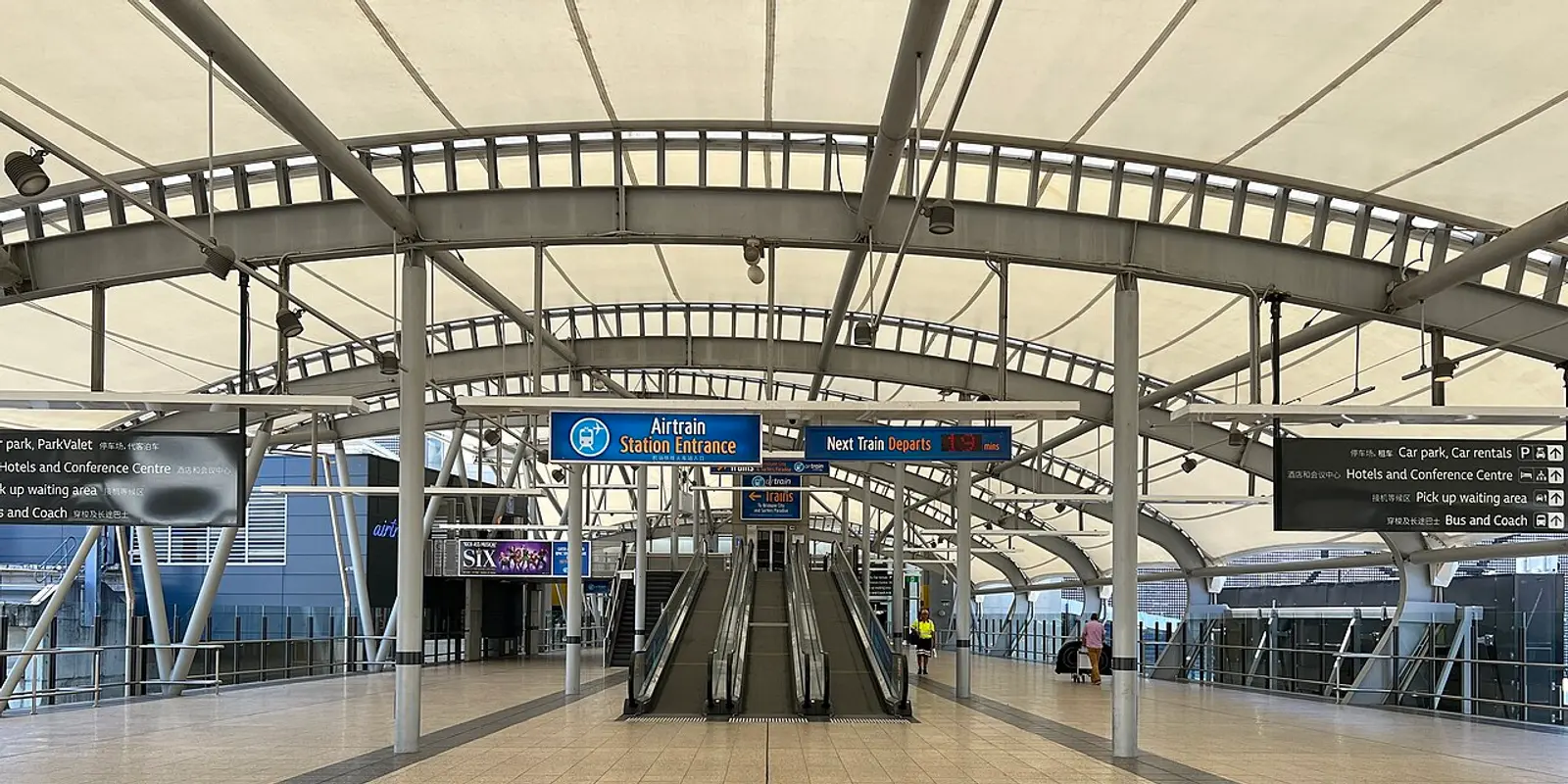
The airport's transport guide describes Airtrain access from both terminals. At the International Terminal, follow the station signs from Level 3, using the lift or travelator. At the Domestic Terminal, the route to the station uses the Skywalk in front of the building.
Save your ticket or booking reference, the destination station, and the final route from that station to your accommodation. A city-centre hotel, a suburban address and a Gold Coast apartment need different onward planning. Search for the street address, not just the hotel brand, because a chain can have several properties.
The airport also describes an Airtrain connection toward the Gold Coast and the G:link tram. That is not a promise that one train delivers you to the door of every beach hotel. Confirm the actual interchange and last leg for your address. Look up the current service schedule before relying on a late arrival, and check disruption information on the day you travel.
Prices, operating hours and connections can change. Use the linked official planner when choosing a service; do not treat an old screenshot of a timetable as a live departure board. Save a readable fallback route, then use mobile data for updated information when available. Airport Wi-Fi should not be your only way to recover a ticket that exists solely in an email account.
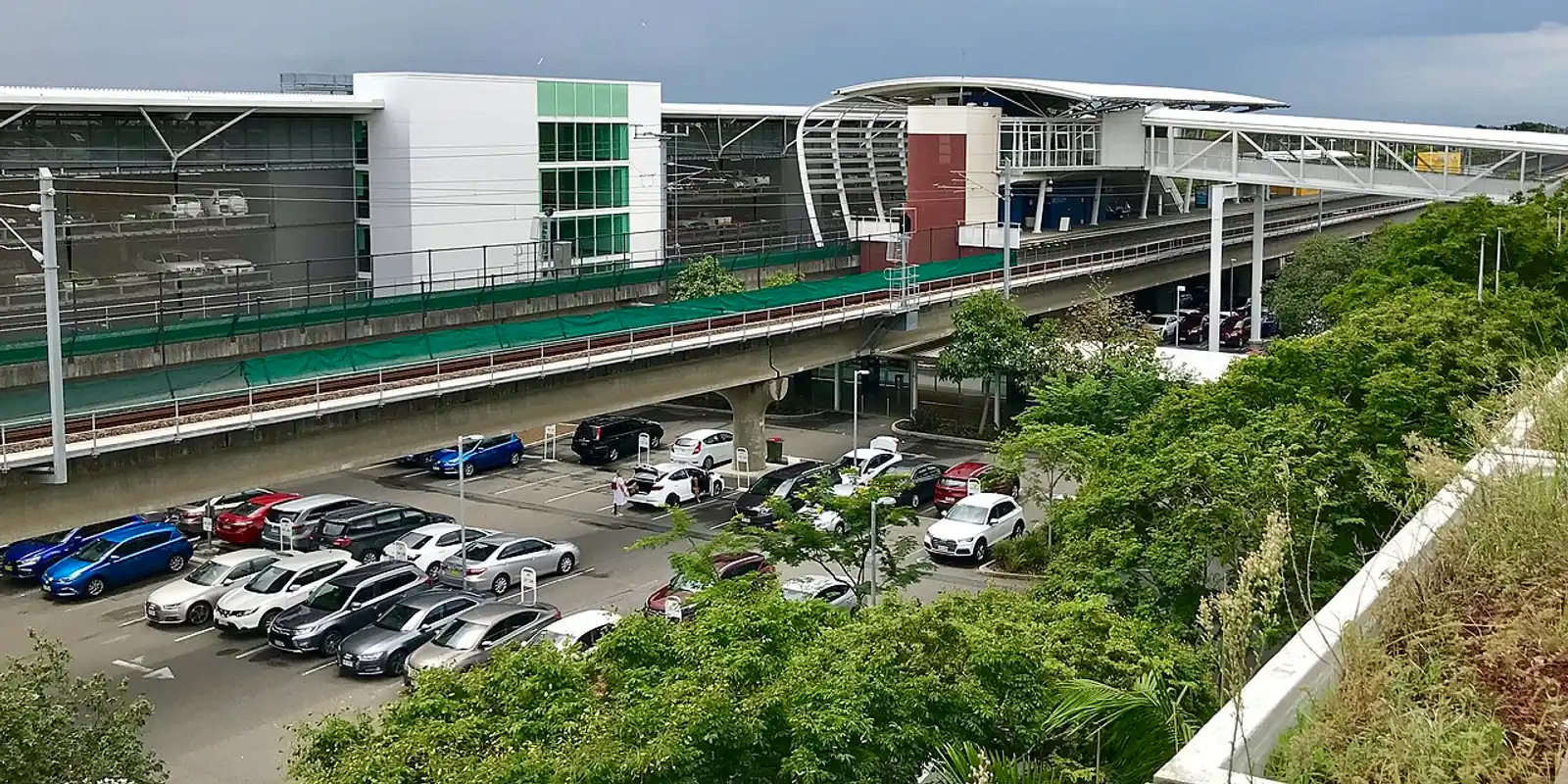
Photo: Kgbo, Wikimedia Commons, CC BY-SA 4.0. Cropped and resized.
BNE's terminal-transfer guide explains the airport transfer options. Treat an inter-terminal transfer as a separate step from your flight connection, and check the option that is operating when you arrive. A transfer by train and an airport transfer bus are different services; do not assume their ticket conditions are interchangeable.
Before you move, check four things: your onward terminal, whether you must collect and recheck baggage, the airline's check-in deadline and where the transfer leaves. These depend on the itinerary and the airlines involved. A through-ticket does not justify guessing about an international arrival's border or baggage process.
Save the onward boarding details while the browser works. If your airline changes the departure terminal or gate, use the airline's latest message and the airport display. Do not spend connection time repeatedly testing Wi-Fi when you need to reach a counter. Ask an airport representative for directions and keep the flight number ready.
Choose the connection around the next task. Someone meeting family at arrivals may need only a message. Someone collecting a rental car, changing trains and reaching a late-check-in apartment needs a connection that is not tied to the terminal.
A data-only eSIM is an embedded SIM profile that supplies mobile data without an included phone number, voice allowance or SMS service. App messages and internet calls use that data, but an SMS sent to your regular number still depends on your home line. Keep that distinction in mind if your rideshare, bank or hotel verification uses text messages.
Check the exact handset for an Add eSIM option and carrier-unlock status before ordering. A phone family name alone is not enough: hardware variants and the country where the handset was sold can change compatibility. This is especially useful for visitors bringing a mainland-China-market handset to Australia.
On co:sim, compare the plan page's data amount, validity, listed networks, billing-start rule and top-up support. Choose for your entire Australian route, rather than buying solely because you landed at Brisbane. A plan suitable for city messaging is not evidence of uninterrupted reception on a rural road or in every building.
Install while you have a stable internet connection and can read the delivery instructions. Label the travel line clearly, select it for mobile data on arrival, and enable data roaming on that line if the instructions require it. Keep home-line data roaming off unless you deliberately want to use your carrier's roaming service.
Installation and activation are separate. Follow the displayed deadline for both, and check when the selected plan starts its validity. A supported top-up is not available before first connection or after the card's validity expires. Save the installation details before flying; avoid deleting the profile as a routine troubleshooting step.
Browse Australia data eSIM plansBrisbane Airport provides free Wi-Fi in its International and Domestic terminals through the BNE Free Wi-Fi network. Its official instructions tell passengers to enable Wi-Fi, select that network and register their details under the terms of use. Those instructions do not establish that every traveler must have an Australian phone number, so do not buy a local SIM just to satisfy an assumed airport login rule. Follow the actual connection page and ask staff if the requested information is unclear. A co:sim data-only eSIM does not supply a local number or receive verification SMS as part of the plan. It can provide a separate mobile-data connection on a compatible unlocked handset, but that does not change airport registration requirements. Keep your existing number available if a separate banking or transport app needs it.
Brisbane Airport Wi-Fi is a terminal service, not a mobile-data plan for the rail journey or your hotel. Do not assume the public network remains reachable when you leave the building or board Airtrain. Save your ticket, destination station, hotel address and final transfer instructions before moving. Any Wi-Fi offered by a train, station or hotel has its own availability and access conditions. A co:sim Australia data plan is a separate option for mobile internet, subject to the selected plan and local reception; it does not guarantee service along every part of the route. Check that the travel line is selected for mobile data and test a page with airport Wi-Fi switched off. Keep screenshots available in case the mobile connection temporarily drops or the phone battery runs low.
When the Brisbane Airport Wi-Fi login page does not open, first confirm that you selected BNE Free Wi-Fi rather than a similarly named network. Open a browser and look for the connection prompt. If a VPN is blocking the portal, pause it for the login and restore it afterward. Forget the network and reconnect if the phone keeps returning to an expired session. These are general captive-portal troubleshooting steps, not a replacement for the airport's current terms. Stop if a certificate warning appears or an unexpected page requests payment or device-management access. Ask airport staff to confirm the network. If your onward journey is time-sensitive, use an already-working connection and saved travel details. Arrange your co:sim plan before departure so a stubborn arrival portal does not become the only way to contact your accommodation.
Instant delivery by email · Install before you fly
 Travel Tips
Take the Keisei Skyliner if your hotel is in Ueno, Asakusa or north-east Tokyo: it reaches Nippori in as little as 36 minutes for ¥2,580. Take the Narita Express if you are staying near Tokyo Station, Shinjuku, Shibuya or Yokohama, because it runs straight there, and the ¥5,200 round-trip ticket brings each leg close to the Skyliner fare.
 Travel Tips
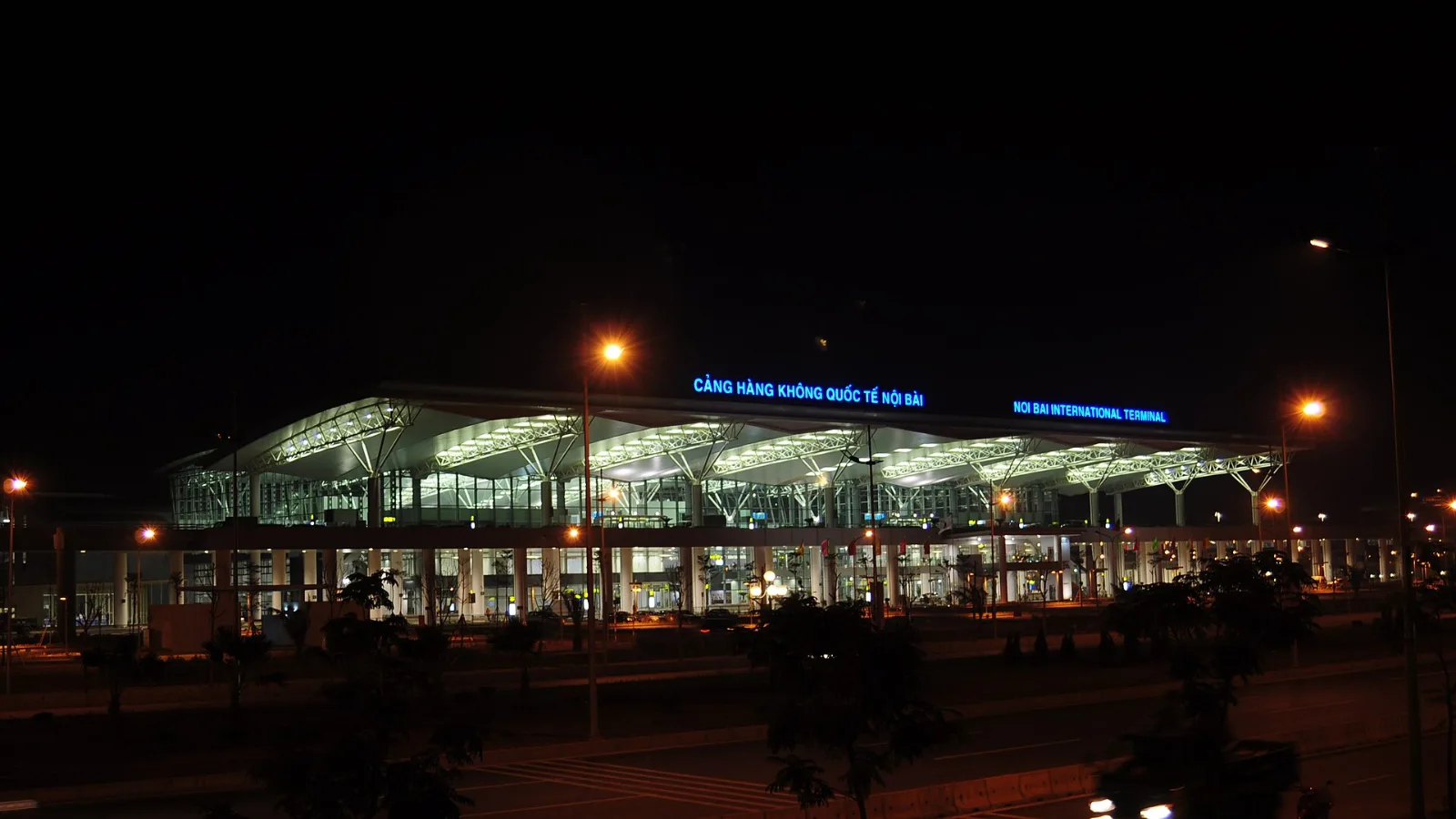
Take bus 86 if you are travelling light, land before mid-evening and are staying near Hoan Kiem Lake: it costs about 45,000 dong and takes 50 to 70 minutes. Take a Grab if there are two or more of you, you have big bags or you land late, because one car to the Old Quarter usually costs about 230,000 to 320,000 dong and drops you at the door.
 Travel Tips
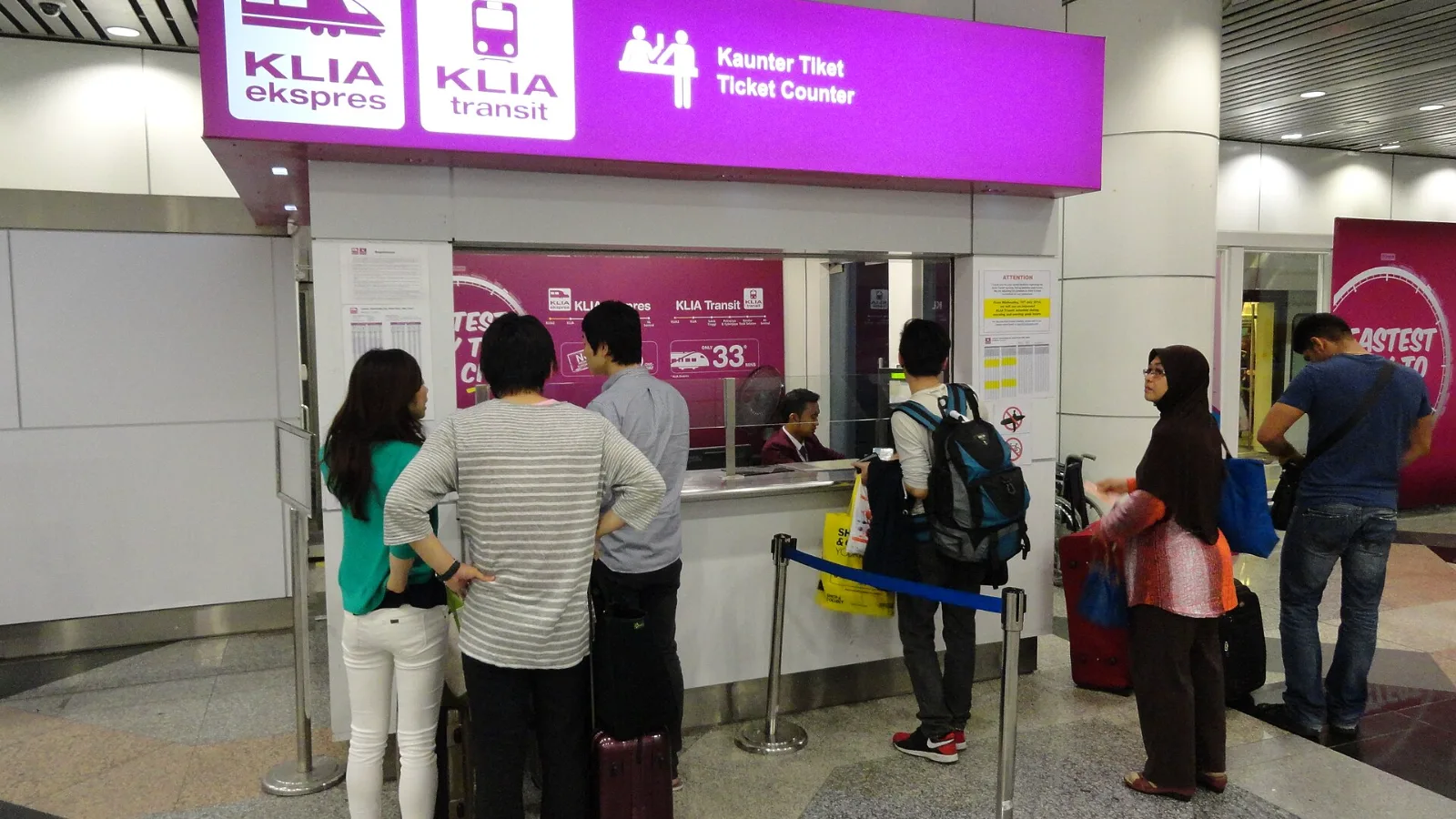
Take the KLIA Ekspres if you are travelling alone or as a pair and your hotel is near KL Sentral or a rail line: it reaches KL Sentral in 28 minutes from Terminal 1 for RM55, less 10% if you buy online. Take a Grab if three or more of you are going to a hotel away from KL Sentral, because one car fare usually costs less than three train tickets and drops you at the door.
| Option | Useful for | What to check |
|---|
| BNE Free Wi-Fi | Messages and bookings inside the terminals | Complete registration; save important details before moving |
| Existing carrier roaming | Keeping your usual number and one familiar SIM | Australia inclusion, charges and any fair-use conditions |
| Local SIM or pocket Wi-Fi | A local-number requirement or a shared group connection | Device compatibility, collection arrangements and charging |
| co:sim data-only eSIM | Maps, messaging apps and travel bookings beyond arrivals | An unlocked compatible device, plan validity and listed networks |
 co:sim Team