Back to Blog
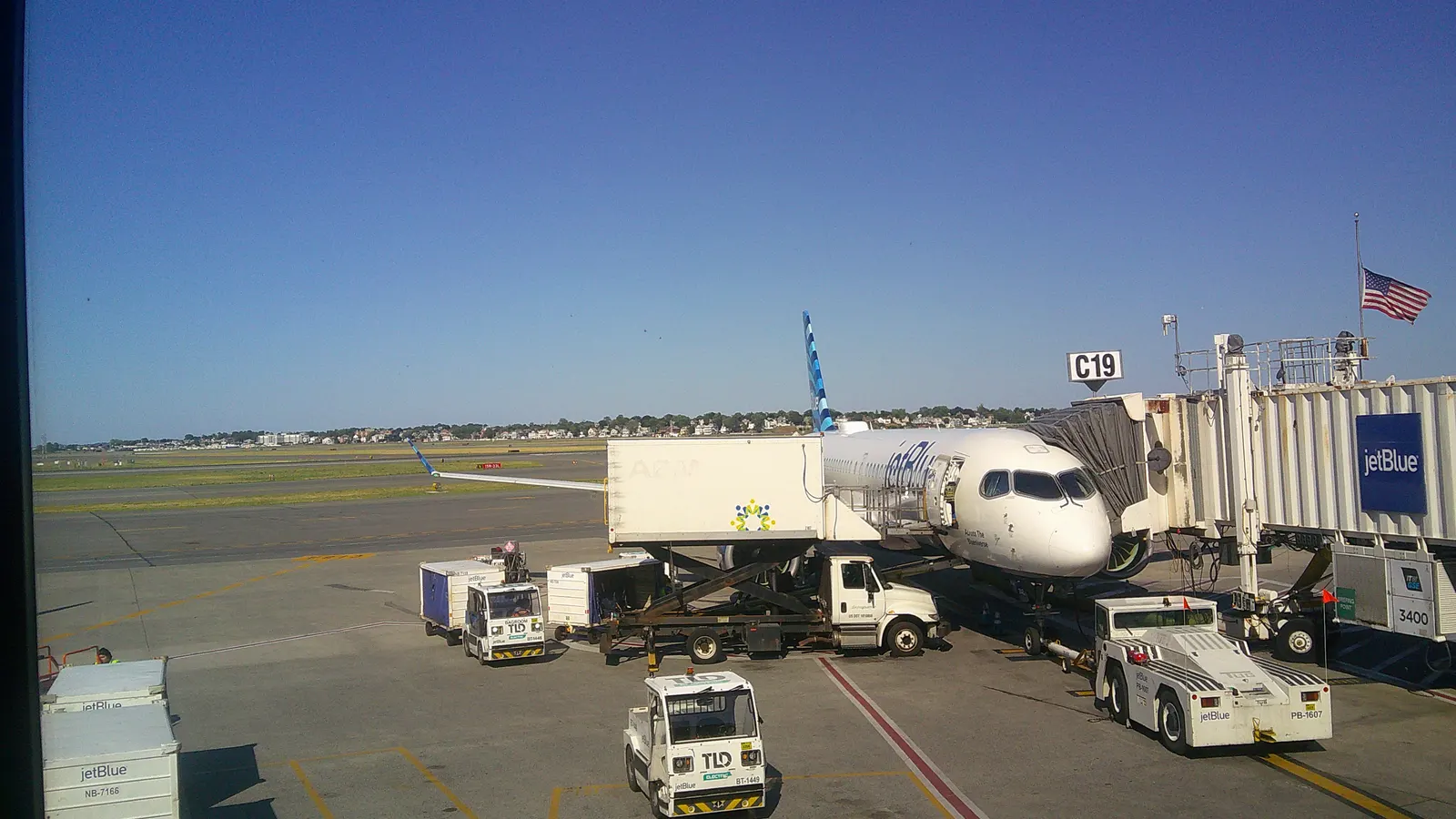
Boston Logan Airport Wi-Fi is free in all terminals: select BOSWiFi, as Massport's current airport guide explains, and follow the displayed connection prompts. Use it to plan your transfer, then test mobile data before leaving the terminal. A co:sim US data-only eSIM is one backup for maps and messages beyond the airport.
Open your device's Wi-Fi list, select BOSWiFi, and follow any connection prompts shown on your device. The network name comes from Massport, the airport operator; don't choose a similarly named hotspot solely because it has a stronger signal. Ask at an information desk if the displayed network or login page looks different from the airport's instructions.
Once connected, load your accommodation address and the official transport page. A connected Wi-Fi icon alone does not show that a web page can load or that your map has downloaded. Save the actual street address, not just a hotel's marketing name, especially if you are meeting someone or heading to a university building.
Massport describes the service as free throughout all terminals but does not set out a numerical session limit on its current airport-information page. There is no reason to repeat old payment or time-limit claims from third-party guides. Nor does the source establish a usable connection on every shuttle, curb, or part of your city journey. Treat terminal Wi-Fi as a place to organize the next step.
If you cannot get online promptly, ask staff for the current connection instructions or use your existing mobile connection. Keep passport control, baggage collection, and the terminal exit separate from network setup: an internet problem should not send you back into a restricted area. Finish the transfer decision somewhere you can stop safely with your luggage.
Save your hotel's street address, booking reference, check-in instructions, and the route from your arrival terminal. Take a screenshot of any ticket you already bought and check whether it is actually valid offline. Some apps show a static confirmation while keeping the usable ticket behind an online login.
Use this short departure checklist:
For navigation after the terminal, load the itinerary and then switch Wi-Fi off briefly to test mobile data. If a map can refresh and a message can send, you have checked something useful. A screenshot remains worth keeping even when the mobile connection works, because underground sections and individual buildings can interrupt reception.
The Massachusetts Bay Transportation Authority, usually called the MBTA or the T, provides the public-transit connections. The simplest choice depends on where you need to go, not on which line appears first in a map app. Massport's public-transportation guide and the MBTA Logan Airport guide explain the routes.
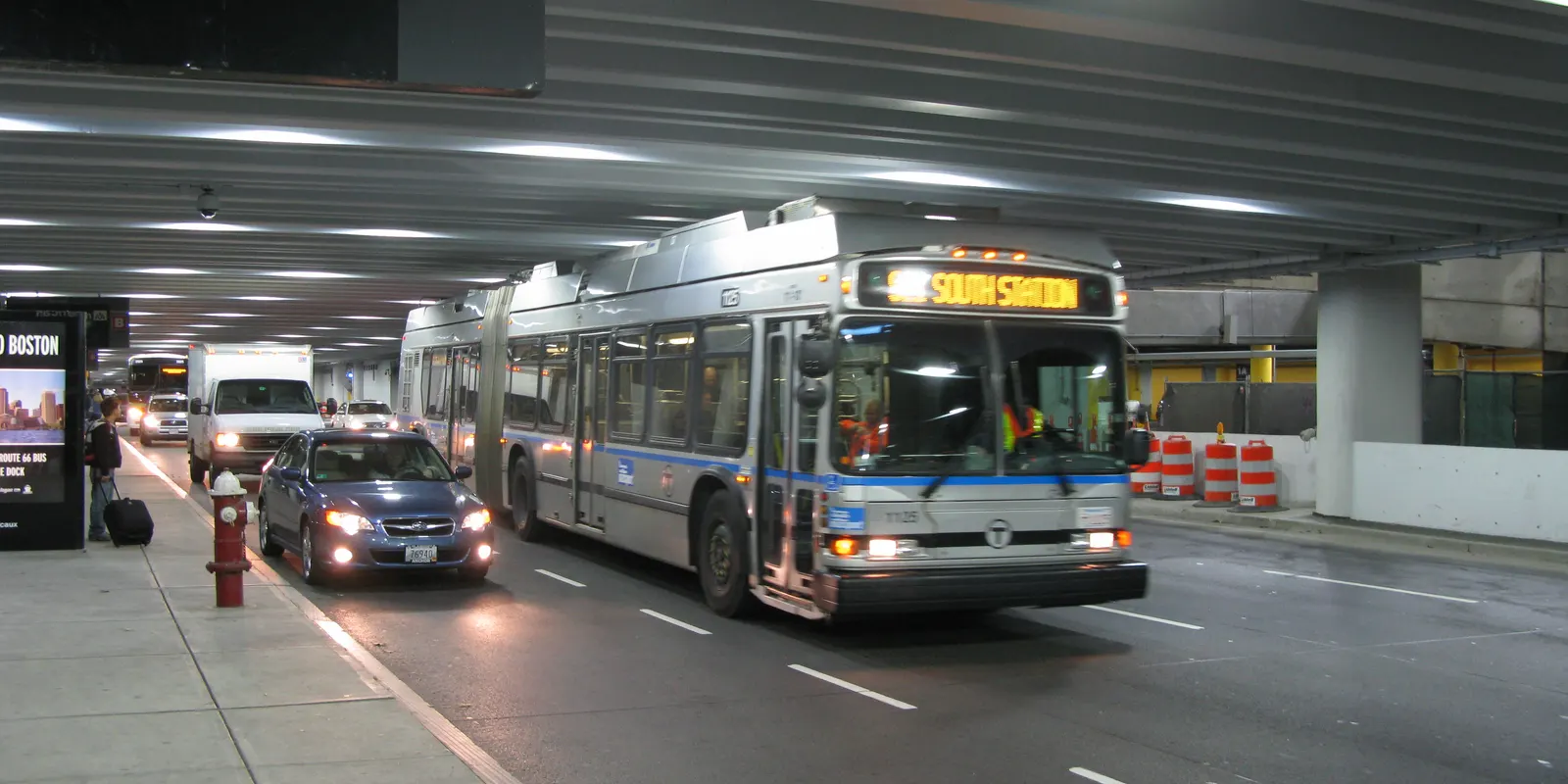
The Silver Line 1, or SL1, serves every Logan terminal and goes to South Station, with access to the Red Line and onward rail connections. The MBTA states that service from Logan is free; Massport also describes the free Red Line transfer. Check the route signs for SL1, because the Silver Line name covers more than this airport service.
Choose this route when South Station, the Seaport, or a Red Line connection fits your hotel. Before boarding, save the name of the stop where you will change and the direction of your onward train. A map showing a colored line is less useful than the actual destination displayed on the train. If you are continuing by rail, keep that separate ticket ready too.
The free airport service is not a promise that every subsequent bus, ferry, or commuter-rail journey is free. Review the complete itinerary on the MBTA site rather than extending the airport fare rule to an unrelated connection. Avoid a fixed journey-time promise: airport roads, bus operations, and onward services can change the time you reach your accommodation.
The Blue Line station is a separate connection from the terminal. The MBTA directs passengers to a free Massport shuttle between the terminals and Airport station. At the station, the Blue Line connects with the Orange Line at State and the Green Line at Government Center.
Save Airport, State, and Government Center as written names if you are unfamiliar with Boston. A downtown hotel or a North Station connection may make this route more convenient than traveling through South Station. Check the actual hotel address before choosing: “downtown” covers a larger area than a single stop.
Follow current shuttle signs and the destination shown on the vehicle. Massport's page contains different shuttle-number references, so this guide does not turn any one number into a permanent instruction. The useful instruction is to find the shuttle for Airport station and the Blue Line. Ask the driver if the destination is unclear, and recheck live service before committing to an onward connection.
Already have US data included in your home plan? Use that allowance if its terms fit the trip. Buying another connection is unnecessary just to satisfy an airport checklist. If roaming is expensive or unavailable, an eSIM, an embedded SIM profile downloaded to your phone, can give you a separate mobile-data line. Check compatibility before paying rather than discovering a locked device beside baggage claim.
Open the destination page before departure and choose a plan for your actual US itinerary. co:sim sells data-only plans, so internet-based calls and messages use the data connection, but the plan does not provide a local telephone number or ordinary SMS. Keep a way to contact your hotel if it insists on a conventional phone call.
Follow your order's installation instructions on a stable connection and read its billing-start rule. Installing a profile and starting its allowance are separate questions; some plans count validity from purchase. co:sim provides plan and order information you can review before travel, so do not assume every profile remains unused until the first airport connection.
At Logan, select the travel line for mobile data and follow that line's roaming instructions. Keep your home line's data roaming under control according to your carrier's terms. Before leaving Wi-Fi, verify the destination line with a real map refresh. Preserve the installation details in case you need support, and do not delete the profile as an arrival experiment.

Photo credits: Cover Abzeronow, CC BY 4.0. Photo 1 billy1125, CC BY 2.0. Photo 2 lovinkat, CC BY 2.0. Cropped, resized and converted to WebP; adapted photos retain their stated license.
Boston Logan Airport provides free Wi-Fi under the network name BOSWiFi. Massport's current airport-information page confirms availability in all terminals and tells travelers to select that network. It does not give a numerical session limit, so travelers should not rely on an old article's paid-access or time-limit figures. Complete the connection while you can stop comfortably in the terminal, then open the hotel address and route you need. The free airport connection can support arrival planning, but it does not establish Wi-Fi access throughout Boston or on your entire transfer. A co:sim US data-only eSIM is a separate option for the mobile portion of the trip, if your phone is compatible and unlocked. You can also use existing US roaming or saved offline information. Choose based on the onward journey rather than the Wi-Fi icon alone.
Logan's terminal Wi-Fi should not be treated as a connection that follows you to your Boston hotel. The Massport airport guide documents airport access, not a continuous network on sidewalks, trains, and hotel routes. Save your accommodation address and transfer instructions before leaving, then use a mobile-data connection when you need current information. co:sim US plans provide data rather than a local phone number, so a messaging app can be useful but a hotel expecting ordinary telephone calls needs another contact method. Existing home-carrier roaming may work just as well if the United States is included in your allowance. Offline maps and screenshots provide a fallback for an interruption, though they cannot update a delayed service or new pickup message. The practical test is to turn Wi-Fi off in the terminal and confirm that your chosen mobile line refreshes a map before departure.
The Silver Line SL1 from Logan is free according to the MBTA airport guide. It serves the terminals and links them with South Station; Massport also describes a free Red Line transfer. This is different from taking a Massport shuttle to Airport station for the Blue Line. Choose SL1 when South Station, the Seaport, or a Red Line connection suits your destination. Choose the Airport-station route when the Blue Line and its connections fit better. The free airport service does not make every onward mode free, so check the complete journey and any separate rail or ferry ticket. Save the line name, transfer station, and final stop while you are still connected in the terminal. If the bus display or current signs differ from your screenshot, use the live MBTA information and ask staff before boarding with your luggage.
Choose your transfer before walking outside, then choose co:sim only if you need separate US mobile data for the journey beyond Logan.
Browse US data-only eSIM plansInstant delivery by email · Install before you fly
 Travel Tips
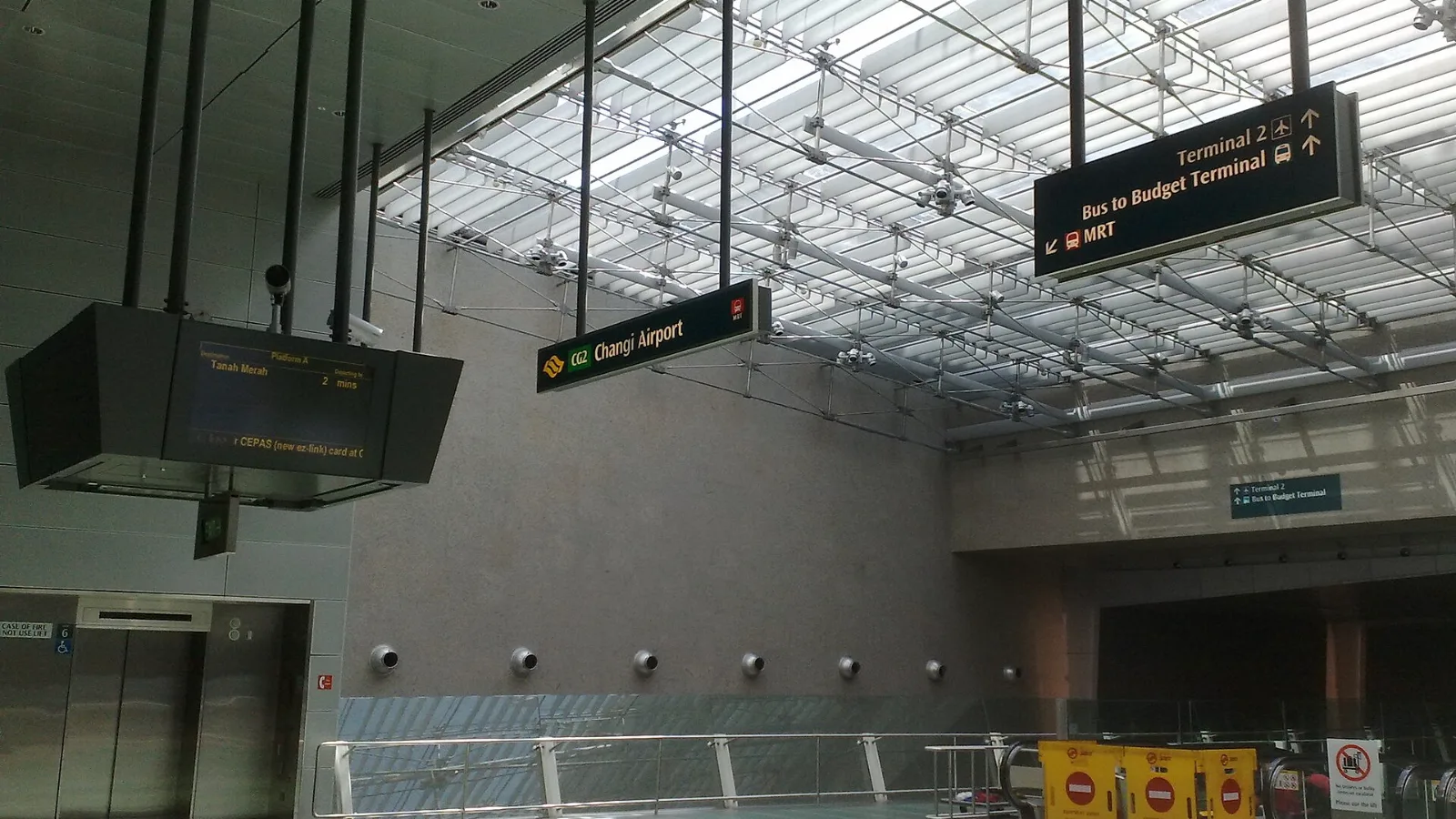
Take the MRT if you are one or two people staying near a train line: it costs about S$2 to S$3 and takes 35 to 50 minutes with one change. Take a Grab or taxi if three or more of you are sharing, you land at Terminal 4 or after the last train, because a car to the city takes about 30 minutes and usually costs S$25 to S$45.
 Travel Tips
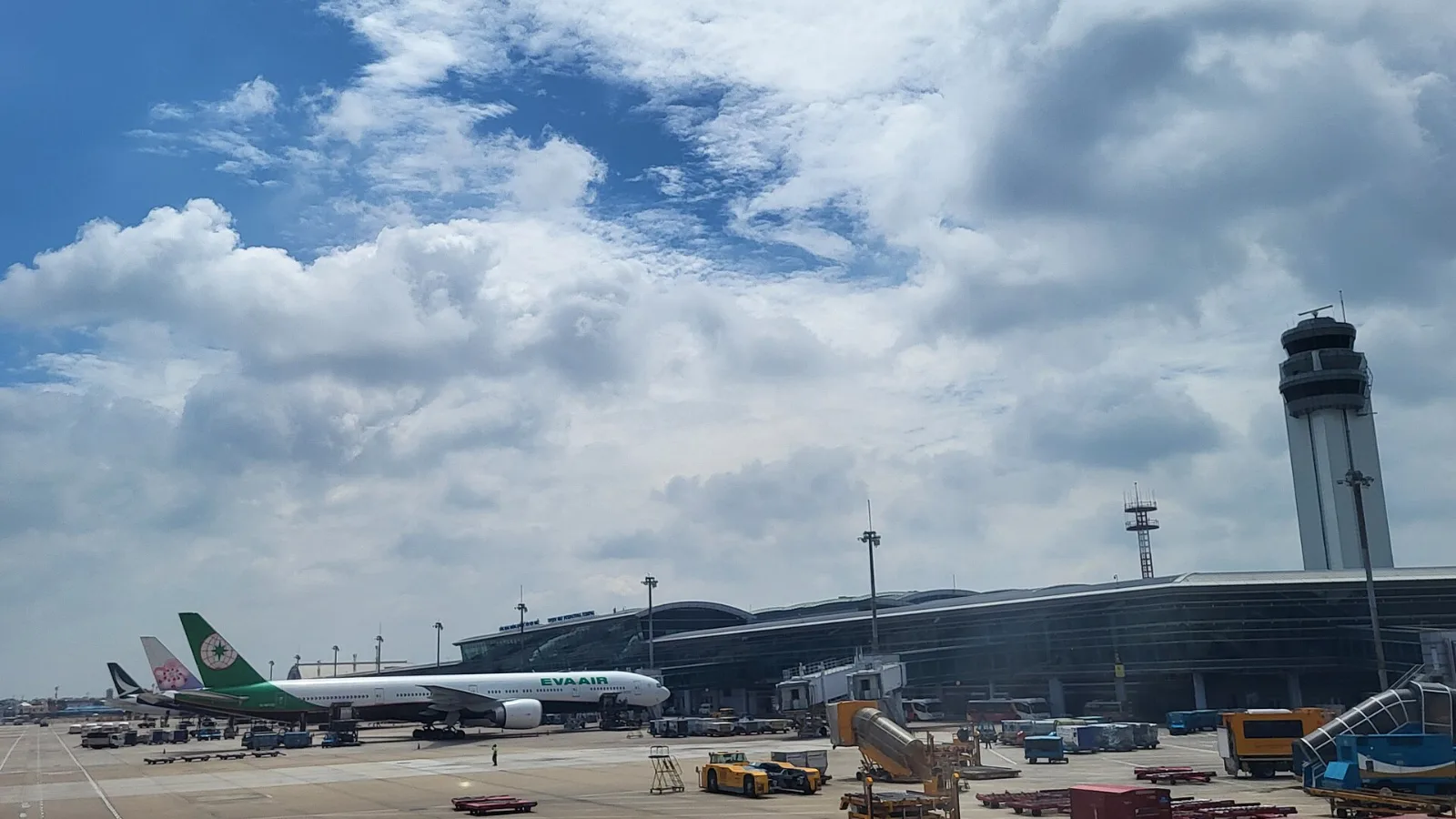
Take a Grab if you land at international Terminal 2, have a suitcase or are two or more people: a GrabCar to District 1 usually costs about 150,000 to 250,000 dong. Take bus 109 only on a tight budget with light luggage, because since 2025 it leaves from domestic Terminal 3, not the international terminal.
 Travel Tips
Take the Keisei Skyliner if your hotel is in Ueno, Asakusa or north-east Tokyo: it reaches Nippori in as little as 36 minutes for ¥2,580. Take the Narita Express if you are staying near Tokyo Station, Shinjuku, Shibuya or Yokohama, because it runs straight there, and the ¥5,200 round-trip ticket brings each leg close to the Skyliner fare.
| Connection | Useful arrival task | Main limitation |
|---|
| Free terminal Wi-Fi | Load an address, message your host, inspect routes | It is not a city-wide mobile connection |
| Home-carrier roaming | Continue using an existing line | Check your carrier's US allowance and charges |
| co:sim US data-only eSIM | Refresh maps and use internet messaging after leaving | Requires a compatible, unlocked device; no phone number |
| Saved offline information | Read a street address or route screenshot | It cannot show a fresh disruption or driver message |
 co:sim Team