
Back to Blog
A boarding pass or event ticket saved to a supported phone wallet can usually be shown without a live connection, but a ticket that only opens inside an airline or venue app may still need data. Save and open each pass before leaving Wi-Fi, then test it in airplane mode. A co:sim data-only eSIM can be a useful backup for last-minute changes, but it cannot replace a ticket that was never downloaded.
Yes, if the pass has already been added to a wallet that stores it locally. Google Wallet says saved boarding passes remain accessible without an internet connection. Apple Wallet supports eligible boarding passes and event tickets, although the airline or ticket issuer decides whether a pass can be added. You normally need a connection to receive the pass and add it in the first place. A screenshot is a separate, less reliable fallback: an issuer may use a changing barcode or prohibit screenshots.
The important distinction is saved pass versus link to a pass. An email confirmation, booking reference, PDF link, or ticket visible only after signing in may depend on the network when you reach the gate. Open the actual barcode or QR code in the wallet, not just the booking email. If the issuer refreshes its code, follow its instructions. Ticketmaster, for example, recommends adding Mobile Entry tickets to a mobile wallet for use without internet and says screenshots are not accepted.
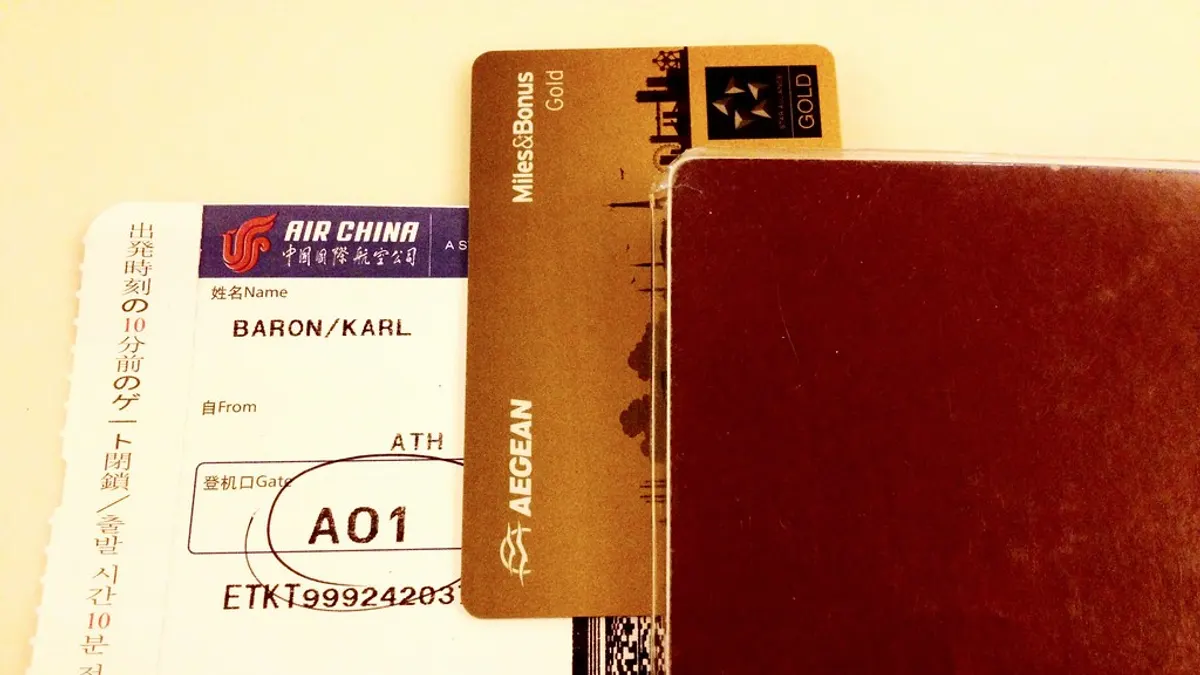
Photo: kalleboo, CC BY.
Do this at home or at the hotel, rather than at a queue with weak reception. If you need a connection to retrieve a revised gate, seat, departure time, or venue notice, a co:sim eSIM provides mobile data where its selected plan has service. It is data-only, so it does not provide a phone number for SMS-based ticket retrieval. Verify the plan's network and activation terms on its page before travel.
Offline availability does not guarantee admission. The barcode can be valid while the booking is canceled, the document name is wrong, the venue requires identity verification, or the issuer has updated the pass after it was saved. Some apps display a moving code that must be shown in their own interface. Ticketmaster's Mobile Entry guidance is a useful reminder to follow the specific issuer's rules rather than treating every QR code alike.
Battery is another single point of failure. Charge the phone, keep the screen bright enough to scan, and know how to open the wallet from the lock screen. Where allowed, a companion can hold a separately issued pass. Do not share a screenshot or account login unless the issuer explicitly permits that method. Mobile data can help you fetch an update, but it cannot make an invalid or unissued ticket valid.
Often yes. Offline maps, saved addresses, and wallet passes reduce dependence on a signal, but live platform changes, rideshare pickup, venue messages, and booking changes still need a connection. Compare a co:sim destination plan with your home carrier's roaming offer before departure. The co:sim US data-only plans are one concrete example for a trip with event tickets; check the listed network and whether your phone can install an eSIM. The plan has data, not ordinary voice or SMS service.
If your travel spans several countries, compare single-country and regional data options without assuming one plan works everywhere. Keep the issuer app installed even when you use a wallet pass: you may need it if the pass changes after your offline test.
A screenshot may work for a static barcode when the issuer expressly accepts it, but it should not be your primary plan. Some tickets use rotating codes, a wallet credential, or an issuer app that verifies the current ticket; Ticketmaster says screenshots of its Mobile Entry tickets are not accepted. Airlines also vary in how they issue and update boarding passes. Save the official pass in Apple Wallet or Google Wallet when the issuer offers that option, open it once, and test it in airplane mode. Keep the booking reference and identification available in case staff need to look up the reservation. A co:sim data-only eSIM can help you reopen an issuer app after you reconnect, but mobile data cannot turn an unsupported screenshot into an accepted ticket. Follow the instruction on the particular ticket, especially if it was transferred or reissued.
Usually, a pass that was successfully added and loaded beforehand remains visible. Google explicitly says its saved boarding passes can be accessed without internet; Apple Wallet holds eligible passes provided by the issuer. The practical test is to open the exact pass, turn on airplane mode, and reopen it while you still have time to solve a problem. A confirmation email or a webpage link is not the same thing as a stored wallet pass. Check every traveler and every leg of a journey separately. If an issuer updates a seat, gate, or entry credential after your test, reconnect so the pass can refresh. co:sim mobile data is useful for that refresh where your chosen plan has service, but it is not required merely to display a pass that is already cached and accepted by the issuer.
First try the pass you saved to Apple Wallet or Google Wallet. If there is no wallet pass, reconnect through a trusted network, sign in to the issuer app, and check whether the ticket was transferred, reissued, or made available only close to the event. Do not keep refreshing a broken link while you are standing at the scanner; move aside and ask the airline or venue staff for its approved recovery process. Keep the booking reference and identification ready. An unlocked, compatible phone with a previously installed travel data eSIM can provide an alternative to crowded public Wi-Fi, subject to the selected plan's coverage. Because a data-only eSIM supplies no phone number, it will not receive ordinary SMS codes sent to a number you do not have active on another line.
Prepare the wallet pass first, then arrange a data backup for changes that happen after you leave Wi-Fi. Compare plans for your actual itinerary before departure.
Mexico
1-day trip pass
From $2.99
Canada
1-day trip pass
From $2.99
Brazil
Valid 7 days
From $3.99
Instant delivery by email · Install before you fly
 Travel Tips
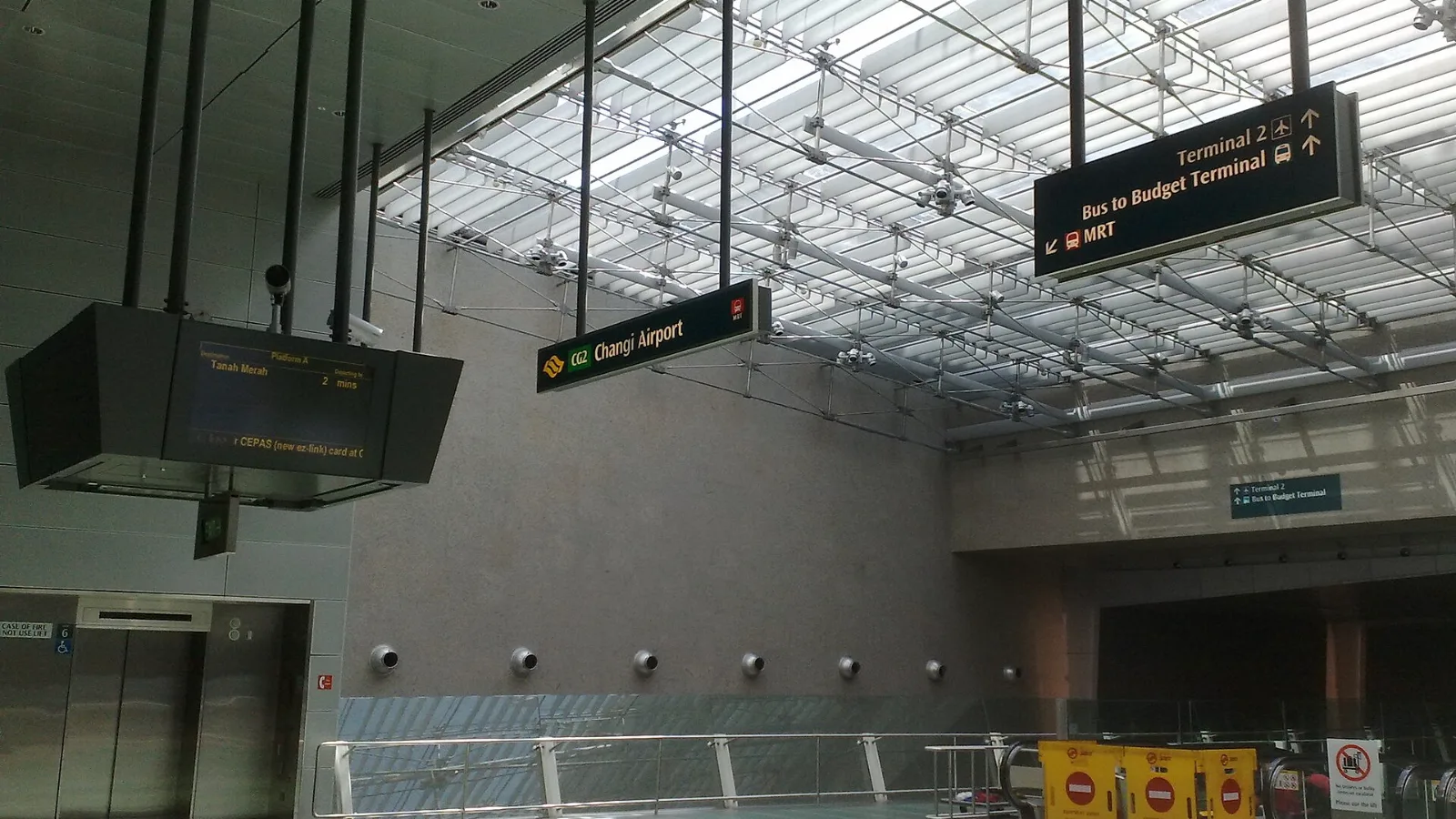
Take the MRT if you are one or two people staying near a train line: it costs about S$2 to S$3 and takes 35 to 50 minutes with one change. Take a Grab or taxi if three or more of you are sharing, you land at Terminal 4 or after the last train, because a car to the city takes about 30 minutes and usually costs S$25 to S$45.
 Travel Tips
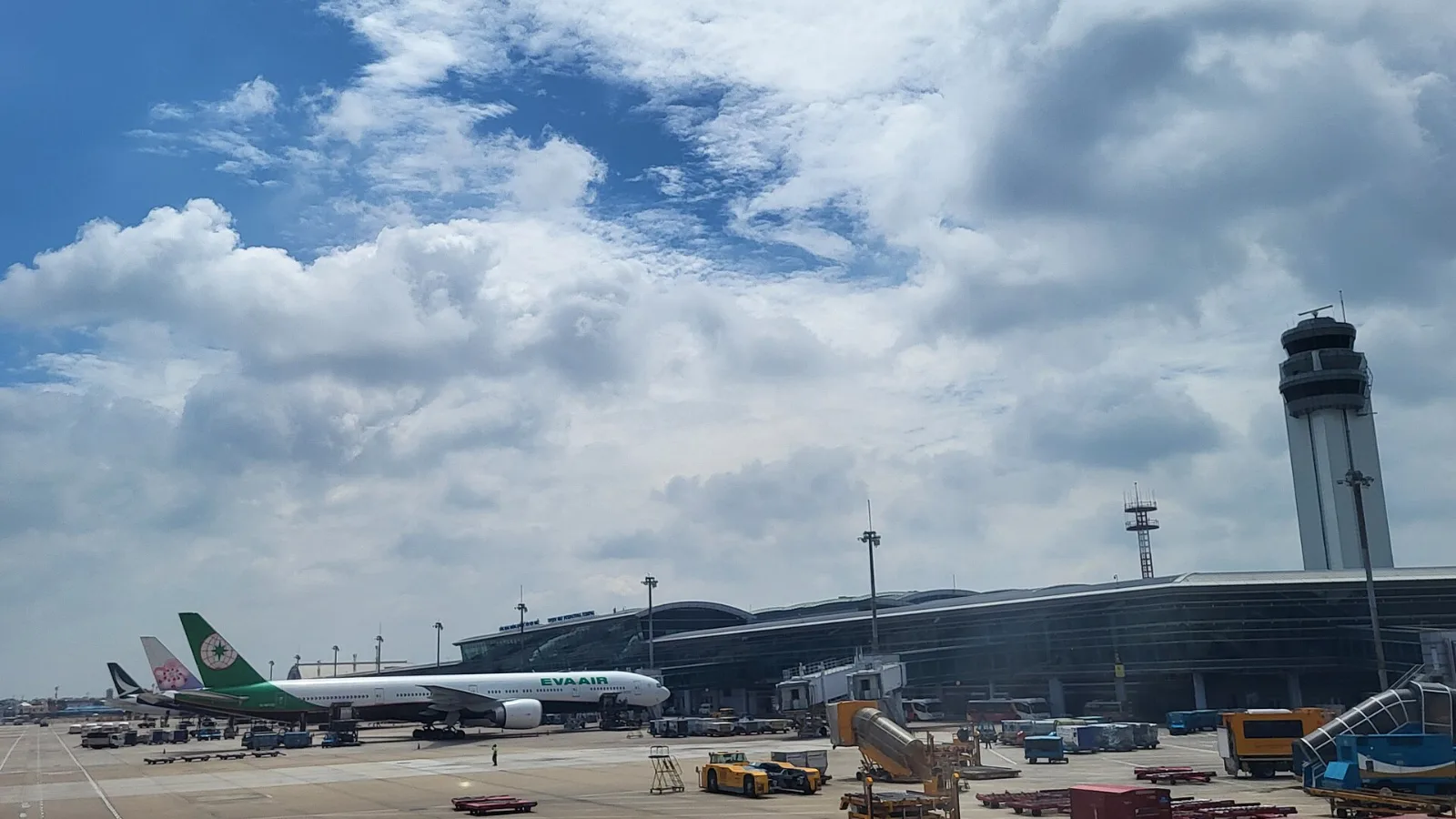
Take a Grab if you land at international Terminal 2, have a suitcase or are two or more people: a GrabCar to District 1 usually costs about 150,000 to 250,000 dong. Take bus 109 only on a tight budget with light luggage, because since 2025 it leaves from domestic Terminal 3, not the international terminal.
 Travel Tips
Take the Keisei Skyliner if your hotel is in Ueno, Asakusa or north-east Tokyo: it reaches Nippori in as little as 36 minutes for ¥2,580. Take the Narita Express if you are staying near Tokyo Station, Shinjuku, Shibuya or Yokohama, because it runs straight there, and the ¥5,200 round-trip ticket brings each leg close to the Skyliner fare.
Valid 7 days
From $3.99
 co:sim Team