Best eSIM for Uganda (2026): Gorilla Trekking Guide
 co:sim Team
A co:sim data-only eSIM for Uganda solves a problem most gorilla trekking guides skip past: buying a local SIM here means a full biometric registration process — original passport, a photo, a fingerprint scan — that can eat 20 to 40 minutes you don't have between an international flight and an early briefing at Bwindi. co:sim's Uganda eSIM connects through Airtel and installs before you ever leave home, so you land already connected. The one honest thing to know going in: once you're actually in the forest with the gorillas, expect little to no signal on any network — that's the terrain, not the SIM.
#What should you look for in a Uganda eSIM?
Most Uganda trips built around gorilla trekking follow a similar shape: a day or two in Entebbe or Kampala, a long drive or short flight to Bwindi or Mgahinga, the trek itself, and a return leg that might add Queen Elizabeth National Park or a few days back in the capital. That means data needs are front-loaded — maps and messaging on travel days, browsing and photo uploads at lodges with WiFi — with a quiet stretch during the trek where nothing you buy will help, since coverage there is a terrain problem, not a network one.
co:sim's Uganda plans run from a 500MB/day option up to a fixed 20GB over 30 days, and every plan is data-only: mobile internet for maps, messaging apps, and browsing, without a Ugandan phone number for SMS or cellular calls. For a trip built around one trek plus some city time, a fixed total allowance usually suits the uneven day-to-day usage better than a strict daily cap.
#What Uganda eSIM plans does co:sim offer?
| Plan type | Data | Validity | Best for |
|---|---|---|---|
| Daily, light | 500MB–1GB/day | 1–30 days | Maps, messaging on travel days |
| Daily, standard | 2–3GB/day | 1–30 days | Regular browsing, photo uploads |
| Fixed, total | 5–20GB | 30 days | A trek plus city time, uneven daily use |
The co:sim Uganda eSIM page lists current data amounts and validity for every tier, and states whether a given plan is reloadable before you buy — worth checking if a few extra days in Kampala or Queen Elizabeth National Park might extend the trip.
#Why does Uganda's SIM registration take so long?
Uganda registers every SIM card to the buyer by law. For foreign visitors, MTN Uganda's own tourist SIM page states plainly: "Present your valid passport and VISA to get the Free Tourist SIM Card." In practice, that's just the starting point — a detailed account of the process from a traveler's Uganda SIM card guide describes registration as involving a passport check, "your fingerprint is scanned," a photo taken of you holding the SIM, and a form to fill in, with the whole process taking "around 20 to 40 minutes, depending on how busy the shop is" — and that's assuming the first shop you try is one of the limited number authorized to register a foreign passport at all.
A co:sim eSIM skips every step of that. The QR code arrives by email within seconds of checkout, so it's installed before you leave home — no passport photocopy, no fingerprint scan, no PIN code to set up, no shop to track down between your flight landing and the drive to Bwindi.
#Will you have signal during gorilla trekking in Bwindi?
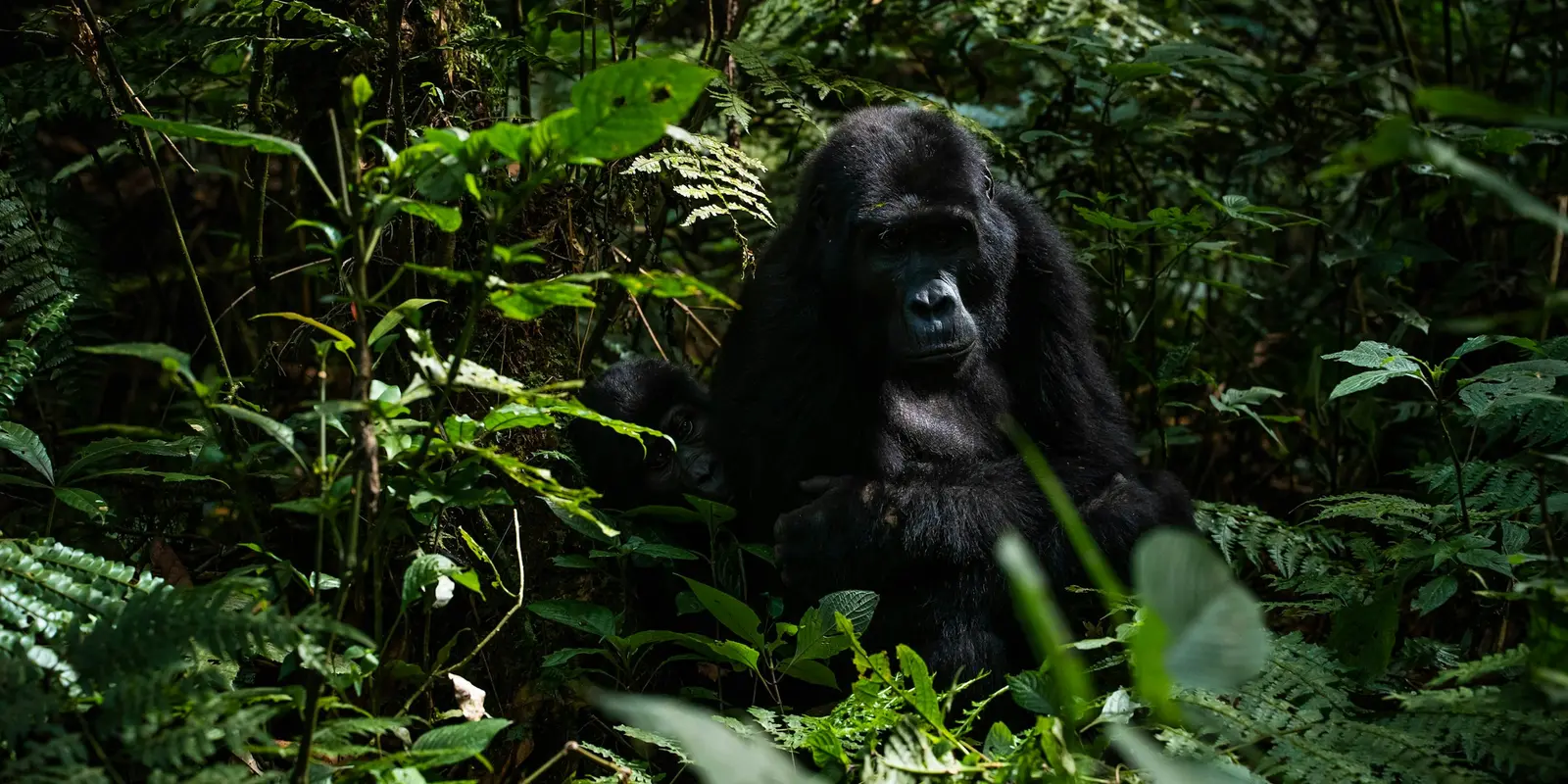
Mostly no, and this is worth stating plainly rather than glossing over: dense montane forest and steep volcanic terrain block a phone's line of sight to any mast, so for the hours you're actually walking with rangers toward the gorillas, expect the signal to drop out regardless of which network your SIM or eSIM runs on. A guide to internet connectivity around Bwindi confirms coverage exists only "in many areas," not throughout the park, and that WiFi at lodges varies — some offer it free, others charge, and quality depends entirely on the property.
Three networks operate in the wider region — MTN, Airtel, and Lyca Mobile all offer 4G "at fair prices" per the same guide. co:sim's Uganda eSIM connects through Airtel, which covers Entebbe, Kampala, and the towns you pass through on the way to Bwindi or Mgahinga. Don't expect it — or any network — to reach you on the trail itself; plan on being unreachable for those hours, and let your lodge or tour operator know that in advance.
#How to set up your Uganda eSIM before you land
Install the eSIM at home, on WiFi, before you fly: Settings → Cellular → Add eSIM on iPhone, or Settings → Network & Internet → SIMs on most Android phones, both a couple of minutes' work. Leave it switched off until you land at Entebbe International Airport, then turn on data roaming for the eSIM line and you're connected — no queue, no shop, no biometric form to sign.
#FAQ
#Do I need a local SIM for gorilla trekking in Uganda?
No — a data-only eSIM covers what most gorilla trekking travelers actually need: maps and directions to Bwindi or Mgahinga, messaging apps to coordinate with your lodge or driver, and browsing at hotels and lodges with their own WiFi. co:sim's Uganda eSIM installs before you leave home, so you skip Uganda's biometric SIM registration process entirely — the passport check, fingerprint scan, and photo that a local SIM requires by law. The one thing an eSIM can't fix is signal inside the forest itself during the trek, but that's true of a local SIM too; it's a coverage gap created by terrain, not by which provider issued the SIM. For everything outside the trek — travel days, lodge stays, the return leg — the eSIM handles it.
#Will my Uganda eSIM work during the actual gorilla trek?
Almost certainly not for most of it. Bwindi's dense montane forest and Mgahinga's steep volcanic slopes block a direct line of sight to any cell tower, so once rangers lead your group into the forest, expect signal to drop regardless of which network — Airtel, MTN, or Lyca — your SIM or eSIM connects through. This isn't a coverage failure specific to any one provider; it's the physical terrain. Signal typically returns once you're back near the trailhead, briefing point, or lodge. Treat the trek itself as offline time: download any maps you need in advance, tell your guide or lodge if anyone needs to reach you urgently, and treat reconnecting afterward as a bonus rather than something to expect mid-trek.
#Is a Uganda eSIM data-only, or does it include a phone number?
co:sim's Uganda eSIM is data-only: mobile internet for maps, messaging apps, and browsing, with no Ugandan phone number and no traditional SMS or cellular calling included. WhatsApp, FaceTime, and similar apps handle calls and texts over data instead, which covers how most travelers stay in touch on a trip like this. If you need a local number for a specific reason — a safari operator or hotel that only confirms by local SMS — a separate local SIM alongside your data eSIM covers that one case, though most travelers never end up needing it. For everything else, including keeping in touch with people back home while you're between Entebbe, Kampala, and Bwindi, the data-only plan is what most visitors actually use for the whole trip.
#Can I top up my Uganda eSIM if the trip runs long?
Reloadable co:sim plans can be topped up from your account dashboard without installing a second eSIM — useful if a gorilla trekking trip extends into a few extra days at Queen Elizabeth National Park or in Kampala, or if photo and video uploads from the trek use up more data than expected. Each plan page states whether that specific option is reloadable before you buy, so check it up front if there's a chance you'll extend. A non-reloadable plan is a one-time allowance for its validity window; once it's used, you'd buy a fresh eSIM, which installs the same way as the first — a QR code by email, no registration desk or fingerprint scan involved, wherever you happen to be at the time.
#Can I get a refund if my Uganda trip changes?
An uninstalled co:sim eSIM can be refunded within 30 days of purchase, though that window is capped by the plan's own install deadline, and plans that bill immediately at purchase aren't eligible — check the specific plan page for details. Once the eSIM profile is installed on your phone, it's no longer eligible for a self-service refund, even if you haven't activated it or used data yet. Gorilla trekking permits are booked and paid for well ahead of travel, so if there's a real chance dates might shift, it's worth buying the eSIM closer to departure or holding off on installing it until your dates are confirmed. This rule is the same across every destination co:sim sells, not specific to Uganda.
Gorilla trekking in Uganda comes with two honest trade-offs: a slow local SIM process an eSIM skips entirely, and forest terrain that beats every network once you're actually on the trail. Plan around both, and the rest of the trip — Entebbe, Kampala, the drive to Bwindi — is straightforward to stay connected through. If Uganda is one stop on a wider East or Central Africa itinerary, the Africa regional eSIM covers multiple countries on a single plan instead of switching eSIMs at each border.
Browse co:sim's Uganda eSIM plans