
Back to Blog
An existing overseas wallet may let you pay at participating Chinese merchants through Alipay+ without opening an Alipay account. A data-only eSIM such as co:sim can supply the internet connection for the wallet, but it cannot provide a Chinese number, receive SMS, verify your identity, or make an unsupported wallet or merchant accept payment. Check your wallet and a backup payment method before you travel.
Possibly. Shanghai's current visitor payment guide says visitors can use several overseas e-wallets at participating mainland merchants through Alipay+ or UnionPay-powered services. Its Alipay+ examples include AlipayHK, Kakao Pay, Touch 'n Go eWallet, Naver Pay, Toss Pay, TrueMoney, and GCash. The central government's visitor guide likewise lists overseas wallets that can pay by QR code. These are examples of supported products, not a promise that every version of a wallet, account, or shop will work.
Start with the app you already use. Check its own travel-payment page for mainland China availability, account eligibility, funding method, exchange rate, limits, and any verification it requires. Then look for the matching wallet or Alipay+ acceptance mark at the counter. Depending on the wallet and merchant, you scan the merchant's QR code or present one to be scanned. Test the exact payment flow with your own account before relying on it. A travel data plan can keep the app online where its plan and local signal allow; it does not determine the wallet's eligibility.
Open Alipay if your current wallet does not support mainland payments, the merchants you expect to use do not accept it, or you need a service available inside Alipay rather than just an in-store QR payment. Shanghai's Alipay app guide describes transport, ride-hailing, and other mini-app functions. Those functions can have their own identity, city, account, or payment requirements. Access to an Alipay+ payment rail through an overseas wallet does not automatically give you an Alipay account or access to its mini-apps.
The official Shanghai guide says Alipay registration can use a foreign phone number and an eligible foreign bank card, with card acceptance depending on the network and issuing bank. The central government guide also permits foreign or Chinese numbers and says an overseas card must pass issuer verification. That removes a blanket need to buy a Chinese number, but it does not waive the app's checks. Use the app's actual prompts and your bank's current terms; do not assume that adding a card makes every merchant, transport feature, or mini-app available.
The existing China internet guide covers general Alipay setup and connectivity. Here the narrower decision is whether your existing wallet covers your intended payments before you create another account.
No. A data-only eSIM is a mobile internet connection, not a new voice or SMS line. A co:sim China data plan can carry wallet traffic while your regular SIM or eSIM remains available for calls and verification messages, subject to your device and home carrier's settings. Keep the number registered with the wallet accessible if a login, bank, or risk check sends a code. Confirm with your home carrier how receiving SMS abroad works and whether charges apply; the data plan itself cannot receive those codes.
The distinction matters even if you never open Alipay. Your existing wallet may request its own device or account verification after a new login, an app update, or a rejected payment. A foreign number can also be used to register Alipay according to Shanghai's guide; a local number is not a shortcut around issuer or identity checks. If you need a Chinese number for some separate service, buy a suitable voice/SMS product for that purpose and assess it independently from your data plan.
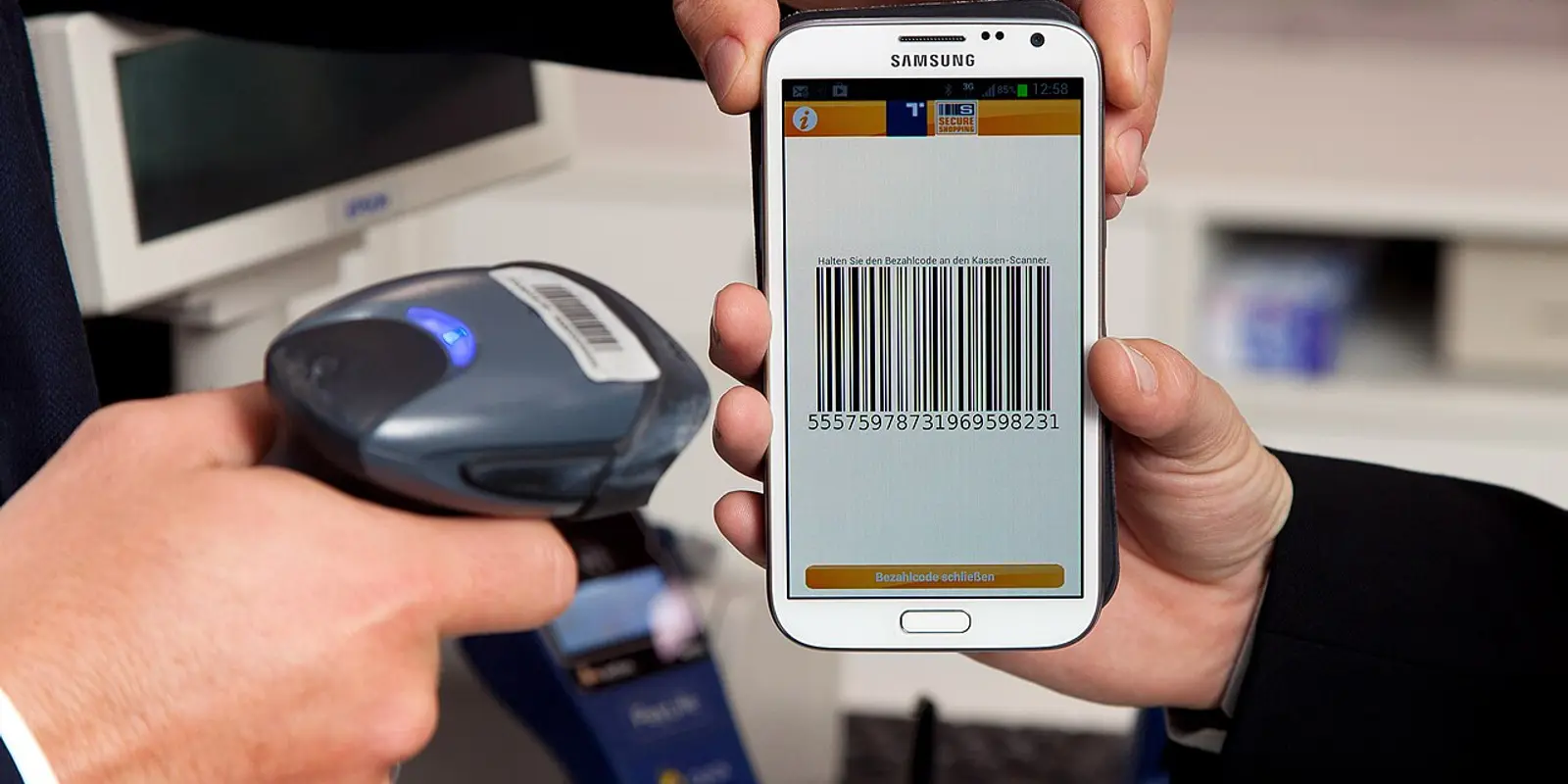
Photo: Richard Tanzer Fotografie / VeroPay, CC BY-SA 3.0. Cropped for this article.
Test the exact combination of wallet, account, funding source, and merchant type, not simply whether the app opens. First, confirm that your wallet explicitly supports mainland China payments and that your account is eligible. Second, finish any account or card verification while you can receive messages on your registered number. Third, check the wallet's own instructions for scanning and displaying QR codes. Fourth, carry a separate way to pay in case the merchant lacks the acceptance mark or the issuer declines a transaction.
For a new Alipay account, the Shanghai payment guide gives the current app sequence: register, add an eligible bank card under Me > Bank Cards, then scan a merchant code or show your payment code. For an existing Alipay+ wallet, follow that wallet's travel flow instead. Do not treat these as interchangeable setup instructions. Mobile data may be needed for app login, QR creation, transaction confirmation, and recovery; do not assume a QR wallet will work offline because some NFC wallets can.
co:sim sells data-only eSIM plans, so compare its China coverage and plan details against the trip, then keep a working SMS path and payment fallback. If you only need ordinary connectivity for an eligible existing wallet, opening a second payment account may add effort without solving a real problem.
Not as a blanket condition. Alipay+ lets certain eligible overseas wallets pay at participating mainland merchants, according to Shanghai's visitor payment guide. You use your existing wallet account, and that wallet's own registration number and verification rules still apply. If you choose to open Alipay instead, Shanghai says it accepts an overseas number, while the central government guide says overseas cards need issuer verification. Neither path guarantees acceptance at every shop or removes a possible later identity check. A co:sim data-only China eSIM supplies internet access for the app; it does not issue a Chinese number or receive SMS. Keep your registered home line reachable and confirm its roaming-message terms. If a different service specifically requires a local number, choose a separate voice/SMS service after checking that requirement, rather than assuming a data plan includes it.
No. An eligible overseas wallet may handle QR purchases where the merchant participates in the relevant Alipay+ or UnionPay-powered arrangement. The Shanghai payment guide says to look for the wallet's acceptance mark and use the usual app to scan or present a code. That is a payment route, not an Alipay account. Shanghai's separate Alipay guide describes mini-apps for transport and other services; individual features can still demand a specific account or verification. For a short trip, check the actual shops and services on your itinerary before creating another wallet. co:sim can provide data for either app, but cannot make the app eligible, force a merchant to accept it, or complete identity checks. Carry a second payment option and let your intended use decide whether opening Alipay is worthwhile.
Do not plan on it. A QR wallet may need internet for sign-in, refreshing a code, confirming a payment, or recovering a session, and the requirements differ by app and transaction. The official Shanghai mobile-payment guide describes scanning or presenting codes but does not promise offline operation for every supported overseas wallet. A co:sim data-only eSIM is useful where its plan is active and mobile service is available, yet an app outage, missing merchant support, bank decline, or account challenge remains a separate failure. Prepare a physical card or another accepted payment method, and check any transport-specific rules independently. Keep your original number available for security messages as well. Do not transfer claims about offline NFC taps to Alipay+ QR payments; they are different flows with different acceptance and connectivity conditions.
Browse co:sim data-only plansInstant delivery by email · Install before you fly
 eSIM Guides
Compare a suitable existing ONE card with Angola fixed and daily data offers, keeping actual network choices, trip dates and calling needs separate.
 eSIM Guides
Choose between a suitable existing ONE card and a short Cameroon data package, with exact Orange or selected Global120 networks and separate local-number needs.
 eSIM Guides
Choose reusable ONE when wider or repeated supported travel justifies first funding. Keep the selected free 1GB/7-day eSIM for a small covered need without a data purchase.
 co:sim Team