
For most trips, an eSIM (embedded SIM, a profile downloaded onto a chip in the phone) is the easier choice: install it before you leave home, keep your physical SIM for calls, and skip the airport SIM counter. A physical SIM still wins for the cheapest local prepaid deals, or on a phone that doesn't support eSIM.
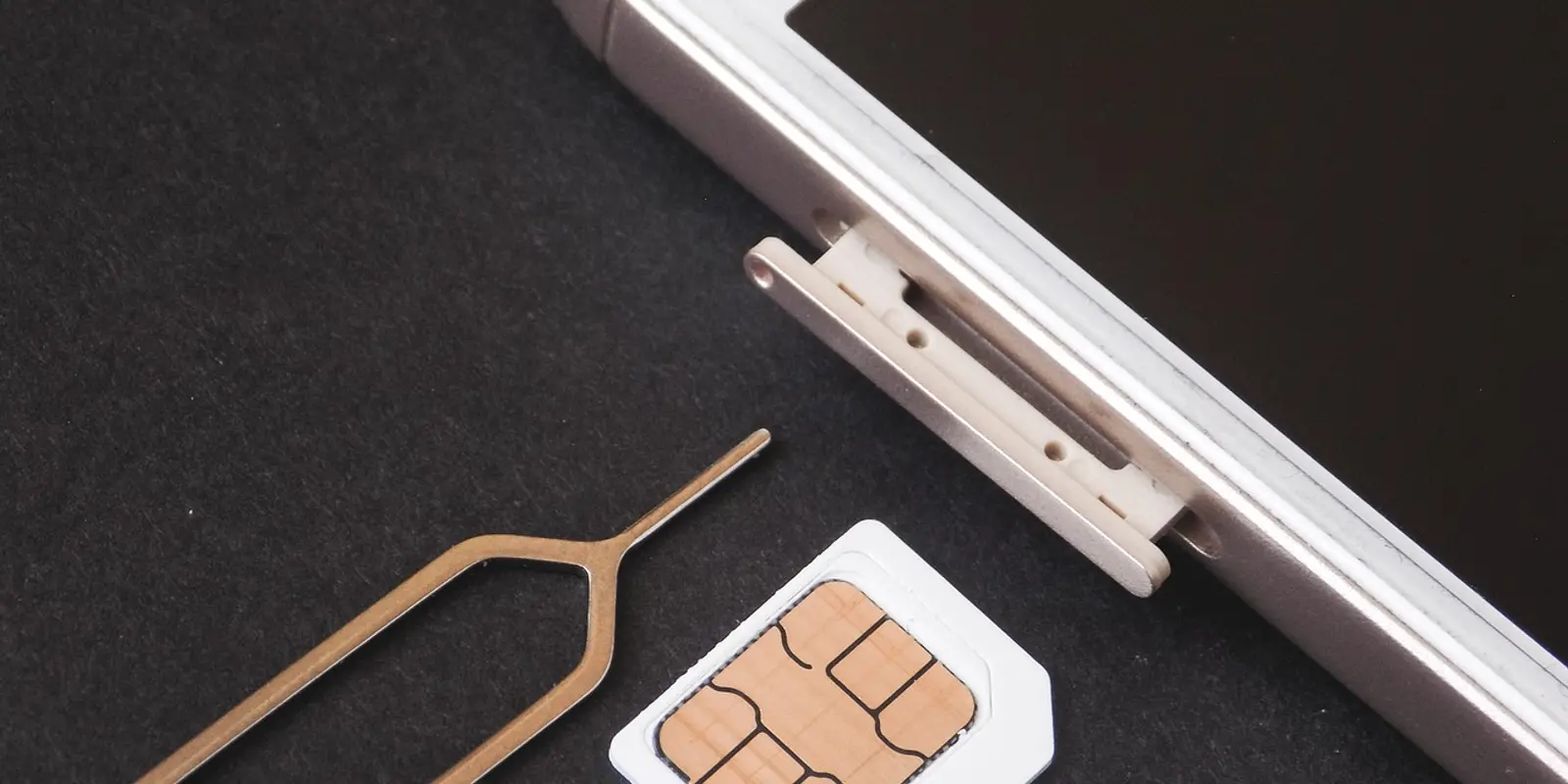
A physical SIM is a small removable card you slot into a tray; switching networks means physically swapping that card for another. An eSIM is a programmable chip already built into the phone. Per the GSMA's own technical description, the SIM profile is now securely downloaded into a "Secure Element" that can be permanently embedded inside the device, rather than loaded onto a removable card that's "easily transferrable between mobile devices." Nothing to insert, nothing to eject, nothing to lose.
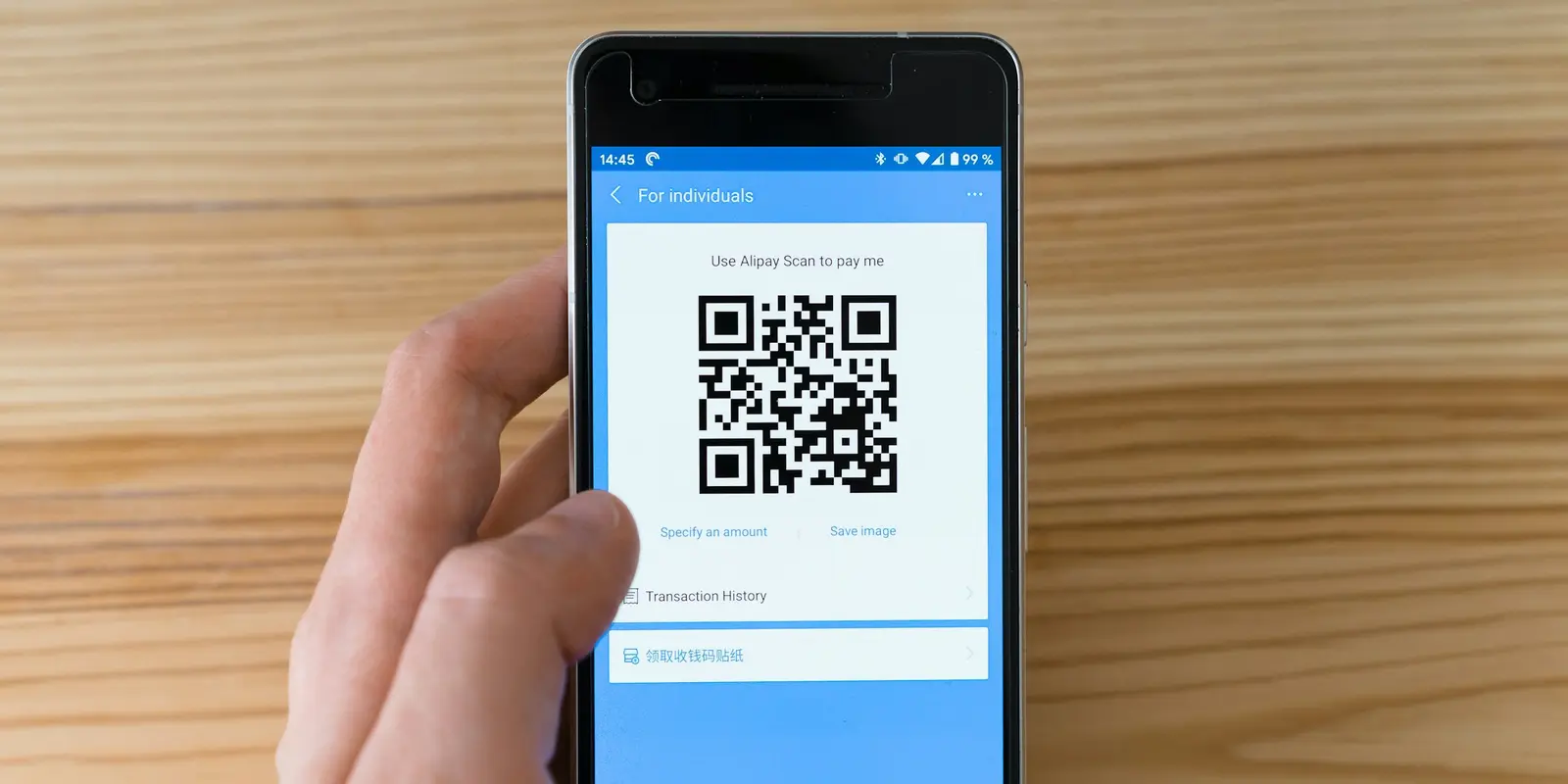
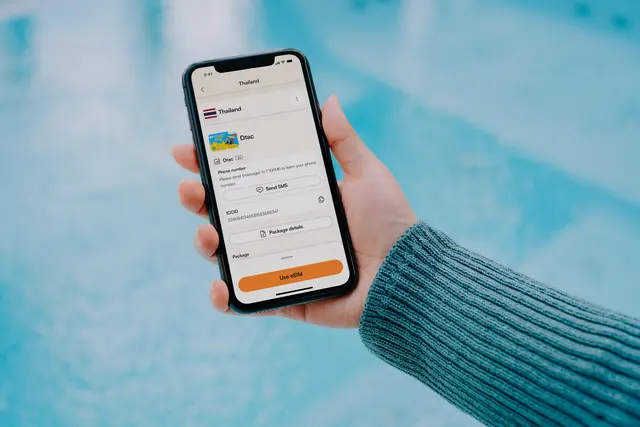
Installing an eSIM means scanning a QR code or tapping a carrier link, not opening a tray with an ejector tool. Apple's own setup guide walks through scanning that code in Settings or the Camera app, and current iPhones can store eight or more eSIM profiles at once, though per the GSMA only one profile is active for connectivity at a time. A data-only eSIM (data only, no phone number attached) like co:sim's arrives as that QR code by email within seconds of checkout, so installing a plan for Japan can happen before you've left the house, not at an airport counter.
| Physical SIM | eSIM (e.g. co:sim) | |
|---|---|---|
| Install method | Insert card into tray | Scan a QR code or tap a link |
| Switching networks | Swap the physical card | Download a new profile, no card |
| Multiple profiles | One at a time, one tray | Several stored; one active for data |
| Risk of loss | Card can be dropped, ejected, misplaced | Nothing removable to lose |
| Ready before departure | Depends on shop or courier | Installable at home, days ahead |

A physical SIM still beats an eSIM in two situations. First, in markets where an airport or convenience-store prepaid SIM is genuinely the cheapest data option and the eSIM version of the same plan carries a premium, it's worth comparing the local physical SIM price against an eSIM plan rather than assuming eSIM is always cheaper.
Second, your phone and carrier both have to support eSIM, and not every combination does. Apple, for one, requires at minimum an iPhone XS, XS Max, or XR to set up an eSIM at all; Android eSIM support varies by model and by whether your specific carrier has enabled it on your account. If either side of that pair doesn't support eSIM, a physical SIM, or a local rental phone, is your only real option for that trip.
For most travelers, three things tip it toward eSIM. You can install the plan the night before your flight and land already connected, instead of finding a SIM counter or a working Wi-Fi signal to activate a physical card on arrival. You can keep your home SIM active for calls and texts while a second eSIM profile handles data, with no card to fish out of a wallet at a kiosk. And there's nothing physical to drop, eject onto an airport floor, or leave behind in a hotel room.
Each co:sim plan page lists the network it runs on, the install deadline (how many days you have to activate after buying), and whether the plan supports top-ups; these details vary by destination and plan, so they're worth checking before you buy. Uninstalled eSIMs can generally be refunded within 30 days of purchase (some plans that bill immediately at purchase are excluded — check the specific plan page for its terms).
Multi-country trips are where this gap widens most: several stored eSIM profiles let one phone hold an Italy plan, a Vietnam plan, and your home line at once.
Yes, on most phones sold in the last several years. Many recent phones run an eSIM alongside a physical SIM simultaneously, so your home SIM keeps handling calls and texts while the eSIM covers data abroad. This is the standard setup for a data-only travel eSIM like co:sim's plans, which intentionally don't include a phone number: they cover mobile data only, and you keep making calls over your normal line or an internet-calling app instead. Whether both connections can be active for data at once, rather than one line staying on standby, depends on whether your specific model supports Dual SIM Dual Active (DSDA) or only Dual SIM Dual Standby (DSDS), so check your phone's spec sheet if that distinction matters for your trip.
Usually not for your existing line. Many carriers convert an existing number to eSIM for free through their app or by contacting support, and Apple's own setup flow includes a direct SIM-to-eSIM conversion option on supported carriers. Buying a separate travel eSIM, such as a co:sim data plan for a specific destination, is a normal one-time purchase for that trip's data rather than a "conversion" of your existing number: your home SIM and number stay completely untouched throughout the whole process. There's no hardware to buy or wait for in the mail either, since the entire profile downloads over the air the moment you check out, ready before you've even packed a bag.
Losing the phone itself stops both formats from working, but an eSIM can't be pulled out of the device and reused elsewhere the way a physical card can. As T-Mobile's own eSIM explainer puts it, thieves can't just remove an eSIM, and disabling or replacing one typically requires carrier account authorization. That's a real security advantage against someone reusing your line by simply ejecting a card and slotting it into another phone, but it isn't a backup: if the handset itself goes missing, you'll still need your carrier or account access to restore service on a replacement device, regardless of which SIM format you were using. A phone-level lock screen and remote-wipe feature protect the rest of your data either way, since neither SIM format encrypts what's stored on the device itself.
Not usually, no. Both physical SIMs and eSIM profiles bought for travel are tied to a specific validity period and, for prepaid plans, a specific data allowance set at the time of purchase, so once that plan expires or the data runs out, that profile is done regardless of which format it happens to be. For a return trip, you'd typically buy a fresh plan for that destination rather than expecting the old one to reactivate. Providers including co:sim let you buy a new plan or top up an existing reloadable one directly from your account, so you're not reinstalling a brand-new profile from scratch every single time you travel again.
No. eSIM needs both a compatible device and a carrier that has switched it on for your account, and neither is universal yet. Apple's published requirement starts at the iPhone XS, XS Max, and XR; Android support depends on the exact model and the carrier's own rollout, and some prepaid or regional carriers still don't offer it. Before buying an eSIM plan for a trip, confirm your device supports eSIM and, if you want it on your home line too, check with your home carrier directly.
Either format gets you connected; the real difference is where the profile lives and how far ahead of your trip you can set it up. If you're comparing options for an upcoming trip, co:sim's data-only eSIM plans cover more than 190 destinations and arrive by email as soon as checkout completes.
付款後即以電子郵件送達 · 出發前完成安裝
eSIM 指南旅途中eSIM流量用完後,固定流量方案會直接斷線,吃到飽方案則多半降速,但效期倒數不會因此暫停或延長。這篇說明實際會發生什麼事,以及找到Wi-Fi前該怎麼應對。
eSIM 指南用 eSIM 本身並不會讓手機更耗電。真正的耗電元兇是微弱或漫遊訊號的搜尋,以及真正的雙卡雙通模式。本文用迷思與真相的方式,說明旅客實際該注意什麼。
eSIM 指南eSIM 設定檔綁定在單一認證晶片上,符合 GSMA 的 SGP.22 標準,無法像部分實體 SIM 卡一樣被複製。本文說明 eSIM 資安機制、SIM 卡竊佔詐騙風險比較,以及手機遺失後該怎麼處理。